PDF Suite Pro+OCR is a comprehensive PDF management solution for creating, editing, converting, securing, and organizing PDF documents. Its built-in optical character recognition (OCR) technology converts scanned files and image-based PDFs into editable and searchable documents. The software also includes advanced tools such as note and form creation, digital signatures, document security, batch processing, and file compression, making it ideal for both personal and professional document workflows.
OVERVIEW OF PDF SUITE PRO+OCR
PDF Suite Pro+OCR is an advanced PDF editing software that combines powerful document management tools with Optical Character Recognition (OCR) technology. It allows users to create, edit, convert, merge, split, compress, secure, and markup PDF files from a single, easy-to-use interface. The OCR module recognizes text in scanned documents and image-based PDF files and converts them into fully editable and searchable content to improve productivity.
The software supports conversion between PDF and popular formats such as Microsoft Word, Excel, PowerPoint, HTML, TXT, RTF, images, and PDF/A, preserving formatting where possible. Users can edit text and images, reorder pages, insert new pages, and add comments, stamps, highlights, sticky notes, shapes, and images for effective collaboration.
PDF Suite Pro+OCR includes advanced security features such as password protection, permission control, digital signatures, and editing tools to protect confidential information. Batch processing capabilities allow users to convert, compress, and organize multiple PDF files at once, saving valuable time when processing large document collections.
Whether you’re managing office documents, legal documents, contracts, invoices, or scanned archives, PDF Suite Pro+OCR offers a comprehensive solution for editing, securing, and converting PDF files while improving accessibility through OCR-powered text recognition.
FEATURES OF PDF SUITE PRO+OCR
FULLY EDIT PDF FILES
PDF Suite Pro+OCR provides users with a full suite of editing tools that allow them to modify existing PDF documents without converting them first. You can edit text, replace images, adjust fonts, resize objects, and rearrange page layouts. You can quickly insert, delete, rotate, split, or rearrange pages, making document editing easy and efficient.
ADVANCED OCR TECHNOLOGY
The integrated Optical Character Recognition (OCR) engine converts scanned documents and image-based PDF files into searchable and editable files. Users can extract text from scanned pages, edit recognized content, search within scanned documents, and improve document accessibility. OCR significantly reduces the need for handwriting and is ideal for digitizing paper records.
POWERFUL PDF CONVERSION
This software supports high-quality conversion between PDF and a wide variety of file formats, including Microsoft Word, Excel, PowerPoint, HTML, TXT, RTF, PDF/A, and image formats. It preserves formatting during conversion and also allows users to create PDFs from documents, images, web pages, and scanned files.
DOCUMENT SECURITY AND COLLABORATION
PDF Suite Pro+OCR includes professional security features to protect sensitive information. Users can use password protection, encrypt documents, assign permissions, add digital signatures, and permanently delete confidential content. Collaboration tools include notes, annotations, sticky notes, stamps, drawing tools, and shapes, making document review more productive.
FORMS, BATCH PROCESSING, AND ORGANIZATION
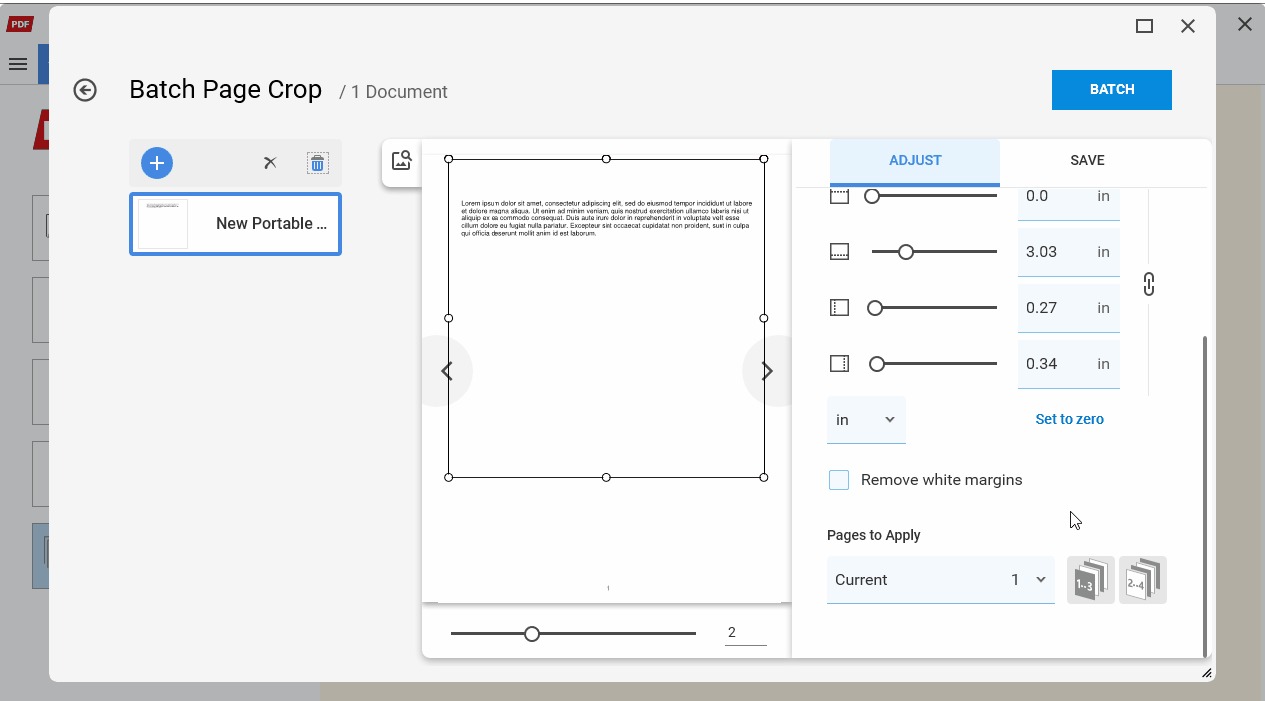
The software allows users to fill out PDF forms with interactive fields such as text boxes, check boxes, radio buttons, and drop-down menus. Batch processing tools allow users to convert, compress, or manage multiple documents at once. Additional organizational features include merge, split, compress, compare, bookmark, and page management for large document collections.
USER-FRIENDLY INTERFACE AND PRODUCTIVITY TOOLS
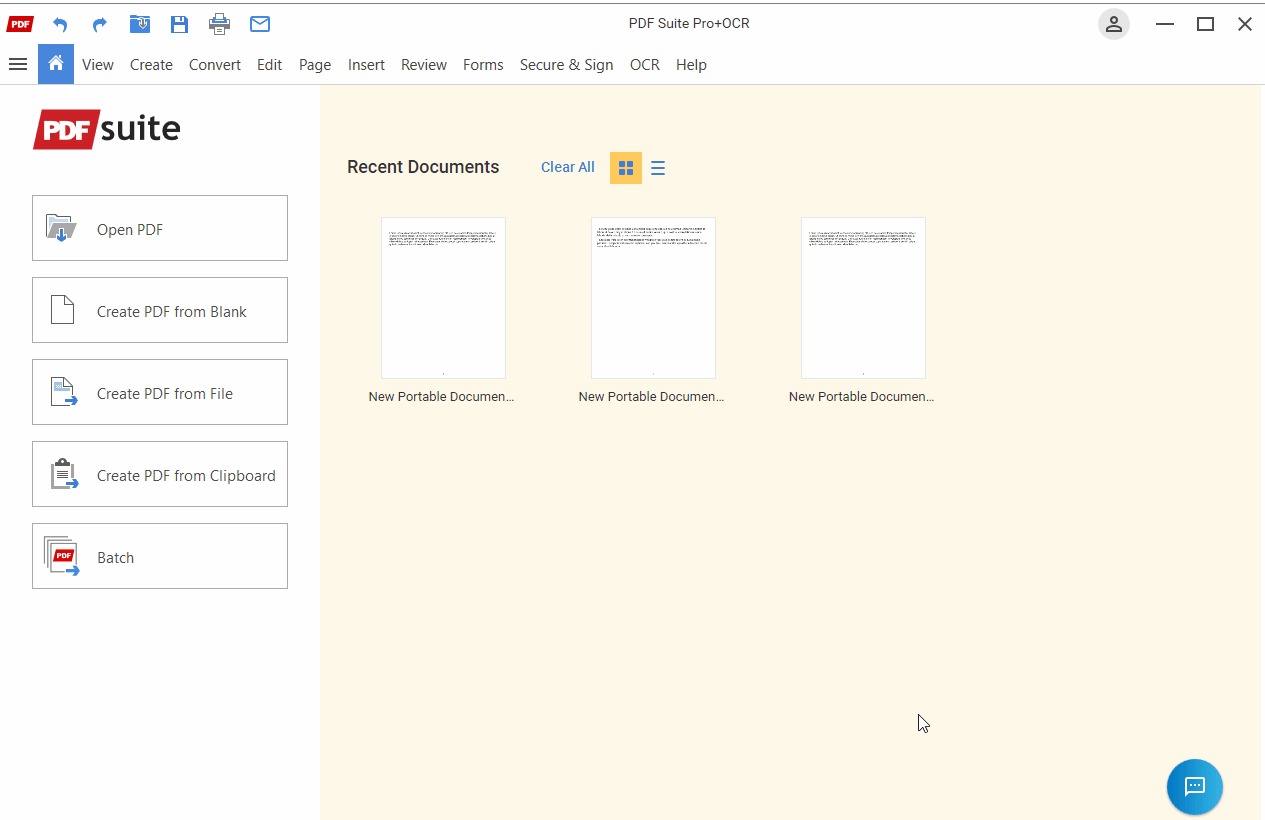
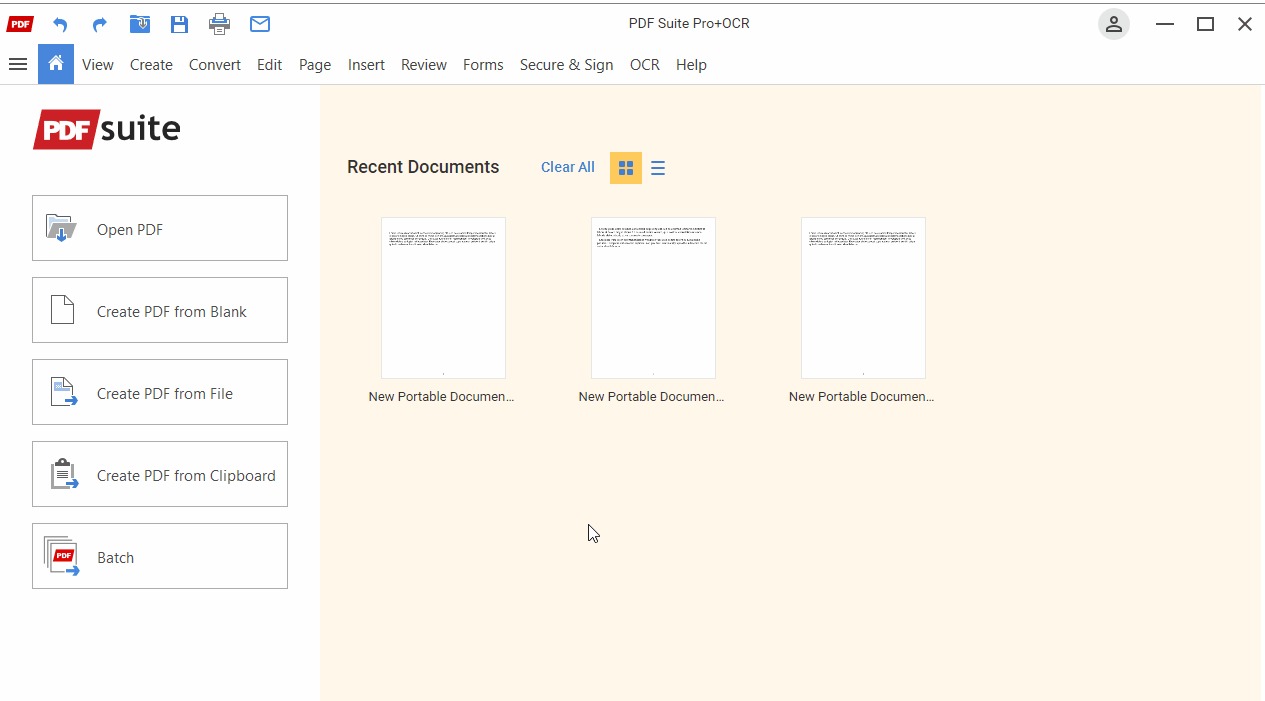
PDF Suite Pro+OCR features a ribbon-style interface that allows for easy navigation for both beginners and professionals. Built-in search functions, quick-access editing tools, customizable viewing modes, and efficient file management enhance productivity. Combined with OCR capabilities and advanced editing tools, it provides a complete solution for everyday PDF workflows in business, education, and personal use.
SYSTEM REQUIREMENTS
- Supported OS: Windows 11/10/8.1/7
- Memory (RAM): 1 GB of RAM or more is required
- Hard Disk Space: 100 MB or more required