Coolutils Total Excel Converter is a powerful Windows tool that converts Excel spreadsheets and other spreadsheet formats to PDF, DOC, HTML, CSV, XML, images, and many other file types. It supports batch processing, preserves the original formatting, offers command-line automation, and includes advanced options such as PDF security, digital signatures, custom headers, and worksheet splitting, making it suitable for both personal and professional use.
OVERVIEW OF COOLUTILS TOTAL EXCEL CONVERTER
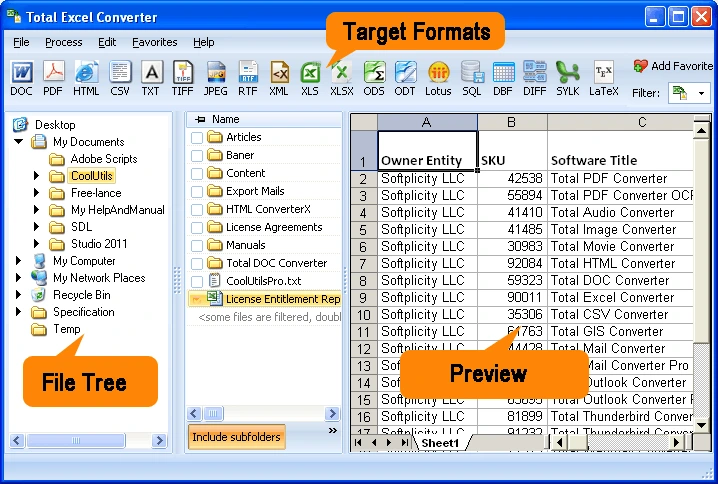
Coolutils Total Excel Converter is a comprehensive spreadsheet conversion solution for Windows users who need to convert Excel and other spreadsheet files to a variety of formats. The software supports Microsoft Excel formats such as XLS, XLSX, XLSM, XLSB, along with many other spreadsheet file types such as OpenDocument (ODS), XML, DBF, Lotus, and more. Users can convert files to PDF, DOC, DOCX, HTML, CSV, XML, TIFF, JPEG, TXT, SQL, Access, and more while preserving the original formatting, tables, charts, and layout.
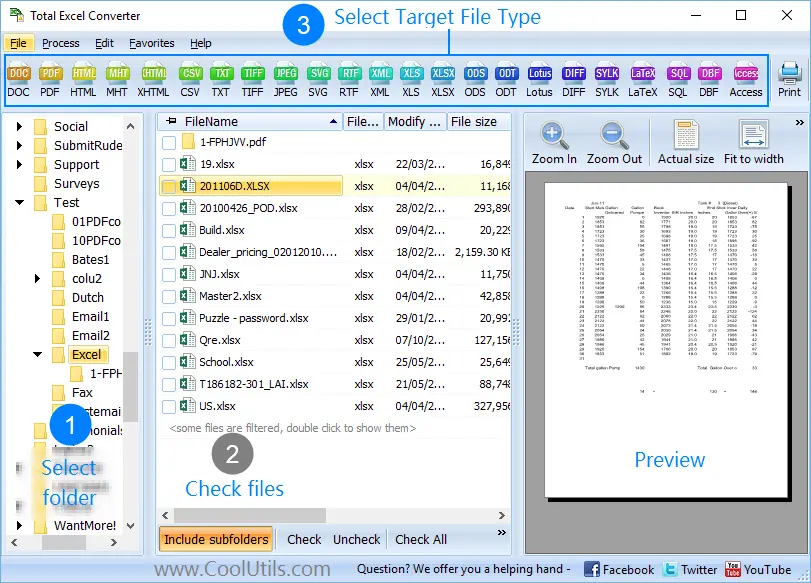
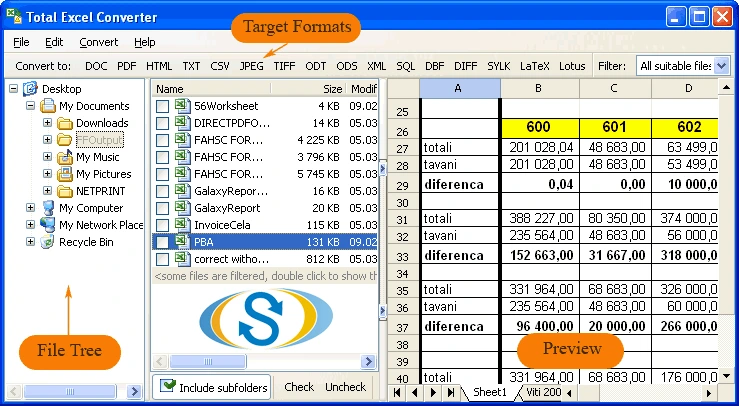
The program has an intuitive interface that allows users to convert individual files or entire folders through batch processing, which saves a lot of time when processing large document collections. Advanced PDF options include password protection, user permissions, PDF/A support, and digital signatures for secure document distribution. Users can also customize the output by adding headers, footers, logos, page numbers, and timestamps.
For IT professionals and developers, Total Excel Converter includes full command-line support to automate conversion tasks and integrate the software into scripts or workflows. It also allows you to convert each worksheet to a separate file, merge multiple spreadsheets into a single PDF or TIFF, and preserve folder structure during batch conversions.
Whether it’s for business reporting, document archiving, data migration, or automated workflows, Coolutils Total Excel Converter offers a reliable, feature-rich solution that simplifies spreadsheet conversion while maintaining document quality and accuracy.
FEATURES OF COOLUTILS TOTAL EXCEL CONVERTER
EXTENSIVE FORMAT SUPPORT
Total Excel Converter supports a wide range of spreadsheet formats, including XLS, XLSX, XLSM, XLSB, XLT, ODS, XML, DBF, Lotus, and many legacy spreadsheet files. Converted files can be exported to PDF, DOC, DOCX, HTML, CSV, XML, TXT, SQL, TIFF, JPEG, SVG, Access, and other popular formats.
BATCH FILE CONVERSION
This software efficiently converts hundreds of spreadsheets in a single operation. Users can process entire folders while preserving the original folder structure, making it ideal for business, archiving, and large-scale document management.
ADVANCED PDF CREATION
When converting to PDF, users can password-protect documents, grant user permissions, create PDF/A files for long-term archiving, and digitally sign PDF files. These features help secure confidential business documents and improve compliance with document management standards.
FLEXIBLE OUTPUT SETTINGS
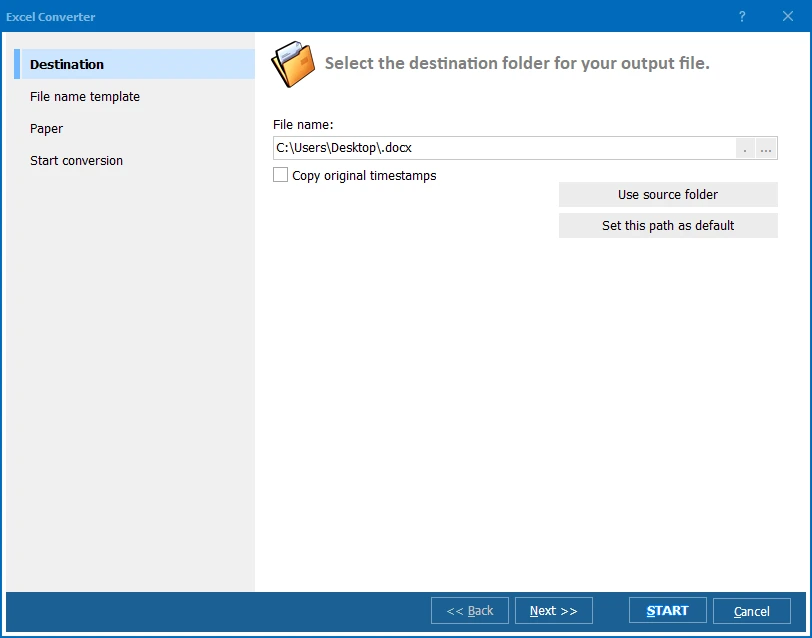
Users can customize the converted document by adding headers, footers, logos, page numbers, dates, and file naming styles. The software can also split each worksheet into a separate file or merge multiple spreadsheets into a single PDF or TIFF document for easy organization.
PRESERVES LAYOUT AND FORMATTING
Total Excel Converter preserves the appearance of the original spreadsheet during conversion, including tables, charts, cell formatting, and page layout. This ensures that converted documents closely match the original files without the need for manual adjustments.
AUTOMATION AND COMMAND LINE SUPPORT
The program includes full command line functionality that allows administrators and developers to automate conversion tasks through scripts, scheduled tasks, or corporate workflows. This makes it ideal for professional environments that require unattended or repetitive document conversion.
SYSTEM REQUIREMENTS
- Supported OS: Windows 11/10/8.1/7
- Memory (RAM): 1 GB of RAM or more is required
- Hard Disk Space: 100 MB or more required