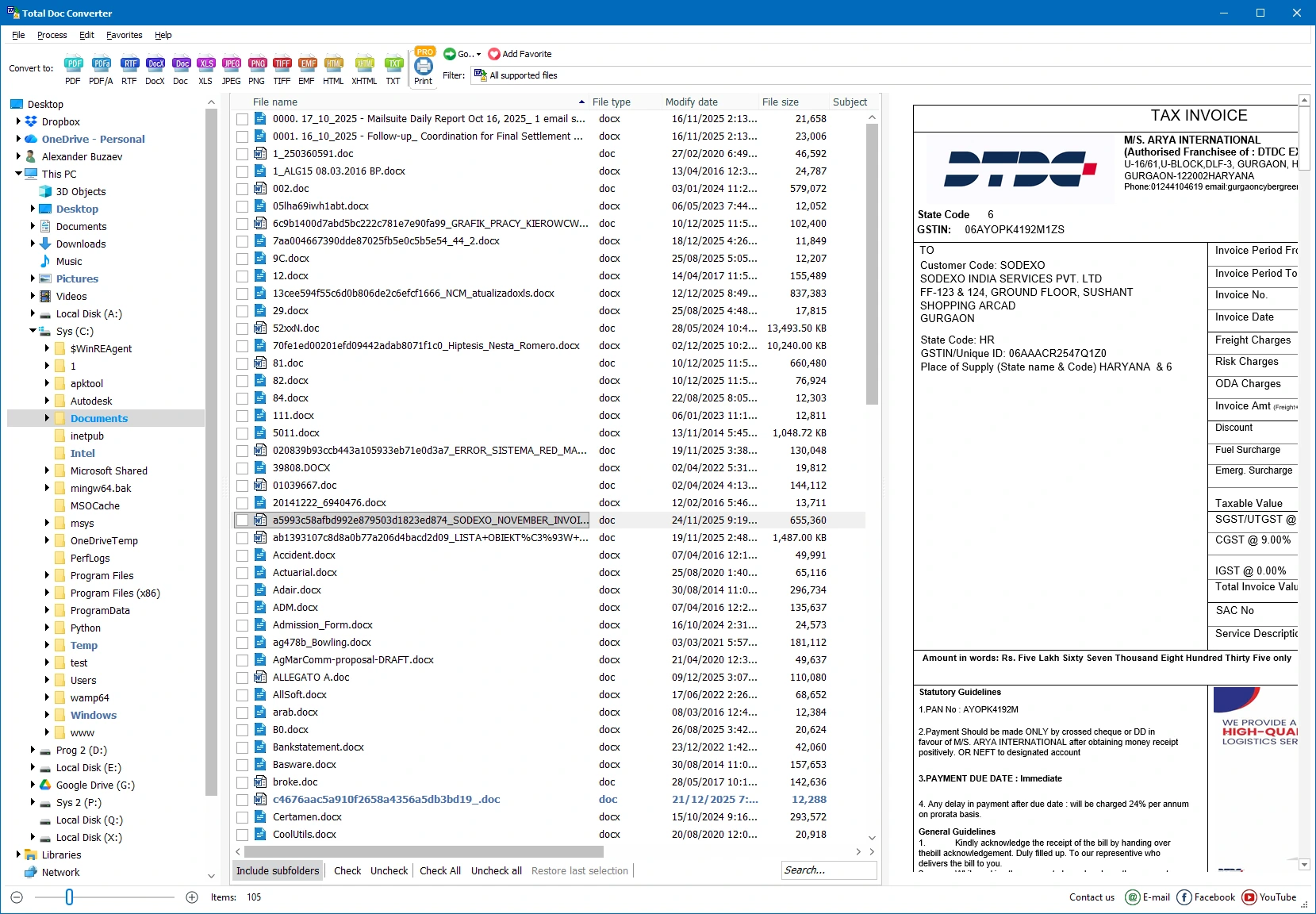
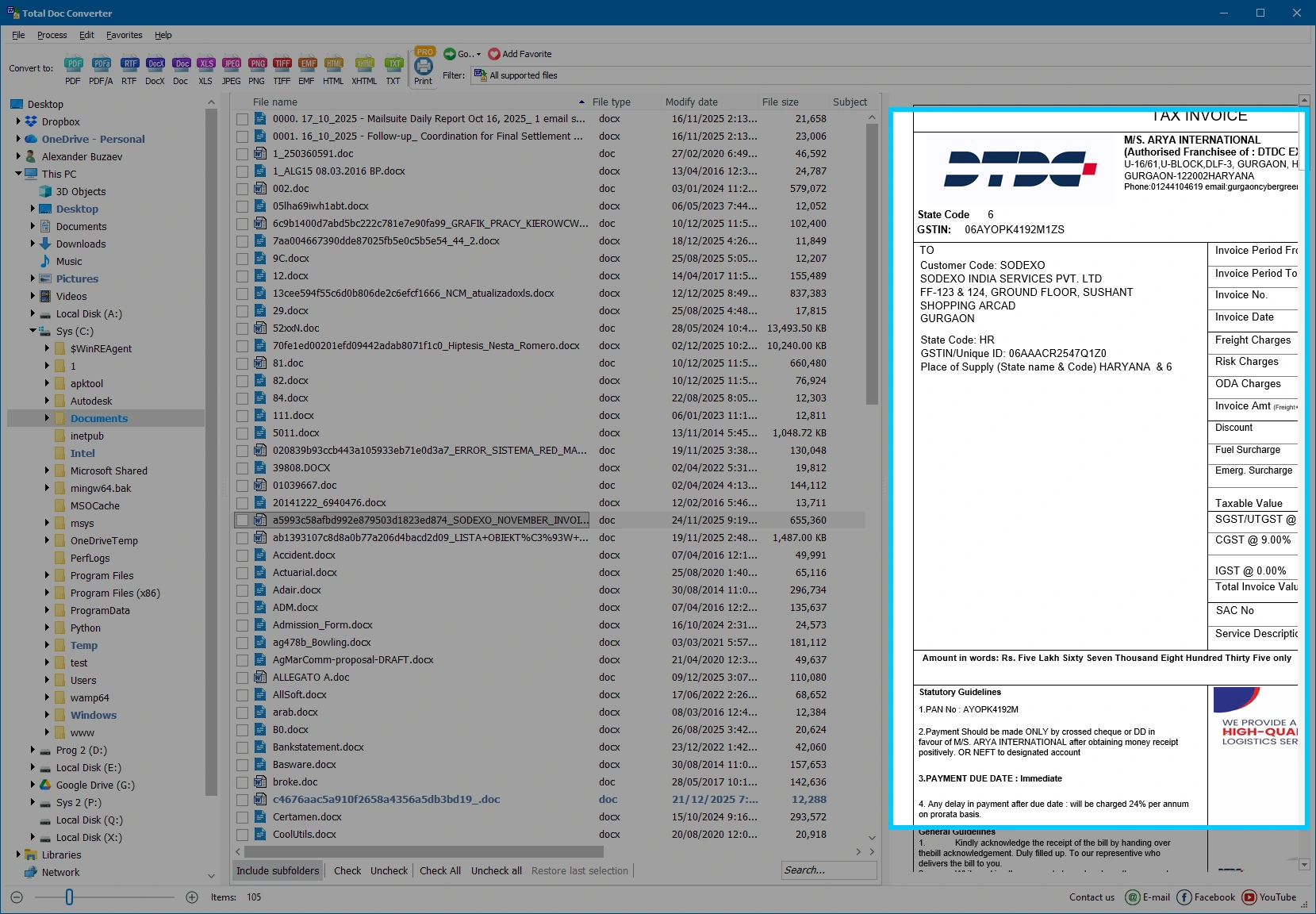
Coolutils Total Doc Converter is a versatile document conversion tool that allows users to convert Word documents, RTF files, TXT files, and other document formats to PDF, DOCX, HTML, XLS, JPEG, TIFF, and more. It supports batch conversion, preserves the original formatting, and includes advanced options such as watermarks, page numbering, and command-line automation, making it ideal for personal and professional document management.
OVERVIEW OF COOLUTILS TOTAL DOC CONVERTER
Coolutils Total Doc Converter is a powerful Windows application designed to simplify document conversion for individuals and businesses. It supports a wide range of document formats, including DOC, DOCX, RTF, TXT, OpenOffice files, and allows users to convert to PDF, HTML, XLS, JPEG, TIFF, TXT, and many other popular formats. The software preserves the original formatting, fonts, tables, images, and layouts during the conversion process, ensuring professional-quality results.
One of its features is batch conversion, which allows users to process hundreds of files at once, saving a lot of time and effort. The software also includes advanced customization options such as adding watermarks, page numbering, headers, footers, digital signatures, and document metadata during the conversion process. Users can preserve folder structures, automatically name output files, and customize various output settings to suit their workflow.
Total Doc Converter offers a user-friendly interface suitable for beginners and provides command-line support for automated tasks and organizational workflows. All conversions are done locally, keeping sensitive documents safe without having to upload them to the cloud. Whether you need to archive files, prepare documents for sharing, or automate large-scale document processing, Coolutils Total Doc Converter offers a reliable and efficient solution for your everyday document conversion needs.
FEATURES OF COOLUTILS TOTAL DOC CONVERTER
WIDE RANGE OF DOCUMENT FORMATS SUPPORTED
Total Doc Converter supports a wide range of input formats, including DOC, DOCX, RTF, TXT, and OpenOffice documents. It converts them to various output formats such as PDF, HTML, XLS, JPEG, TIFF, TXT, DOCX, etc., making it suitable for a wide range of document management tasks.
FAST BATCH CONVERSION
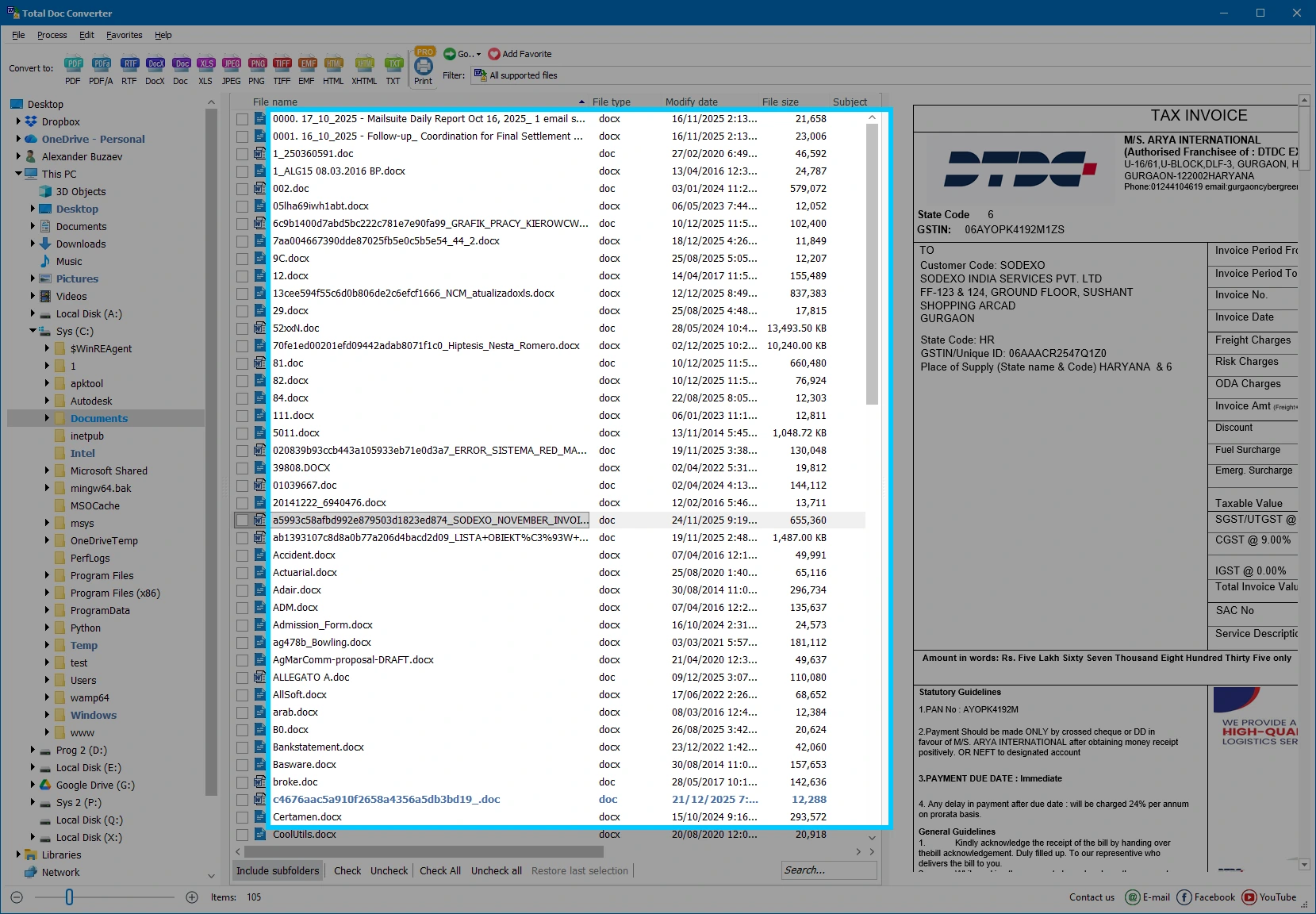
This software allows users to convert hundreds or even thousands of files in a single operation. Batch processing significantly reduces manual work while maintaining high conversion speed and consistent output quality for all documents.
PRESERVES ORIGINAL FORMAT
During the conversion process, Total Doc Converter meticulously preserves the document’s formatting, including fonts, tables, images, hyperlinks, headers, footers, page layout, and text styles. This ensures that the converted files closely match the original documents.
ADVANCED CUSTOMIZATION OPTIONS
Users can customize the converted document by adding text or image watermarks, page numbers, headers, footers, timestamps, digital signatures, and document metadata. A variety of output settings provide greater control over the final appearance of the document.
AUTOMATION AND COMMAND LINE SUPPORT
For advanced users and businesses, the software includes command line functionality for automated document processing. This allows for seamless integration into scripts, scheduled tasks, and organizational workflows without manual intervention.
SECURE OFFLINE PROCESSING
All document conversions are performed locally on your computer, eliminating the need to upload confidential files to online services. This improves data confidentiality, increases the speed of conversion of confidential documents, and ensures reliable operation.
SYSTEM REQUIREMENTS
- Supported OS: Windows 11/10/8.1/7
- Memory (RAM): 1 GB of RAM or more is required
- Hard Disk Space: 100 MB or more required