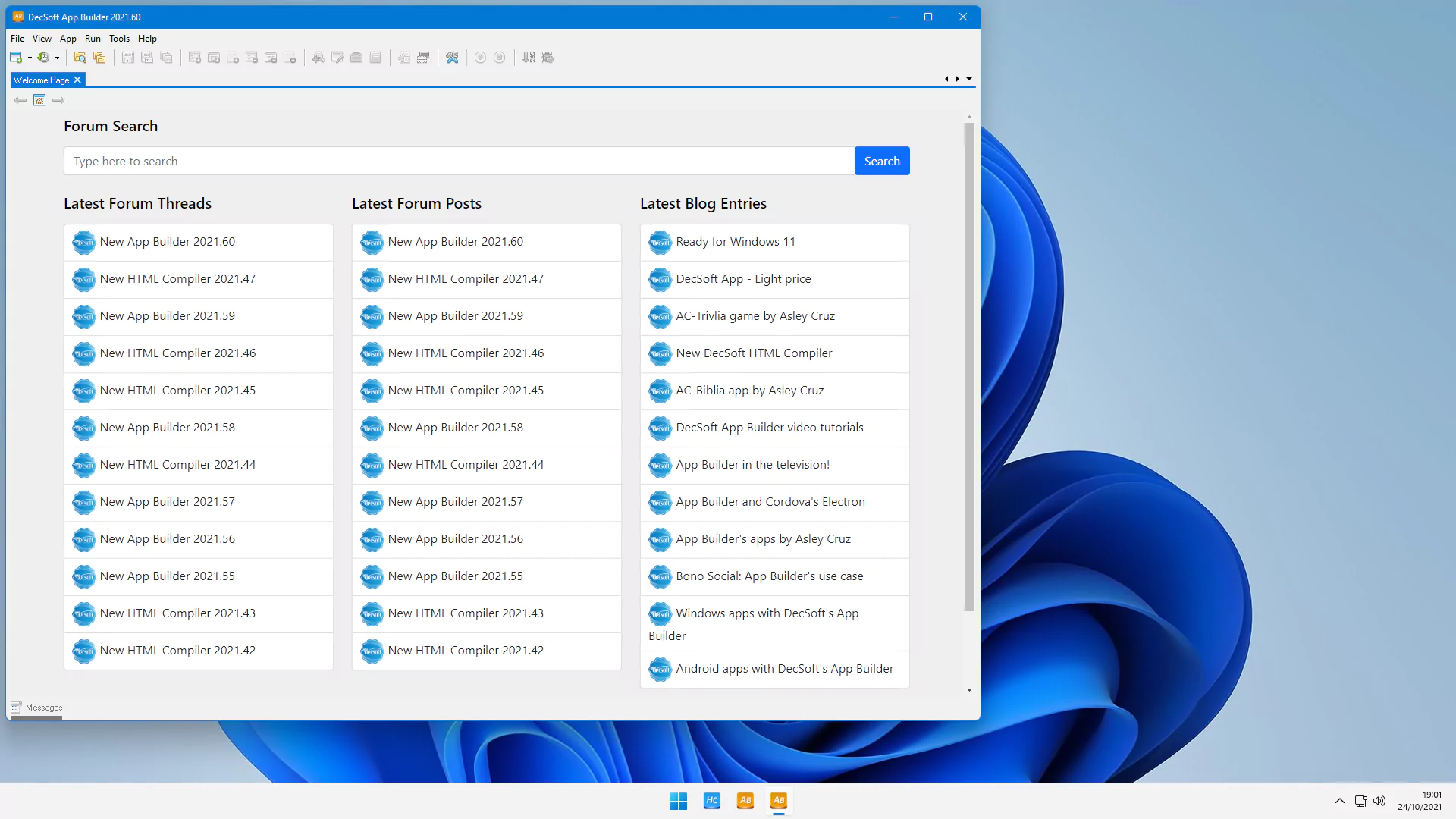
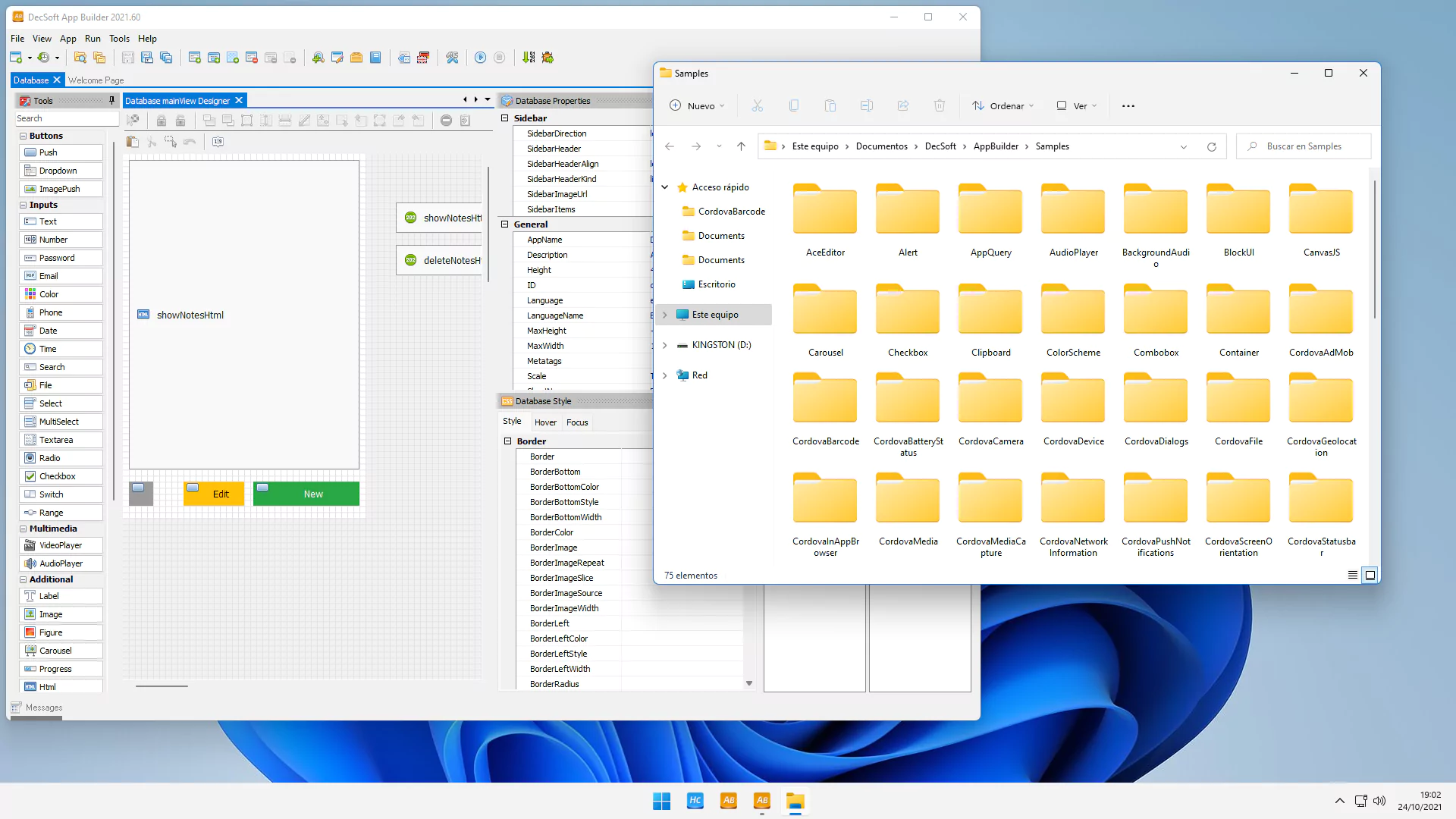

DecSoft App Builder is a visual development environment for building cross-platform applications. It allows users to create web and mobile apps without writing code by hand. Users can use the visual interface to design the user interface and define the functionality of the application, often using drag and drop.
OVERVIEW OF DECSOFT APP BUILDER
DecSoft App Builder is a Windows-based development environment for creating mobile and desktop applications using web technologies such as HTML, CSS, and JavaScript. It offers a visual development approach that allows users to build applications without having to navigate complex programming environments.
The software includes a collection of visual controls, components, and development tools for designing application interfaces and implementing functionality. Developers can work with forms, buttons, menus, dialog boxes, lists, media elements, and other interface components, as well as add JavaScript-based logic to their projects.
DecSoft App Builder is especially useful for developers who are familiar with web technologies and want to package web-based projects into applications for different platforms. It helps simplify application development by combining visual design tools with access to JavaScript and related web technologies.
The environment also provides project management and debugging features that can help during the application development process. Depending on the project and supported platform settings, applications can be prepared for deployment in mobile devices, desktops, or web-oriented environments. Overall, DecSoft App Builder provides a hands-on development environment for building applications using familiar web technologies, reducing some of the complexities associated with building and packaging applications from scratch.
FEATURES OF DECSOFT APP BUILDER
VISUAL DEVELOPMENT ENVIRONMENT
App Builder is a powerful software development tool that allows users to create modern desktop and mobile applications without deep programming knowledge. Its visual environment allows developers to design interfaces using drag-and-drop components, making applications accessible to both beginners and professionals. This reduces code complexity and provides flexibility and control over the final product.
HTML5 AND JAVASCRIPT SUPPORT
One of the standout features of App Builder is its strong foundation in web technologies such as HTML5, CSS, and JavaScript. Applications created with the tool are responsive, lightweight, and cross-platform. Since it uses widely accepted web standards, developers can integrate external JavaScript libraries, frameworks, or APIs to enhance the functionality of their projects. This makes App Builder adaptable to both basic and advanced applications.
CROSS-PLATFORM APPLICATION CREATION
With App Builder, developers can create applications that run seamlessly on Windows, Android, and iOS operating systems. The software creates hybrid applications based on web technologies and provides cross-platform compatibility without requiring a separate code base for each operating system. This not only saves development time, but also reduces maintenance costs and is an excellent choice for individuals and small businesses that need to scale without a large amount of resources.
EXTENSIBLE COMPONENT LIBRARY
The software comes with a variety of pre-built components that cover common application functions, such as buttons, text boxes, grids, timers, and navigation tools. Users can easily add these elements to their applications and customize them to meet specific needs. In addition, App Builder supports third-party plugins, allowing developers to extend the capabilities of the software and customize applications to meet unique requirements.
INTEGRATED DEBUGGING AND TESTING
App Builder provides built-in tools for debugging and testing applications, which simplifies the development workflow. Developers can preview their projects in real time, identify problems, and make adjustments immediately. This integrated testing environment helps reduce errors early in the process and improve the overall quality of the final application. The ability to test across multiple screen sizes and orientations ensures that applications look and work well on different devices.
USER-FRIENDLY INTERFACE AND DOCUMENTATION
The software is designed with an intuitive interface that makes it easy to learn and use, even for those new to app development. Clear menus, logical organization, and guided workflows dramatically reduce the learning curve. Furthermore, App Builder offers extensive documentation, tutorials, and community support that help users maximize their potential. Whether it’s for educational purposes, prototyping, or full-scale development, it provides an efficient and supportive environment for creating functional applications.
SYSTEM REQUIREMENTS
- Supported OS: Windows 11/10/8.1/7
- Memory (RAM): 1 GB of RAM or more is required
- Hard Disk Space: 300 MB or more required