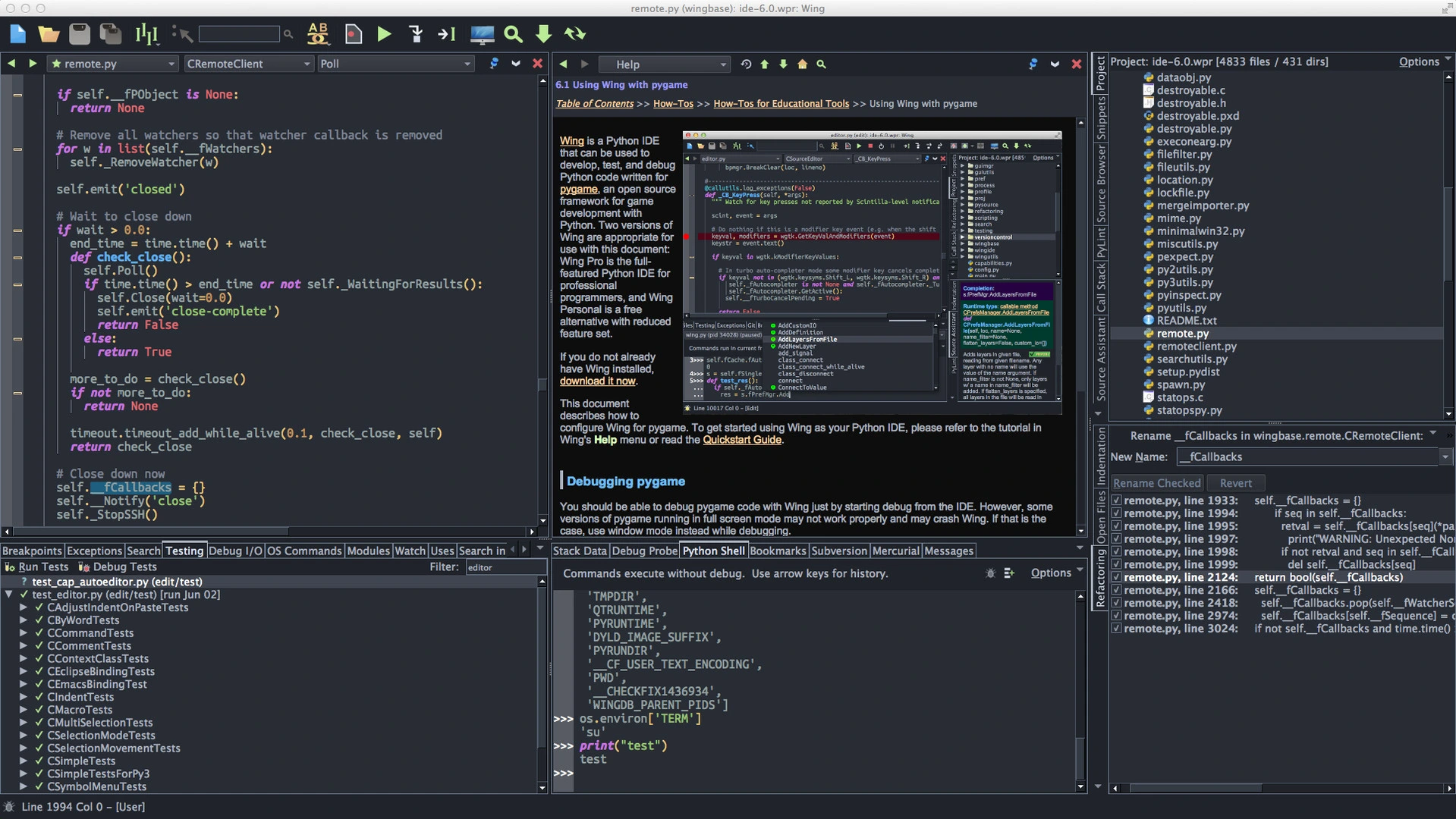
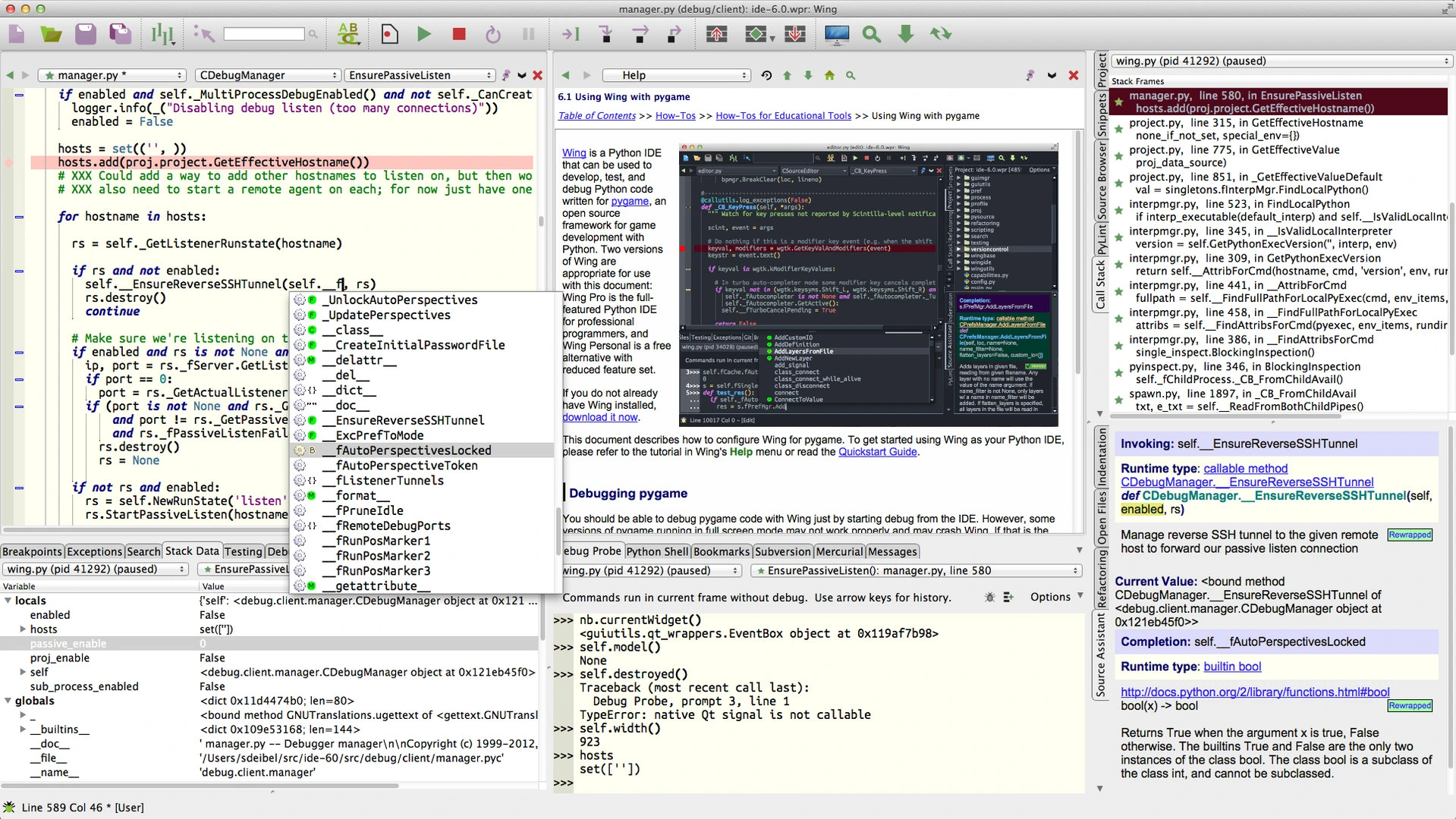
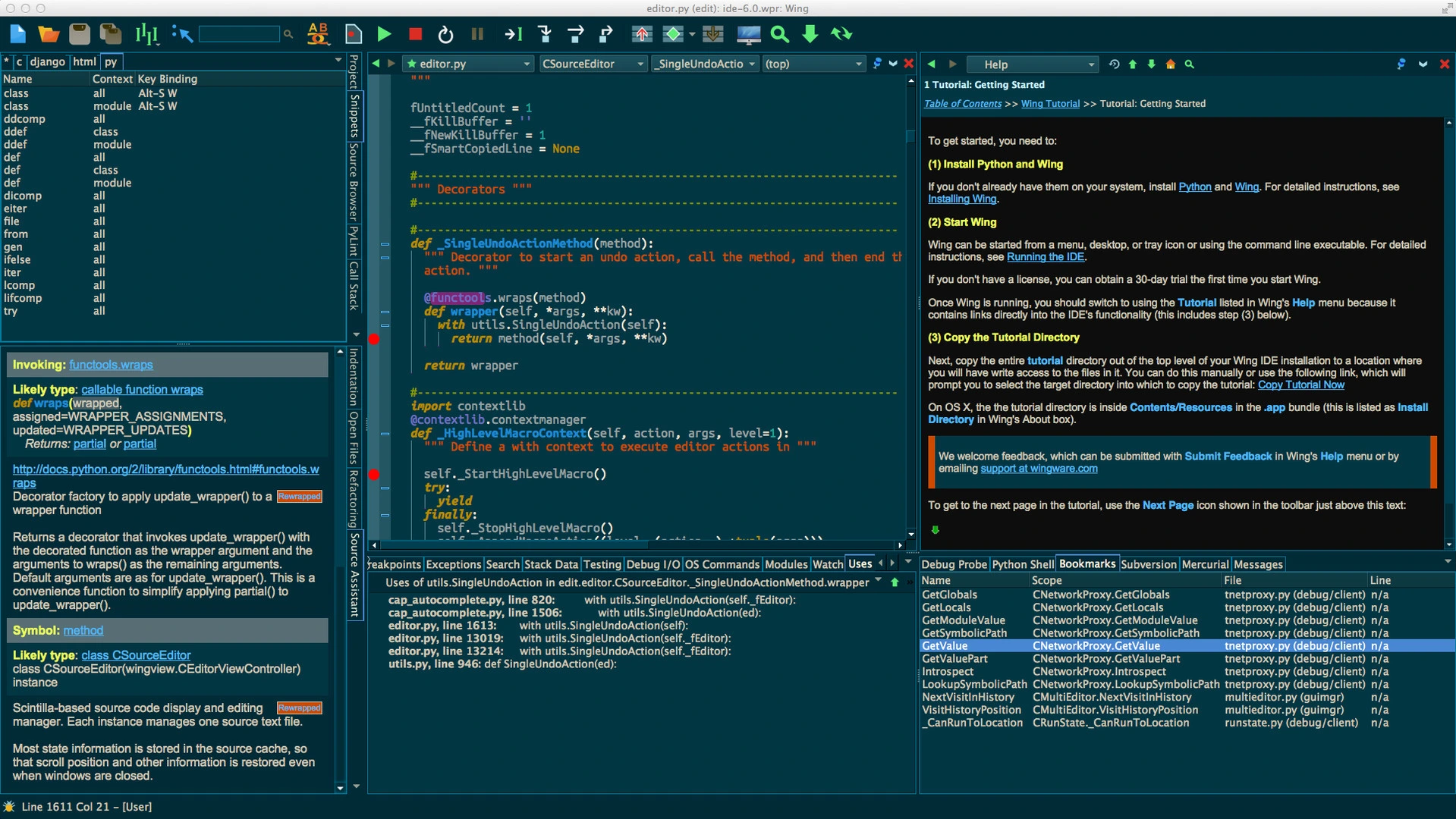
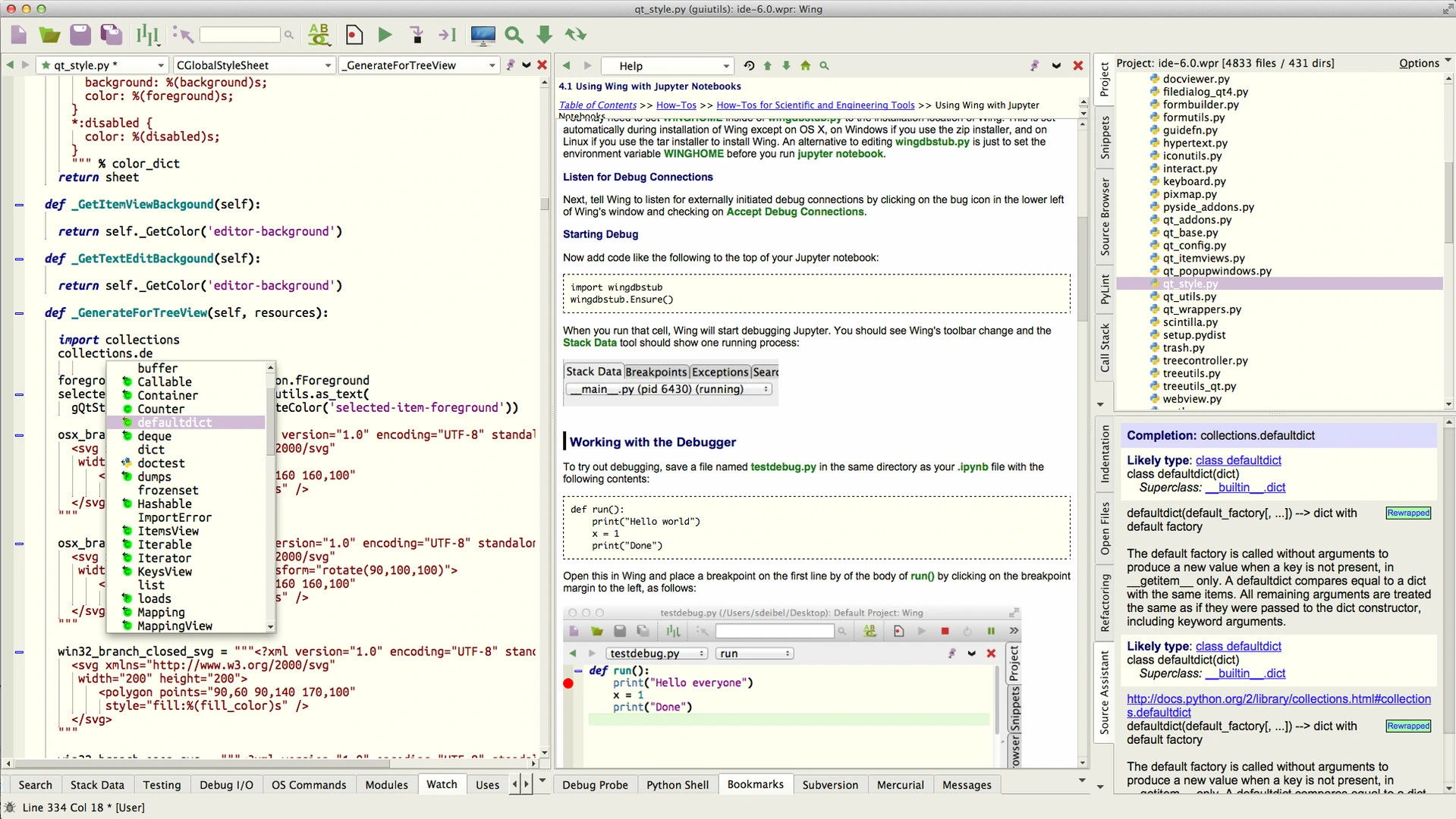

Wing Pro is a robust Python IDE aimed at professional developers. It provides advanced tools for coding, debugging, testing, and managing projects. You’ll find intelligent code completion and in-depth source analysis. Remote development support is included, too. Plus, it integrates smoothly with popular version control systems. The interface is highly customizable. This lets you tailor the environment to fit your workflow. Efficient debugging capabilities are also a highlight. With Wing Pro, developers can write, test, and maintain Python applications more quickly and with greater accuracy.
OVERVIEW OF WING PRO
Wing Pro is an advanced Integrated Development Environment (IDE) tailored for Python development. It’s made for software engineers, data scientists, educators, and web developers alike. This IDE comes with a robust toolkit that streamlines coding, debugging, testing, and managing projects. It supports the latest versions of Python and integrates smoothly with popular frameworks, including Django and Flask, as well as various scientific computing libraries.
A standout feature of Wing Pro is its smart code editor. It offers context-aware auto-completion, syntax highlighting, and tools for navigating code. There are also refactoring tools and real-time error detection. With these features, developers can write cleaner code more efficiently. It saves time during development, making the process smoother and more intuitive.
One of the standout features is the integrated debugger. It provides conditional breakpoints, stack inspection, and multi-thread debugging. Remote debugging is also included. Developers can pinpoint and fix issues without breaking their flow. Wing Pro comes with built-in support for various version control systems: Git, Mercurial, Subversion, and Perforce. This makes managing version control simple and efficient.
There are productivity enhancements like unit test integration and source code analysis. You can customize layouts and search across entire projects. It’s designed to adapt, fitting projects of any scale. If you’re creating desktop apps, web services, automation scripts, or diving into machine learning, Wing Pro offers a robust and feature-packed environment. It boosts productivity. Plus, it helps enhance code quality at every stage of the software development lifecycle.
FEATURES OF WING PRO
SMART CODE EDITOR
Wing Pro offers a smart code editor with advanced auto-completion, syntax highlighting, code folding, automatic indentation, and smart suggestions. Its code analysis engine understands the structure of your project and allows you to quickly and efficiently navigate between modules, classes, and functions. The editor also highlights syntax errors and potential problems as you type.
PROFESSIONAL DEBUGGING TOOLS
The integrated debugger allows developers to easily diagnose complex problems. It supports breakpoints, conditional breakpoints, control expressions, stack inspection, variable inspection, exception handling, multi-threaded debugging, and remote debugging. Developers can interactively step through code while examining the behavior of the program in real time.
CODE NAVIGATION AND REFACTORING
Wing Pro simplifies large projects with powerful navigation tools. Users can jump directly to definitions, references, classes, and symbols within the project. Built-in refactoring tools allow you to safely name variables, methods, classes, and modules while automatically updating references throughout your code base.
PROJECT AND VERSION CONTROL INTEGRATION
The IDE includes project management features that organize source files, libraries, and dependencies into a structured workspace. Integrated support for Git, Mercurial, Subversion, and Perforce allows developers to commit changes, compare revisions, resolve conflicts, and manage repositories without leaving the IDE.
TESTING AND DEVELOPMENT PRODUCTIVITY
Wing Pro integrates with Python’s unittest framework and supports additional testing tools, making it easy to create, run, and debug tests. Developers benefit from interactive Python shells, project-wide search and replace, bookmarks, code snippets, templates, and customizable keyboard shortcuts that simplify daily development tasks.
CUSTOMIZATION AND REMOTE DEVELOPMENT
Wing Pro offers extensive customization options for layout, themes, menus, toolbars, button bindings, and editor behavior. It also supports remote development via SSH, allowing developers to edit and debug applications running on remote Linux servers, virtual machines, Docker containers, or embedded systems. Combined with extensibility through scripts and plugins, Wing Pro fits well into a wide variety of development workflows.
SYSTEM REQUIREMENTS
- Supported OS: Windows 11/10/8.1/7
- Memory (RAM): 1 GB of RAM or more is required
- Hard Disk Space: 100 MB or more required