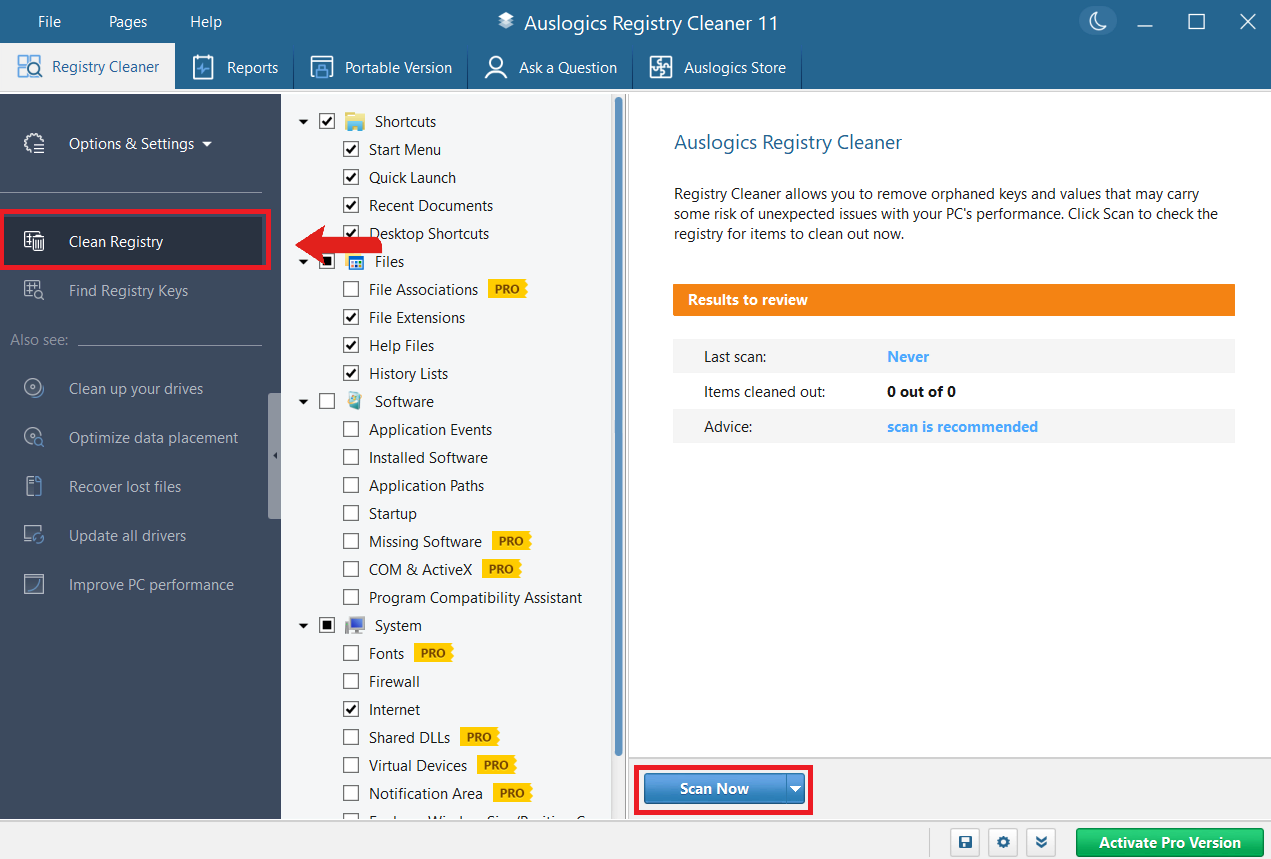
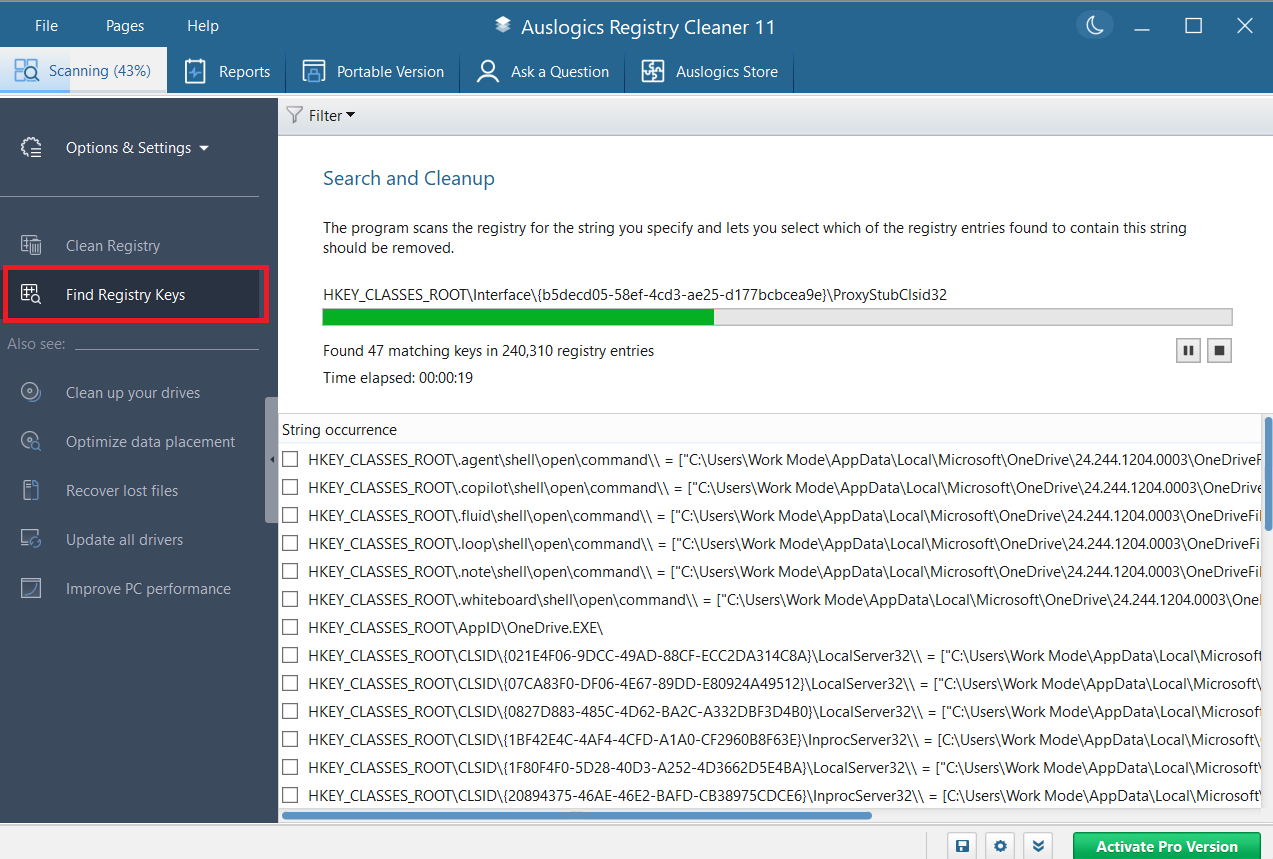
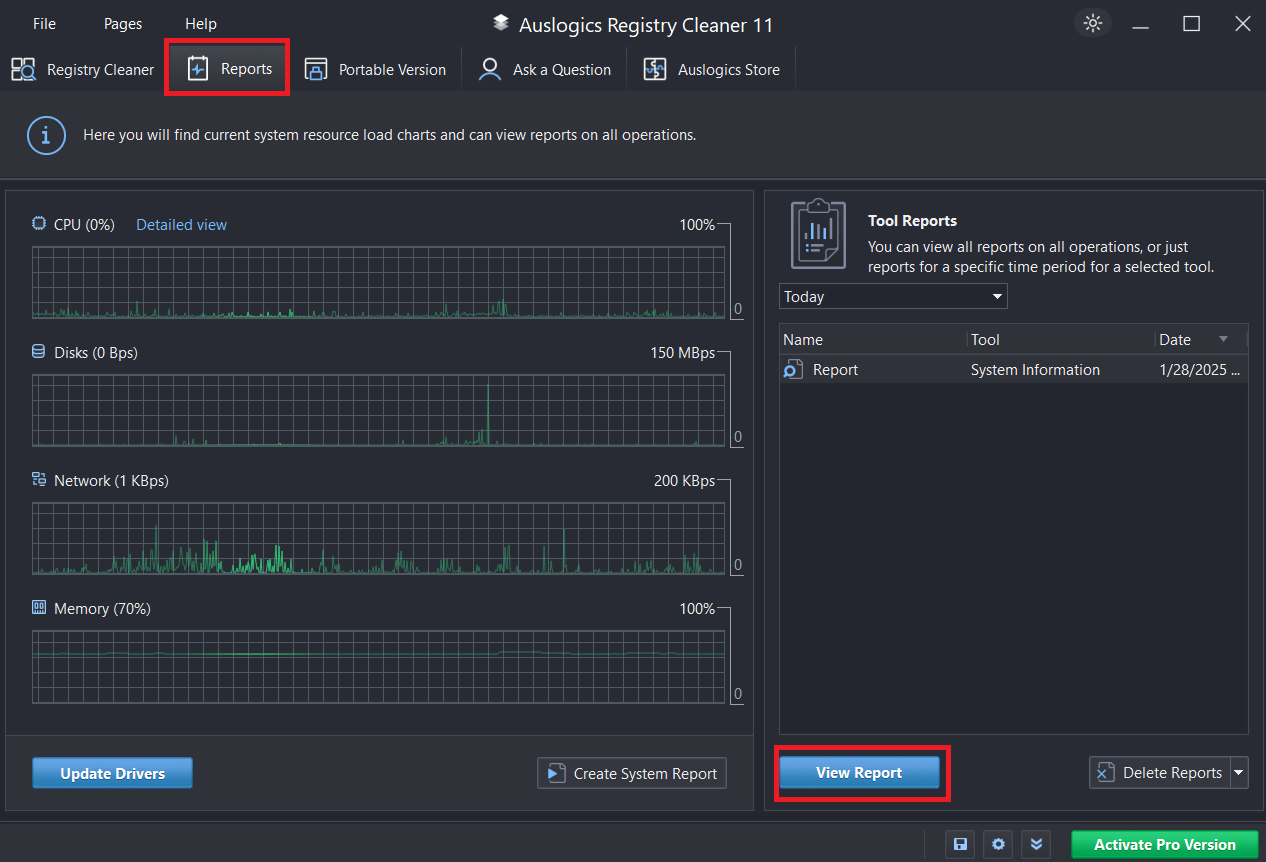

Auslogics Registry Cleaner is a free Windows utility designed to scan and repair Windows registry problems. It helps improve system stability and performance by removing invalid entries, broken links, and other registry errors. The program offers a simple, user-friendly interface and allows users to review and back up the registry before making changes.
OVERVIEW OF AUSLOGICS REGISTRY CLEANER
Auslogics Registry Cleaner is a Windows-based utility designed to clean, repair, and optimize the Windows Registry, an important component of the operating system responsible for storing configuration settings and preferences. Over time, the registry becomes filled with outdated, unnecessary, and incorrect entries as users install, update, and uninstall programs. These problems can lead to system slowdowns, errors, and even crashes. Auslogics Registry Cleaner resolves these issues by scanning the registry for invalid references and allows users to safely remove or fix them.
The program is designed to be simple and easy to use, making it accessible to both novice and advanced users. Its intuitive interface displays registry issues such as broken shortcuts, unused file extensions, and invalid program paths in a categorized manner. This categorization helps users understand the nature of each issue and its impact on their operations to make informed decisions. A severity rating system is also included to prioritize critical issues that may affect system performance.
One of the key advantages of Auslogics Registry Cleaner is its security features. Before making any changes, the software offers the option to create a full backup of the Windows registry. This feature is essential to roll back the system to a previous state in case something goes wrong after the cleaning process. In addition, users can review and select the entries they want to delete or fix, thus giving them control over the cleaning process.
FEATURES OF AUSLOGICS REGISTRY CLEANER
FIND REGISTRY ERRORS
This feature performs a deep scan to detect invalid entries such as orphaned file associations, leftovers from uninstalled programs, and broken shortcuts that slow down your computer. It allows you to accurately identify problems by categorizing them into categories such as ActiveX controls, fonts, help files, and more. Users benefit from visual reports that show the number of errors, allowing you to make informed cleaning decisions without compromising system stability. The Pro version improves accuracy by using multi-threaded scanning for faster results on modern hardware.
FIX REGISTRY PROBLEMS
Once errors are found, the tool safely fixes them by removing invalid data while creating automatic backups for easy recovery if necessary. Selective repair options allow you to select specific categories and prevent over-cleaning. Advanced algorithms allow you to fix only the truly problematic entries, improving boot time and application responsiveness. It records all document operations, making it ideal for detailed monitoring.
BACKUP AND RESTORE
The comprehensive backup feature saves a snapshot of the registry before any changes and restores it to a previous state with a single click. Professional users can take unlimited backups and schedules for regular protection. This protects against rare problems after cleaning and makes it reliable for heavy system optimization workflows.
OPTIMIZATION TOOLS
In addition to cleaning, it includes registry defragmentation to compact the database and reduce access times. Startup optimization identifies and delays unnecessary items, speeding up the boot sequence. Disk Cleanup integration deletes temporary files along with registry tasks for comprehensive maintenance.
SCHEDULING AND AUTOMATION
Set up automatic scans and cleaning tasks at daily, weekly, or custom intervals with an easy scheduler. Pro-exclusive priority scheduling runs tasks during idle time to avoid interruptions. Remote scheduling supports multiple computer management and is perfect for testing environments for software reviews.
CUSTOM SCANNED PROFILES
Create custom profiles that target specific registry sections, such as Internet settings or multimedia applications, and customize your multimedia editing preferences. Excluding lists prevents tools like video editors from cleaning up important entries. Export/import profiles for consistent use across devices.
USER INTERFACE AND SUPPORT
The modern, intuitive control panel with progress bars, previews, and tips offers professional customization while being easy to use for novice users. Pro offers email support and updates for new versions of Windows. The absence of adware ensures a clean experience focused solely on utility.
SYSTEM REQUIREMENTS
- Supported OS: Windows 11/10/8.1/7
- Memory (RAM): 1 GB of RAM or more is required
- Hard Disk Space: 100 MB or more required