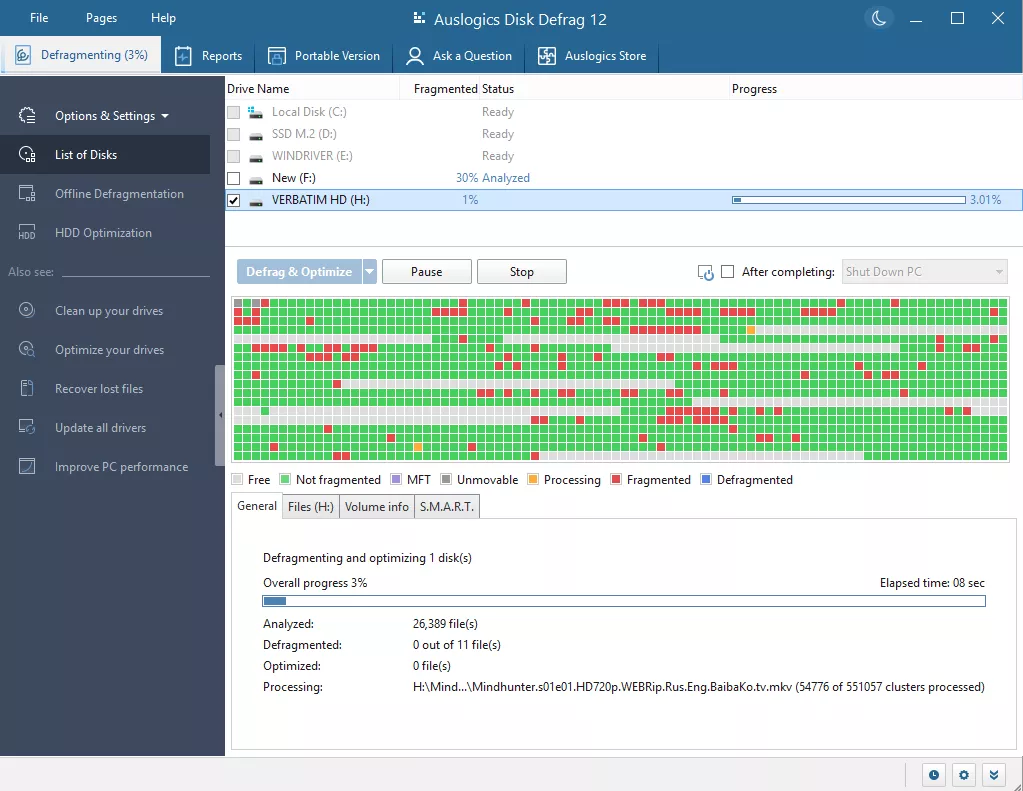
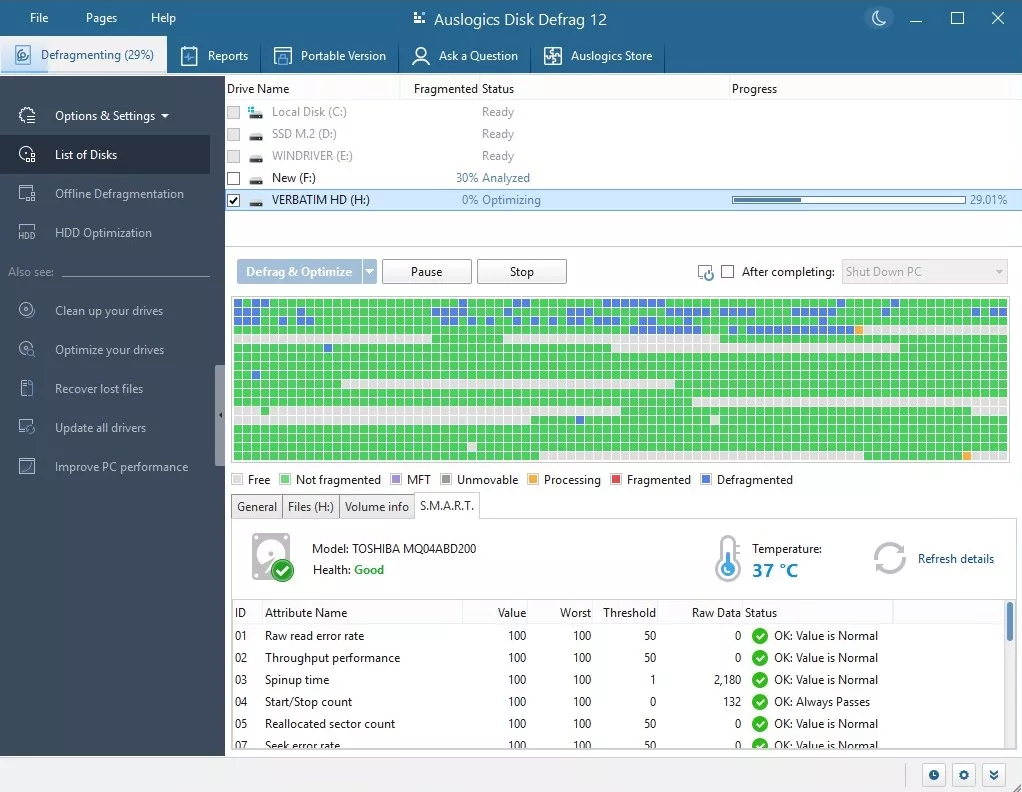
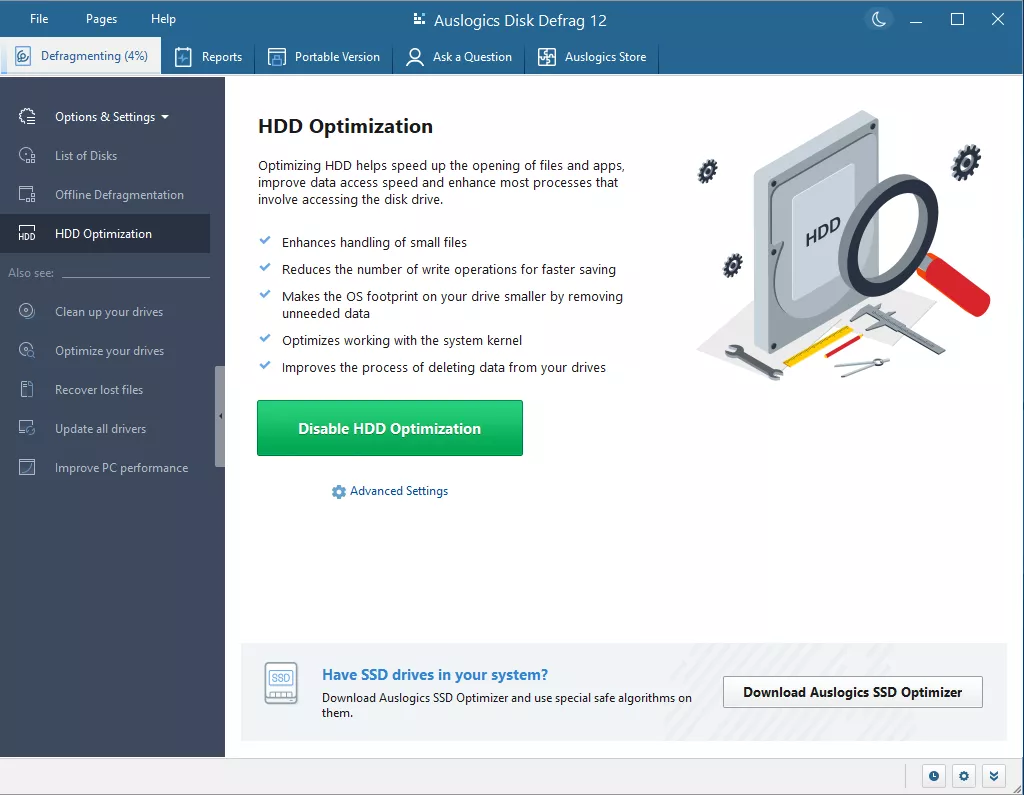
Auslogics Disk Defrag Ultimate Pro is a professional hard drive defragmenter. This application is able to defragment system files, optimize disk file structure using four different algorithms, support working with SSD and VSS disks, and deal with existing fragmentation. Still, it prevents it from happening in the future.
OVERVIEW OF AUSLOGICS DISK DEFRAG ULTIMATE PRO
Auslogics Disk Defrag Ultimate Pro is an advanced and feature-rich disk optimization software that aims to improve the performance and efficiency of your computer’s storage drives. It is based on the popular Auslogics Disk Defrag software and offers a complete set of tools to meet the changing complexities of modern storage systems.
The main function of the software is to defragment hard drives, a process that reorganizes fragmented data on the drive to improve data access speeds and overall system responsiveness. This is particularly important because over time, as files are created, modified, and deleted, they can become fragmented, leading to slower read and write operations. Auslogics Disk Defrag Ultimate Pro steps in to address these performance bottlenecks and ensure optimal disk performance.
What sets Auslogics Disk Defrag Ultimate Pro apart is its versatility. Unlike traditional defrag tools that only target hard drives (HDDs), this software is equipped to optimize both HDDs and Solid State Drives (SSDs). For SSDs, the software employs a specialized optimization technique called “SSD Optimization” that reorganizes data without causing unnecessary wear and tear on the SSD. This feature shows the adaptability of the software to different storage technologies.
The software offers more than just defragmentation. Includes additional tools that contribute to a comprehensive disk optimization strategy.
FEATURES OF AUSLOGICS DISK DEFRAG PRO
BOOT-TIME DEFRAGMENTATION
This unique capability allows you to defragment locked system files such as the Master File Table (MFT), registry hives, hibernation files, and pagefile.sys when Windows boots, before the operating system has even fully loaded. By handling these critical components that are inaccessible during a normal session, it dramatically speeds up startup time and improves overall system responsiveness, which is especially beneficial for users with large boot partitions or heavy multitasking workloads. After the initial setup, the process runs smoothly in the background without user intervention, ensuring consistent performance gains over time.
SMART OPTIMIZATION ALGORITHMS
Equipped with four advanced algorithms: Optimized for fast defragmentation, optimized for HDDs, Game Mode for fast results on gaming drives, and dedicated SSD optimization, the Pro version intelligently selects the best method based on disk type and usage patterns. These algorithms not only consolidate fragmented files into contiguous blocks for faster access, but also prioritize frequently accessed data, such as applications and games, to the fastest disk areas. This significantly improves read/write speeds, often up to 100% faster in benchmarks, making it ideal for content creators who edit video or work with large data sets.
DEFragMENTATION AWARENESS
Proactively combats repetitive fragmentation by creating and maintaining reserved areas of free space on the drive, which direct new file writes to the optimal location from the start. Unlike conventional defragmenters, this feature reduces the accumulation of fragmented data during daily operations, reducing the frequency of maintenance required. For tech professionals who frequently create files for multimedia projects or software development, it ensures stable disk performance without constant manual intervention.
DISK CLEANING AND ANALYSIS
In addition to defragmentation, the integrated cleaning tools scan and remove junk files, temporary Internet caches, system logs, and duplicate files during a session, optimizing the location, and freeing up significant storage space. The comprehensive analysis report provides visual before-and-after graphs that detail fragmentation percentages, speed improvements, and volume health indicators. Users can export this information for further monitoring, which can help proactively detect and fix slowdowns in demanding environments such as disk management, gaming, or data recovery tasks.
CUSTOM SCHEDULE AND SILENT MODE
Flexible scheduling options allow users to automate defragmentation based on idle time, specific hours, disk usage thresholds, or weekly cycles, and supports multiple profiles targeting individual volumes or folders. Silent mode runs invisibly in the system tray, preventing interruptions during work or play. This setting is ideal for experienced users who want to optimize settings without sacrificing productivity for testing mobile apps, streaming videos, or diagnosing systems.
SYSTEM REQUIREMENTS
- Supported OS: Windows 11/10/8.1/7
- Memory (RAM): 4 GB of RAM or more is required
- Hard Disk Space: 200 MB or more required