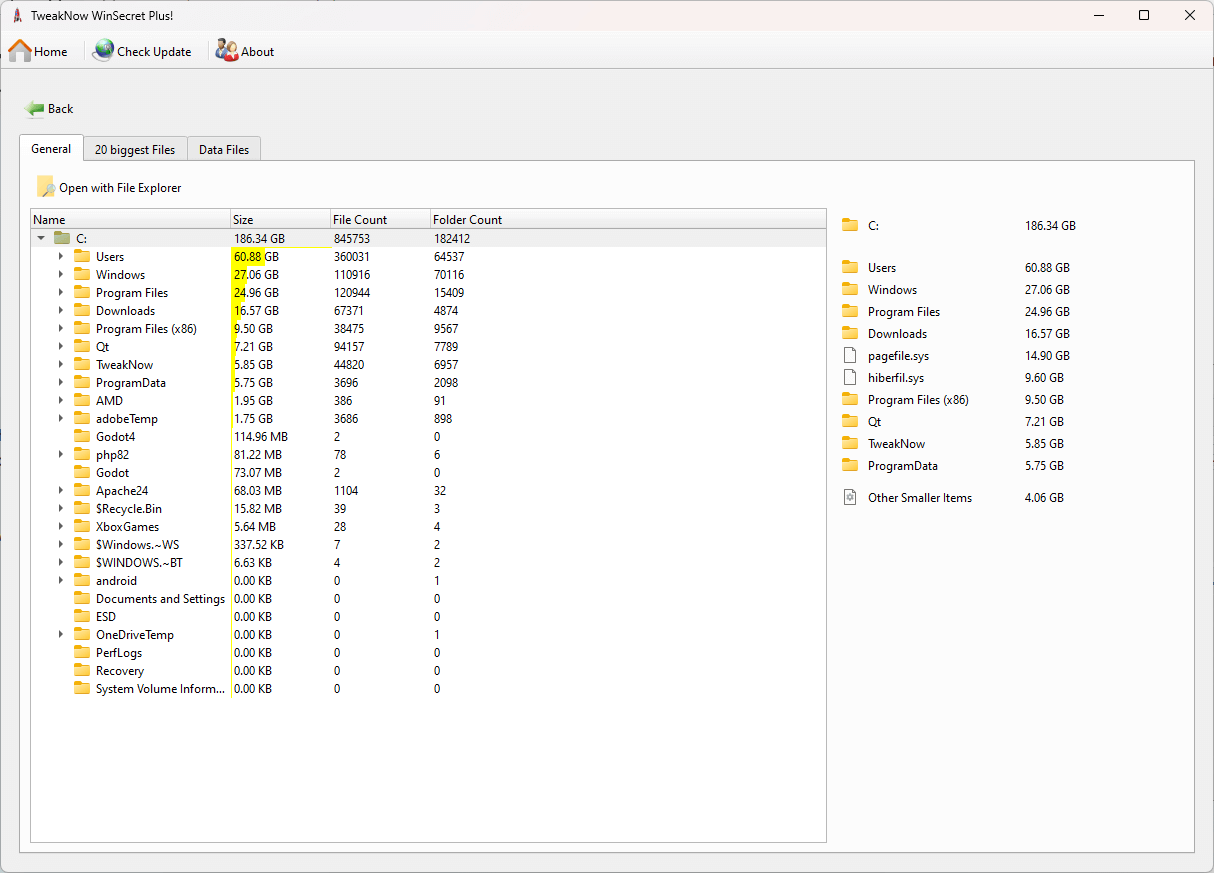
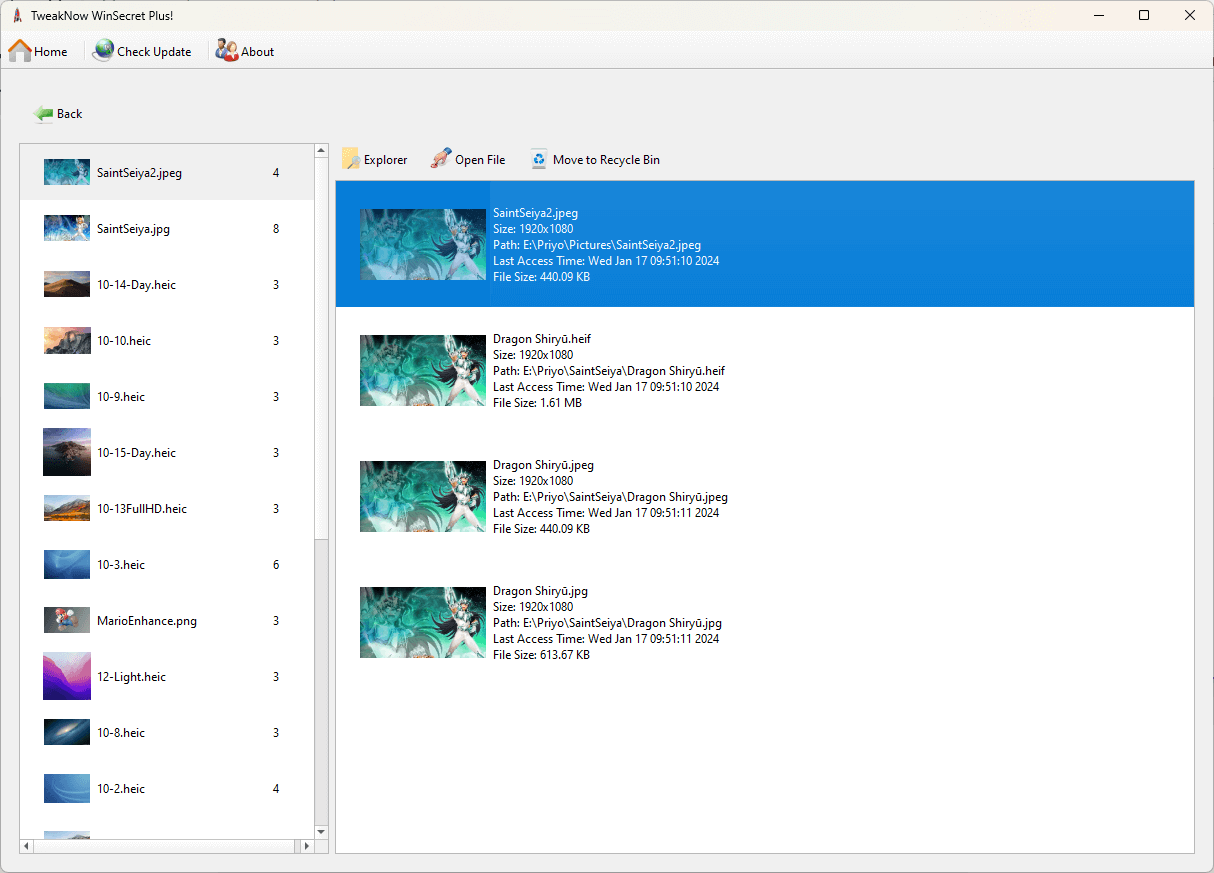

TweakNow WinSecret Plus is designed for Windows 10 integrates many registry settings and provides a simple and secure user interface. By editing and changing registry values, you can move the Windows taskbar to the top. It is recommended to make a backup copy of the registry to restore it in case of problems with the modified program.
OVERVIEW OF TWEAKNOW WINSECRET PLUS
TweakNow WinSecret Plus is a versatile and user-friendly software application designed to enhance the customization and control of the Windows operating system. This tool offers a comprehensive set of features that allow users to fine-tune and optimize various aspects of their Windows environment, making it more tailored to their preferences and needs. Whether you are a power user looking to access and modify hidden or advanced settings, or a novice user seeking to improve the performance and security of your computer, WinSecret Plus can be a valuable resource.
Some of the key features of TweakNow WinSecret Plus include the ability to adjust system settings, enhance the user interface, optimize network configurations, and bolster system security. Users can access and modify Windows registry settings, manage startup programs, control system behaviors, and improve privacy by adjusting various system and application settings. The software offers an intuitive interface that simplifies the process of tweaking Windows, making it accessible to a wide range of users, from beginners to experienced computer enthusiasts.
TweakNow WinSecret Plus is a valuable tool for those who want to unlock the full potential of their Windows operating system by customizing and optimizing it to suit their specific requirements. It provides an all-in-one solution for system tweaking, enhancing the overall Windows experience, and potentially improving system performance and security.
FEATURES OF TWEAKNOW WINSECRET PLUS
SIMPLIFIED SYSTEM TWEAKS
TweakNow WinSecret Plus aims to make Windows customization easier and more accessible. Many settings and hidden options in Windows are hidden deep in the registry, making it difficult for ordinary users to safely configure them. This software collects those hidden settings into a single user-friendly interface, allowing users to tweak them without worrying about breaking the system. Whether it’s changing the Start menu, taskbar behavior, or context menu, the program allows you to tweak your system without requiring advanced technical skills.
COMPREHENSIVE WINDOWS TWEAKS
One of the most powerful aspects of TweakNow WinSecret Plus is its extensive customization capabilities. Users can customize elements such as Windows File Explorer, Desktop settings, and Taskbar settings. It allows you to change system icons, theme options, and quick access menus. For Windows 11 users, it brings advanced changes that are not available in the default system settings, such as Start menu layout, taskbar customization, and modern UI improvements. This wide range of options helps users customize their Windows environment to suit their workflow and personal preferences.
REGISTRY OPTIMIZATION AND SECURITY
Manually modifying the Windows Registry can be risky, especially if users are not familiar with the keys and values they are changing. TweakNow WinSecret Plus provides a safe way to access registry updates with explanations for each option. Users can make changes with confidence knowing that the tool is managing key processes. In addition, it often provides backup or restore functions, allowing users to quickly return the system to a previous state if something goes wrong. This security-oriented approach makes advanced Windows optimization less intimidating.
PERFORMANCE AND PRODUCTIVITY IMPROVEMENT
In addition to cosmetic changes, TweakNow WinSecret Plus includes additional tweaks that can improve system performance. It can enable or disable some basic services, control startup programs, and manage hidden features that affect system speed and responsiveness. Designed for efficiency-conscious users, the software reduces unnecessary animations, optimizes file management, and optimizes memory usage. These performance-focused tools are especially useful for users who run resource-intensive applications or who have older hardware that they want to squeeze out extra speed.
EASY-TO-USE INTERFACE
TweakNow WinSecret Plus’ interface is designed to be intuitive. Each category is well-organized, and the changes are presented with explanations so that users can understand exactly what changes they are making. Navigation is simple and suitable for both beginners and advanced users. Instead of presenting registry secrets or technical jargon, the program translates them into simple explanations and toggle options. This user-centric design reduces errors and builds confidence in making technical changes.
DEDICATED WINDOWS 11 SUPPORT
After upgrading to Windows 11, many users found that their customization options were more limited than in previous versions. TweakNow WinSecret Plus addresses this limitation by offering targeted tweaks for Windows 11. From controlling the appearance of the new centralized taskbar to managing how context menus work, the software bridges the gap between user preferences and Microsoft’s locked-down interface. Focusing on modern Windows versions, it allows users to control the look and feel of their PC by following system updates.
SYSTEM REQUIREMENTS
- Supported OS: Windows 11/10
- Memory (RAM): 1 GB of RAM or more is required
- Hard Disk Space: 100 MB or more required