WinToUSB is a universal program designed to make it easy to create and boot Windows operating systems directly from a USB drive. With this tool, users can install the full version of Windows on a removable USB drive and turn it into a portable version of Windows that can be downloaded to various computers.
OVERVIEW OF WINTOUSB
WinToUSB is a powerful and innovative software solution for creating and running Windows operating systems from USB drives. This feature-rich utility allows users to install the full version of Windows directly onto a USB drive, turning it into a portable Windows environment that can be booted onto various computers. The main advantage of WinToUSB is its ability to offer users a stable and personalized Windows experience without relying on an internal hard drive. This allows people who need mobility, especially to migrate entire Windows systems or troubleshoot system problems.
The simplified WinToUSB process is user-friendly and uses an easy-to-use interface to install and configure Windows on a USB drive. It is compatible with a variety of brands and models of generic USB flash drives, providing flexibility for users with different hardware. One of the standout features of WinToUSB is the creation of Windows To Go workspaces, an official feature found in Windows Enterprise editions. This workspace allows users to transfer a complete Windows environment to a USB drive that can be used on any compatible computer. Additionally, It includes a disk partitioning feature that allows users to copy Windows installations from a hard drive to a USB drive, simplifying the migration process.
WinToUSB is designed for a wide range of users, from people looking to be productive in a portable Windows environment to IT professionals who want to resolve system issues without changing the internal drive. It allows users to fully experience the Windows experience on a USB flash drive and is a combination of innovation and practicality in system deployment and portability. It is a valuable tool for those who value the flexibility and efficiency of managing a Windows environment for a variety of computing scenarios.
FEATURES OF WINTOUSB
CREATE WINDOWS ON A USB DRIVE
WinToUSB allows you to install or clone Windows onto a USB flash drive, external hard drive, or other supported USB storage device. This allows you to carry your Windows environment and use it on compatible computers without having to install Windows directly on each machine.
CREATE WINDOWS INSTALLATION MEDIA
This software can create a bootable Windows USB drive from an ISO image or other supported Windows installation source. This is useful for setting up Windows on a new computer, reinstalling the operating system, or preparing a portable installation disc.
CLONE AN EXISTING WINDOWS
WinToUSB can create a portable copy of your existing Windows installation. Instead of starting from a completely new system, you can transfer your current Windows environment, including programs and settings, to a supported external storage.
WINDOWS TO GO SUPPORT
The main feature of WinToUSB is the Windows To Go feature, which is designed to run Windows from an external USB drive. This can be useful for users who need a portable workspace or want to access a familiar Windows environment on multiple compatible computers.
SUPPORTS VARIOUS WINDOWS VERSIONS
WinToUSB works with various versions and editions of Windows, depending on the specific version and licensing requirements. It handles common Windows installation and deployment scenarios, giving users flexibility when creating bootable or removable Windows disks.
SIMPLE STEP-BY-STEP INTERFACE
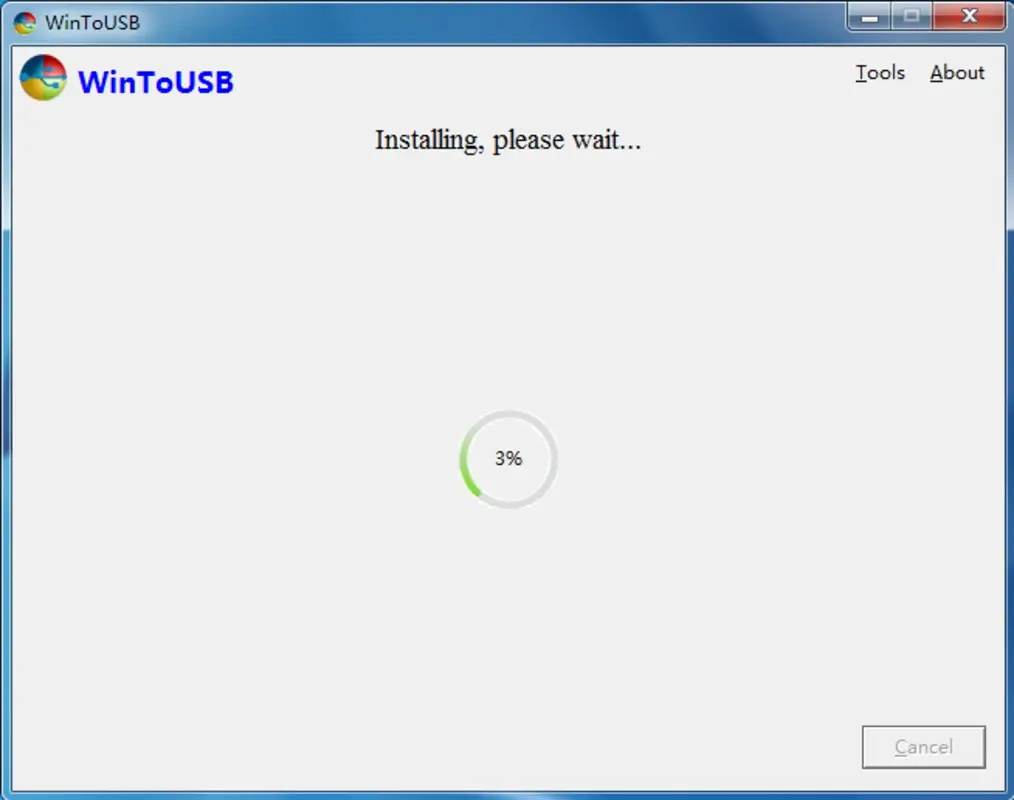
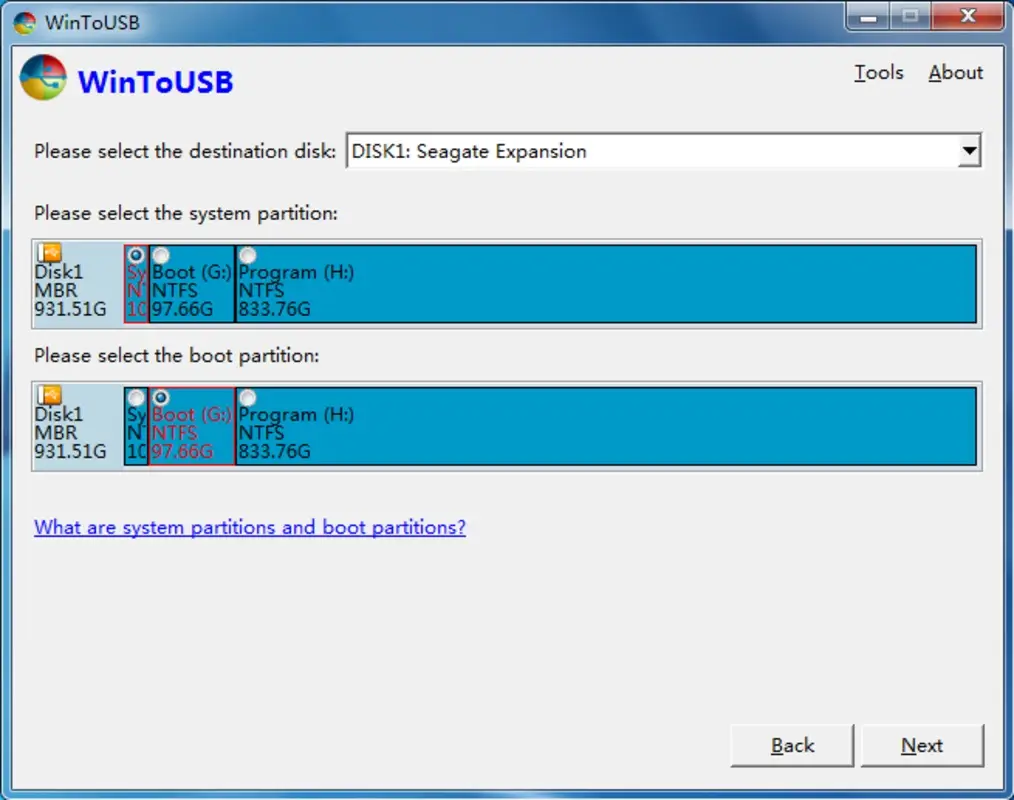
WinToUSB uses a workflow that guides users through the process of selecting a Windows source, selecting a destination disk, and preparing a bootable environment. The simple process makes it easy to complete the task of converting Windows to USB without having to manually configure each step.
SYSTEM REQUIREMENTS
- Supported OS: Windows 11/10/8.1/7
- Memory (RAM): 1 GB of RAM or more is required
- Hard Disk Space: 100 MB or more required