Secret Disk Professional is a Windows privacy utility from PrivacyRoot that creates a password-protected virtual disk for storing private files. The virtual disk can be connected or disconnected when needed, making its contents less visible during normal computer use. It requires no physical partition formatting and provides a simple way to organize personal or sensitive data separately. Recent updates add features such as secure deletion, automatic mounting, and performance improvements
OVERVIEW OF SECRET DISK PROFESSIONAL
Secret Disk Professional is a Windows application designed to create a virtual, private disk for storing sensitive files and personal information. Developed by PrivacyRoot, the program creates an additional disk that functions like a standard Windows drive but remains hidden and secure when not in use.
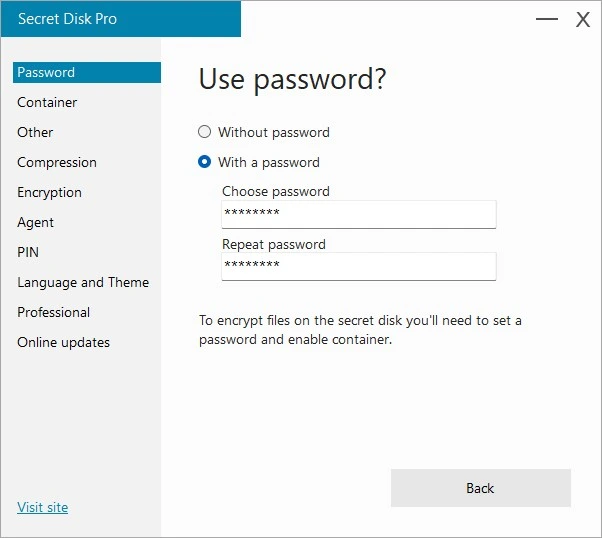
The application creates a virtual disk without requiring the user to modify or format existing disk partitions. Users can mount the secret disk when needed and unmount it after use. Access to the disk can be password-protected, providing an extra layer of security for files that users do not wish to keep visible in standard folders.
Users of the “Professional” version gain access to premium features. Updates introduced in 2026 added functionality such as automatic disk mounting upon Windows startup, automatic opening of File Explorer when the disk is mounted, and manual update management, alongside improvements to performance and stability. Version 326, released in August 2026, adds features for securely deleting files and displaying drive letters in the main window. Secret Disk Professional is designed for Windows users seeking an easy way to separate private files from everyday files without the need for complex disk management operations.
FEATURES OF SECRET DISK PROFESSIONAL
PASSWORD-PROTECTED PRIVATE STORAGE
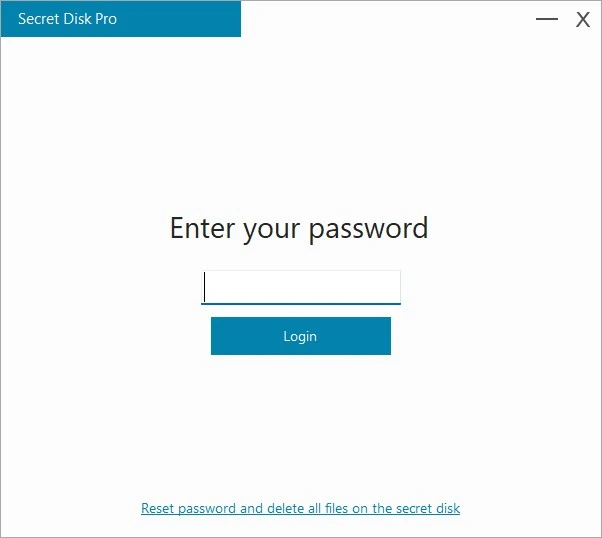
Secret Disk Professional offers users a dedicated virtual space to store private documents, photos, work files, and other sensitive information. This secret disk can be password-protected, preventing unauthorized access to its contents. When the disk is closed (unmounted), it no longer appears as a standard drive within the Windows operating system.
VIRTUAL DISK REQUIRING NO PARTITIONING OR FORMATTING
One of the key advantages of Secret Disk is that it does not require the creation of a separate physical partition or formatting. The application utilizes Windows technology to create a virtual disk on demand. By utilizing space from existing system drives, users can create and manage private storage without the complexities associated with disk partitioning.
EASY OPENING AND CLOSING
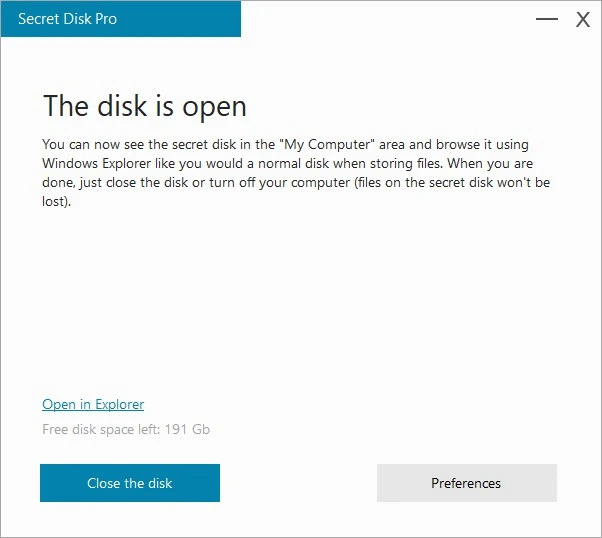
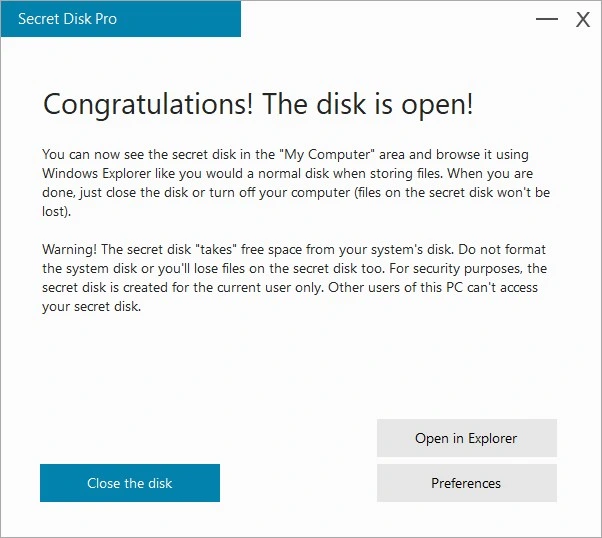
You can open (mount) the secret disk whenever you need to access your private files and close it when it is no longer needed. Once closed, the virtual disk disappears from standard Windows access areas, yet the stored data remains intact and ready for use the next time it is opened. This simple process streamlines everyday privacy management.
AUTOMATION AND WINDOWS EXPLORER INTEGRATION
Recent updates have introduced useful automation options for Professional users. Secret Disk can be configured to launch automatically when Windows starts. Additionally, settings allow Windows File Explorer to open automatically when the disk is unlocked, thereby reducing the manual steps required to access private files.
SECURE FILE DELETION
Version 326 introduced a secure file deletion feature to Secret Disk. According to the developer, this function is designed to permanently delete files, making them unrecoverable. The latest version also displays the assigned drive letter directly on the main screen, making it easier to identify the disk. Lightweight and regularly updated Secret Disk prioritizes a simple, intuitive interface over complex storage management systems. Throughout 2026, the developer is focusing on performance, memory usage, stability, and security.
SYSTEM REQUIREMENTS
Supported OS: Windows 11/10/8.1/7
Memory (RAM): 1 GB of RAM or more is required
Hard Disk Space: 100 MB or more required