
Superace UPDF is a modern, all-in-one PDF editor that allows users to easily view, edit, markup, convert, organize, and protect PDF documents. Designed for individuals, students, and businesses, this app combines an easy-to-use interface with AI-powered features, OCR, cloud sync, and cross-platform compatibility. UPDF simplifies document management and offers fast performance and comprehensive tools for everyday PDF tasks.
OVERVIEW OF SUPERACE UPDF
Superace UPDF is a full-featured PDF editor designed to simplify document management on Windows, macOS, iOS, and Android devices. It offers a complete set of tools to view, edit, markup, convert, organize, protect, and sign PDF files in a clean, user-friendly interface. Whether you’re a student reviewing notes, a professional editing contract, or a business owner working on digital documents, UPDF offers an effective solution for everyday PDF tasks.
The software allows users to edit text, images, and links directly within PDF files without converting them to another format. Built-in OCR technology converts scanned documents into searchable and editable PDFs, while batch processing tools save time by processing multiple files at once. UPDF also supports converting PDF files to Microsoft Office formats, images, HTML, and other popular file types while preserving the original format.
One of UPDF’s unique capabilities is its artificial intelligence assistant, which can summarize long documents, explain complex content, translate text, and answer questions based on documents. Cloud syncing allows users to access their files across multiple devices with a single account, making collaboration and productivity easy.
With advanced security features such as password protection, permission settings, digital signatures, and document encryption, UPDF is ideal for both personal and professional use. The combination of speed, modern design, and comprehensive features makes it a powerful alternative to traditional PDF editing software.
FEATURES OF SUPERACE UPDF
FULL PDF EDITING
Superace UPDF offers comprehensive editing tools that allow users to directly modify text, images, links, backgrounds, headers, footers, and watermarks within PDF documents. Users can adjust fonts, colors, sizes, and formatting without converting the file to another format, making document updates fast and accurate.
ADVANCED MARKUP AND COLLABORATION
This software includes a full set of markup tools, including highlighting, underlining, strikethrough, sticky notes, text boxes, stamps, drawing tools, and annotations. These features make it easy and efficient to review documents, share feedback, and collaborate with colleagues or classmates.
OCR AND FILE CONVERSION
UPDF includes Optical Character Recognition (OCR) technology that turns scanned PDF files into searchable and editable documents. It also converts PDF files to Word, Excel, PowerPoint, HTML, Text, XML, CSV, Image formats, and more, while preserving the accuracy of the layout. Batch conversion further improves productivity when processing multiple files.
AI-POWERED PRODUCTIVITY TOOLS
Integrated AI features help users summarize long documents, highlight difficult content, translate text into multiple languages, rewrite paragraphs, create outlines, and answer questions based on PDF content. These intelligent tools improve reading comprehension, research, and document analysis, saving valuable time.
PDF ORGANIZATION AND SECURITY
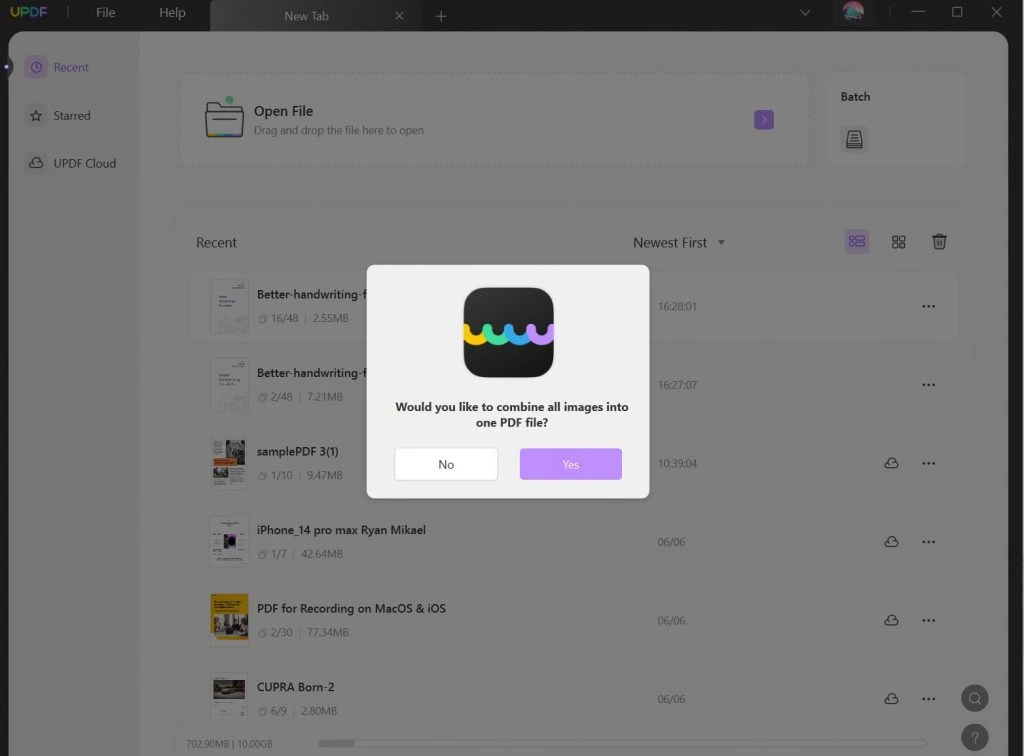
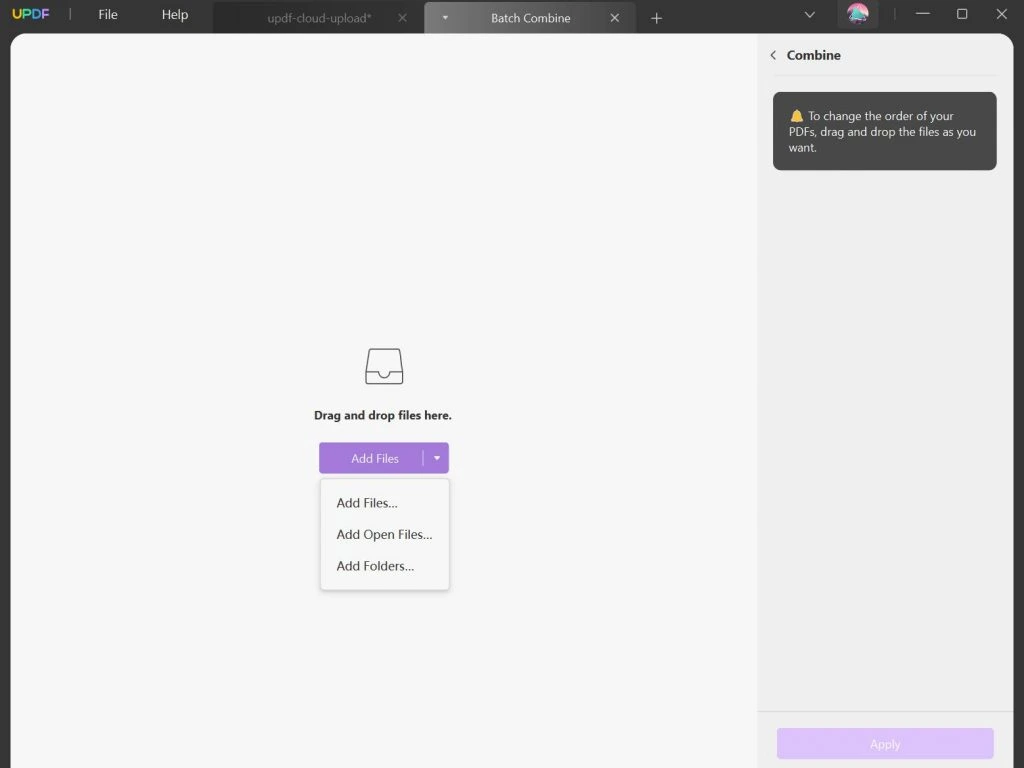
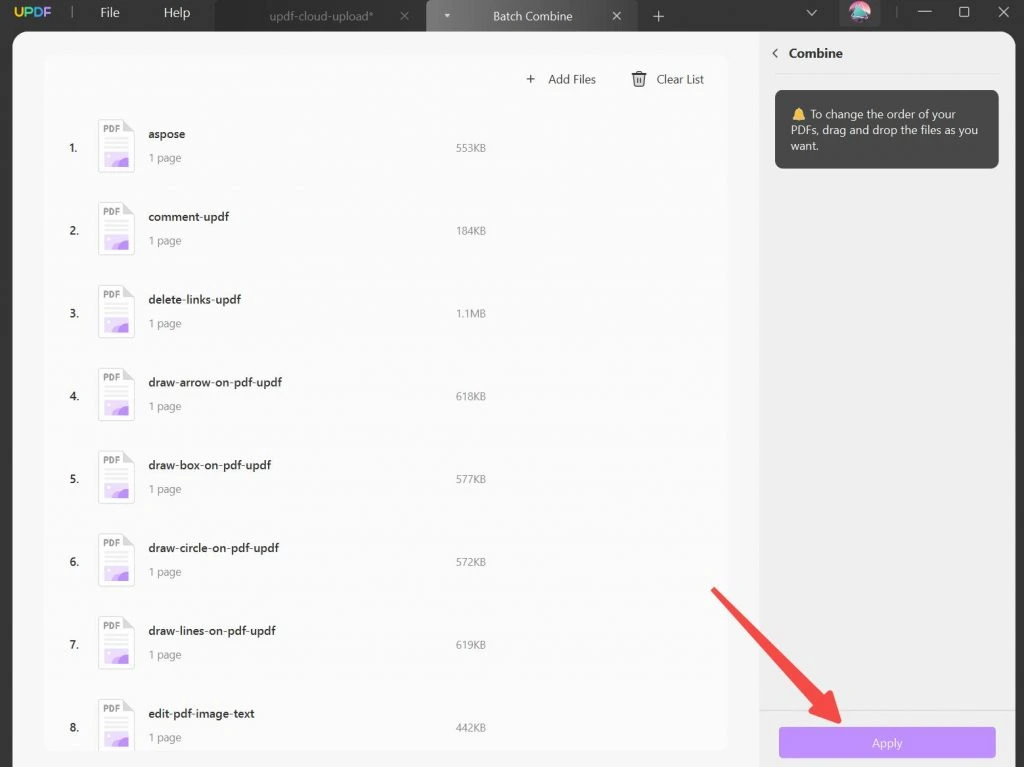
Superace UPDF offers powerful document management features such as merging, splitting, rotating, deleting, inserting, replacing, extracting, and repositioning pages. Users can also compress large PDF files for easy sharing. Security tools include password protection, permission management, encryption, digital signatures, and redaction to protect sensitive information.
CROSS-PLATFORM SUPPORT AND CLOUD SYNC
UPDF works seamlessly on Windows, macOS, iOS, and Android with a single license. Built-in cloud sync allows users to access, edit, and manage documents from multiple devices while keeping files up to date. Fast performance, automatic saving, and a modern interface make workflows seamless for both personal and professional users.
SYSTEM REQUIREMENTS
- Supported OS: Windows 11/10/8.1/7
- Memory (RAM): 1 GB of RAM or more is required
- Hard Disk Space: 400 MB or more is required