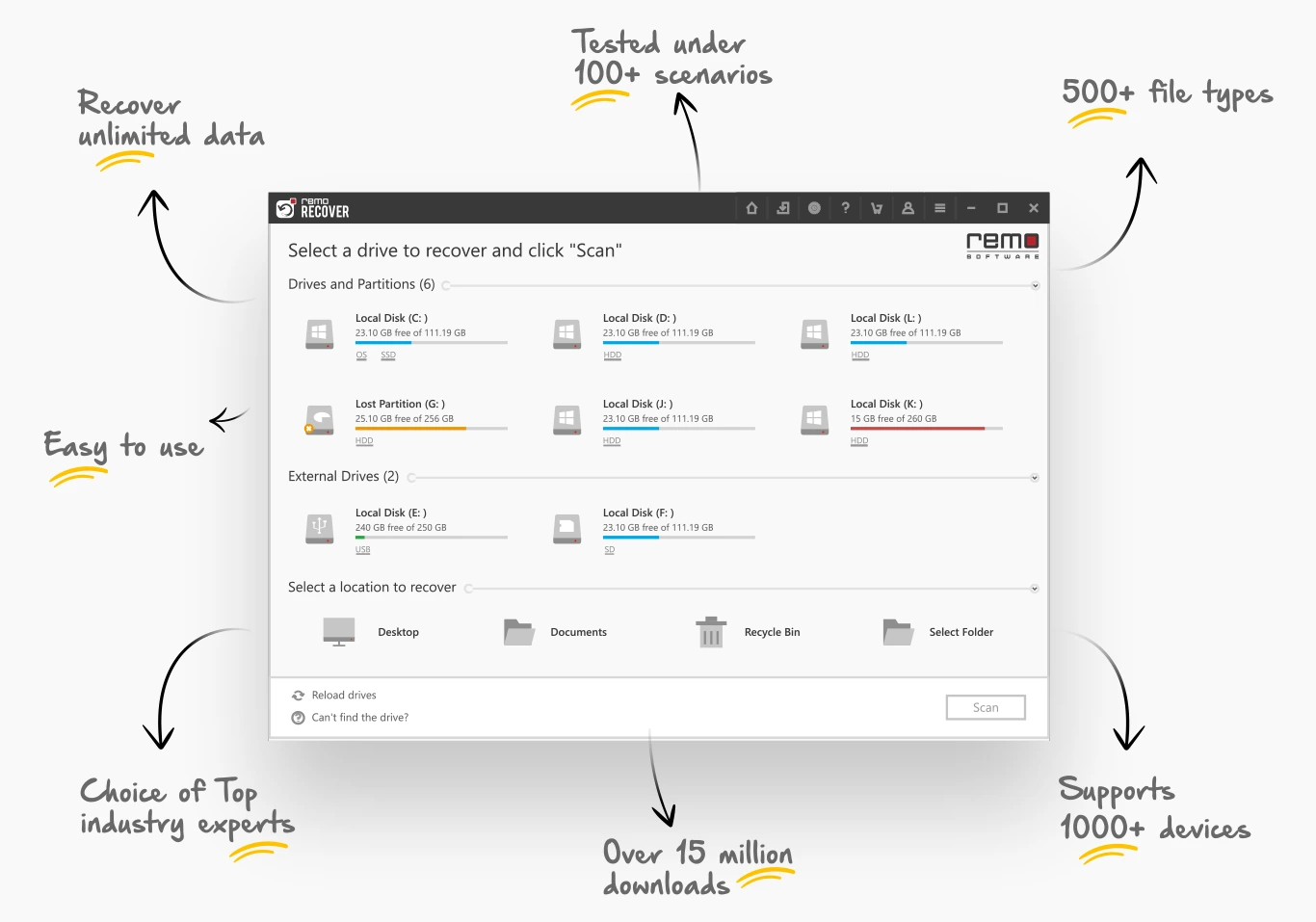
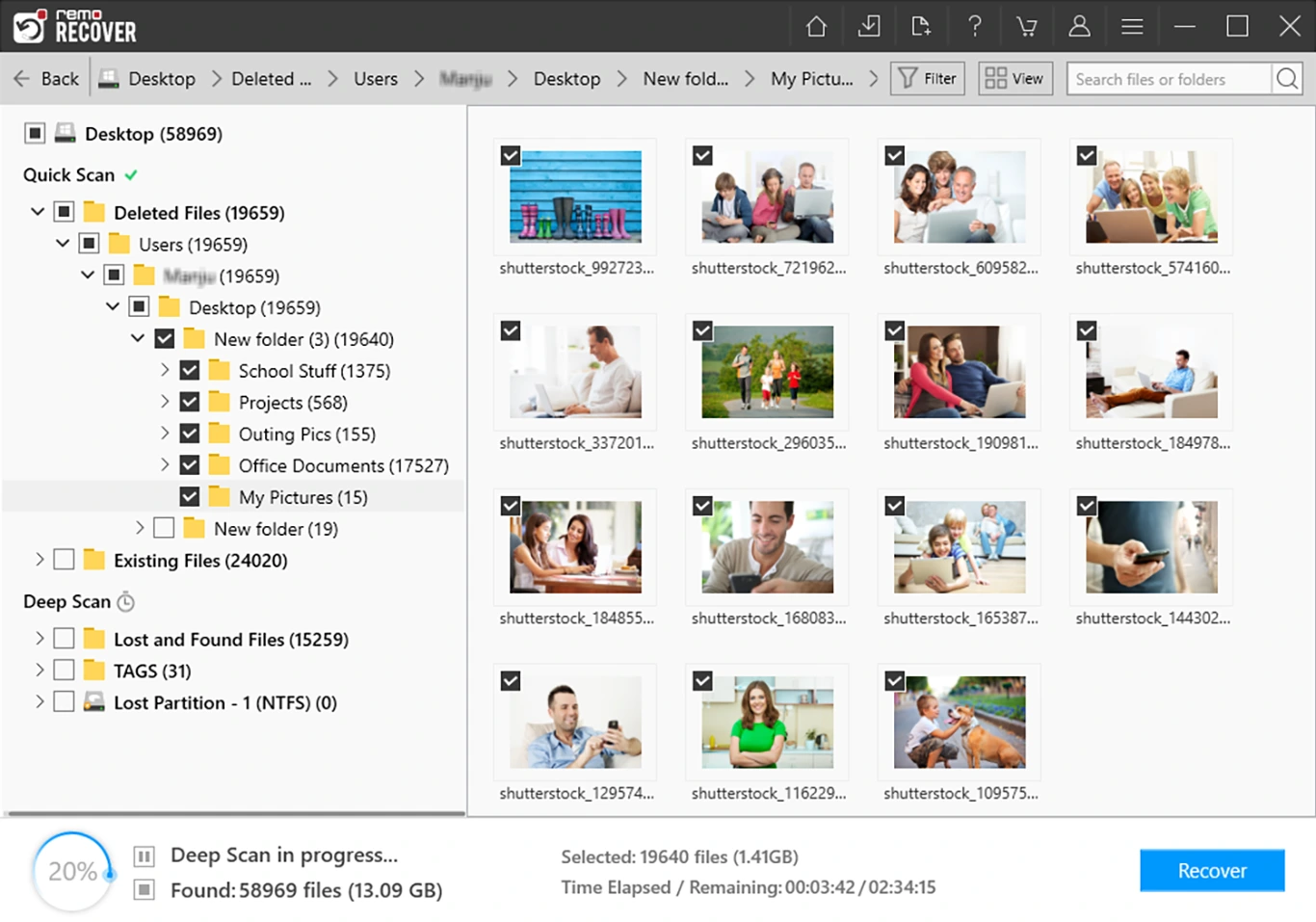

Remo Recover Windows is a comprehensive data recovery solution for recovering deleted, lost or formatted files from Windows computers and various storage devices. It supports hard drives, SSDs, USB drives, SD cards, and external storage and can recover documents, photos, videos, emails, and more. Fast and deep scanning modes, preview functions, and a clear interface help users effectively recover data from various data loss situations.
OVERVIEW OF REMO RECOVER WINDOWS
Remo Recover Windows is an advanced file recovery software that helps users recover lost, deleted or inaccessible data from Windows-based computers and storage devices. Whether the files are accidentally deleted, lost after formatting, corrupted due to a system crash, or lost due to partition errors, the software offers reliable recovery options with an easy-to-use interface.
The software supports recovery from hard drives, SSDs, USB flash drives, memory cards, external hard drives, cameras and other storage devices. It can recognize over 500 file formats including documents, images, videos, audio files, archives and emails. It works with a wide range of Windows storage environments as it is compatible with NTFS, FAT16, FAT32 and exFAT file systems.
Remo Recover Windows has a deep scan feature to quickly scan deleted files recently and find data buried in the storage sector. Users can preview recoverable files before recovery, making it easy to recover only the data they need. The software also includes advanced filtering and search tools and has the ability to save and resume long-running scan recovery sessions.
Designed for home users and IT professionals, Remo Recover Windows combines powerful recovery technology with a simple workflow, making it an effective solution for recovering valuable data from a wide range of data loss incidents.
FEATURES OF REMO RECOVER WINDOWS
COMPREHENSIVE DATA RECOVERY
Remo Recover Windows recovers deleted, lost, formatted and inaccessible files from internal and external storage devices. It supports recovery after accidental deletion, partition loss, formatting, virus attack and operating system crash.
DUAL SCANNING TECHNOLOGY
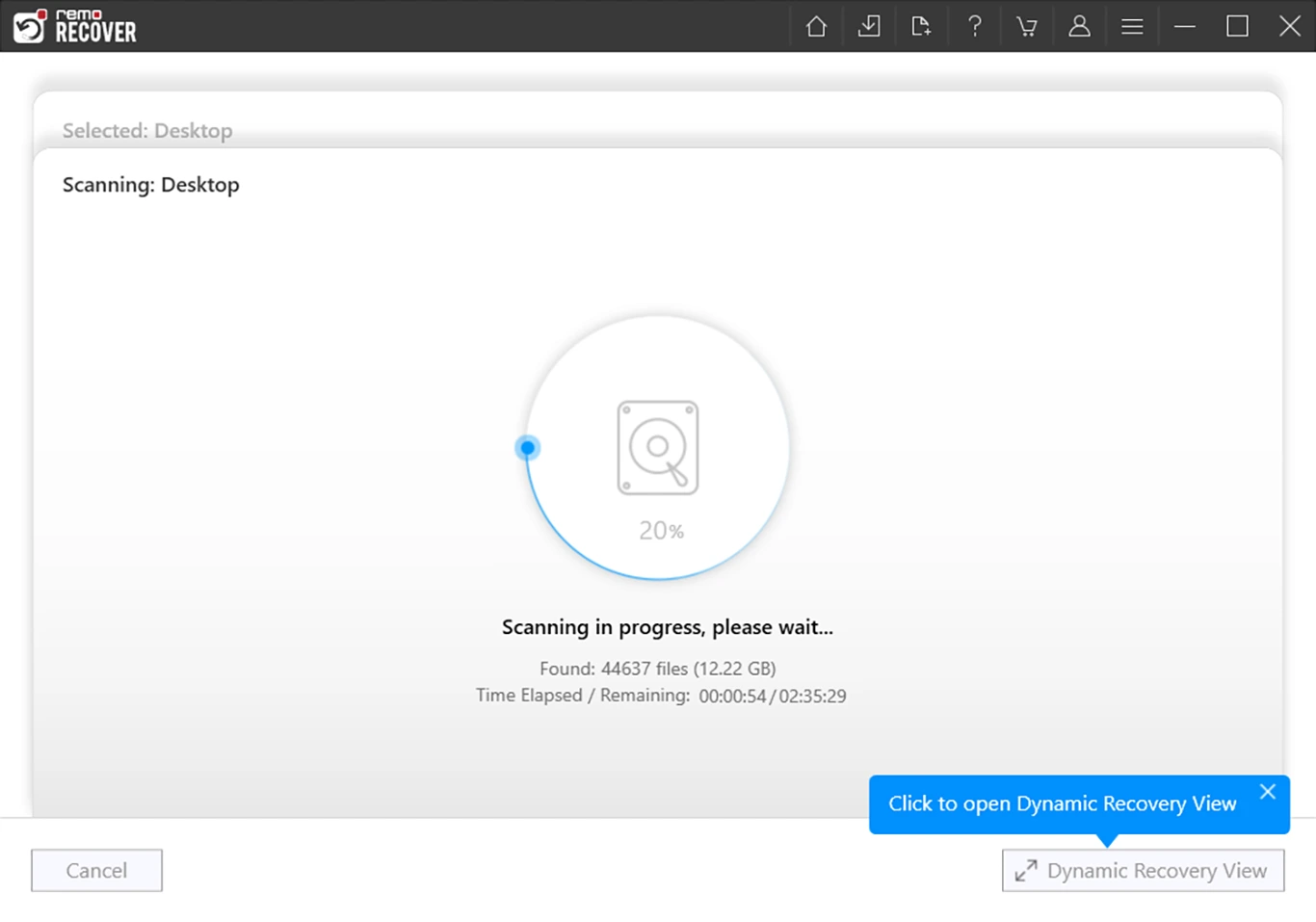
This software performs quick scanning to find recently deleted files and automatically performs deep scanning to recover data from damaged or formatted storage devices, increasing the chances of successful recovery.
WIDE RANGE OF FILE AND DEVICE SUPPORT
Remo Recover Windows can recover over 500 file types, including photos, videos, documents, emails, audio files, and archives. It supports HDD, SSD, USB drives, memory cards, SD cards, external hard drives, cameras, and many other storage devices.
PREVIEW AND SMART FILTER
Users can preview recoverable files before saving, which helps to check the integrity of the files. Advanced search and filter options make it easy to find specific files based on name, type, date, or size, reducing the time it takes to find important data.
RECOVERY SESSION MANAGEMENT
The software allows users to save recovery sessions and resume them later without having to rescan the storage device. This feature is especially useful when scanning large drives or recovering data over multiple sessions.
USER-FRIENDLY INTERFACE
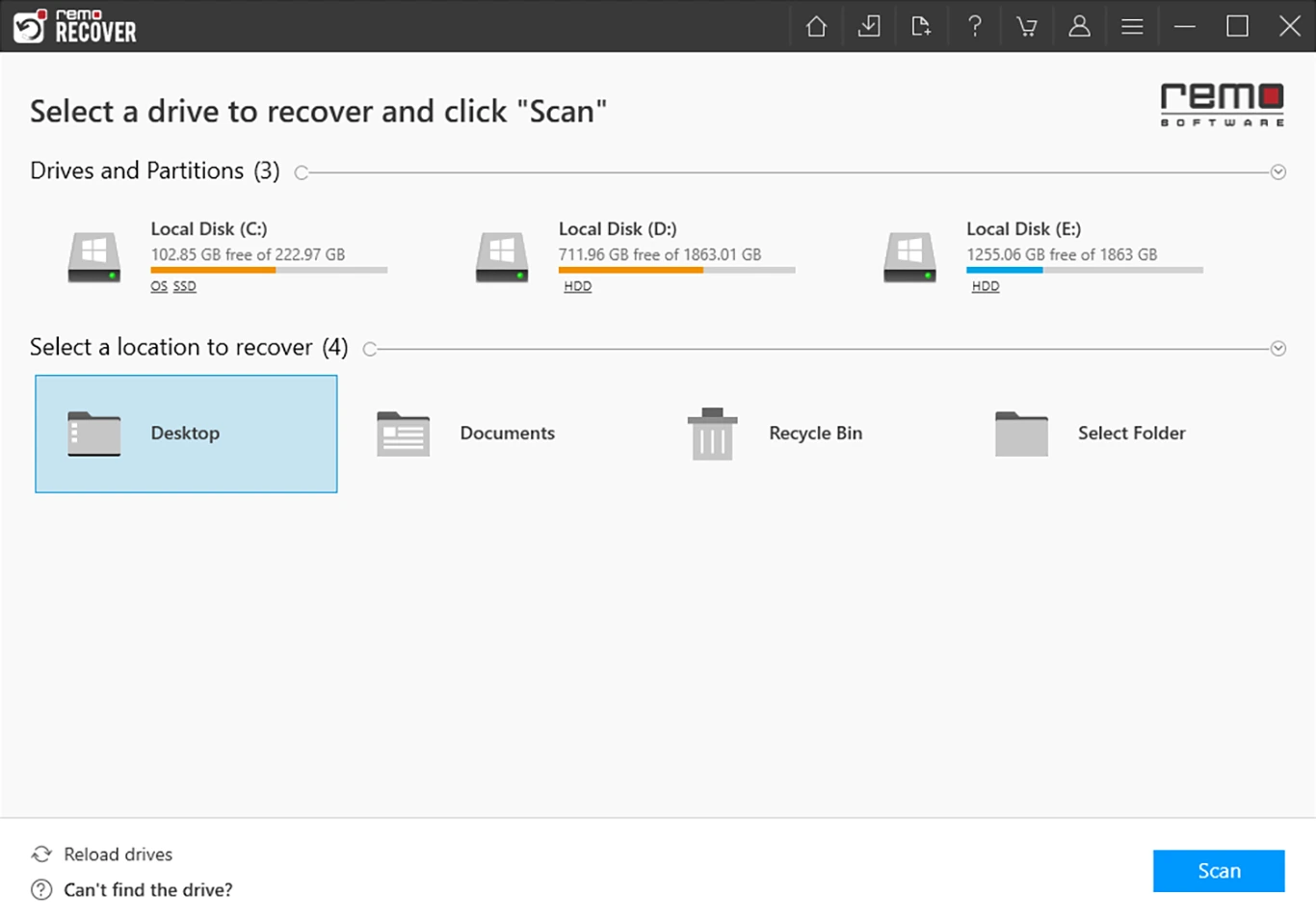
Remo Recover Windows offers a clean, step-by-step interface that is suitable for both beginners and professionals. Its guided recovery process, dynamic scan results, and organized file categories make data recovery easy while minimizing the risk of errors.
SYSTEM REQUIREMENTS
- Supported OS: Windows 11/10/8.1/7
- Memory (RAM): 1 GB of RAM or more is required
- Hard Disk Space: 100 MB or more is required