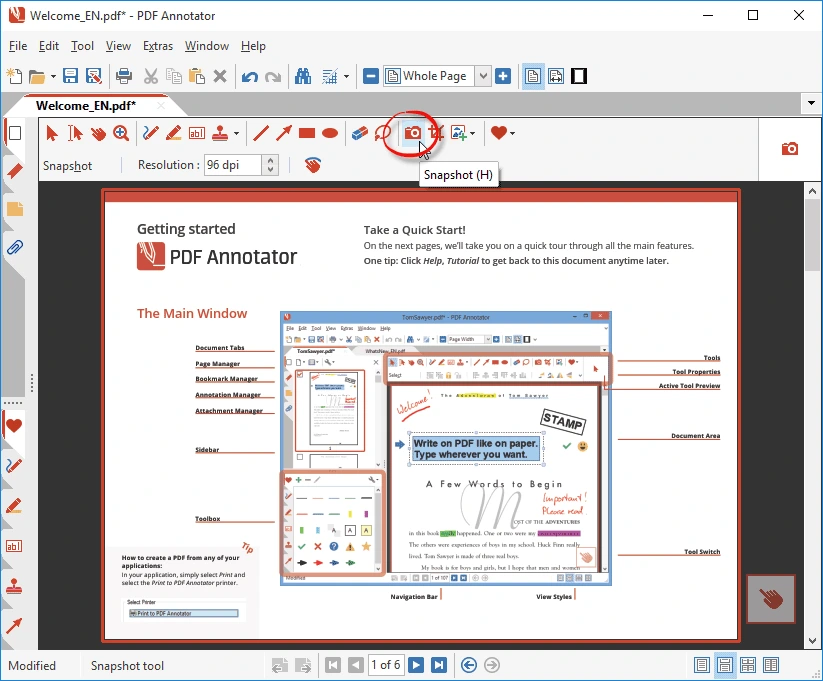
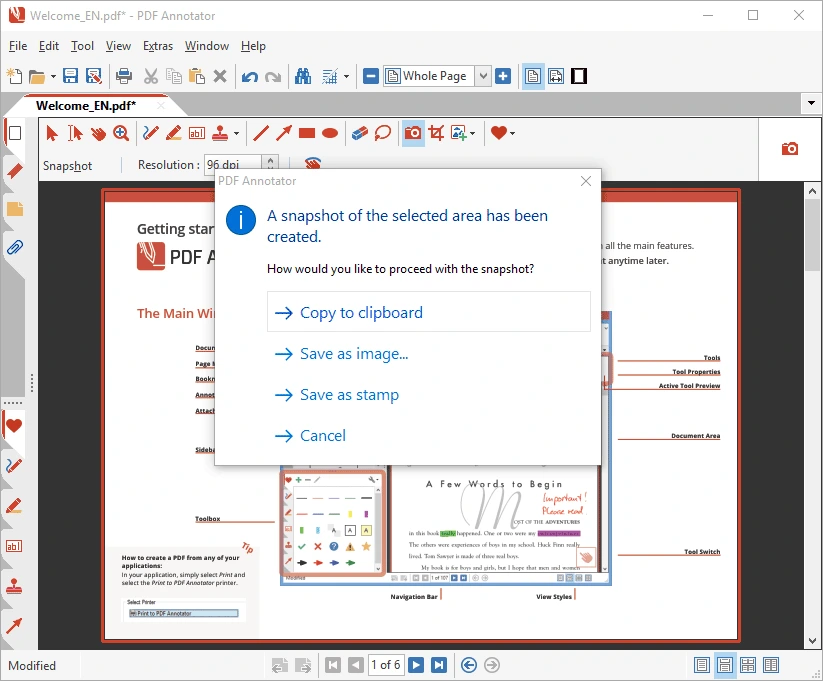
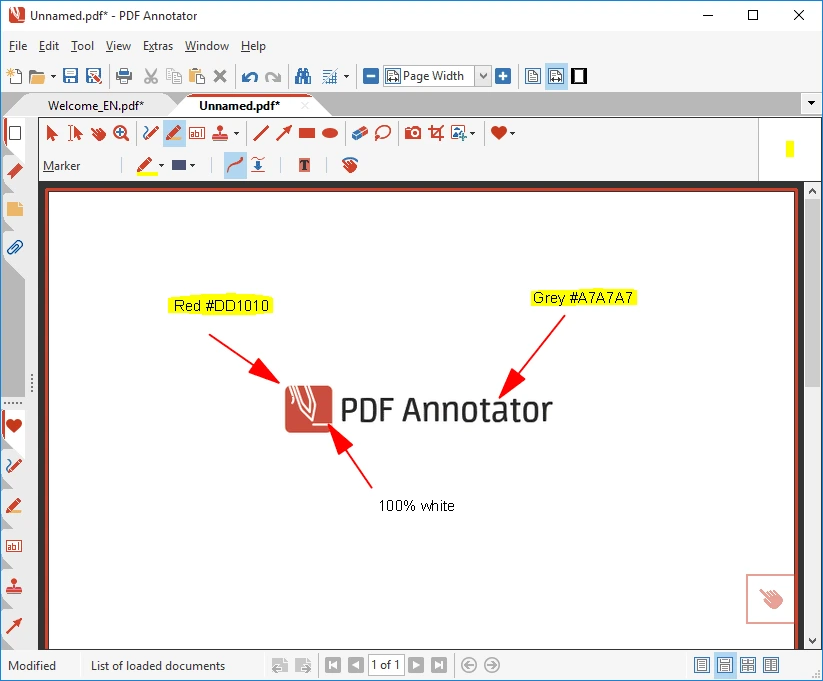

PDF Annotator is a professional Windows application designed for adding notes, comments, highlights, drawings, and signatures to PDF documents. It features powerful annotation and document management tools, enabling users to easily review, edit, organize, and share PDF files. It is highly suitable for students, teachers, engineers, and business professionals.
OVERVIEW OF PDF ANNOTATOR
PDF Annotator is a robust PDF editing and annotation software developed by GRAHL Software Design. It allows users to directly add handwritten notes, text comments, highlights, drawings, signatures, and stamps to PDF documents. The software is designed to streamline the process of reviewing, editing, and organizing PDF files.
It offers a wide range of annotation tools, including pens, highlighters, shapes, arrows, and the ability to insert images. Users can also merge multiple PDF documents, insert blank pages, rearrange pages, and remove unwanted content. Its measurement tools are particularly valuable for engineers and professionals who work with technical drawings.
PDF Annotator also supports a full-screen presentation mode, making it well-suited for classroom lessons, meetings, and professional presentations. Users can save their annotations directly within the PDF file and share them with others without needing additional software. Overall, it is an effective solution for managing PDF documents, providing feedback, and streamlining daily document workflows.
FEATURES OF PDF ANNOTATOR
POWERFUL TOOLS FOR ANNOTATING PDF DOCUMENTS
PDF Annotator includes a wide range of tools for adding handwritten notes, text annotations, highlights, underlines, and edits. Users can easily mark important information and leave feedback directly on PDF pages.
DRAWING AND INSERTING IMAGES
The software features various drawing tools, such as pens, arrows, lines, rectangles, and circles. Users can also insert images into their documents, create diagrams, and visualize their ideas.
DIGITAL SIGNATURES AND STAMPS
PDF Annotator supports the addition of digital signatures to documents using signature stamps. It also offers a variety of symbols, date stamps, and other useful annotation options suitable for professional documentation.
PDF PAGE MANAGEMENT
Users can add blank pages, merge multiple PDF documents, reorder pages, and remove unwanted sections. These tools make it easy to organize and manage large PDF files.
MEASUREMENT AND PRESENTATION TOOLS
The software includes tools for measuring distances, areas, and angles on technical drawings. Additionally, features such as a full-screen presentation mode and a laser pointer are useful for meetings, lectures, and presentations.
CREATING AND SHARING PDF FILES
PDF Annotator allows for the creation of PDF files using a virtual printer. It supports converting documents and images into PDF format, saving annotations directly within the file, and sharing the finalized documents with others.
SYSTEM REQUIREMENTS
- Supported OS: Windows 11/10/8.1/7
- Memory (RAM): 1 GB of RAM or more is required
- Hard Disk Space: 400 MB or more required