Broadgun pdfMachine is a Windows-based PDF creation and editing solution that installs as a virtual printer and allows users to create PDF files from virtually any printable application. It offers features such as PDF editing, OCR, markup, encryption, digital signatures, page management, email merge, and PDF merging. Designed for both individuals and businesses, pdfMachine simplifies document workflows while creating high-quality, searchable, and secure PDF files.
OVERVIEW OF BROADGUN PDFMACHINE
Broadgun pdfMachine is a comprehensive PDF creation and management software for Windows users who need to efficiently produce, edit, and distribute PDF documents. It works as a virtual printer and allows you to convert files from almost any application into high-quality PDF documents by selecting the Broadgun pdfMachine printer during printing. The software includes Microsoft Office integration to quickly create PDF files from Word, Excel, and PowerPoint.
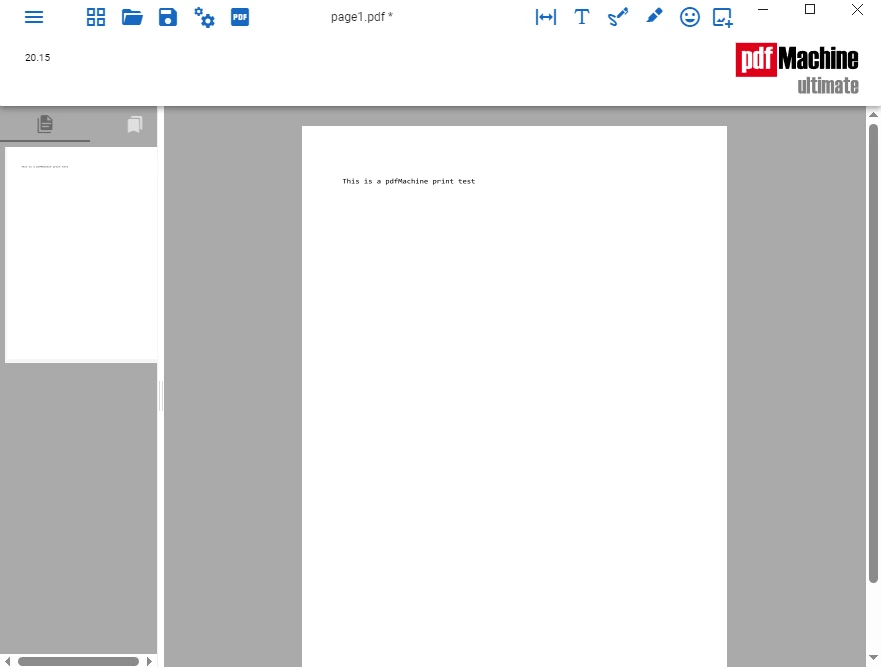
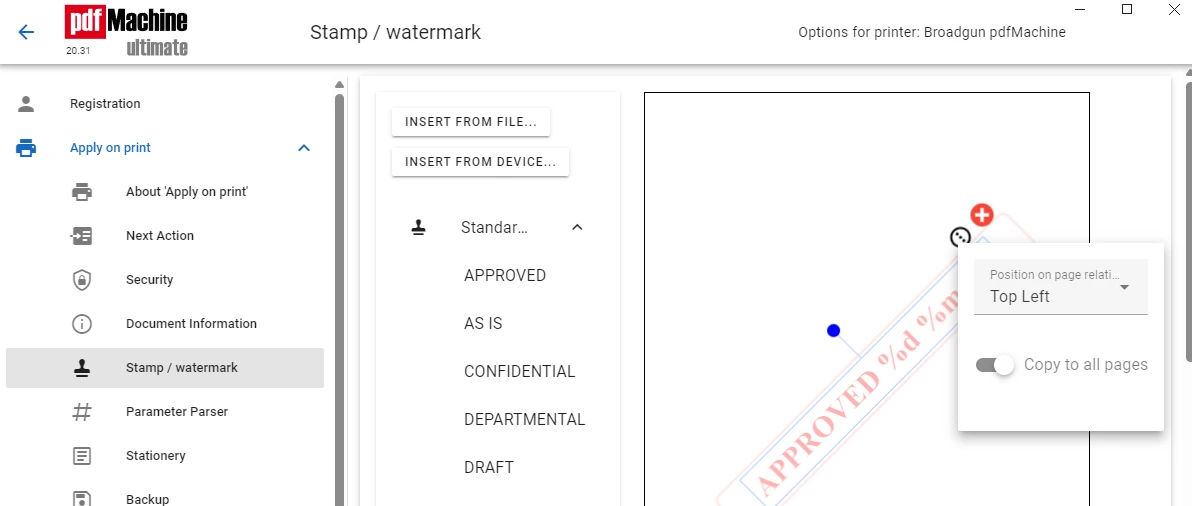
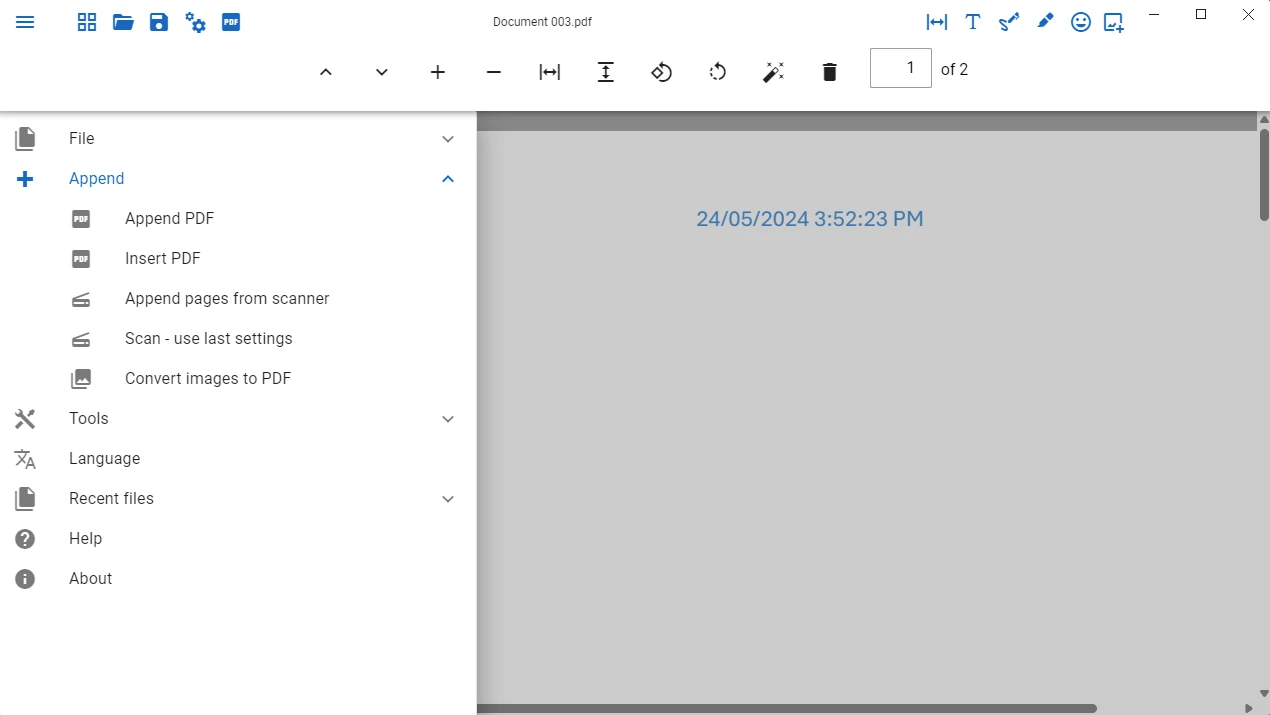
In addition to basic PDF creation, pdfMachine provides advanced editing capabilities such as inserting, deleting, rotating, merging, splitting, marking, highlighting, editing, and OCR for scanned documents. It supports password protection, encryption, digital signatures, watermarks, and document metadata to enhance document security and professionalism.
The software is integrated with an email client and SMTP service, allowing users to automatically send the generated PDF files as email attachments. After creating PDFs, businesses can automate their document workflows using print profiles, parameter parsing, and custom actions. Scanning, PDF/A archiving, multilingual fonts, and network deployment support make pdfMachine ideal for professional environments of all sizes.
Whether you’re creating reports, invoices, contracts, manuals, or scanned archives, Broadgun pdfMachine combines PDF creation, editing, and automation into a single, user-friendly solution. With a focus on speed, reliability, and workflow automation, it’s an excellent choice for both personal productivity and corporate document management.
FEATURES OF BROADGUN PDFMACHINE
EASY PDF CREATION
Broadgun pdfMachine is installed as a virtual printer, allowing users to create PDF files from almost any Windows application. Simply print a document to the “Broadgun pdfMachine” printer, and the software instantly converts it into a professional-quality PDF. Microsoft Office add-ins make the process even easier by allowing you to create PDFs directly from Word, Excel, and PowerPoint.
ADVANCED PDF EDITING
The software includes powerful editing tools to manage PDF documents. Users can easily insert, delete, rotate, position, and append pages. Multiple documents can be merged into a single PDF or large documents can be split into smaller files. Markup tools allow users to highlight text, underline, strikethrough content, add comments, create custom stamps, and draw shapes to review documents.
OCR, SCAN, AND SEARCHABLE PDFS
pdfMachine allows you to scan documents directly using WIA and TWAIN-compliant scanners. Built-in optical character recognition (OCR) converts scanned images into searchable text, making it easy to find and copy archived documents. Automatic desktop and efficient image compression help reduce file size while maintaining document quality.
SECURITY AND DOCUMENT PROTECTION
The software provides several security features to protect sensitive information. Users can encrypt PDF documents with passwords, restrict printing or editing permissions, apply digital signatures, and permanently delete confidential text or images. Watermarks, document attributes, and PDF/A help organizations maintain compliance and professional document standards.
AUTOMATION AND WORKFLOW INTEGRATION
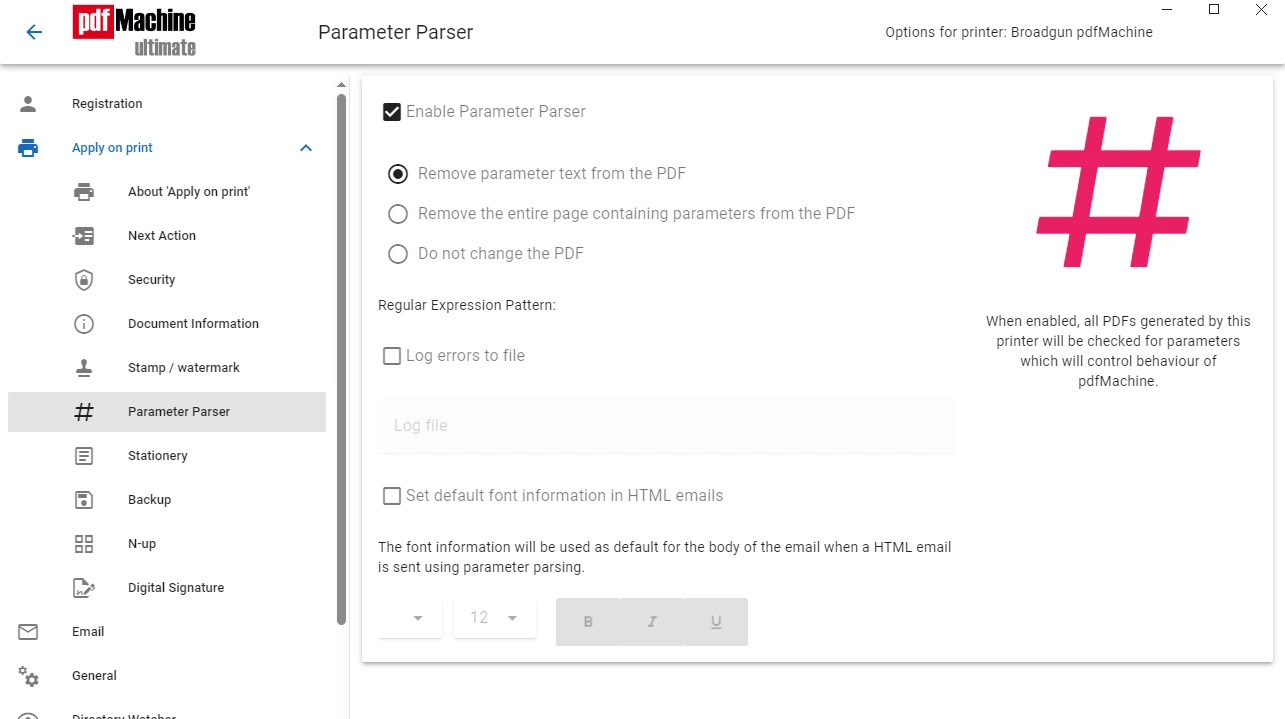
Broadgun pdfMachine offers extensive automation capabilities for business users. Custom print profiles allow for different PDF settings for specific tasks, while parameter parsing automates file naming, storage, splitting, and routing. After creating a PDF, users can set up automated actions such as opening the document, launching another application, or sending the PDF directly via email via Outlook, SMTP, Gmail API, or other supported services.
BUSINESS AND ENTERPRISE FEATURES
This software is ideal for organizations with multiple users, as it supports network deployments, terminal server environments, and shared printer deployments. It offers multilingual font support, a browser extension to convert web pages to PDF, and installation options that allow you to store and customize document bookmarks, links, and more. These features help businesses standardize PDF creation while improving team productivity and document management.
SYSTEM REQUIREMENTS
- Supported OS: Windows 11/10/8.1/7
- Memory (RAM): 1 GB of RAM or more is required
- Hard Disk Space: 100 MB or more required