
Hasleo Backup Suite is a free, all-in-one backup and recovery software for Windows. It supports full, incremental, and differential backup of the system, disk, partition, and files. The tool allows you to copy, restore, and create WinPE bootable media for disaster recovery.
OVERVIEW OF HASLEO BACKUP SUITE
Hasleo Backup Suite is a comprehensive, free backup and recovery solution for Windows designed for data protection, system stability, and fast disaster recovery. It supports a variety of backup types, including full, incremental, and differential backups of the entire system, individual disks, specific partitions, and selected files and folders. This flexibility allows users to easily protect everything from critical operating system files to personal documents.
The software offers powerful cloning capabilities, allowing users to copy a disk or move their Windows operating system to another disk without reinstalling it. In the event of system crashes, hardware failures, or accidental data loss, Hasleo Backup Suite offers reliable recovery options, helping users quickly and efficiently restore their system or files. For enhanced recovery flexibility, it allows you to create WinPE-based bootable media, which allows you to restore the system even if Windows cannot boot.
Designed with simplicity in mind, the program has a clean and intuitive interface, making it accessible to both novice and advanced users. Scheduled backups and customizable backup strategies are supported, allowing users to automate protection according to their preferences. Despite its robust performance, the software is lightweight and efficient, minimizing system resource consumption.
Designed for both personal and professional use, Hasleo Backup Suite provides reliable data protection and recovery at no cost. Combining ease of use with advanced features, it is a practical and versatile backup solution for anyone who wants to protect their Windows environment and maintain data integrity.
FEATURES OF HASLEO BACKUP SUITE
COMPREHENSIVE BACKUP OPTIONS
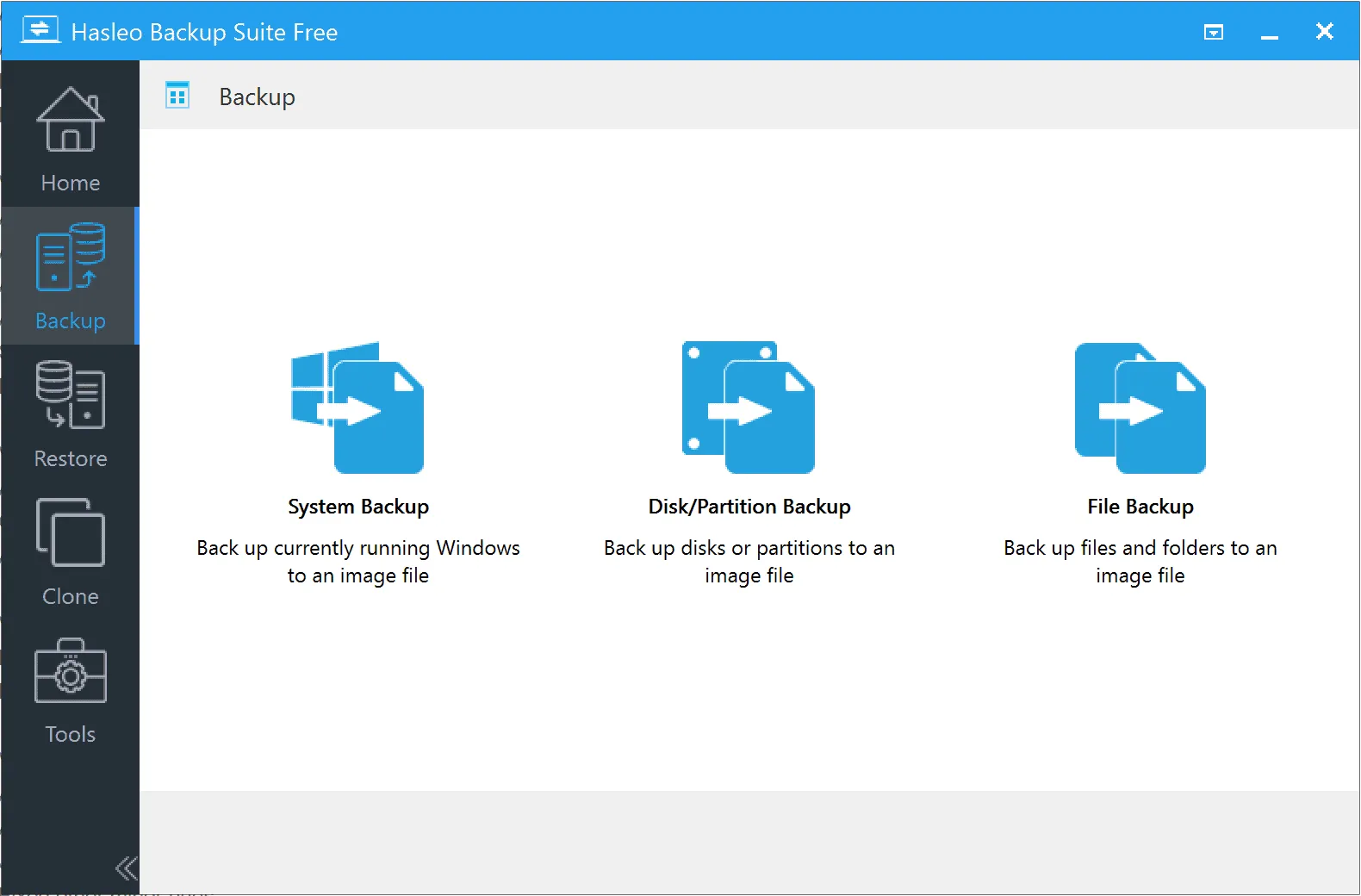
Hasleo Backup Suite offers a variety of backup solutions, including full system backup, individual disk or partition backup, and file or folder backup. This flexibility allows users to protect everything from the operating system to a few important documents. Full system backup is especially useful for disaster recovery, while file-level backup makes it easy to protect important work or personal data. With these options, Hasleo Backup Suite is suitable for home users and professionals who need a reliable backup strategy.
RELIABLE SYSTEM AND DISK CLONING
One of the standout features of Hasleo Backup Suite is the ability to partition and migrate systems. Users can copy a hard drive or entire operating system to another drive, making it a great tool for upgrading from an old HDD to a faster SSD. The cloning process will keep the system bootable and remain the same as the original version, and there is no need to reinstall Windows or applications. This feature is especially useful for businesses or individuals who want to upgrade their hardware without losing valuable time or data.
FAST AND INCREMENTAL BACKUP
Efficiency is a key advantage of Hasleo Backup Suite, thanks to its incremental and differential backup options. Instead of performing a full backup every time, the software can only copy data that has changed since the last backup. This significantly reduces backup time and storage space requirements, making it easy to back up frequently without overloading the system. The combination of speed and efficiency allows backups to run smoothly in the background without interfering with daily computer use.
POWERFUL RECOVERY SOLUTIONS
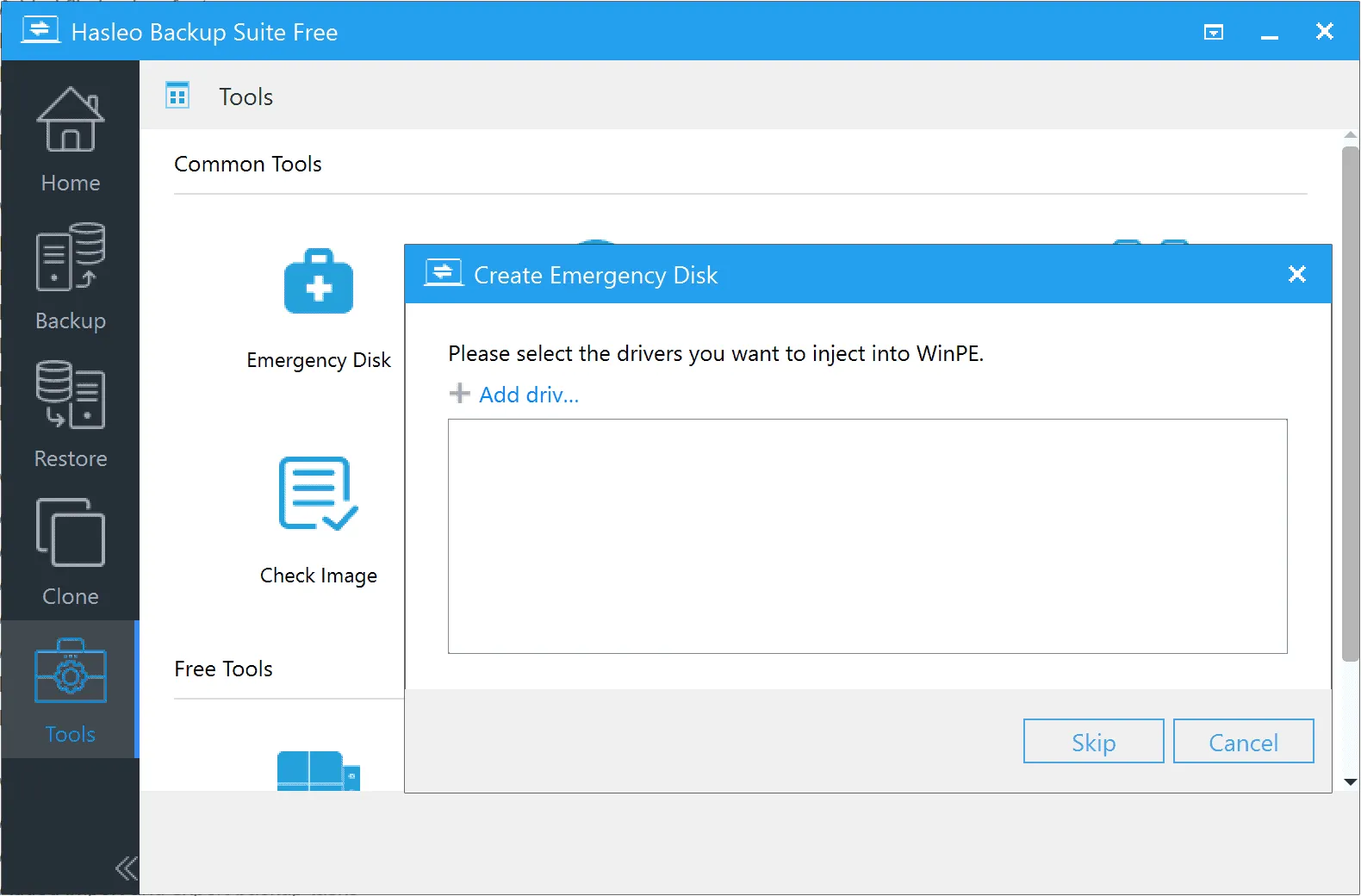
Hasleo Backup Suite not only creates backups, but also offers effective recovery options. In the event of a system failure, data corruption, or accidental deletion, users can quickly restore the system or individual files from the backup. The software has a bootable recovery environment, allowing users to restore their operating system even if Windows cannot boot. This emergency recovery capability gives users peace of mind knowing that they can quickly recover in the event of an unexpected disaster.
ADVANCED SCHEDULING AND AUTOMATION
Hasleo Backup Suite includes scheduling and automation features to make backups easy. Users can schedule daily, weekly, or monthly backups and update their data. Once configured, the process runs automatically without manual intervention. Automated backups are essential for ensuring constant protection, especially for users who work with sensitive work files or frequently change personal information. This hands-free approach provides consistent security without any additional effort.
USER-FRIENDLY INTERFACE AND CUSTOMIZATION
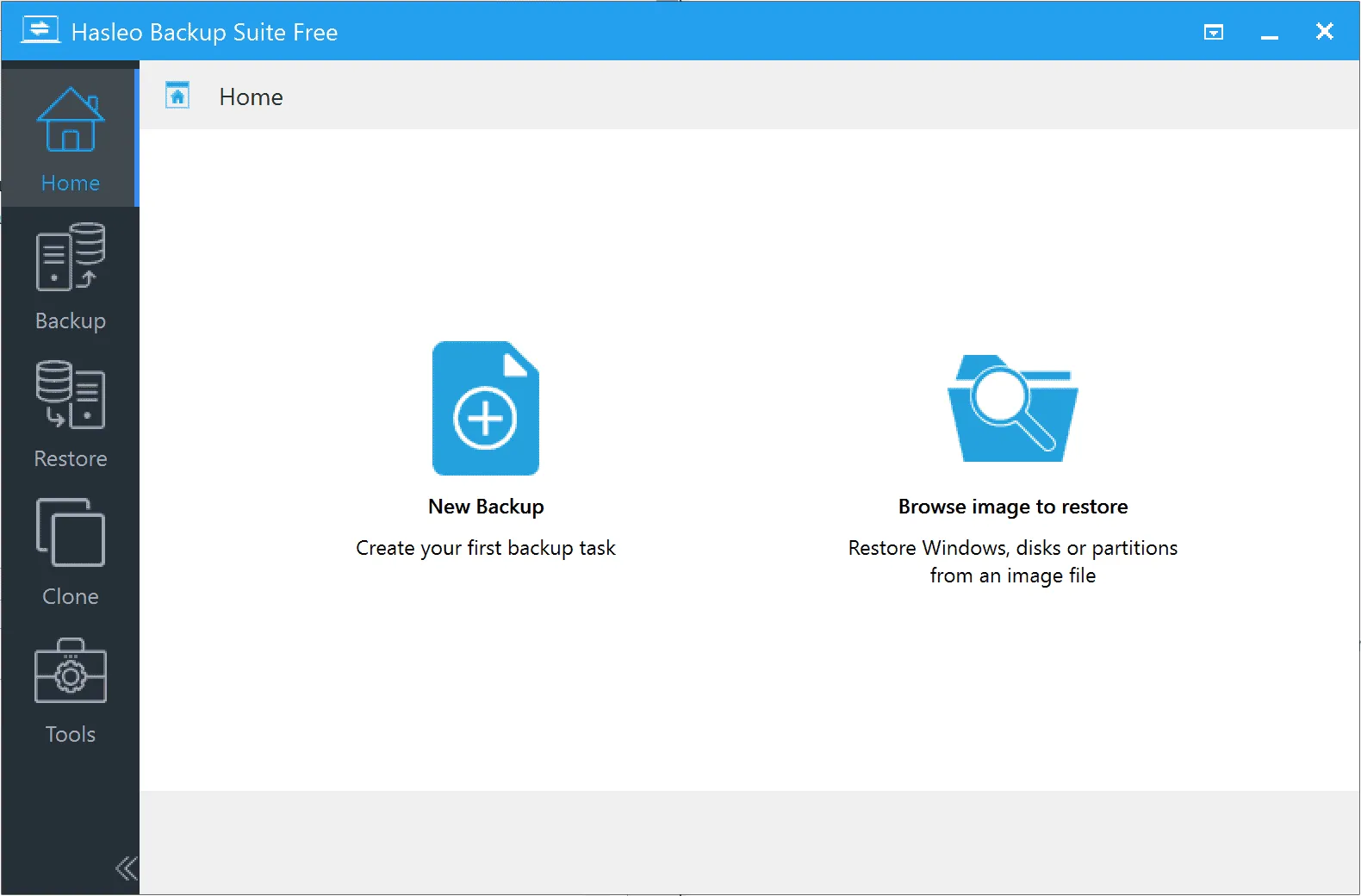
Despite its powerful features, Hasleo Backup Suite is designed with an intuitive interface that makes navigation easy. The dashboard clearly displays backup, restore, and copy options, so users can get started with minimal technical knowledge. For advanced users, it offers customizable settings such as compression levels, encryption for sensitive data, and notifications. The balance between simple and advanced features ensures that the software is suitable for both casual users and IT professionals.
SYSTEM REQUIREMENTS
- Supported OS: Windows 11/10/8.1/7
- Memory (RAM): 1 GB of RAM or more is required
- Hard Disk Space: 100 MB or more required