PDFgear is an AI-powered PDF editor that lets you view, edit, convert, merge, split, compress, markup, sign, and organize PDF documents. It also includes document summarization, Q&A, and AI-powered PDF chat OCR features. Available on Windows, macOS, iOS, Android, and the web, PDFgear aims to be a powerful alternative to paid PDF software.
OVERVIEW OF PDFGEAR
PDFgear is a modern, AI-powered PDF editor designed to simplify document management for students, professionals, business owners, and everyday users. It provides a comprehensive set of PDF tools that allow you to edit, read, convert, merge, split, compress, markup, organize, and sign PDF documents from a single user-friendly interface. Unlike traditional PDF applications, PDFgear combines powerful editing capabilities with intelligent AI features to help users work more efficiently.
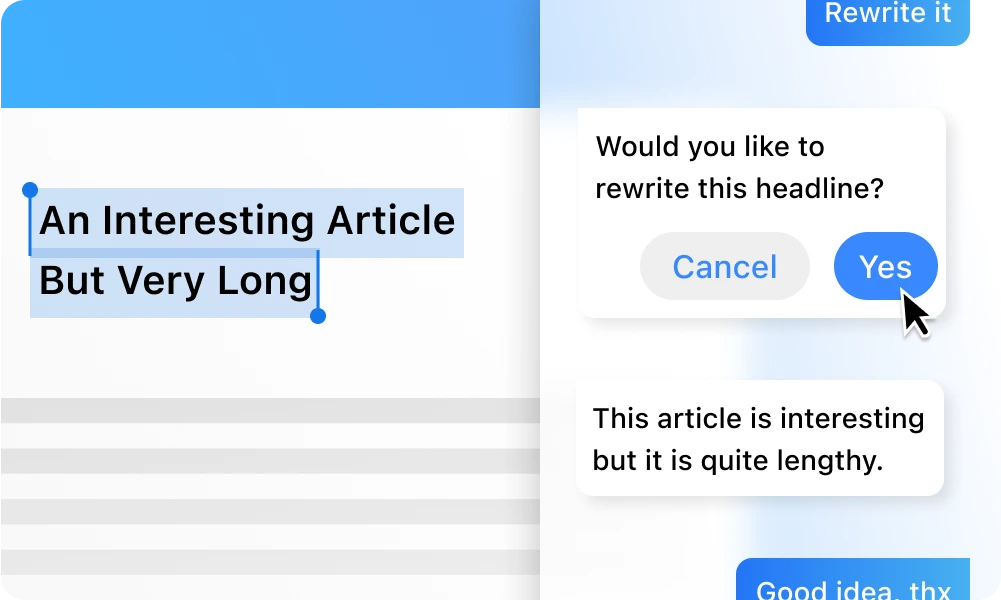
One of PDFgear’s unique features is the AI-powered PDF Copilot, which allows users to summarize long documents, extract important information, answer questions, and interact with PDF files using natural language. The software also includes OCR (Optical Character Recognition), which allows you to search and edit scanned documents and image-based PDF files with high accuracy.
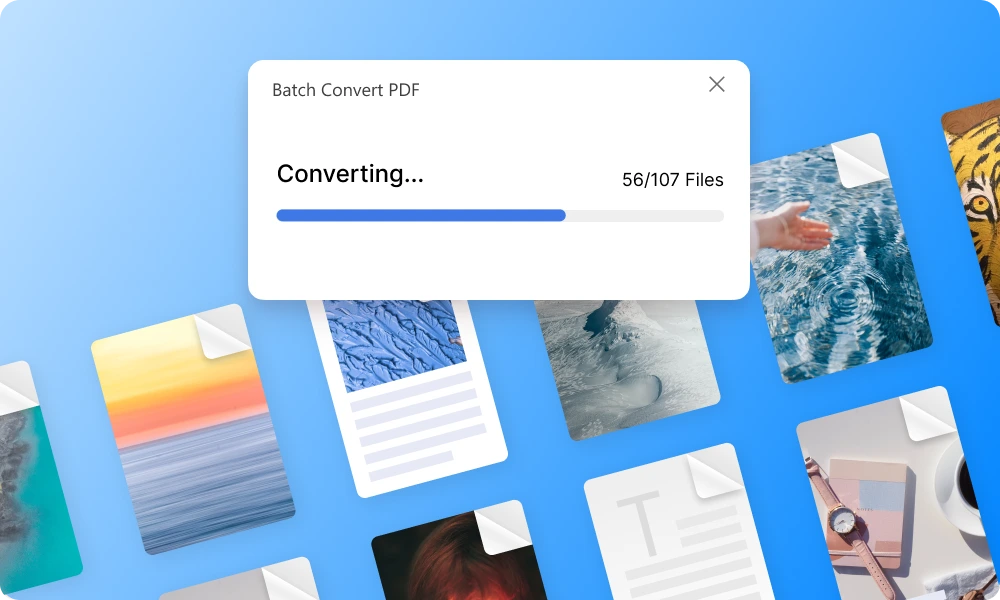
PDFgear supports a wide range of file conversions from PDF to Word, Excel, PowerPoint, and images, while preserving the document format. Additional tools such as page layout, digital signatures, form filling, password management, bookmarking, and annotation features make it suitable for both personal and professional use.
Available for Windows, macOS, iOS, Android, and web browsers, PDFgear is cross-platform and allows users to manage PDF files anytime, anywhere. Its clean interface, fast performance, and rich features make it an excellent alternative to many premium PDF editors.
FEATURES OF PDFGEAR
AI-POWERED PDF ASSISTANT
PDFgear integrates an intelligent AI assistant that changes the way users interact with PDF documents. Instead of manually searching through long files, users can ask questions, generate summaries, extract important information, translate text, or receive comments instantly. This AI-powered feature significantly improves productivity when working with research papers, contracts, manuals, reports, and educational materials. The assistant understands natural language, making complex document analysis faster and easier.
ADVANCED PDF EDITING TOOLS
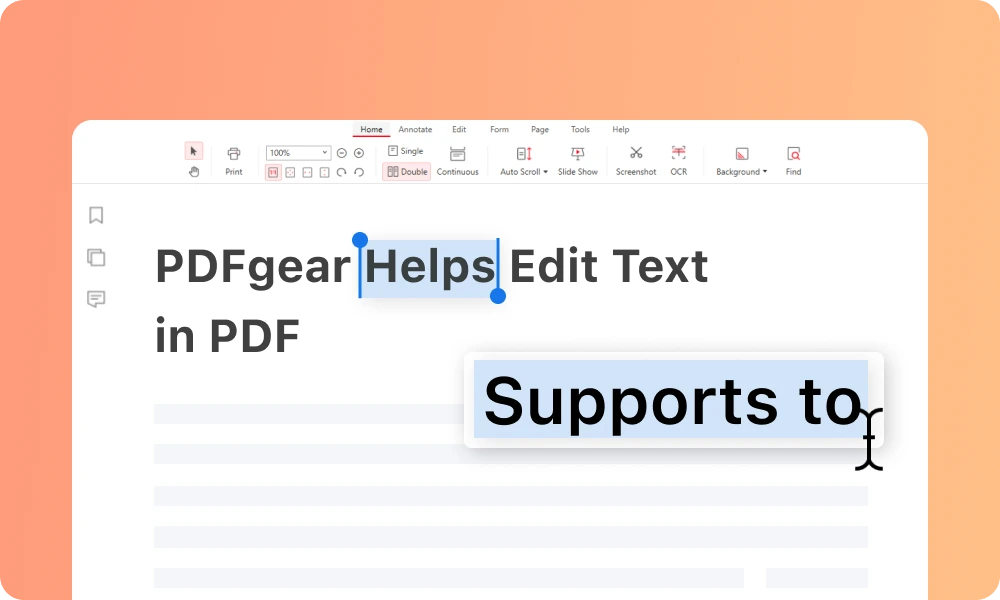
PDFgear offers a full suite of editing tools that allow users to easily modify PDF files as if they were editing a word processor document. Users can edit existing text, change fonts, insert or remove images, add hyperlinks, create text boxes, insert shapes, and rearrange the layout of documents without having to convert the file first. Markup tools such as highlighting, underlining, sticky notes, stamps, comments, freehand drawings, and annotations make collaboration and document control easy. These editing capabilities are ideal for business reports, academic papers, contracts, invoices, and presentations.
OCR AND DOCUMENT CONVERSION
PDFgear includes powerful Optical Character Recognition (OCR) technology that converts scanned documents and image-based PDF files into editable and searchable files. It accurately recognizes text from a variety of document types and supports multiple languages. In addition to OCR, PDFgear offers extensive conversion capabilities, allowing users to convert PDF files to Microsoft Word, Excel, PowerPoint, TXT, JPG, PNG, and several other formats. It also converts Office documents and images back to PDF while preserving the format, making it easy to share and edit files.
PDF ORGANIZATION AND FILE MANAGEMENT
Managing large PDF documents is easy with PDFgear’s organizational tools. Users can merge multiple PDF files into a single file, split large documents into smaller files, extract selected pages, reorder pages with drag-and-drop functionality, rotate pages, crop unwanted edges, insert blank pages, duplicate pages, and remove unnecessary content. PDF compression tools reduce file size without significantly affecting quality, making it easier to store, upload, and share documents. These features simplify document organization for both personal and professional workflows.
FORMS, SIGNATURES, AND SECURITY
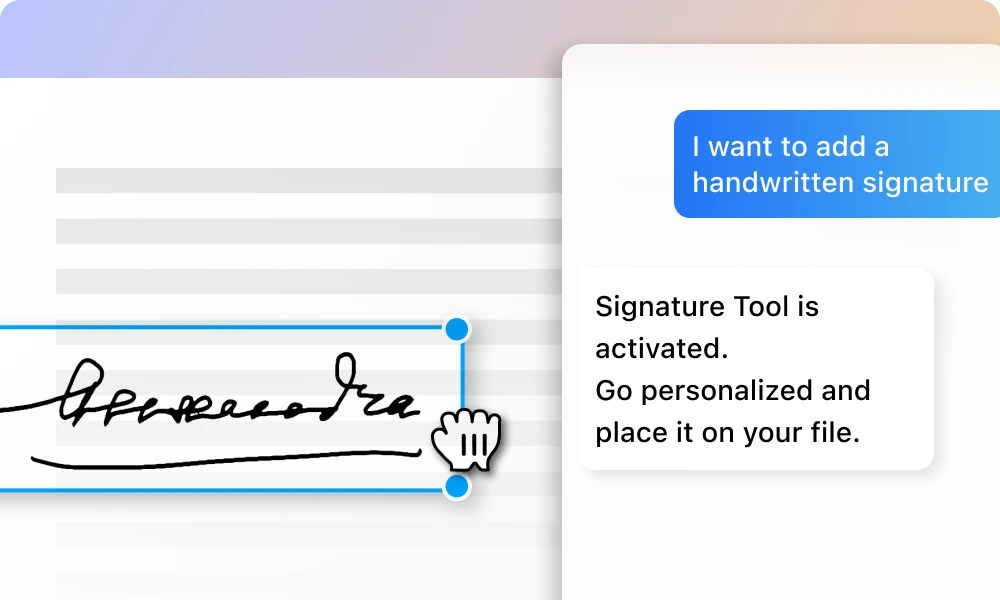
PDFgear provides practical tools for working with digital forms and securing documents. Users can fill out interactive forms, create fillable PDF forms, insert electronic signatures, add stamps, and digitally sign documents without printing. Password-protected PDF files can be managed with built-in security options, such as opening files with editing permissions. These features help reduce reliance on paper-based processes and simplify document verification, business contracts, applications, and other documents.
SYSTEM REQUIREMENTS
- Supported OS: Windows 11/10/8.1/7
- Memory (RAM): 1 GB of RAM or more is required
- Hard Disk Space: 100 MB or more required