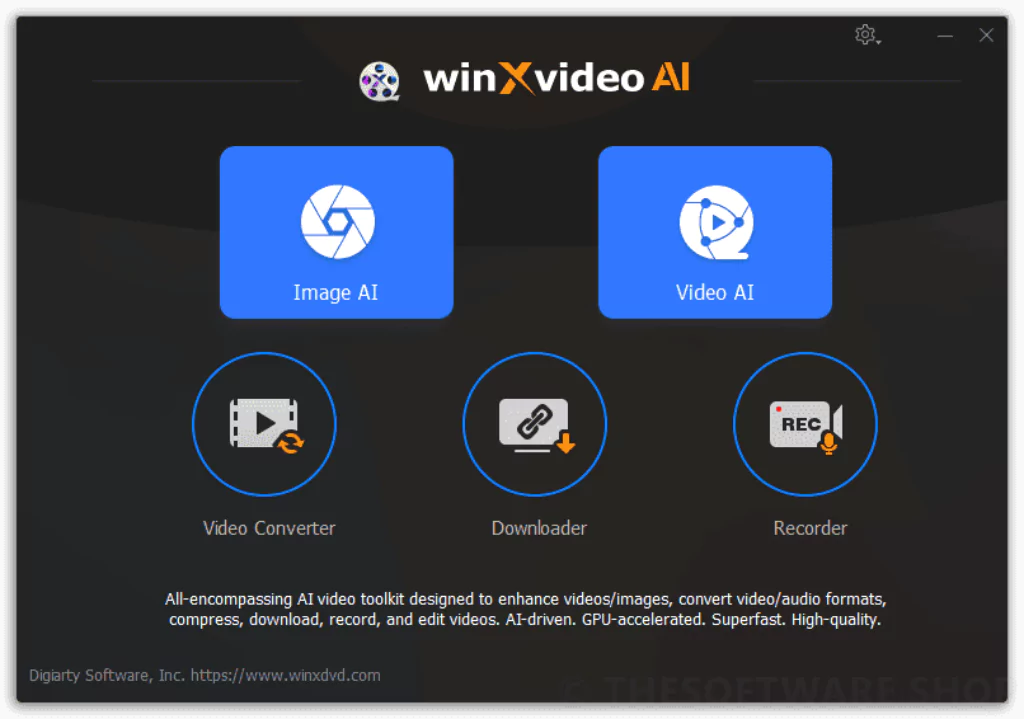

Winxvideo AI is a complete solution for enhancing photos and videos. Its powerful features meet various needs and make it easy for users to improve the quality of their media. The powerful tool includes 4K/8K/HDR video enhancement, stabilization, conversion, compression, recording, and editing functions to produce movie-quality images in every frame efficiently.
OVERVIEW OF WINXVIDEO AI
Winxvideo AI emerges as a comprehensive and powerful photo and video enhancement solution for various user needs. This software provides a seamless experience for those who want to improve the quality of their multimedia content with its user-friendly interface and many features.
The 4K/8K/HDR video enhancement feature allows users to dramatically improve the visual quality of their videos for a crisp and vibrant viewing experience. This is especially important for content creators, videographers, and filmmakers who value video quality the most.
The stabilization feature solves the common problem of shaky footage and provides a solution for users who want to enhance their videos and create smoother and more colorful content. This feature is useful for vlogs, documentaries, and travel videos that require stable, professional-quality footage.
Winxvideo AI’s conversion and compression functions offer flexibility in managing and sharing media files. Users can convert videos to different formats to make them compatible with different devices and platforms. The compression feature reduces file size without compromising quality, making media content easier to share and store.
FEATURES OF WINXVIDEO AI
AI-POWERED VIDEO ENHANCEMENT AND ENHANCEMENT
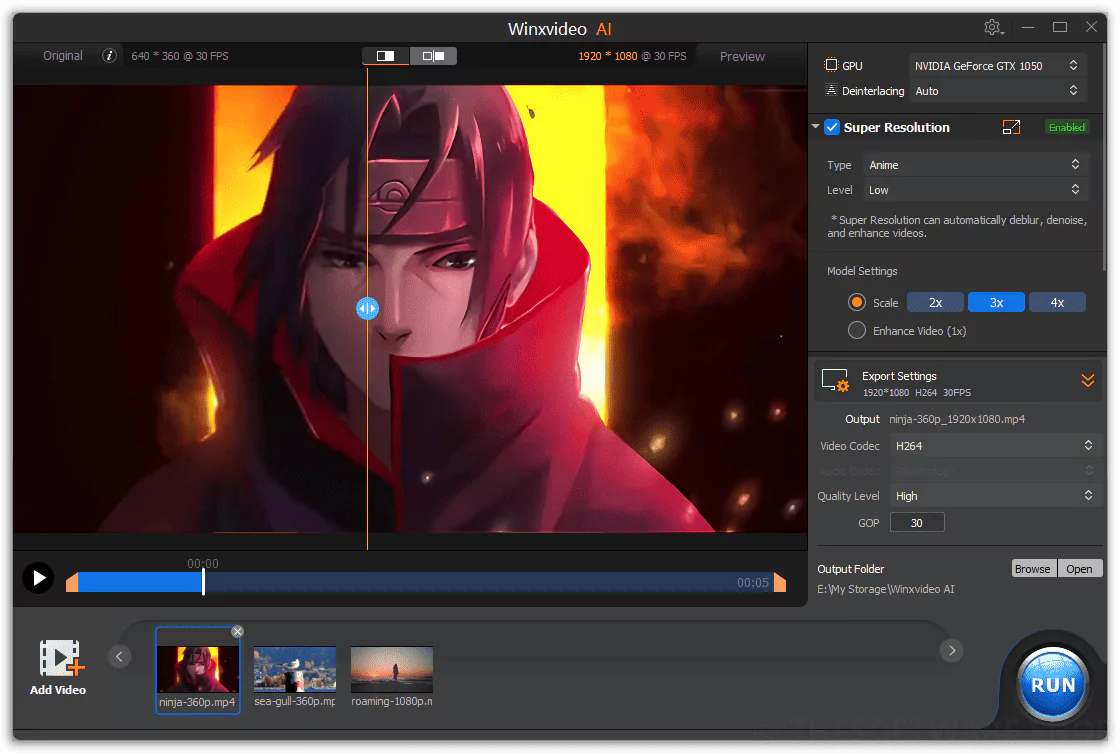
WinXVideo AI is a next-generation video processing software that uses artificial intelligence to enhance, enhance, and optimize video content with exceptional precision. Built with advanced deep learning algorithms, it can intelligently restore old, blurry, or low-resolution videos to crystal-clear, high-resolution images. The AI Super Resolution feature automatically upscales videos from SD to HD, 2K, 4K, or even 8K, preserving natural details and sharpness. This makes it perfect for filmmakers, content creators, or archivists who want to restore old footage. WinXVideo AI produces clear, realistic output without introducing noise or artifacts.
AI FRAME INTERPOLATION FOR SMOOTHER MOTION
The main highlight of WinXVideo AI is its AI-FI technology, which increases the frame rate for ultra-smooth motion. It can intelligently create intermediate frames to convert 24fps or 30fps footage into 60fps or even 120fps video. This is ideal for fast-action content such as sports, games, and movie sequences. The AI algorithm studies object movement and camera movement to ensure natural and smooth transitions between frames. The result is a realistic viewing experience without ghosting or stuttering, making WinXVideo AI an excellent choice for modern content creation and playback enhancement.
AI STABILIZATION AND NOISE REDUCTION TOOLS
WinXVideo AI includes advanced AI stabilization and noise reduction capabilities to correct and enhance imperfect footage. The stabilization engine effectively corrects shaky videos caused by handheld recording or high-motion environments, creating smooth, professional-grade results. Meanwhile, AI Denoiser removes unwanted visual noise and grain from low-light or compressed videos, restoring clarity and color accuracy. These tools require minimal manual adjustments and are fully automated, allowing creators to focus more on their creativity and less on technical corrections. Together, they make the software invaluable for restoring old videos, event footage, or clips captured on mobile devices.
AI COLOR AND DETAIL ENHANCEMENT
With a color correction engine powered by AI, WinXVideo AI can automatically balance brightness, contrast, and saturation to deliver vivid, realistic tones. The system enhances facial details, enhances texture clarity, and corrects lighting imbalances to create cinematic-quality images. AI Detail Enhancer enhances edges and microstructures, making videos look sharp and realistic without overexposing them. These enhancements are especially effective for restoring old movies, improving webcam footage, or updating poor-quality online videos. Users can also manually fine-tune the results, maintaining a natural aesthetic while maintaining full control over all visual aspects.
HIGH-SPEED GPU ACCELERATION AND FORMAT SUPPORT
Despite its complex AI operations, WinXVideo AI maintains incredible speed and efficiency through Level 3 hardware acceleration. It leverages the power of NVIDIA, AMD, and Intel GPUs to improve performance and significantly reduce rendering times. It allows smooth processing of 4K and 8K videos even on mid-range systems. The software supports a wide range of video formats, including MP4, MKV, MOV, AVI, and HEVC, ensuring compatibility with all major devices and platforms. It also enables batch processing, allowing users to enhance multiple videos at once, saving time and effort for professionals managing large media libraries.
USER-FRIENDLY INTERFACE WITH CREATIVE FLEXIBILITY
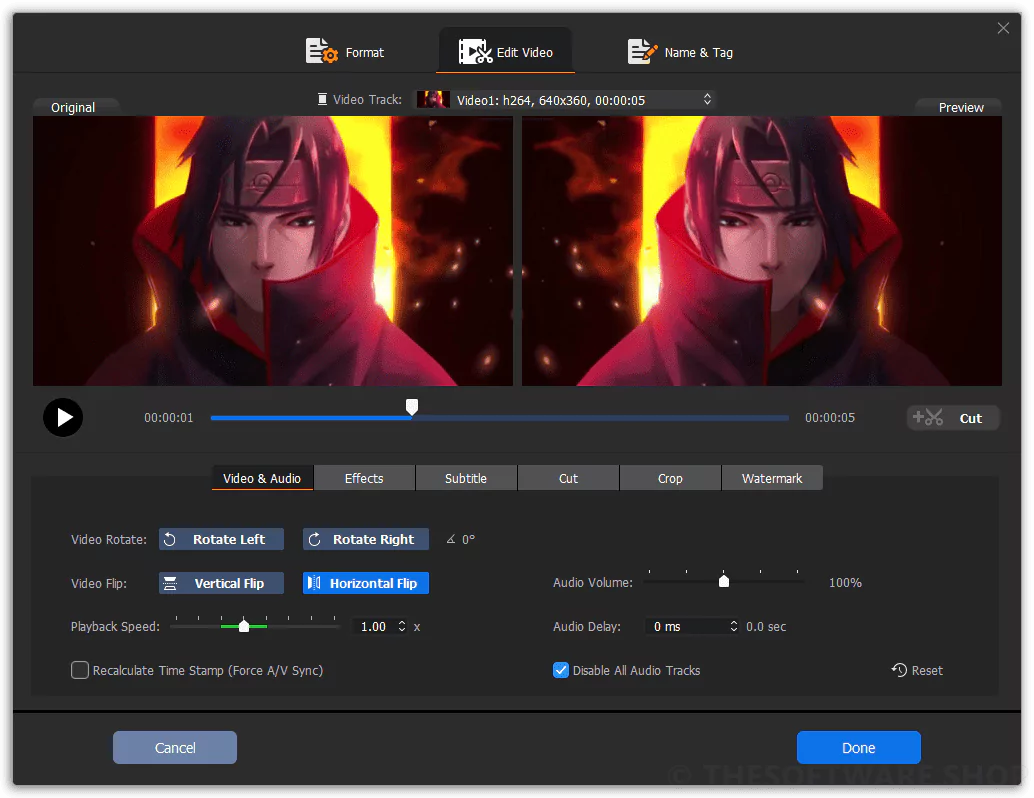
WinXVideo AI combines professional-grade features with a clean, intuitive interface designed for users of all skill levels. The workflow is streamlined – just import videos, select an AI template, and the software will take care of the rest. Real-time previews and adjustable enhancement levels give users flexibility and control over the final output. Whether you’re a YouTuber enhancing content, a filmmaker remastering classics, or a casual user enhancing personal footage, WinXVideo AI offers the tools to meet your needs. Regular updates and optimizations ensure it remains compatible with the latest codecs and AI standards.
SYSTEM REQUIREMENTS
- Supported OS: Windows 11/10/8.1/7
- Memory (RAM): 2 GB of RAM or more is required
- Hard Disk Space: 400 MB or more required