
SketchBook Pro is a professional digital art app for artists, designers, and hobbyists. It offers a clean interface, customizable brushes, layer support, and sophisticated sketching and painting tools. Known for its natural drawing feel, it supports pen input and works across multiple devices, making it perfect for quick sketches and detailed artwork.
OVERVIEW OF SKETCHBOOK PRO
SketchBook Pro is a professional-grade digital illustration and sketching application for artists, designers, and creative enthusiasts who want a natural drawing experience on their digital devices. Originally developed by Autodesk, the application has earned a strong reputation for its intuitive interface and powerful feature set, making it suitable for both beginners and experienced professionals.
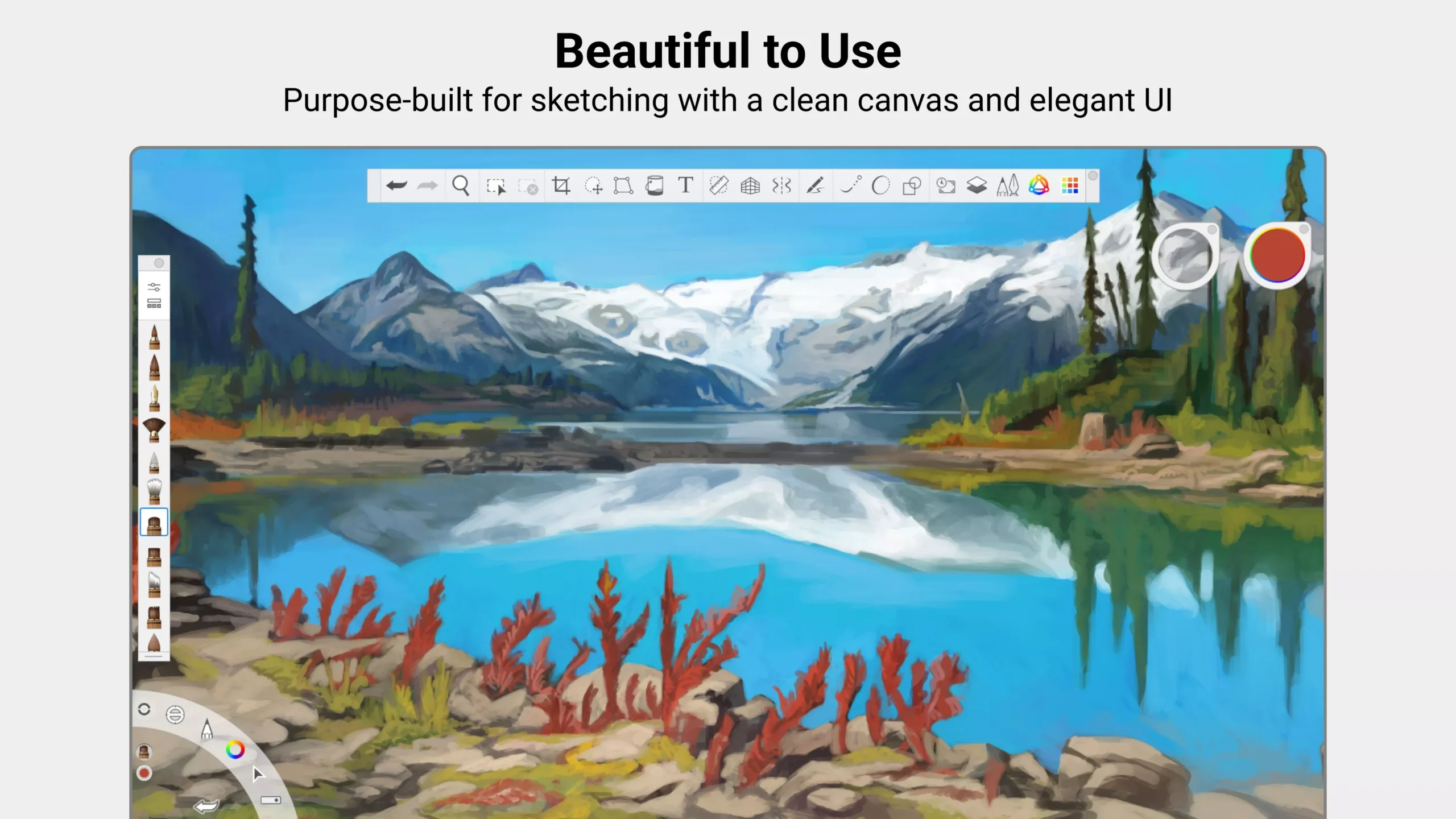
One of the features of SketchBook Pro is its clean, distraction-free workspace. The interface is intentionally minimalist, allowing users to focus on their artwork without having to navigate menus or complicated toolbars. Essential tools are easily accessible through a customizable radial menu and gesture-based controls that streamline the creative process. This simplicity doesn’t compromise functionality; instead, it increases productivity by keeping everything within easy reach.
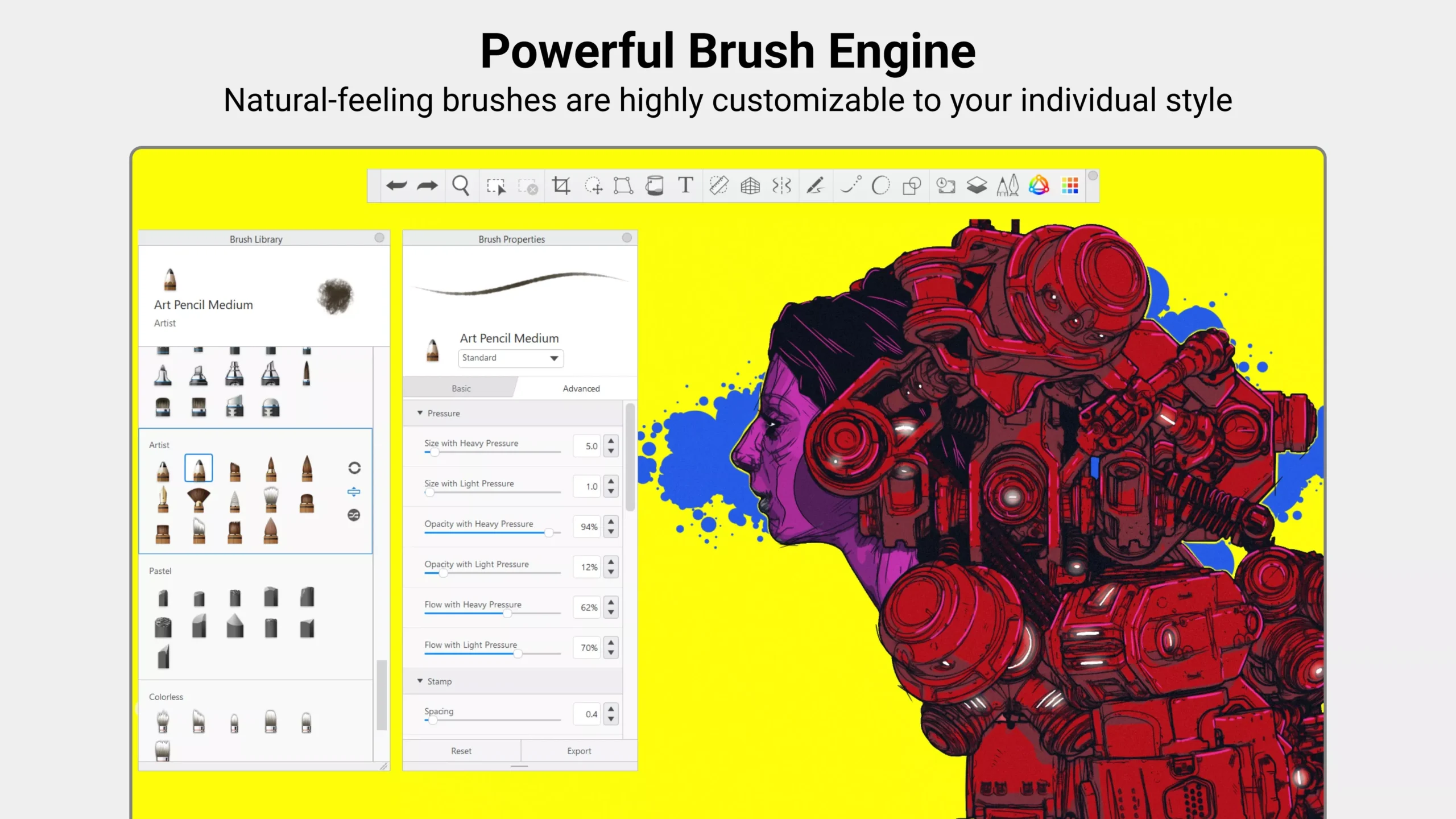
At the heart of SketchBook Pro is its extensive brush engine. The software offers a wide range of brushes, including pencils, inks, markers, and airbrushes, all designed to mimic real-world drawing tools. Users can also fine-tune the brush, adjusting parameters such as size, opacity, flow, and texture to achieve highly personalized results. This flexibility allows artists to experiment with a variety of styles, from rough concept sketches to highly polished illustrations.
FEATURES OF SKETCHBOOK PRO
SMART, MINIMALIST INTERFACE
SketchBook Pro is features a clean, distraction-free interface designed to help artists focus on their work. Tools are neatly organized and accessible via a radial menu and gesture controls, creating a clutter-free, smooth, and efficient workflow.
ADVANCED BRUSH ENGINE
The software offers a wide range of brushes that mimic traditional tools such as pencils, ink, and markers. Users can fully customize their brushes by adjusting parameters such as size, opacity, and texture, creating unique artistic styles and detailed renderings.
LAYER MANAGEMENT
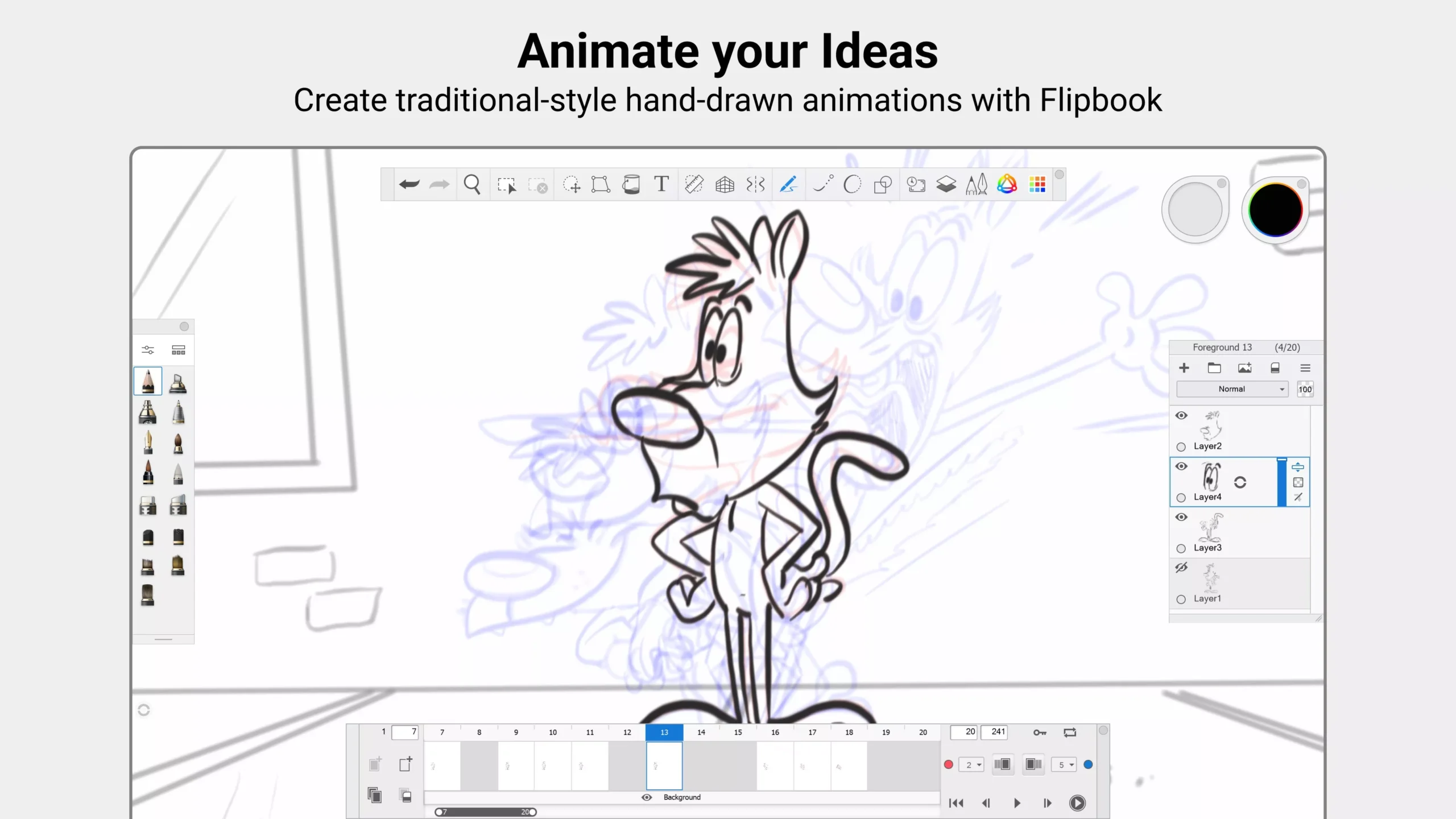
SketchBook Pro is includes robust layer support, which makes it easy for artists to separate and edit elements of their artwork. Features such as blend modes, opacity control, and grouping make it easy to manage complex compositions and refine fine details.
PRECISION AND SYMMETRY TOOLS
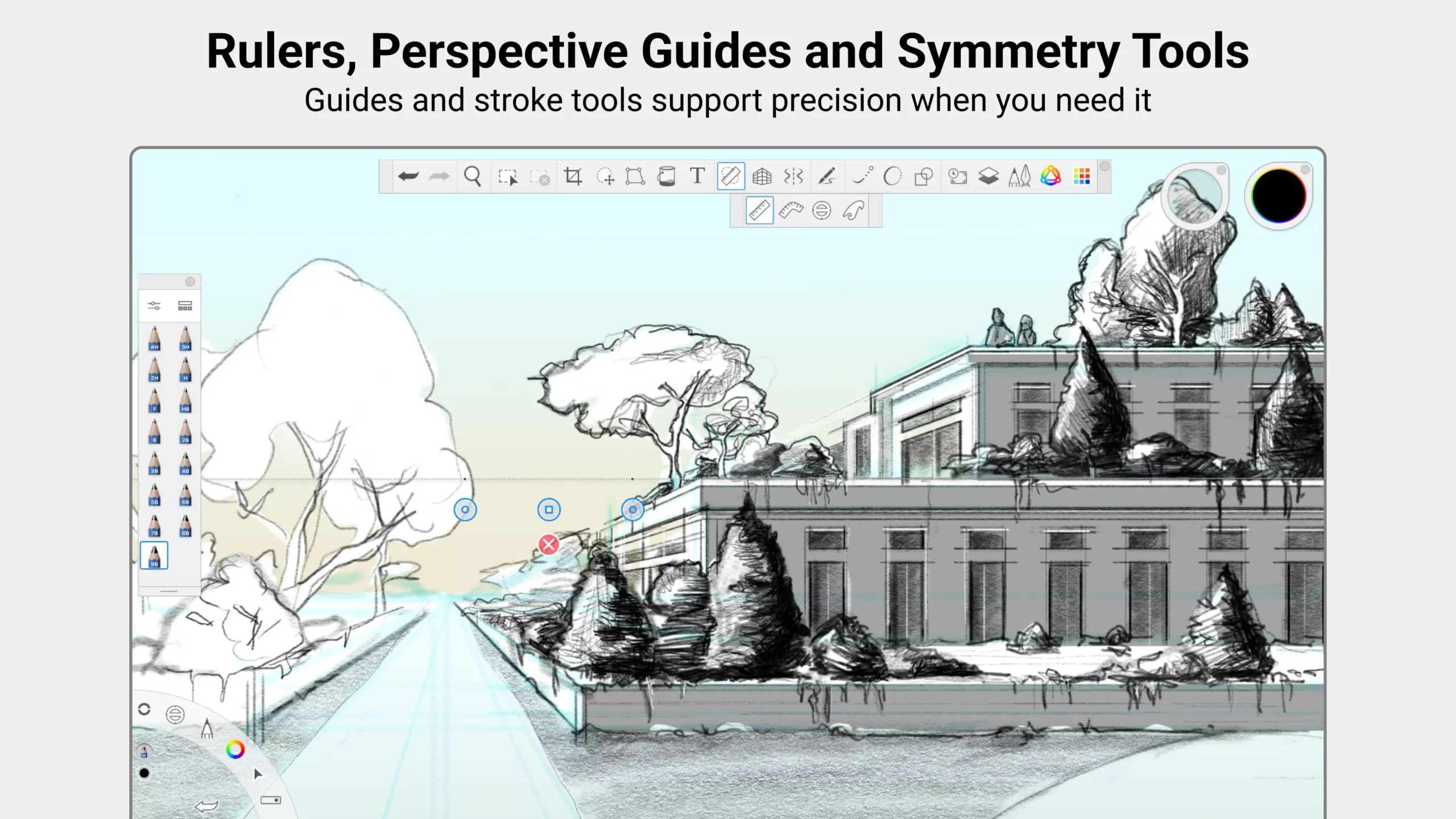
Artists benefit from built-in guides, such as line, perspective tools, and symmetry options. These features help create precise shapes, balanced designs, and consistent patterns, making them particularly useful for technical drawings and character designs.
PEN AND INPUT SUPPORT
The app is optimized for pen use and supports pressure sensitivity and tilt recognition on compatible devices. This provides a natural drawing experience with dynamic line changes that perfectly replicate traditional media.
CROSS-PLATFORM COMPATIBILITY
SketchBook Pro that works across multiple platforms, including desktop and mobile devices. This flexibility allows users to create and edit artwork anywhere, while maintaining consistent performance and access to essential tools.
SYSTEM REQUIREMENTS
- Supported OS: Windows 11/10/8.1/7
- Memory (RAM): 1 GB of RAM or more is required
- Hard Disk Space: 100 MB or more required