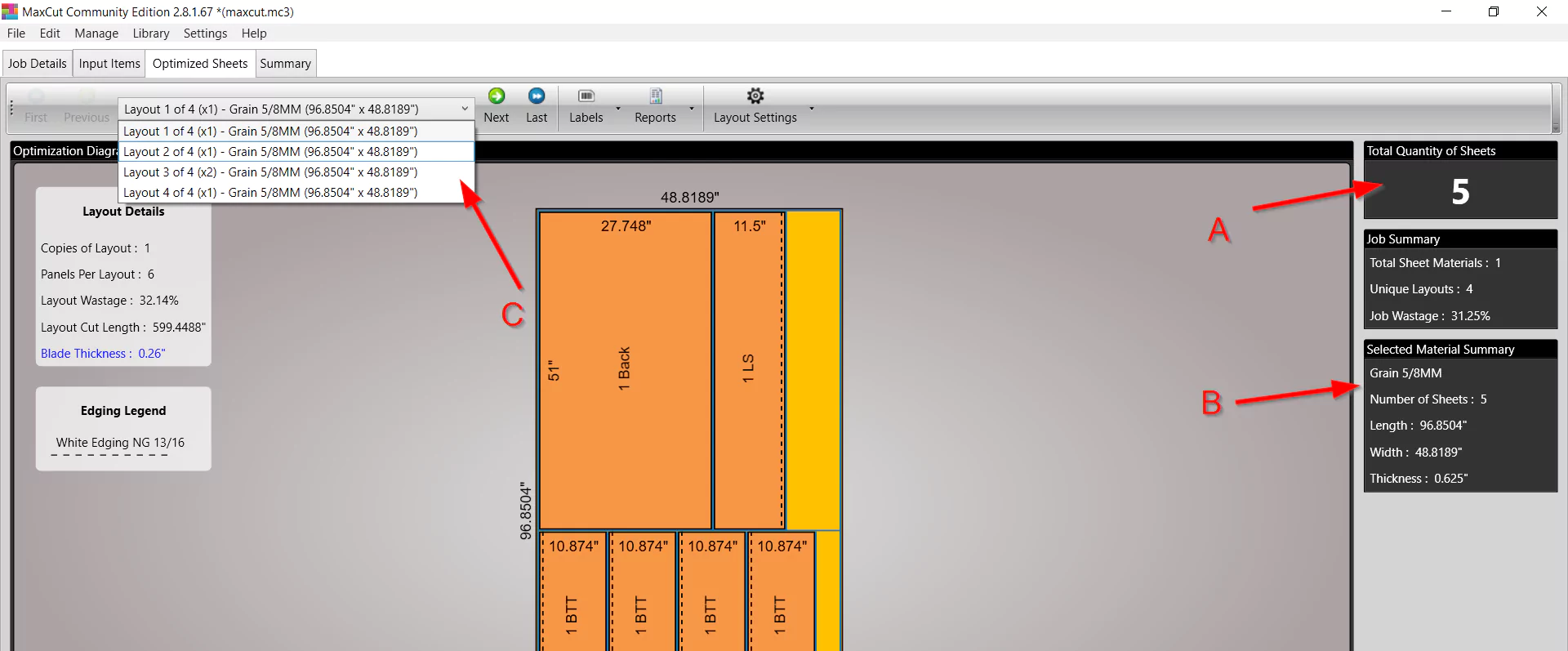
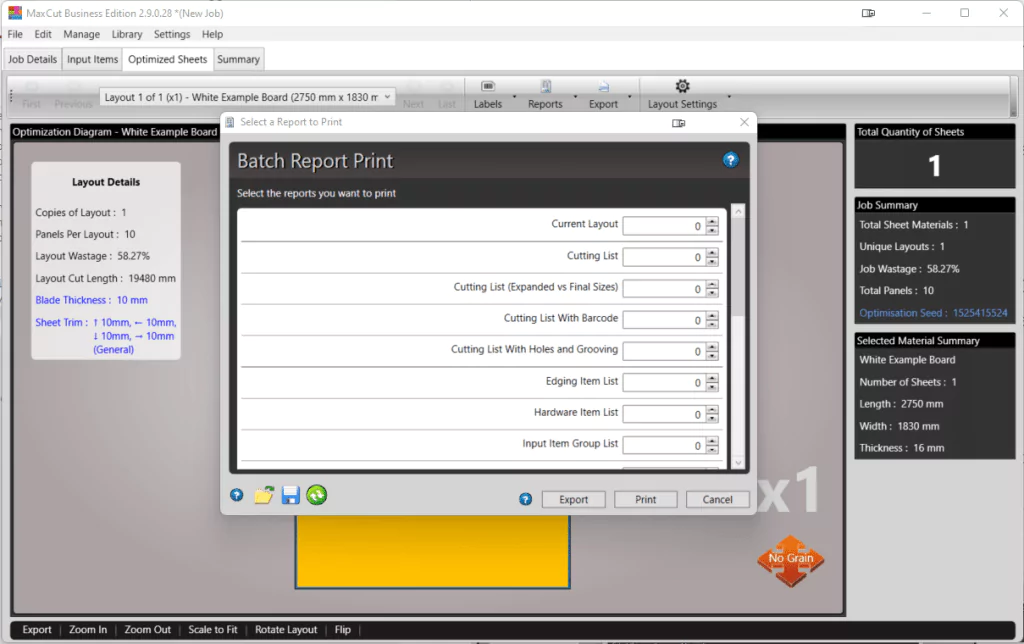

MaxCut Business Edition is software for woodworking, cabinetry, and metalwork. It allows users to create cutting diagrams, accurately estimate costs, and create orders. You can create detailed cutting diagrams and cost estimates for wood, cabinet, and metal fabrication.
OVERVIEW OF MAXCUT BUSINESS EDITION
MaxCut Business Edition is a comprehensive software solution for woodworking, cabinetry and metalworking industries to optimize cutting processes and optimize production workflows. As a complete tool, it is important to reduce material waste and associated costs while increasing business efficiency and productivity. Essentially, MaxCut Business Edition offers a user-friendly interface combined with powerful features to help you create precise cutting diagrams.
These charts are intelligently designed to optimize material utilization, maximize yield from raw materials, and minimize waste. Using advanced algorithms and optimization techniques, users can create cutting plans that not only meet project requirements but also contribute to cost savings and resource efficiency.
MaxCut Business Edition offers customization options to adapt to the unique requirements and workflows of private businesses. Whether it’s adjusting cutting parameters, defining material specifications, or integrating with existing systems, the software provides the flexibility to meet a wide variety of needs. In addition, comprehensive reporting and analytics tools enable users to monitor key performance indicators, identify areas for improvement, and make data-driven decisions to optimize operations.
FEATURES OF MAXCUT BUSINESS EDITION
POWERFUL CUTTING OPTIMIZATION
MaxCut Business Edition is a professional software solution designed to optimize cutting and positioning of wood, metal, glass and other sheet materials. It helps businesses reduce waste and save costs by creating the most efficient cutting patterns. Advanced algorithms allow users to make the best use of their raw materials while minimizing downtime, which leads to higher profitability and sustainability.
COMPREHENSIVE PROJECT MANAGEMENT
MaxCut Business Edition has business-oriented features that allow companies to effectively manage multiple projects. Users can easily create, edit and organize cutting jobs, ensuring a smooth and well-organized production workflow. The software allows you to import project details, define material properties and save project templates, which makes it easy to manage recurring orders and customer-specific requirements.
ADVANCED REPORTING AND COSTING TOOLS
The highlight of the Business Edition is the detailed reporting and costing system. It can automatically calculate materials, labor, and other factors, and provide users with accurate job cost estimates. This feature is very useful for businesses that need to provide professional quotes to customers. With convenient reporting, companies can maintain transparency and track the profitability of various projects.
BARCODE AND LABEL PRINTING SUPPORT
To streamline the production process, MaxCut Business Edition supports barcode and label printing. This allows each cut piece to be accurately identified and tracked throughout the process. By integrating with a labeling system, businesses can reduce errors, improve organization, and ensure seamless communication between layers and management systems.
INTEGRATION WITH CNC MACHINES
For manufacturers who rely on CNC machines, MaxCut Business Edition offers robust integration options. The software can directly export cutting patterns to compatible CNC machines, reducing manual operations and improving accuracy. This integration eliminates repetitive tasks and ensures that cutting patterns are executed exactly as planned, increasing efficiency and reducing operating costs.
USER-FRIENDLY INTERFACE AND FLEXIBILITY
Despite its advanced business features, MaxCut Business Edition is designed with a clean, user-friendly interface. Both small workshops and large manufacturers can benefit from its flexibility. The intuitive design makes it easy for even non-technical users to set up materials, manage projects, and create cutting plans. At the same time, it provides advanced configuration options for professionals who need full control over their cutting operations.
SYSTEM REQUIREMENTS
- Supported OS: Windows 11/10/8.1/7
- Memory (RAM): 512 MB of RAM or more is required
- Hard Disk Space: 100 MB or more required