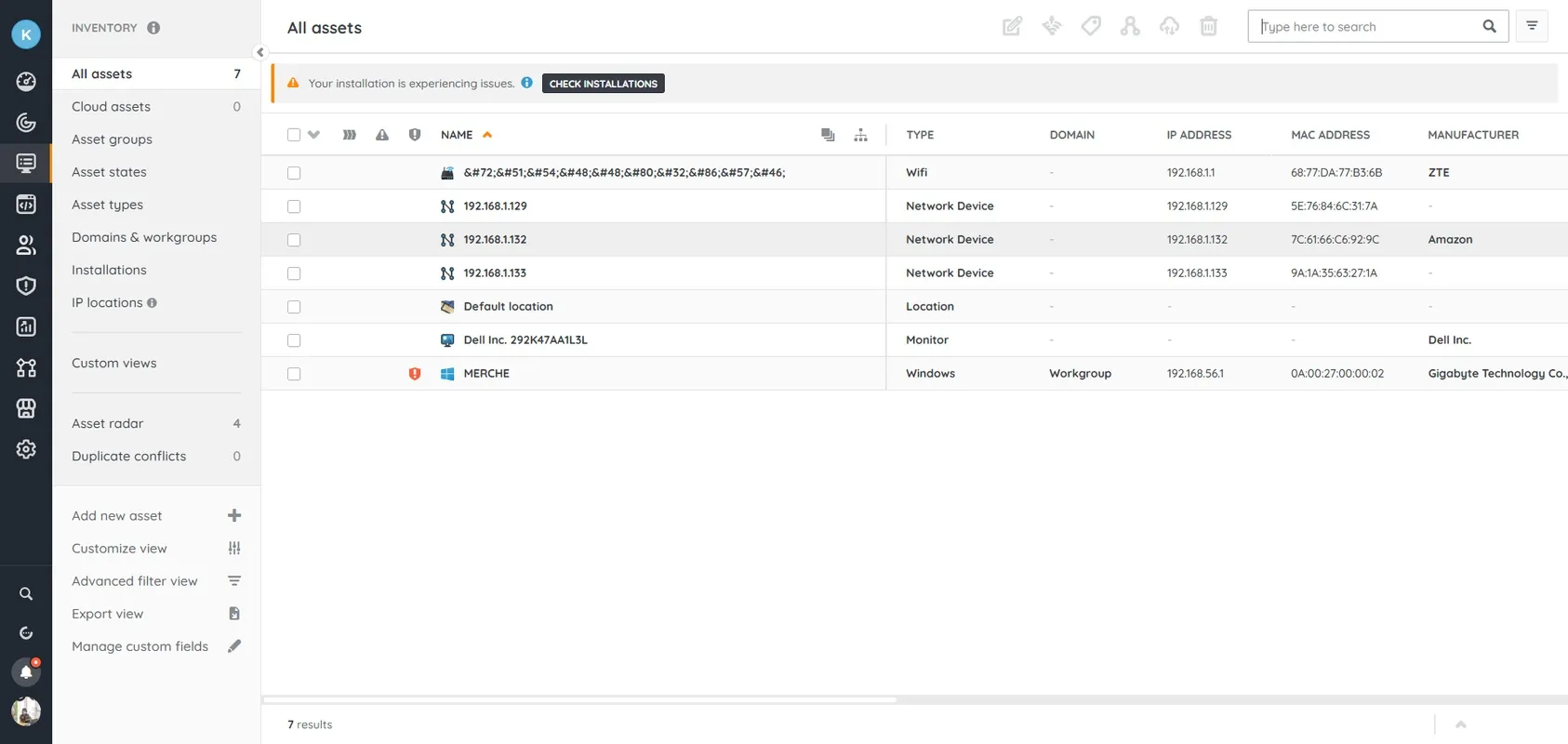

Lansweeper is a powerful IT asset management and network discovery tool that automatically scans, identifies, and logs all devices connected to your network. It provides detailed insights into hardware, software, and user data, helping organizations effectively manage their IT infrastructure. With advanced reporting and integration options and security visibility, Lansweeper simplifies asset monitoring, compliance and network monitoring for businesses of all sizes.
OVERVIEW OF LANSWEEPER
Lansweeper is a comprehensive IT management and network discovery platform designed to give organizations complete visibility into their technology environment. It automatically scans and discovers all connected devices, including computers, servers, routers, printers, and virtual machines, without the need to install agents. It allows businesses to maintain an accurate and up-to-date record of the hardware, software, and user data across their entire IT infrastructure.
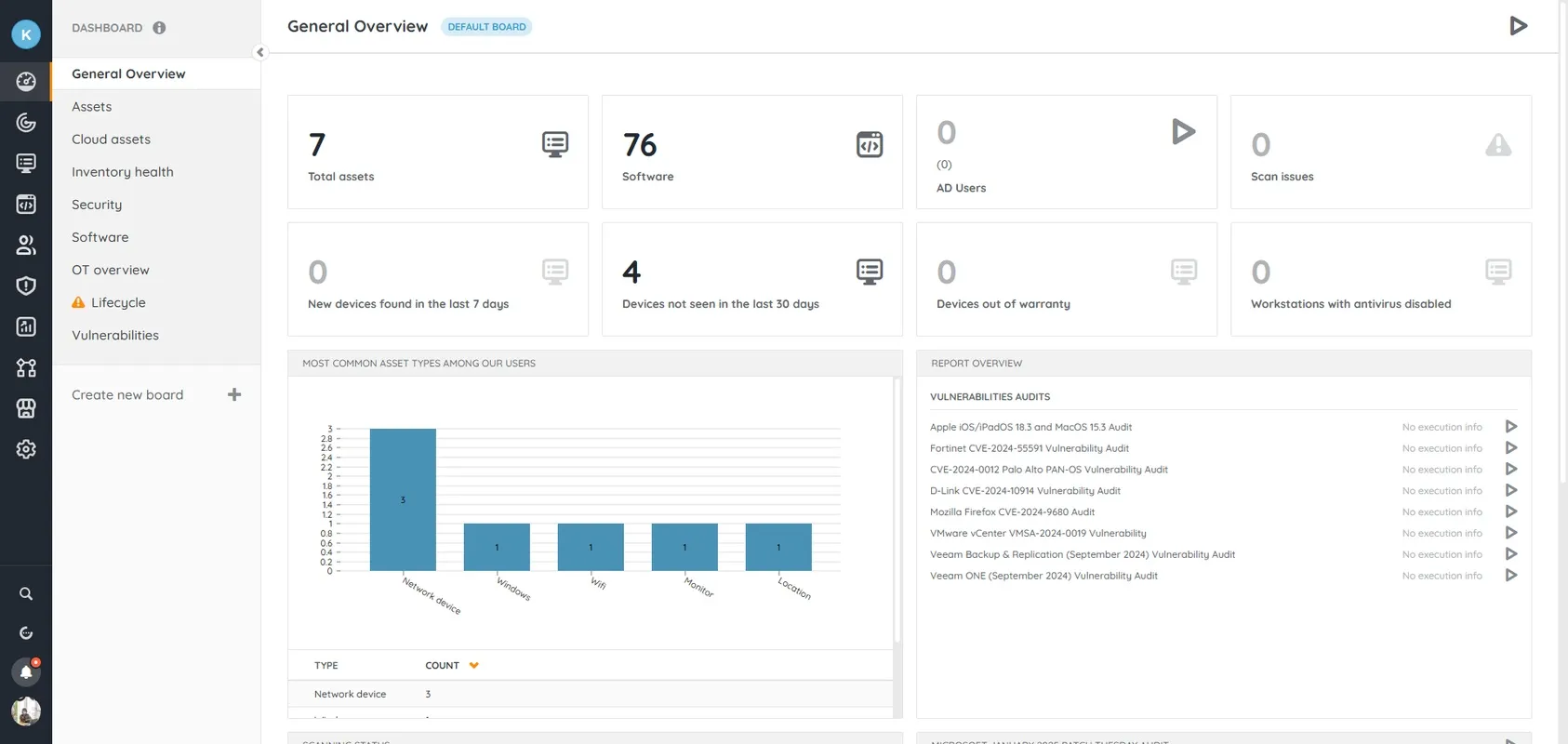
The software’s advanced scanning engine collects detailed information such as device specifications, installed applications, user activity, and system configuration. These insights help IT teams make informed decisions about maintenance, upgrades, and compliance. Lansweeper’s centralized dashboard offers powerful reporting and analytics tools that allow users to generate personalized reports that support audits, security assessments, and license management.
In addition to asset monitoring, Lansweeper improves IT security by detecting unauthorized or vulnerable devices and providing visibility into potential risks. Integration with help desk, CMDB and security platforms streamlines workflows and ensures asset data is consistent across multiple systems. The solution supports hybrid environments including on-premises, cloud and remote devices, making it ideal for today’s distributed organizations.
Lansweeper helps reduce manual effort, reduce costs and improve IT management with its intuitive interface, scalability and automation capabilities. It is an essential tool for businesses looking to streamline asset management, increase operational efficiency and strengthen their security posture by providing complete network visibility.
FEATURES OF LANSWEEPER
COMPREHENSIVE NETWORK DISCOVERY
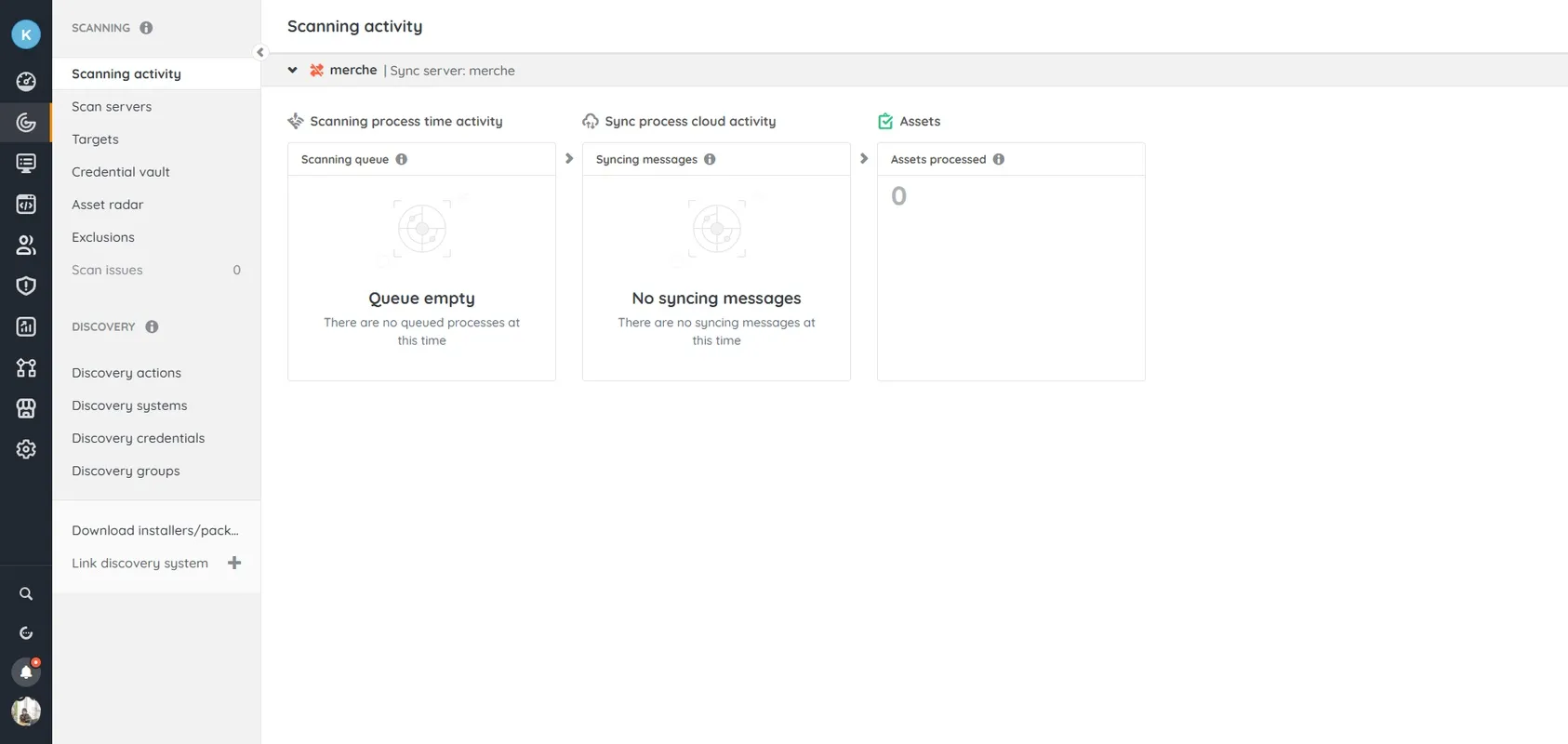
Lansweeper’s key feature is its ability to automatically discover all devices connected to your network without requiring agents on the endpoints. It scans your entire IT environment, identifying computers, servers, printers, routers, switches, and even IoT devices. The software collects detailed information about each asset, including model, manufacturer, serial number, operating system, and network configuration. This complete network visibility helps IT administrators maintain an accurate, real-time inventory and detect unauthorized or unknown devices connected to the network. With customizable scan schedules and methods, Lansweeper ensures that no device goes unnoticed, regardless of size or location.
DETAILED IT ASSET INVENTORY
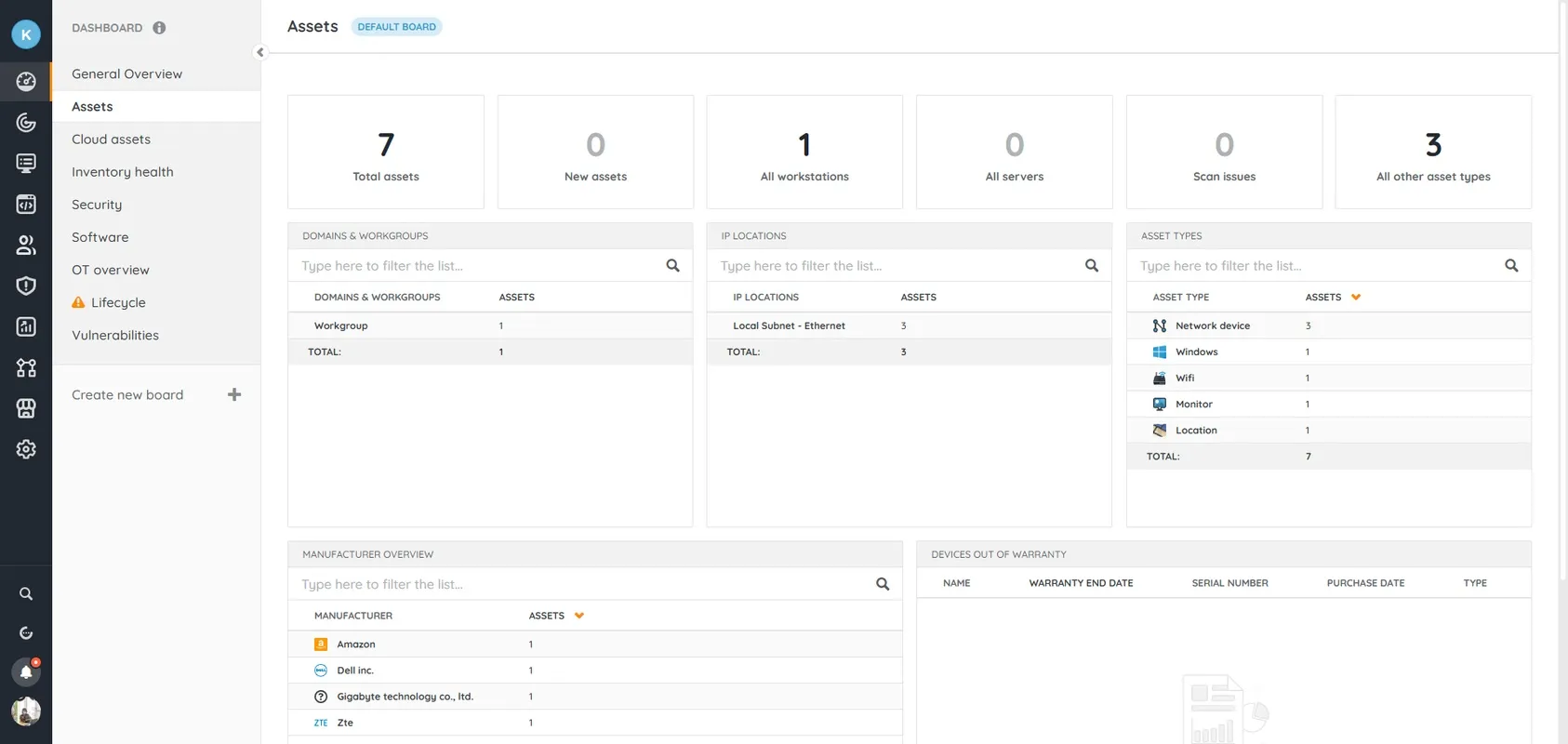
Lansweeper provides a detailed inventory of all your organization’s hardware and software assets. It automatically aggregates processor, memory, storage, motherboard information, software version number, installation date, and license details. This comprehensive view allows administrators to track changes, monitor hardware usage, and ensure software compliance. A centralized database creates a single source of truth, making it easy to plan upgrades, manage warranties, and reduce overprovisioning. Asset inventories can be exported for auditing and reporting, or shared across teams.
DETAILED REPORTING AND ANALYTICS
With a powerful reporting engine, Lansweeper allows users to generate detailed, customizable reports on virtually any aspect of their IT environment. Pre-built report templates make it easy to track outdated software, identify missing patches, or monitor hardware performance. Users can create custom queries using the built-in report editor to meet specific needs. Advanced analytics capabilities transform raw asset data into actionable insights that help IT managers optimize resources, ensure compliance, and support decision-making. Reports can be scheduled and automatically emailed to stakeholders to provide timely information on key performance indicators.
SEAMLESS INTEGRATION AND AUTOMATION
Lansweeper seamlessly integrates with a wide range of third-party platforms, including help desk systems, CMDBs, monitoring tools, and cybersecurity solutions. These integrations allow IT teams to connect asset data across systems and create a unified IT management workflow. Automation features help streamline repetitive tasks such as inventory updates, device classification, and alert notifications. Using APIs and connectors, Lansweeper extends its capabilities, helping organizations improve efficiency and reduce manual workloads. This flexibility is perfect for businesses looking to centralize their IT operations.
ENHANCED SECURITY AND COMPLIANCE
Lansweeper significantly improves organizational security by providing visibility and vulnerability detection across all connected devices. It can detect outdated operating systems, missing patches, and unauthorized installations that could pose a security risk. The system helps enforce software license requirements by monitoring usage and detecting unauthorized or unused applications. This proactive approach helps prevent potential data breaches, ensure regulatory compliance, and support IT audits. Lansweeper strengthens risk management and governance by offering clear visibility into your network security.
SCALABLE, USER-FRIENDLY PLATFORM
Designed for organizations of all sizes, Lansweeper offers scalability and flexibility to accommodate growing IT environments. Its intuitive interface and centralized dashboard make it easy for users to quickly and easily access relevant data. Whether deployed on-premises or in the cloud, the platform provides consistent performance and reliability. Customizable dashboards, user roles, and permissions allow teams to tailor the system to their needs. The combination of scalability, automation, and usability makes Lansweeper a powerful tool for efficient IT asset management and network intelligence.
SYSTEM REQUIREMENTS
- Supported OS: Windows 11/10/8.1/7
- Memory (RAM): 1 GB of RAM or more is required
- Hard Disk Space: 400 MB or more required