
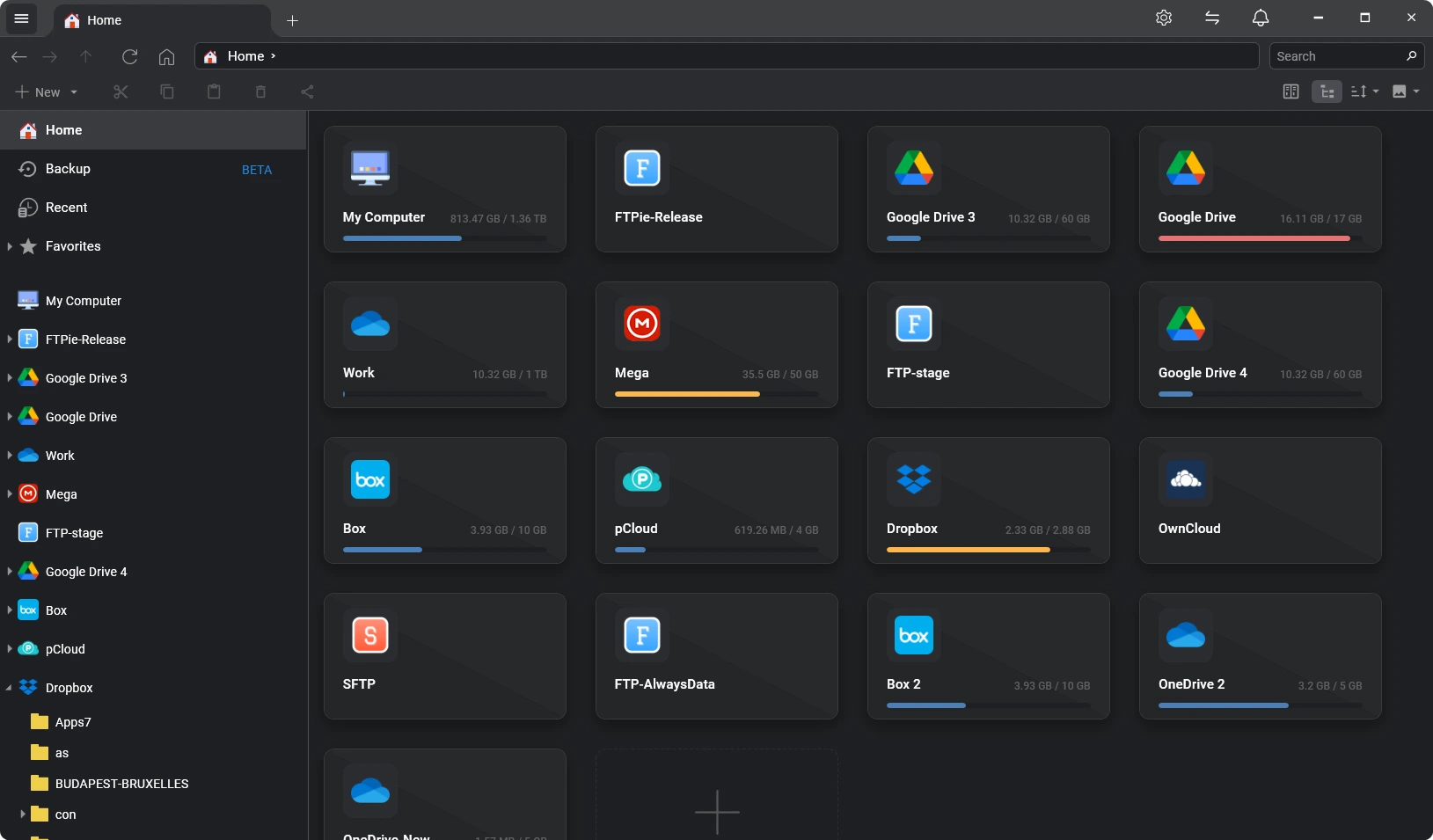
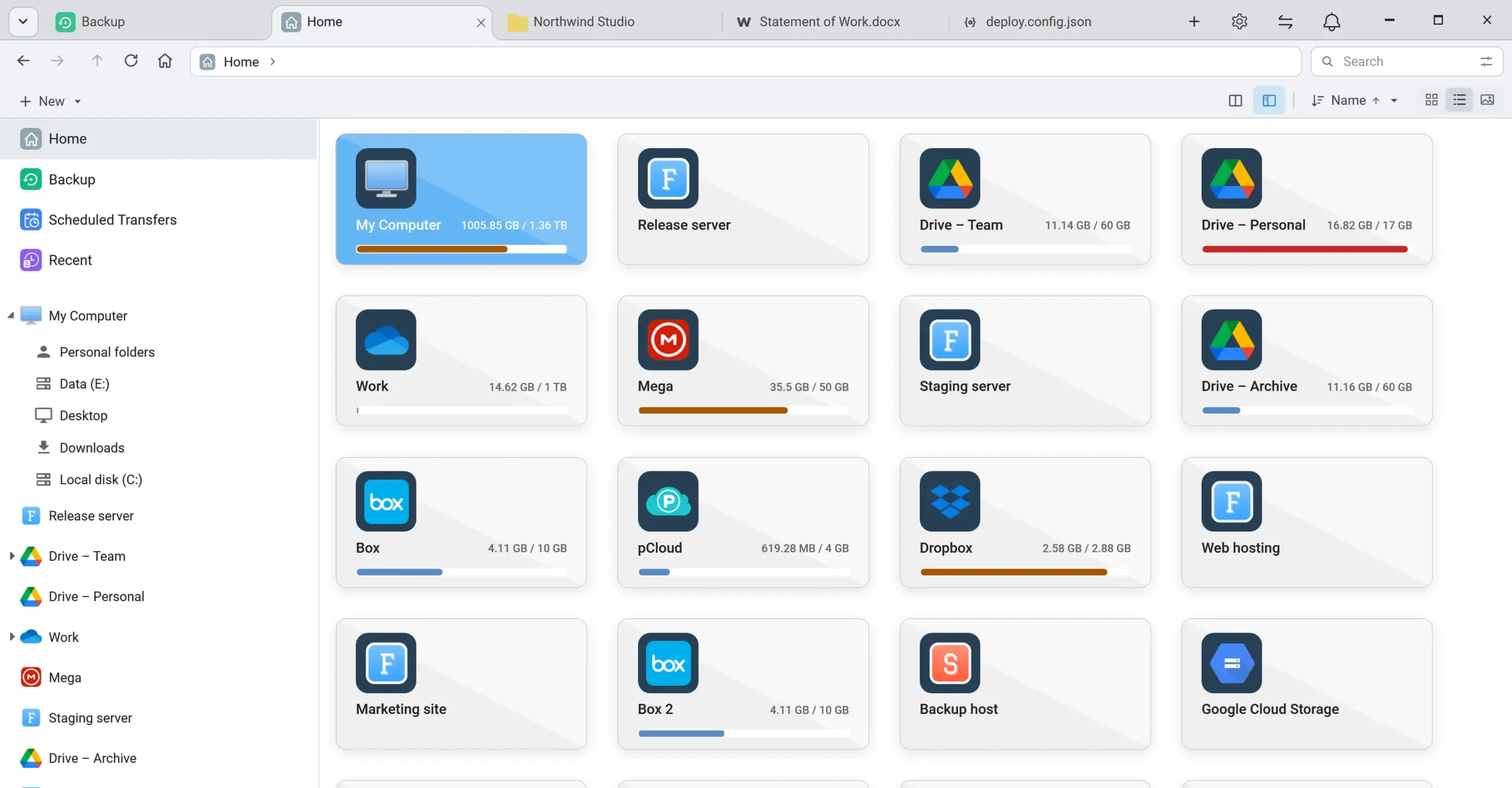
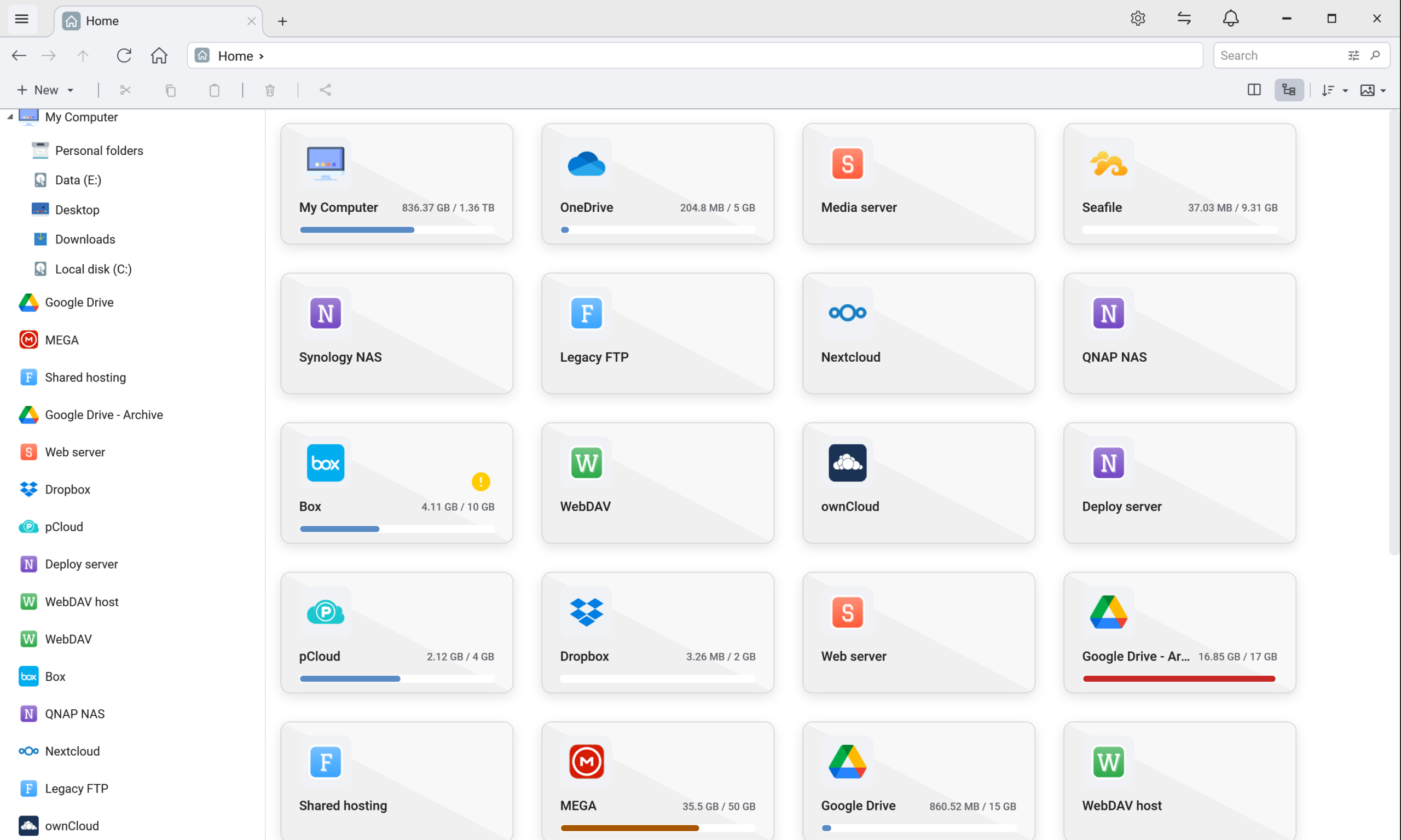

FTPie Pro is a powerful file management and transfer application for Windows that consolidates FTP servers, cloud storage, NAS devices, and other storage services into a single interface. It supports secure file transfers, AES-256 encryption, automated backups, scheduled transfers, and command-line operations. Equipped with tools for viewing and editing files—and featuring tight integration with Windows Explorer—FTPie Pro helps users efficiently manage, share, and organize their files across various storage platforms.
OVERVIEW OF FTPIE PRO
FTPie Pro is a versatile file management solution for Windows designed to streamline the process of transferring files between servers, cloud platforms, and network-attached storage (NAS) devices. It supports FTP, FTPS, SFTP, WebDAV, NAS, and a wide range of cloud storage services, allowing users to manage all their files from a single application.
The program features a dual-pane interface, making it easy to browse folders and transfer files between different storage locations—without the need to first download the files to your computer. Its advanced capabilities include scheduled transfers, automatic backups, AES-256 file encryption, and command-line support for automating repetitive tasks. Additionally, users have access to built-in tools for viewing PDFs, images, and text files, as well as a media player and document editing utilities.
By integrating with Windows Explorer, FTPie Pro offers a highly convenient way to access and share files. It also enables connectivity with artificial intelligence (AI) assistants via its MCP server. Featuring unlimited storage account connections, authorization for commercial use, and advanced automation tools, FTPie Pro is an ideal solution for website administrators, developers, businesses, and users who frequently manage files across multiple platforms.
FEATURES OF FTPIE PRO
SUPPORT FOR VARIOUS PROTOCOLS AND CLOUD STORAGE SERVICES
FTPie Pro supports FTP, FTPS, SFTP, WebDAV, NAS, and popular cloud storage platforms. It connects services such as Google Drive, OneDrive, Dropbox, MEGA, and Nextcloud through a unified interface, simplifying file management.
ADVANCED FILE TRANSFER MANAGEMENT
The software enables direct file transfers between different servers and cloud storage services, eliminating the need to route files through your own computer. To enhance workflow efficiency, it includes features such as pausing and resuming transfers, creating transfer queues, automatic retries in the event of errors, and customizable transfer settings.
SECURE FILE ENCRYPTION
FTPie Pro utilizes AES-256 file encryption, allowing users to encrypt files on their own computers before uploading them to a server. This helps protect sensitive information stored on remote servers, NAS devices, and cloud platforms. It also supports secure FTPS and SFTP connections.
AUTOMATED BACKUPS AND SCHEDULED TRANSFERS
Users can schedule recurring or one-time file transfers and set up automated backups. Backup options include file compression, encryption, retention period settings, data recovery, and notifications—all of which help minimize manual effort and safeguard critical files.
BUILT-IN TOOLS FOR VIEWING AND EDITING FILES
FTPie Pro includes tools for viewing PDF files, editing text and code, working with images, and playing video and audio files. Furthermore, it supports document editing via Google Docs and Microsoft 365, allowing users to work with files on remote servers without needing to switch between multiple applications.
WINDOWS INTEGRATION AND COMMAND-LINE SUPPORT
This program integrates with Windows Explorer, enabling easy access to files, quick copying, and the creation of shareable links. Its command-line interface allows for file copying, downloading, and moving operations via scripts—making it ideal for developers and system administrators looking to automate repetitive tasks.
SYSTEM REQUIREMENTS
- Supported OS: Windows 11/10/8.1/7
- Memory (RAM): 1 GB of RAM or more is required
- Hard Disk Space: 100 MB or more required