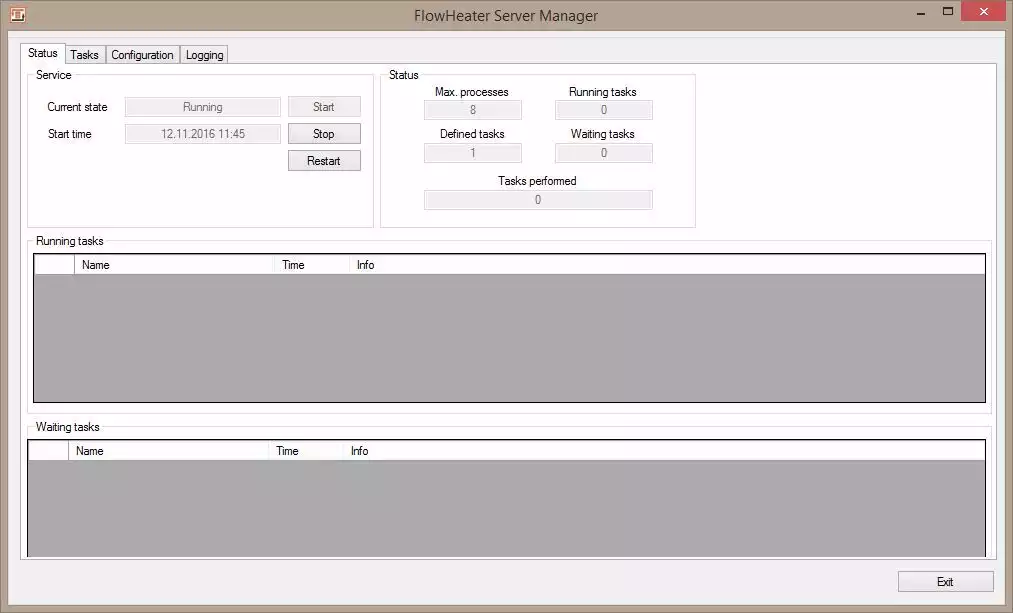
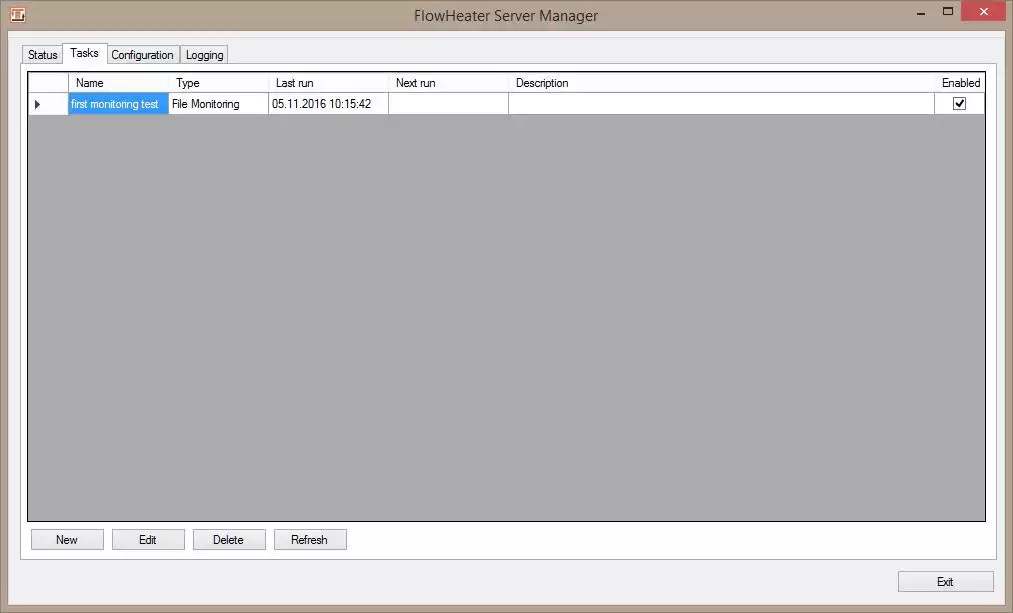
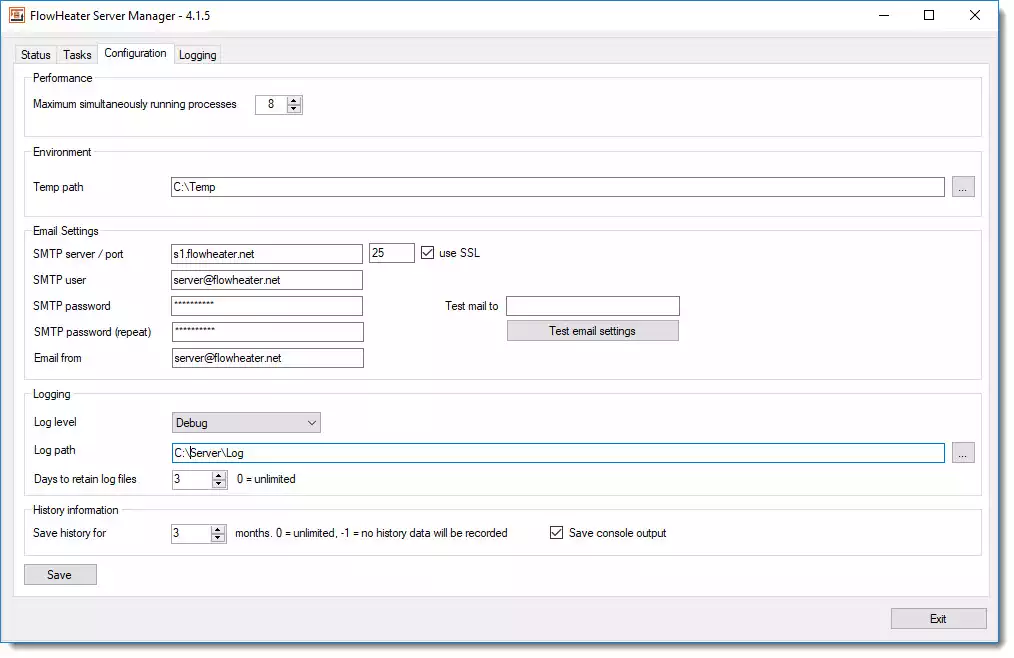
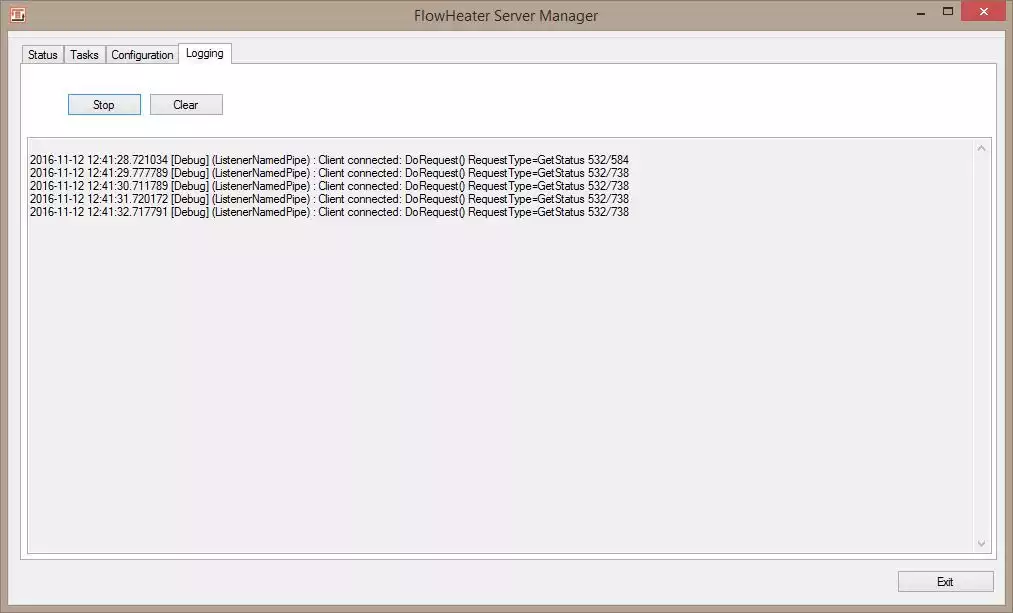
FlowHeater is a tool for Windows that helps with data conversion and migration. It’s built to transfer and transform data across various database systems, files, and other sources. Users can set up customizable data flows to import, export, convert, filter, and transform information—all with little need for programming. The tool also supports automation and batch processing. This makes it quite handy for developers, database admins, and companies dealing with regular data conversion tasks.
OVERVIEW OF FLOWHEATER
FlowHeater is a professional software tool for Windows, focused on data conversion and migration. Its main goal? To make moving and transforming data between databases, files, and various other sources much easier. Users can take a visual approach to building data flows, which is pretty handy. You don’t need to create complex custom applications.
With FlowHeater, you can handle database migration, integrate data, and manage both importing and exporting tasks. Recurring conversion jobs? No problem. You can set up source and destination connections, map fields as needed, and apply transformations effortlessly. Plus, there’s control over how records get processed. It’s a straightforward solution for anyone needing to manage data effectively.
FlowHeater shines when it comes to transferring data across various formats or systems. It allows for precise control over the conversion process. Automation? Absolutely. It supports batch workflows that make tackling repetitive data tasks a breeze. With its configuration-based setup, you can cut down on manual efforts, making those recurring migrations much simpler to manage. Who benefits from this? Database admins, developers, IT folks, and businesses alike. FlowHeater creates a straightforward environment for handling structured data conversion and integration needs.
FEATURES OF FLOWHEATER
DATA CONVERSION AND MIGRATION
FlowHeater is designed to simplify the conversion and migration of structured data between supported sources and destinations. It can read data from one system, process it according to configured rules, and then transfer the resulting data to another destination. This makes it useful for database migrations, system migrations, and regular data exchange tasks.
MULTIPLE DATA SOURCES
The software supports working with a variety of data sources, allowing users to create workflows around their existing databases and files. Depending on the installed version and available service providers, users can connect to database systems and common file-based formats. This flexibility makes FlowHeater ideal for environments where data is distributed across multiple platforms.
FIELD MAPPING AND TRANSFORMATIONS
FlowHeater provides tools to map source fields to destination fields and control how data is transformed during processing. Users can configure transformations to align data structures between different systems. This is especially useful when column names, formats, data types, or organizational structures differ between the source and destination.
AUTOMATED DATA PROCESSING
Recurring conversion tasks can be set up to make data processing more efficient. Instead of manually performing the same import or export operations over and over again, users can save their conversion settings and reuse them when needed. Automation capabilities reduce repetitive administrative tasks and help create a more consistent approach to scheduled or batch-based tasks.
FILTERS AND DATA CONTROL
FlowHeater gives users control over what data is processed during the conversion process. Filters and conversion options help eliminate unnecessary records, change values, or prepare data for a specific destination. These controls are useful when only specific parts of a database or file need to be transferred.
PROFESSIONAL DATA INTEGRATION
FlowHeater can be used as part of a larger data integration workflow that requires regular data transfer between different systems. Its customizable approach makes it ideal for developers, database administrators, IT professionals, and organizations that need to perform repetitive conversion processes. By combining integration, mapping, conversion, and processing rules, users can create customized workflows tailored to their specific data requirements.
SYSTEM REQUIREMENTS
- Supported OS: Windows 11/10/8.1/7
- Memory (RAM): 1 GB of RAM or more is required
- Hard Disk Space: 100 MB or more required