Cutting Optimization Pro is professional software designed to create the most efficient cutting and nesting plans for rectangular and linear materials. It helps optimize the processing of materials—such as wood, glass, metal, plastic, and pipes—while minimizing material waste. The software is widely used, particularly in woodworking, furniture manufacturing, construction, and various industrial sectors.
OVERVIEW OF CUTTING OPTIMIZATION PRO
Cutting Optimization Pro is a powerful software solution developed by “Optimal Programs” for optimizing material cutting and nesting processes. It assists users in generating highly efficient cutting plans for both one-dimensional (1D) and two-dimensional (2D) materials. The software is ideally suited for applications in woodworking, furniture manufacturing, glass processing, metal fabrication, and other industrial fields. This software enables work with rectangular materials—such as wood, glass, metal, and plastic—as well as linear materials like pipes, metal rods, and metal profiles. Its advanced optimization algorithms help minimize material waste and ensure more efficient resource utilization.
The program includes various cutting methods, featuring optimization strategies for both “guillotine” (full-length) and “non-guillotine” (partial) cuts. Users can specify the thickness of the cutting tool, manage edge banding, manually position parts, and generate detailed cutting diagrams. Furthermore, the software supports data import and export, simplifying the management of cutting projects. Overall, Cutting Optimization Pro is an effective solution for enhancing material usage efficiency, reducing production costs, and streamlining the cutting process.
FEATURES OF CUTTING OPTIMIZATION PRO
1D AND 2D CUTTING OPTIMIZATION
Cutting Optimization Pro supports both linear (1D) and rectangular (2D) cutting optimization. It calculates the most efficient layout for items such as pipes, bars, wooden boards, glass sheets, and metal plates, helping users minimize material waste.
MULTIPLE CUTTING METHODS
The software provides both guillotine and non-guillotine nesting optimization. Guillotine cutting is suitable for straight-line cuts, while non-guillotine optimization allows for more complex arrangements when using compatible cutting machinery.
MATERIAL AND STOCK MANAGEMENT
Users can manage various materials, stock dimensions, and available parts within the software. This facilitates inventory organization, the tracking of offcuts (remnants), and improved utilization of available stock.
CUSTOMIZABLE CUTTING SETTINGS
Users can adjust parameters such as blade thickness, cut length, optimization level, and other specific settings. It also supports grain direction, edge banding, and cutting allowances to achieve more precise cutting results.
VISUAL CUTTING LAYOUT AND STATISTICS
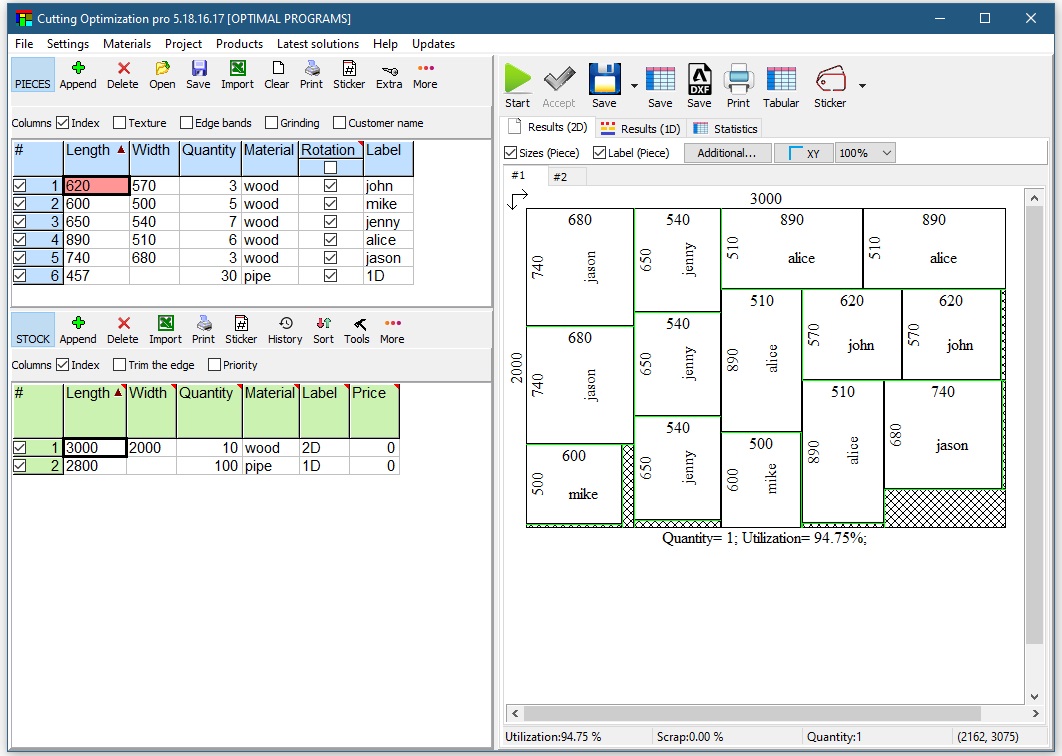
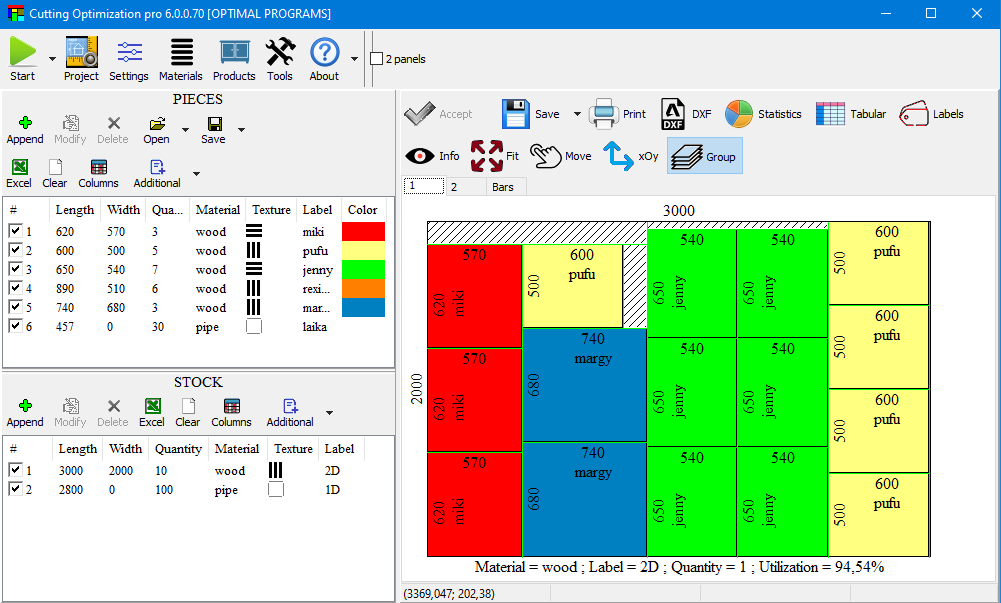
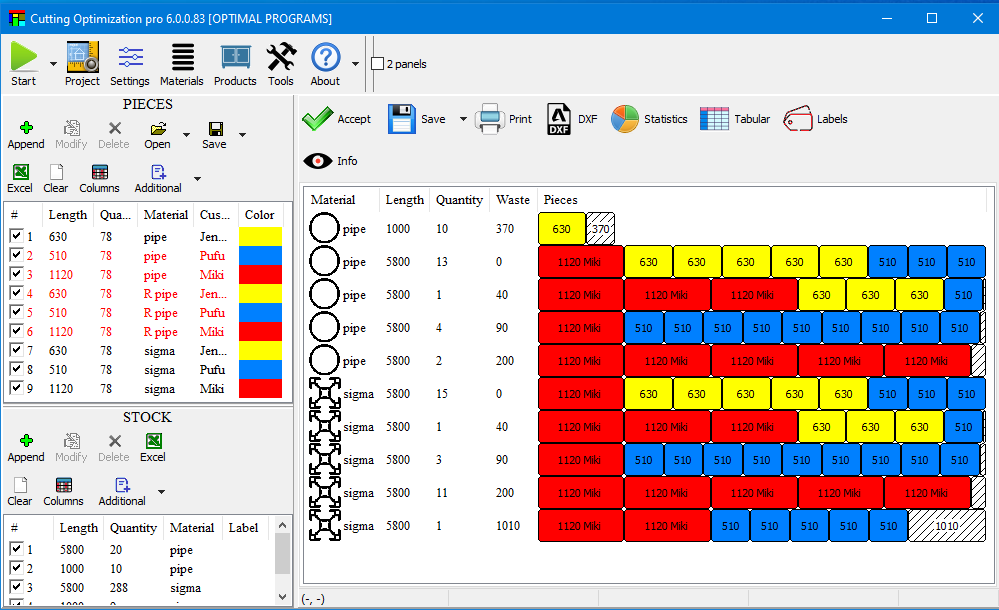
The software generates both graphical and text-based cutting layouts, simplifying production planning. Users can manually rearrange parts, move components between sheets, and view detailed cutting statistics.
IMPORT AND EXPORT SUPPORT
Cutting Optimization Pro supports importing data from Excel and exporting cutting results into various formats, including Excel, Word, PDF, and DXF. It also offers features for printing adhesive labels and allows for integration with Google SketchUp.
SYSTEM REQUIREMENTS
- Supported OS: Windows 11/10/8.1/7
- Memory (RAM): 1 GB of RAM or more is required
- Hard Disk Space: 100 MB or more required