
XnConvert is a free, cross-platform batch image processing tool that allows users to convert, resize, rename, and edit multiple images at once. With support for over 500 image formats, it offers a wide range of filters, transformations, and automation options. Its simple interface and powerful batch processing capabilities make it an efficient solution for photographers, designers, and anyone who manages large image collections.
OVERVIEW OF XNCONVERT
XnConvert is a powerful, cross-platform batch image processing software designed to help users efficiently convert, edit, and organize multiple images. Available for Windows, macOS, and Linux, it is one of the most versatile image conversion tools available, supporting over 500 image formats. Its intuitive interface allows users to process large collections of images with just a few clicks, making it ideal for photographers, graphic designers, and everyday users.
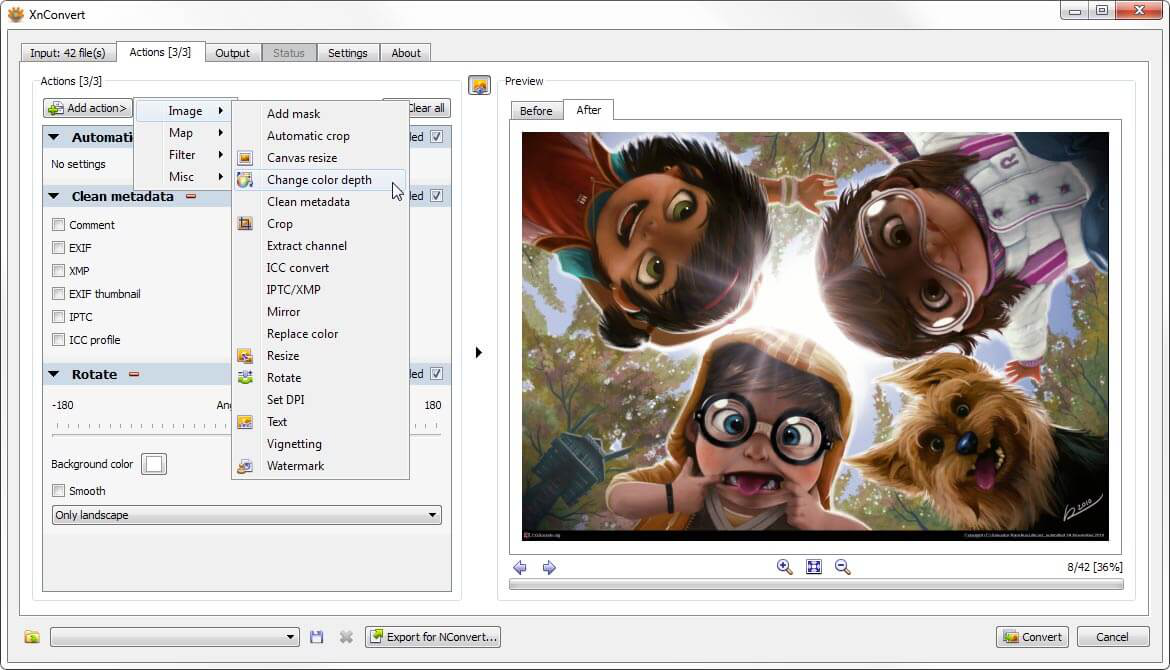
The software offers a wide range of image editing functions, including resizing, cropping, rotating, color correction, watermarking, applying filters, adjusting brightness and contrast, and adding text or effects. It integrates multiple editing operations into a single workflow, enabling automated batch processing that saves time and effort.
XnConvert offers advanced options such as metadata editing, batch file renaming, compression settings, and support for RAW camera images. Users can change the output format and quality settings to meet different project requirements while maintaining image quality.
Despite its extensive feature set, XnConvert remains lightweight, fast, and easy to use. The combination of wide format support, flexible batch processing, and automation capabilities makes it an excellent solution for managing and editing large numbers of images. Whether it’s a personal photo collection or a professional workflow, XnConvert offers an efficient and reliable image processing experience.
FEATURES OF XNCONVERT
EXTENSIVE FORMAT SUPPORT
XnConvert supports over 500 image formats for importing and exporting files, including JPEG, PNG, TIFF, GIF, BMP, WebP, and a wide range of camera RAW formats. This broad compatibility makes it convenient for processing images from a variety of devices and applications.
POWERFUL BATCH PROCESSING
This software is designed to process multiple images at once, allowing users to convert, resize, rename, and edit entire folders in a single operation. Batch processing significantly reduces the time required for repetitive image management tasks.
COMPREHENSIVE IMAGE EDITING
XnConvert includes over 80 editing actions and filters. Users can crop, rotate, resize, adjust brightness, contrast, and color, apply sharpening or blurring effects, add watermarks, insert text, and perform other image enhancements without using separate editing software.
AUTOMATION AND CUSTOM WORKFLOWS
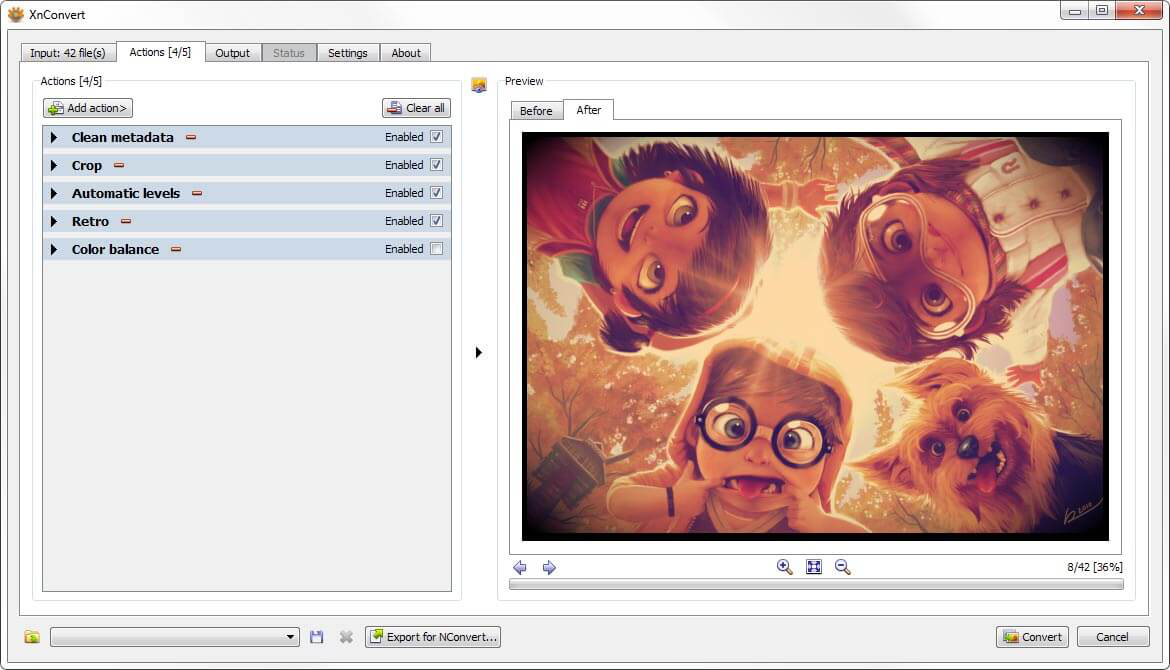
Users can combine multiple editing actions into a custom processing pipeline. These workflows can be saved and reused, making it easy to automate repetitive tasks and maintain consistent editing results across large image collections.
METADATA AND FILE MANAGEMENT
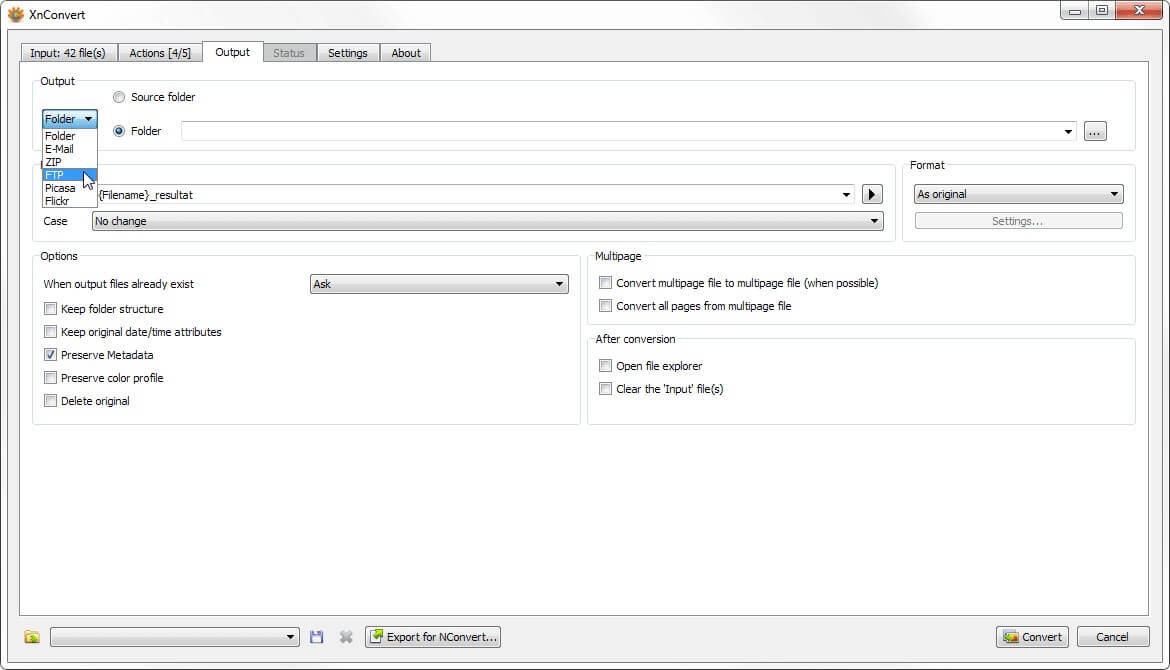
The program supports viewing, saving, and editing EXIF, IPTC, and XMP metadata. It also offers batch file renaming, output folder changes, compression settings, and file format conversions, helping users efficiently organize their images while preserving important information.
CROSS-PLATFORM PERFORMANCE
XnConvert is available for Windows, macOS, and Linux, providing a consistent user experience across different operating systems. With a lightweight design, multilingual interface, and fast processing engine, it is a reliable solution for both personal and professional image processing needs.
SYSTEM REQUIREMENTS
- Supported OS: Windows 11/10/8.1/7
- Memory (RAM): 1 GB of RAM or more is required
- Hard Disk Space: 100 MB or more required