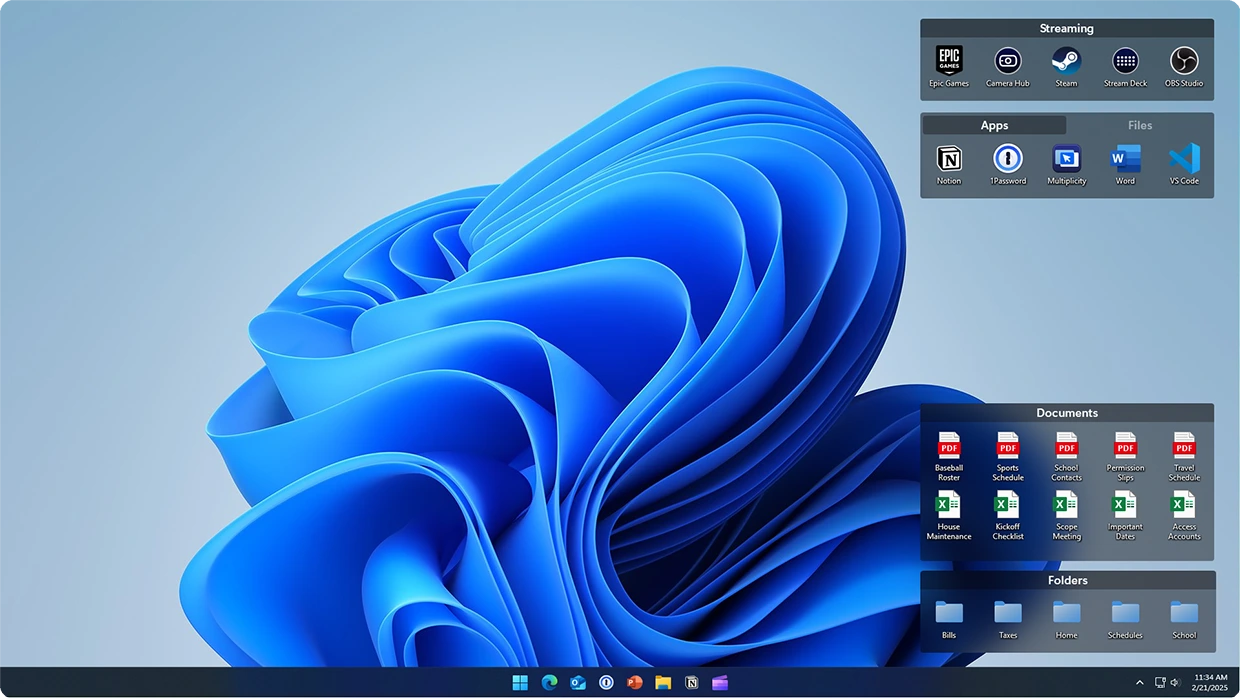

Stardock Fences is a powerful Windows desktop organization tool that helps users keep their desktops clean and efficient. It automatically organizes new icons based on user-defined rules and creates customizable shaded areas called “fences” to group shortcuts, files, and folders. With features like Folder Portals, desktop pages, a quick hide function, and extensive customization options, Fences improves productivity and creates a clutter-free workspace for Windows users.
OVERVIEW OF STARDOCK FENCES
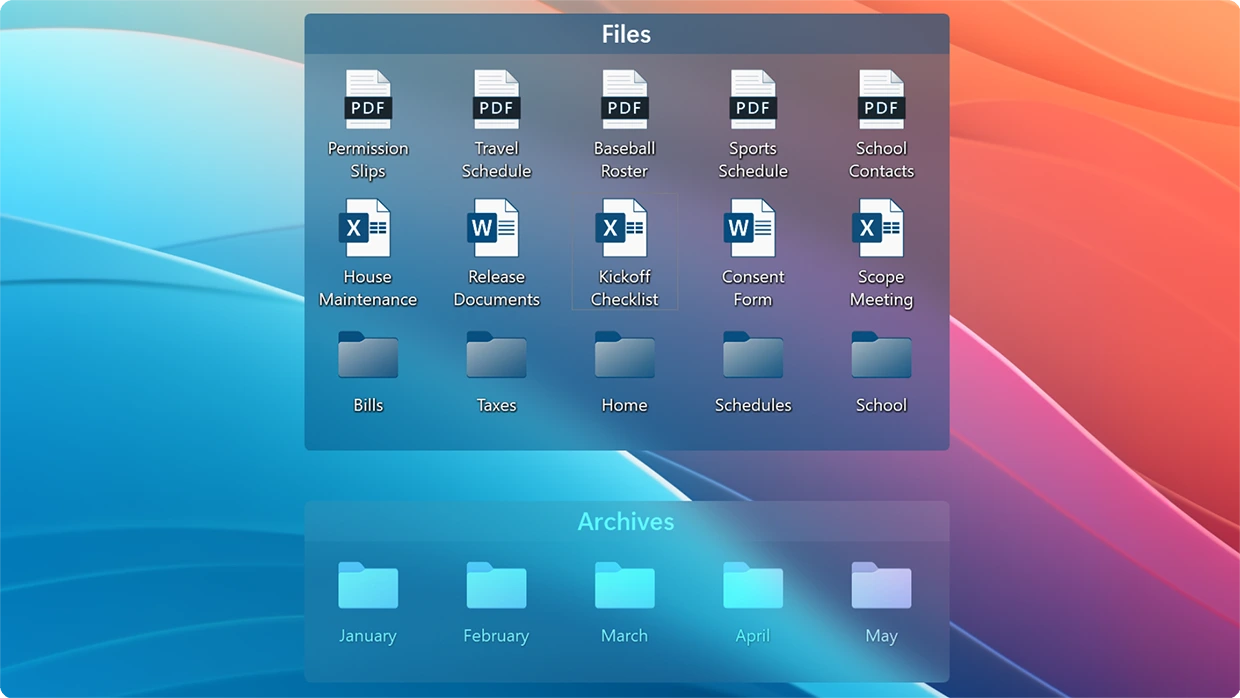
Stardock Fences is an advanced desktop organization application designed for Windows that transforms cluttered desktops into clean, well-structured workspaces. It enables users to create customizable containers, known as “fences,” where shortcuts, files, folders, and applications can be grouped according to categories or workflows. This makes it much easier to locate important items while maintaining an organized desktop.
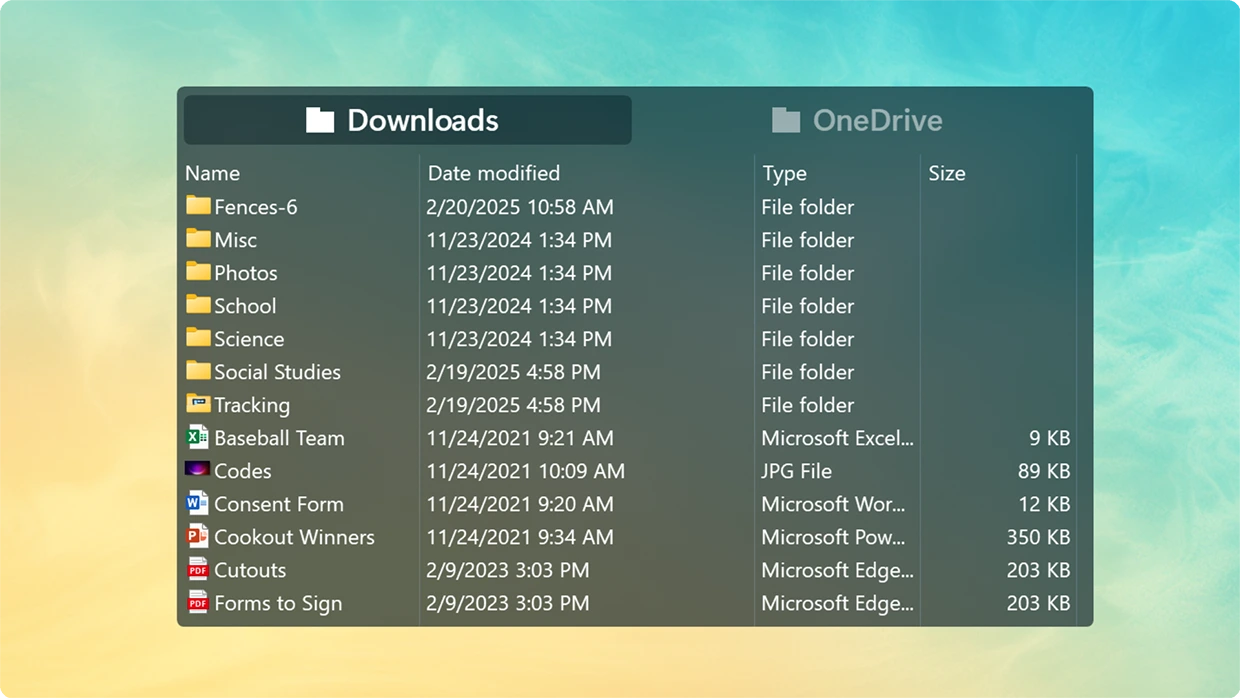
The software includes intelligent automation features that automatically sort newly added desktop icons into designated fences based on customizable rules. Users can create Folder Portals that display the contents of any folder directly on the desktop, eliminating the need to constantly open File Explorer. Desktop Pages allow multiple desktop layouts that can be accessed with simple mouse gestures, providing additional space for organizing content.
Stardock Fences also offers personalization features such as custom colors, transparency, icon spacing, labels, and themes, allowing users to create a desktop that matches their preferences. Quick-hide functionality lets users instantly hide or reveal desktop icons with a double-click, creating a distraction-free workspace whenever needed.
Whether you’re a professional managing numerous files, a student organizing study materials, or a casual user looking for a cleaner desktop, Stardock Fences enhances productivity by making desktop organization simple, efficient, and visually appealing. Its seamless integration with Windows and flexible customization options have made it one of the most popular desktop enhancement tools available.
FEATURES OF STARDOCK FENCES
SMART DESKTOP ORGANIZATION
Stardock Fences allows users to organize desktop icons into customizable shaded containers called fences. These containers can be resized, moved, renamed, and placed anywhere on the desktop. Instead of leaving icons scattered across the screen, users can categorize them into specific sections such as Work, Games, Documents, Downloads, or Personal Files, making the desktop cleaner and more efficient.
AUTOMATIC SORTING AND SMART RULES
One of the most useful features of the software is its smart automation system. Users can create rules that automatically place new desktop icons into specific fences based on file type, name, extension, location, or other criteria. Newly installed programs, downloaded files, and created documents can all be automatically sorted without having to manually organize them, helping to keep the desktop clean over time.
FOLDER PORTALS AND DESKTOP PAGES
Folder Portals allow users to instantly display the contents of any Windows folder within a fence on the desktop. This allows for direct access to frequently used folders without having to open File Explorer again and again. Desktop Pages expand the available workspace by enabling multiple desktop layouts that can be switched with a simple mouse movement or gesture, making it easier for users to separate different projects or tasks.
CUSTOMIZATION AND PERSONALIZATION
Fences offers a wide range of customization options to suit individual preferences. Users can change the fence color, transparency level, font, border, background, icon spacing, and label styles. Various layout settings make it easy to create a desktop that complements Windows themes while improving readability and accessibility. Modern versions include features such as improved visual customization for enhanced icon colors and a more colorful desktop experience.
PRODUCTIVITY AND WORKSPACE MANAGEMENT
The software includes several productivity-focused tools that reduce desktop clutter and improve workflow. Quick Hide instantly hides or restores desktop icons with a double-click on an empty desktop area, creating a distraction-free environment. The Print feature minimizes the fence to a compact title bar when not in use, while Peek allows users to temporarily display organized fences over open windows for quick access to files and shortcuts without interrupting their work.
SEAMLESS WINDOWS INTEGRATION
Stardock Fences is seamlessly integrated with Windows 10 and Windows 11, providing a natural desktop experience without replacing core Windows functionality. The software supports multiple monitors, customizable layouts, backup and restore of fence settings, and easy switching between systems. The lightweight design gives users complete control over their desktop layout, ensuring efficient operation, making it a suitable solution for both home and professional environments.
SYSTEM REQUIREMENTS
- Supported OS: Windows 11/10/8.1/7
- Memory (RAM): 1 GB of RAM or more is required
- Hard Disk Space: 100 MB or more required