
WizTree Enterprise is a powerful disk space analyzer tool designed to speed up the process of scanning and analyzing the contents of your hard drive. This software moves quickly through the file system at an unparalleled speed and instantly provides the user with information about the distribution of disk space consumption. Its main purpose is to identify and highlight files and folders that take up the most memory, allowing users to make informed decisions about optimizing disk space.
OVERVIEW OF WIZTREE ENTERPRISE
WizTree Enterprise is an advanced and powerful disk space analyzer designed to help enterprises manage and optimize their storage resources. The software can quickly scan and comprehensively analyze the contents of the hard drive, providing invaluable insight into the allocation of disk space.
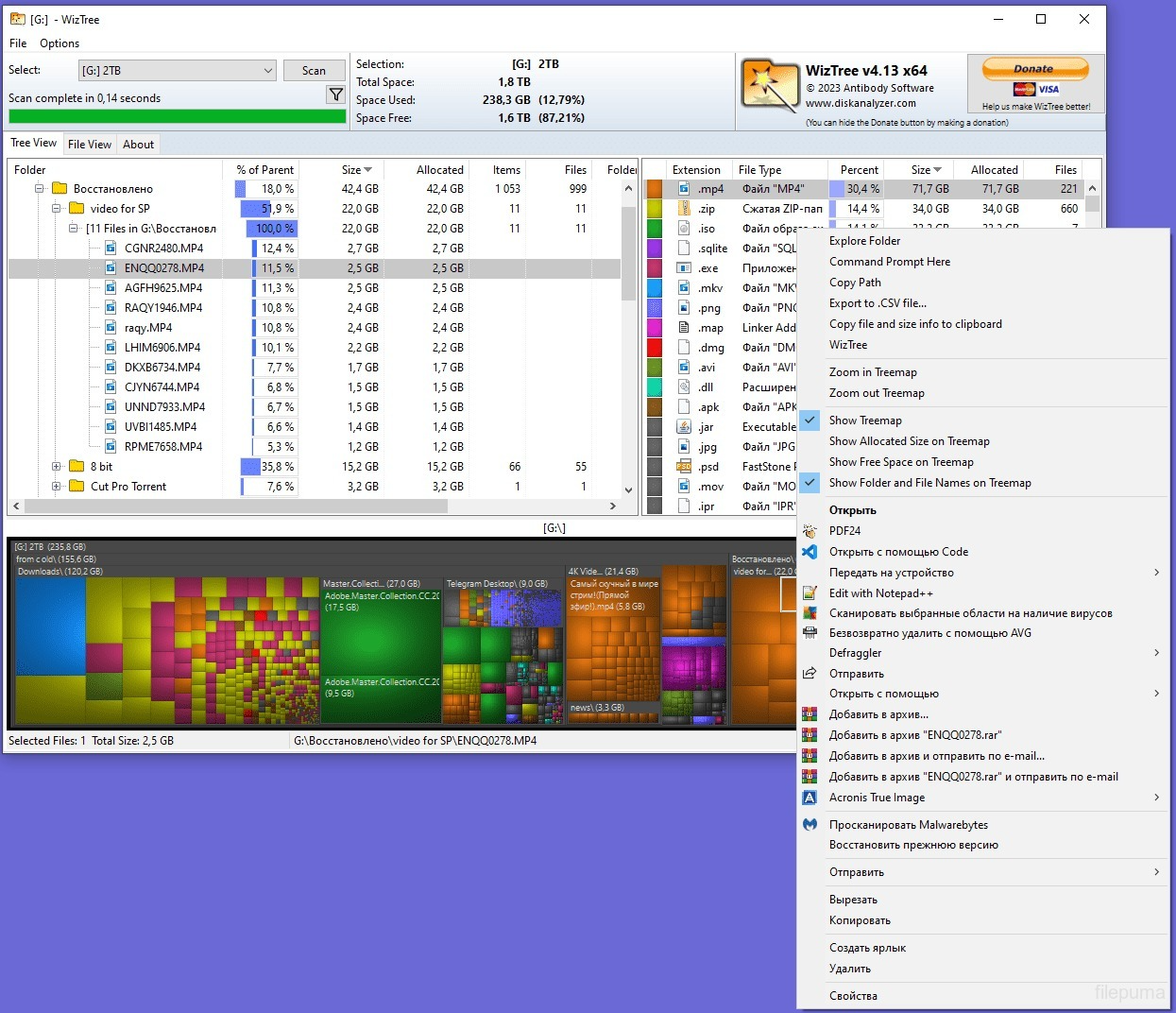
A special feature of WizTree Enterprise is the ability to quickly navigate through file systems and display disk space usage in seconds. This real-time visualization, often displayed in a tree map, allows users to identify files and folders that are major contributors to storage usage, allowing them to make informed decisions about efficient space management.
WizTree Enterprise meets the diverse needs of enterprises by providing advanced features in addition to speed and visualization capabilities. Enterprise versions can include features such as enhanced scalability to address a wide range of data storage requirements, robust security measures, and seamless integration with a wide range of enterprise systems. This makes WizTree Enterprise an ideal solution for organizations operating in large data environments that need to efficiently manage disk space to ensure optimal system performance.
FEATURES OF WIZTREE ENTERPRISE
ULTRA-FAST DISK SPACE ANALYSIS
WizTree Enterprise is designed to scan your storage drives and quickly determine how much disk space is being used. It analyzes the file system and displays the results in an easy-to-understand format, helping administrators and experienced users identify large files and folders without having to wait for a long indexing process.
VISUAL STORAGE TREE MAP
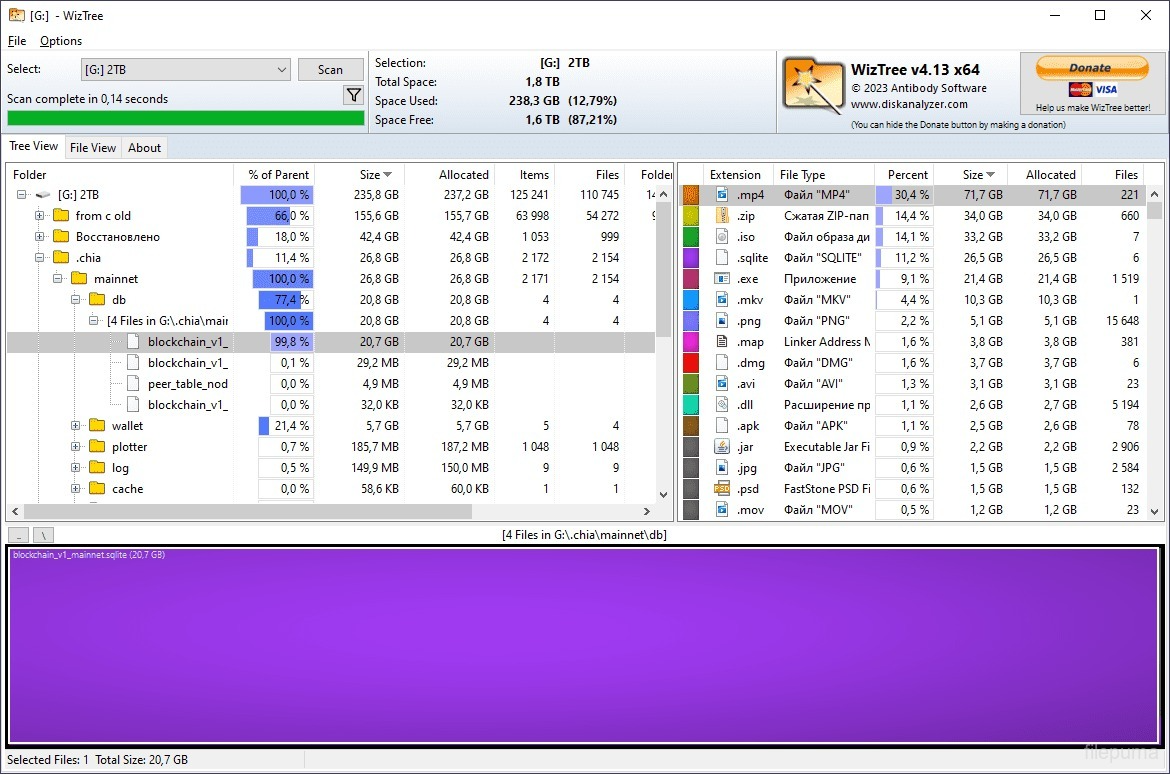
The software provides a visual tree map that shows files and folders by size. Large blocks indicate files that are taking up more space, making it easier to find content that is taking up less space at once. This visualization is especially useful when analyzing drives that contain thousands or millions of files.
FILE AND FOLDER DETAILS
WizTree Enterprise provides detailed information about files and folders, including their size and location. Users can sort and examine the results to determine which folders or individual files are taking up the most disk space. This helps to make the storage analysis more accurate.
POWERFUL SEARCH AND FILTERS
The program includes search capabilities to find specific files and file types. Users can search through the scanned results and use filters to narrow down the information. This is useful for finding large files, temporary data, old documents, or specific file extensions that may be contributing to storage shortages.
NETWORK AND ENTERPRISE USE
WizTree Enterprise is designed for professional and enterprise environments where administrators may need to analyze storage across multiple systems or locations. Enterprise-oriented licensing and deployment options make it ideal for businesses that need a disk space analysis solution for managed Windows computers.
STORAGE CLEANUP AND MANAGEMENT
By clearly identifying where disk space is being used, WizTree Enterprise helps users make informed decisions about storage cleanup. Administrators can identify large files and folders that are no longer needed, and then determine what data can be archived, moved, or deleted. This helps to manage storage more healthily and efficiently.
SYSTEM REQUIREMENTS
- Supported OS: Windows 11/10/8.1/7
- Memory (RAM): 1 GB of RAM or more is required
- Hard Disk Space: 100 MB or more required