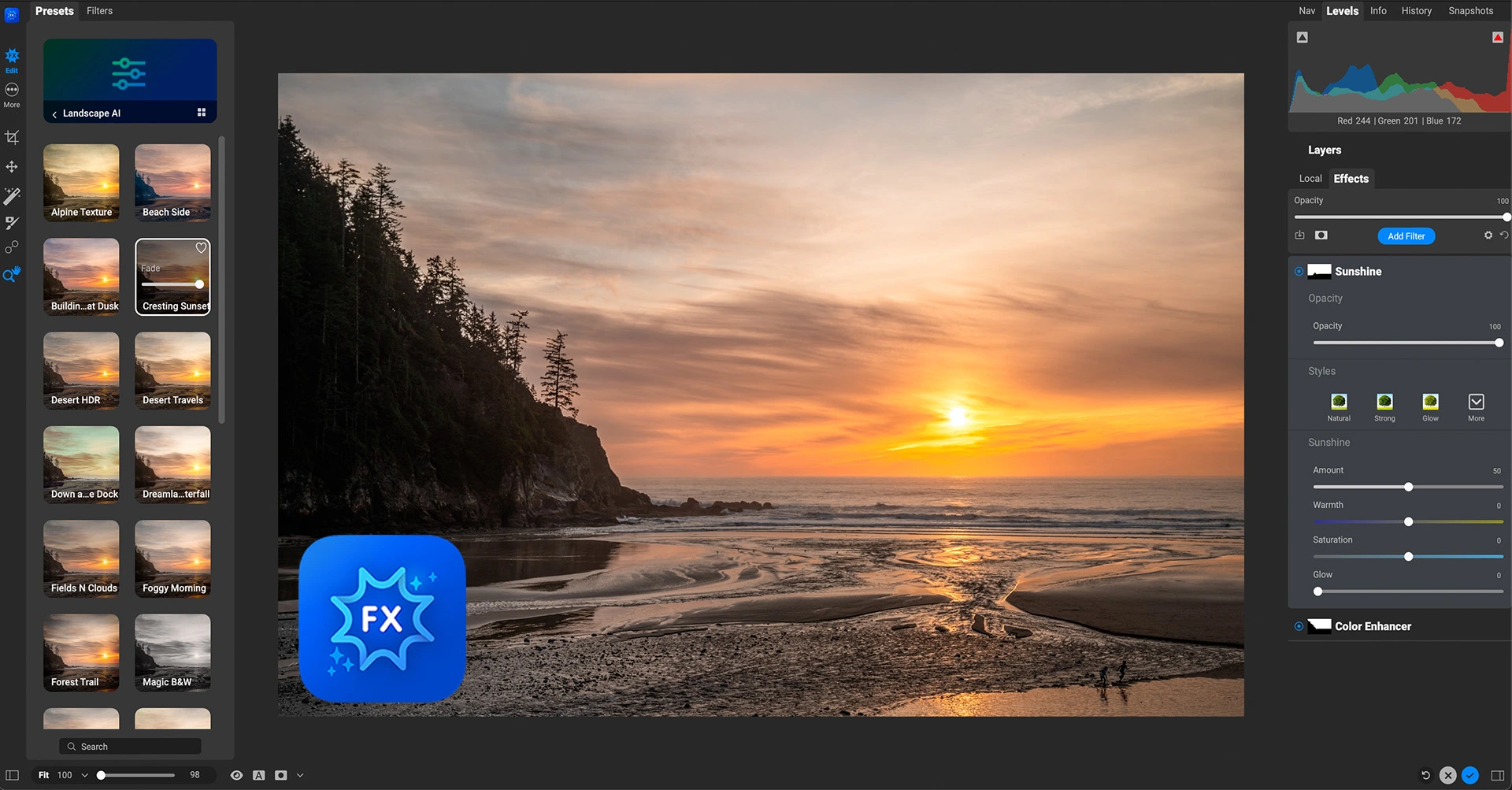
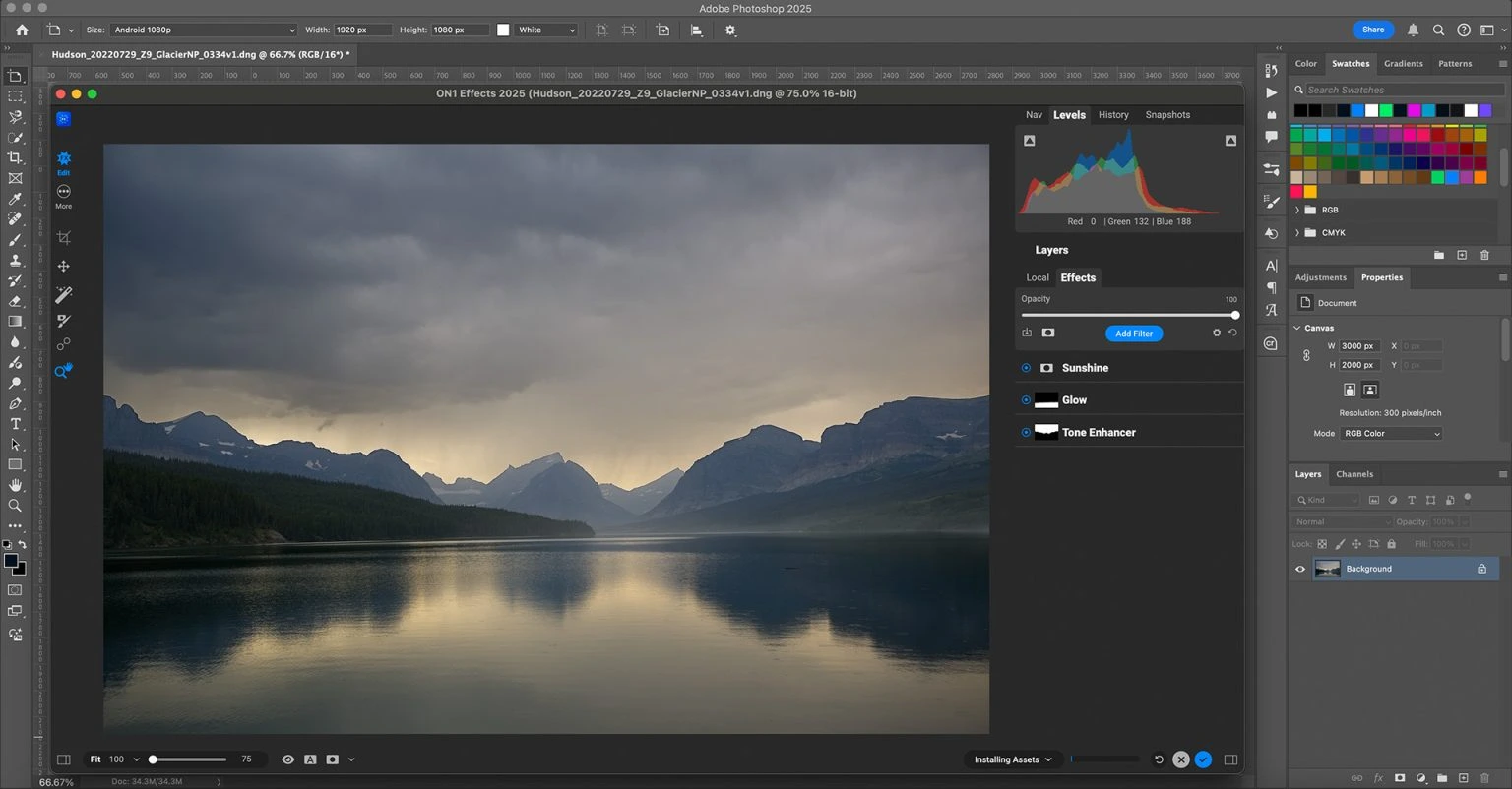
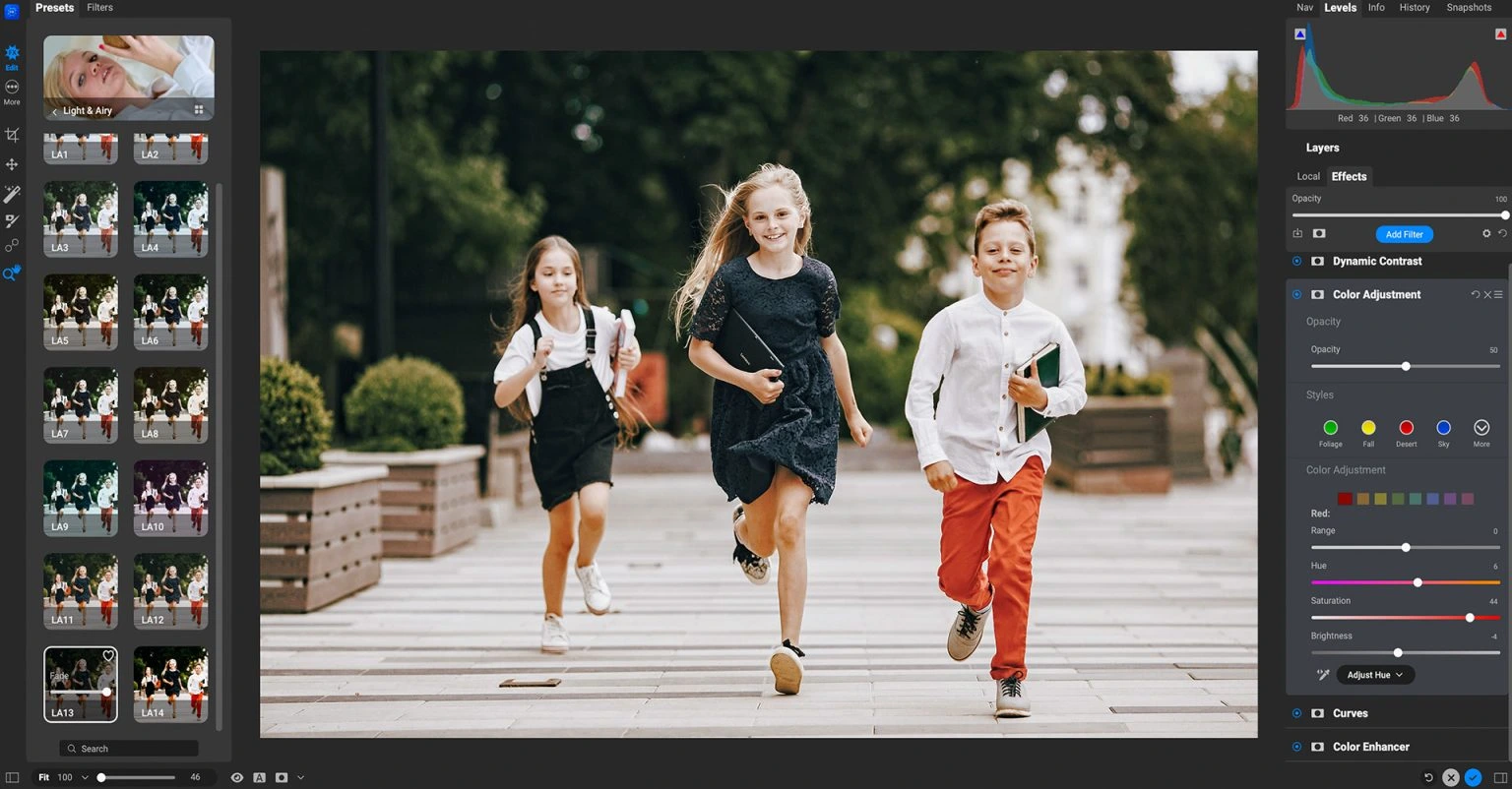
ON1 Effects is a photo editing app and plugin all in one. It offers a vast array of filters, presets, and creative effects tailored for photographers. Users can easily enhance their images using professional-level adjustments, textures, and borders. Plus, there are LUTs and AI-powered masking tools to play with. It works well on both Windows and macOS, and it fits nicely with popular photo editing software. Best of all, it allows for quick, non-destructive editing.
OVERVIEW OF ON1 EFFECTS
ON1 Effects is a robust tool for photo enhancement and effects. It caters to photographers, graphic designers, and other creative professionals. You can use it as a standalone app or as a plugin for popular software like Adobe Photoshop, Lightroom Classic, Photoshop Elements, Affinity Photo, and Capture One.
The software boasts a vast library filled with professional filters and customizable presets, allowing for quick transformations of your images. With hundreds of built-in presets, the options are extensive. Users can explore various effects—think color correction, black-and-white conversions, and even cinematic styles.
There’s also dynamic contrast, textures, vignettes, and film-inspired effects to play with. Want to get creative? You can stack multiple filters, adjust blending modes, and fine-tune every single change using layers and masks. The level of creative freedom is impressive. ON1 Effects offers AI-driven masking tools that make it easier to select subjects, skies, and backgrounds. This speeds up local adjustments and boosts accuracy. Plus, it features a non-destructive editing workflow.
Your original images stay intact, and you can change edits whenever you want. Thanks to GPU acceleration, fast preview rendering, and batch processing, it performs remarkably well, even with high-res photos. Whether you’re working on portraits, landscapes, travel shots, or commercial images, the software has a user-friendly interface. It also provides professional-grade editing tools, helping photographers get impressive results without a hassle.
FEATURES OF ON1 EFFECTS
EXTENSIVE FILTERS AND PRESETS
ON1 Effects includes hundreds of professionally designed presets and dozens of customizable filters. Users can instantly apply creative looks such as film color, vintage film, HDR effects, stunning black and white, color grading, sharpness, dynamic contrast, and artistic styles. Each preset can be customized to suit individual editing preferences.
LAYER-BASED EDITING AND MASKING
The software supports layer-based editing, allowing you to layer multiple effects while maintaining full control over each adjustment. Built-in masking tools, brush controls, gradients, luminosity masks, and AI-powered masking make it easy to edit only the parts you need without affecting the entire image.
AI-POWERED SELECTION TOOLS
ON1 Effects uses AI to automatically detect objects, skies, backgrounds, and other elements in your photos. These intelligent selection tools significantly reduce manual editing time, improve local adjustments, enhance portraits, and enhance creative compositions.
PROFESSIONAL COLOR AND COLOR ADJUSTMENT
This software provides comprehensive control over image, contrast, highlights, shadows, white balance, hue, vibrance, saturation, curves, and LUT support. Advanced tools help photographers make precise color corrections and develop unique visual styles suitable for personal and commercial projects.
FAST PERFORMANCE AND WORKFLOW INTEGRATION
GPU acceleration enables smooth editing, fast previewing, and responsive performance with high-resolution images. ON1 Effects works as a standalone editor or plug-in, and integrates tightly with Adobe Photoshop, Lightroom Classic, Photoshop Elements, Affinity Photo, and Capture One to simplify workflows.
NON-DESTRUCTIVE EDITING AND BATCH PROCESSING
ON1 Effects uses a non-destructive editing workflow to preserve the original image files. Users can review and change edits at any time without losing quality. Batch processing allows you to apply the same presets and adjustments to multiple images at once, which can save a lot of time when editing a large collection of images.
SYSTEM REQUIREMENTS
- Supported OS: Windows 11/10
- Memory (RAM): 4 GB of RAM or more is required
- Hard Disk Space: 1 GB or more required