
Nero Video is a video editing and authoring software that allows users to create, edit, enhance, and share videos. It offers tools for trimming clips, adding effects, transitions, music, and creating DVDs or Blu-ray discs. Designed for both beginners and experienced users, Nero Video offers a wide range of templates and editing features for creating professional-looking videos for personal, educational, or creative projects.
OVERVIEW OF NERO VIDEO
Nero Video is a versatile video editing and disc burning software developed by Nero AG. It provides users with tools to create, edit, enhance, and share high-quality videos for personal and professional projects. The software supports a wide range of video formats and offers features such as timeline editing, trimming, transitions, effects, audio adjustments, color correction, and multimedia organization.
Designed for both beginners and experienced editors, Nero Video features automatic editing options, ready-made templates, and step-by-step tutorials to help users quickly create polished videos. Advanced users can use multi-track editing, fine-tuning tools, and creative effects to create more complex projects.
In addition to video editing, Nero Video includes menu-driven features that allow you to create and customize DVDs, Blu-ray discs, and video slideshows. Integration with other Nero multimedia tools allows users to efficiently manage, convert, and share their media files.
With a balance of simple and advanced features, Nero Video is ideal for creating home movies, tutorials, presentations, social media content, and other multimedia projects. It remains a popular choice for users looking for an affordable yet powerful video editing solution.
FEATURES OF NERO VIDEO
ADVANCED VIDEO EDITING TOOLS
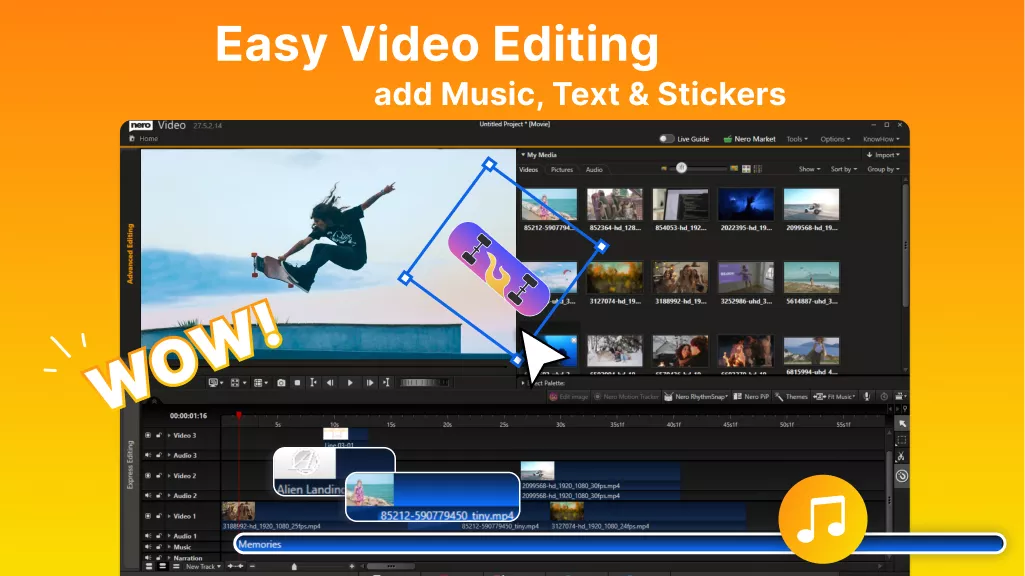
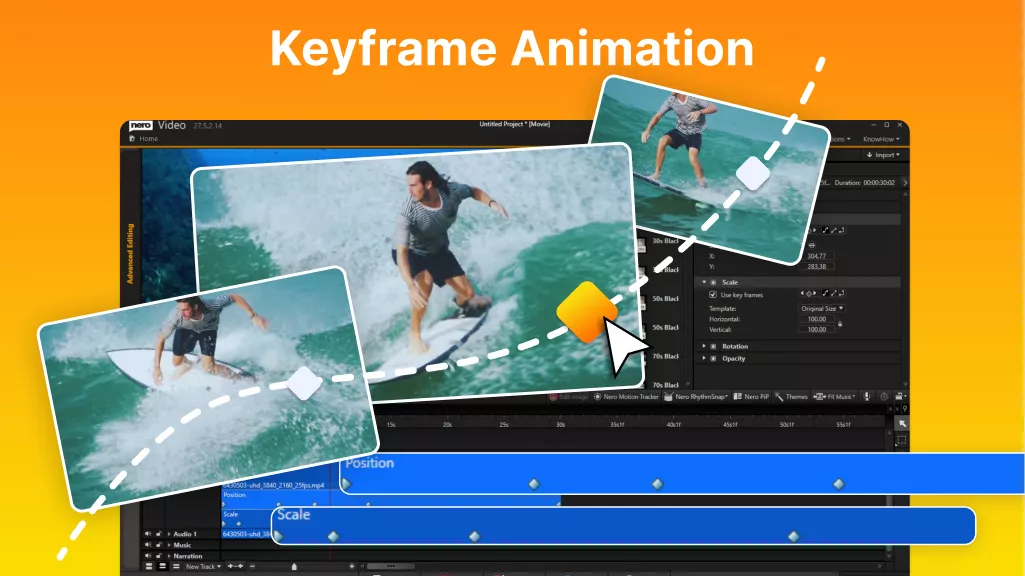
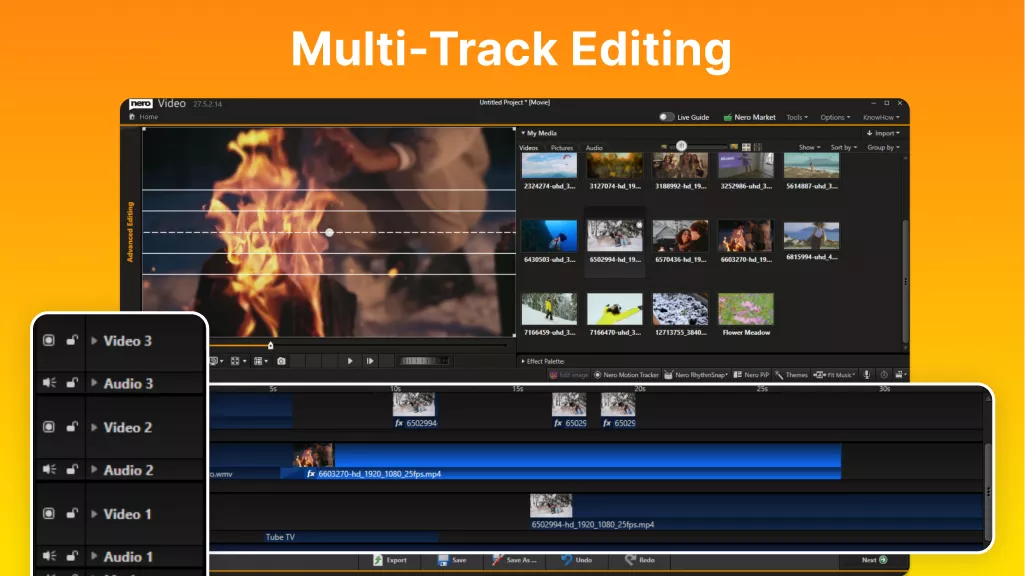
Nero Video offers a comprehensive set of editing tools that allow users to trim, crop, split, and merge video clips with precision. It supports multi-track editing and allows users to combine videos, photos, music, and effects into a single project. The software also includes tools to adjust brightness, contrast, color, and audio quality to improve overall productivity.
CREATIVE EFFECTS AND TRANSITIONS
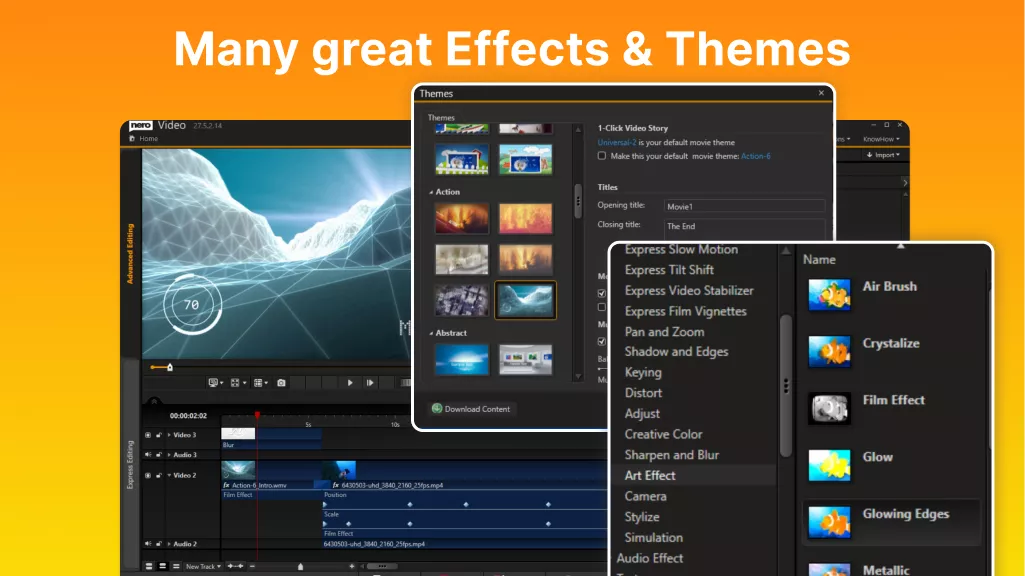
The software offers a wide selection of transitions, filters, animations, and visual effects to make videos more interesting. Users can add titles, captions, background music, and voiceovers to personalize their projects. Built-in templates help users with limited editing experience quickly create professional-looking videos.
EASY-TO-USE EDITING INTERFACE
Nero Video has an easy-to-use interface designed for both beginners and experienced users. Its guided editing modes provide step-by-step assistance, while advanced modes give you greater control over editing details. A flexible workspace allows users to organize media files, manage timelines, and efficiently execute projects.
DISC AUTHORING AND MEDIA CREATION
Nero Video includes powerful disc authoring features for creating DVD and Blu-ray discs. Users can design customized menus, add chapters, and prepare videos for playback on compatible devices. It also supports creating slideshows and exporting videos in formats suitable for various platforms.
WIDE FORMAT SUPPORT AND MEDIA MANAGEMENT
This software supports a wide range of video, audio, and image formats, making it easy to work with a wide variety of media files. Users can import content from cameras, smartphones, and storage devices, organize media libraries, and convert files to compatible formats for sharing or playback.
SHARING AND EXPORT OPTIONS
Nero Video allows users to export finished projects in multiple resolutions and formats, including options suitable for online sharing, mobile devices, and home entertainment systems. Its efficient rendering tools help produce high-quality videos while maintaining a smooth workflow from editing to final output.
SYSTEM REQUIREMENTS
- Operating System: Windows 10 or Windows 11 (64-bit)
- Processor: Intel® or AMD® processor with at least 2 GHz speed
- RAM: Minimum 2 GB RAM (4 GB or more recommended)
- Graphics Card: DirectX 9.0 compatible graphics card with at least 128 MB video memory
- Hard Disk Space: Approximately 5 GB free storage space for installation
- Display: Minimum 1024 × 768 screen resolution with 16-bit color support