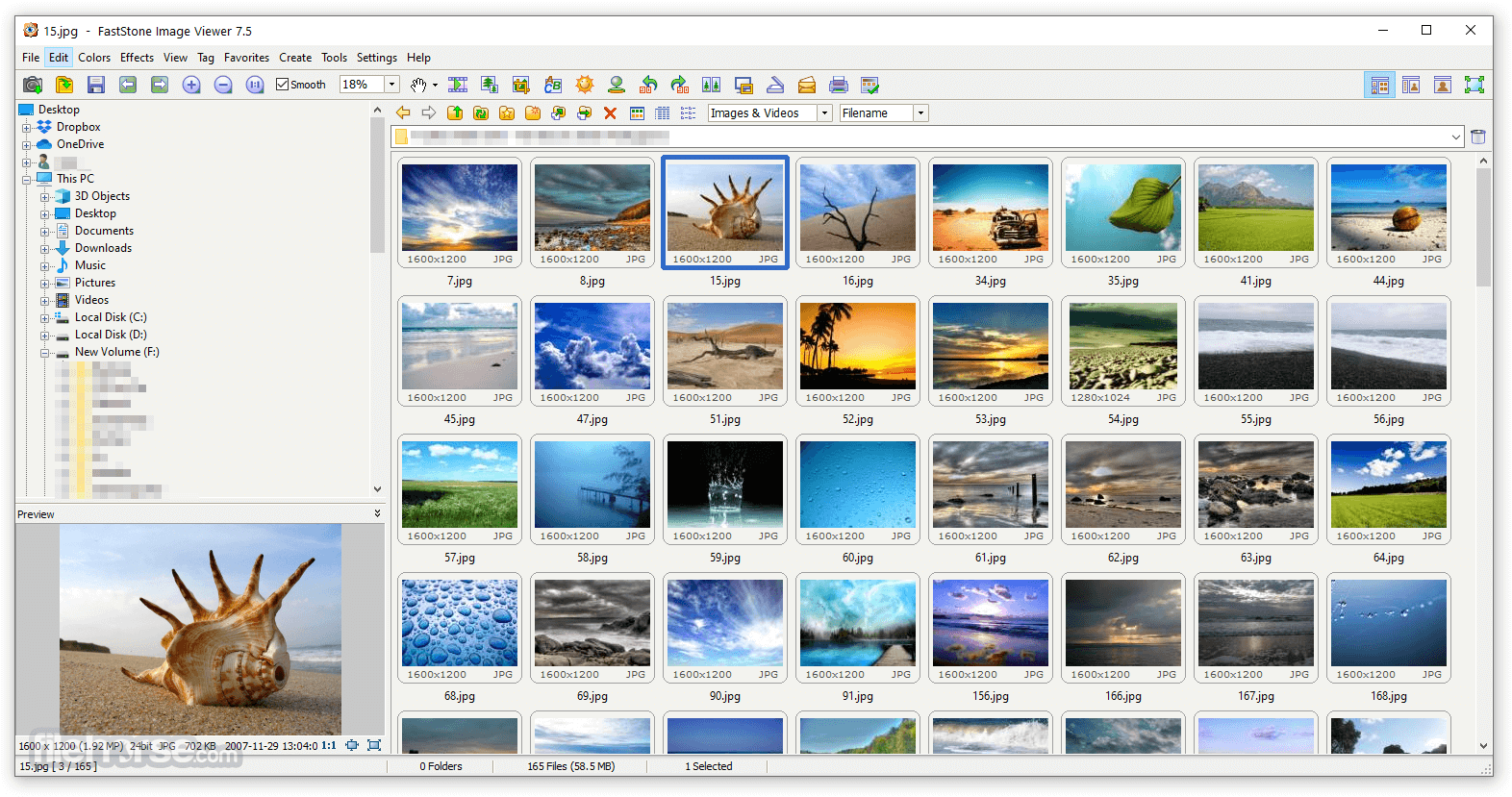

FastStone Image Viewer is a free Windows application for viewing, organizing, editing, and converting images. It supports a wide range of image formats and includes tools for resizing, cropping, adjusting colors, creating slideshows, batch processing, and taking screenshots. Its intuitive interface, fast performance, and practical editing features make it a popular choice for photographers and casual users alike.
OVERVIEW OF FASTSTONE IMAGE VIEWER
FastStone Image Viewer is a lightweight, feature-rich image management program for Windows users. It combines fast image viewing, practical editing and organizing tools, making it suitable for both casual users and photography enthusiasts. The software supports a wide range of image formats, including JPEG, PNG, GIF, TIFF, BMP and many popular RAW camera files.
In addition to image viewing, FastStone Image Viewer offers essential editing functions such as cropping, resizing, rotating, adjusting colors, removing red-eye, sharpening, and marking. It also includes advanced features such as batch conversion, renaming, creating slideshows with transition effects, image comparison, and viewing metadata (EXIF/IPTC). Users can take screenshots, create contact sheets, and apply basic enhancements without the need for separate editing software.
The program is known for its intuitive interface, full-screen viewing mode, and fast performance even when working with large image collections. Customizable layouts and convenient navigation tools help users efficiently organize and manage their image library.
Overall, FastStone Image Viewer is a reliable and easy-to-use solution for viewing, editing, and organizing digital images. Its combination of speed, functionality, and low system resource usage has made it a popular choice among Windows users looking for a free, all-in-one image viewer and basic image editor.
FEATURES OF FASTSTONE IMAGE VIEWER
FAST IMAGE VIEWER
FastStone Image Viewer offers a smooth and responsive image viewer that allows users to quickly open and manage large image collections. It supports popular image formats such as JPEG, PNG, BMP, GIF, TIFF and many RAW camera files.
BUILT-IN IMAGE EDITING
The software includes a variety of editing tools for everyday tasks. Users can crop, resize, rotate, adjust brightness and contrast, remove red-eye, enhance images, make color corrections, and add text, watermarks or annotations without the need for separate editing software.
BATCH PROCESSING
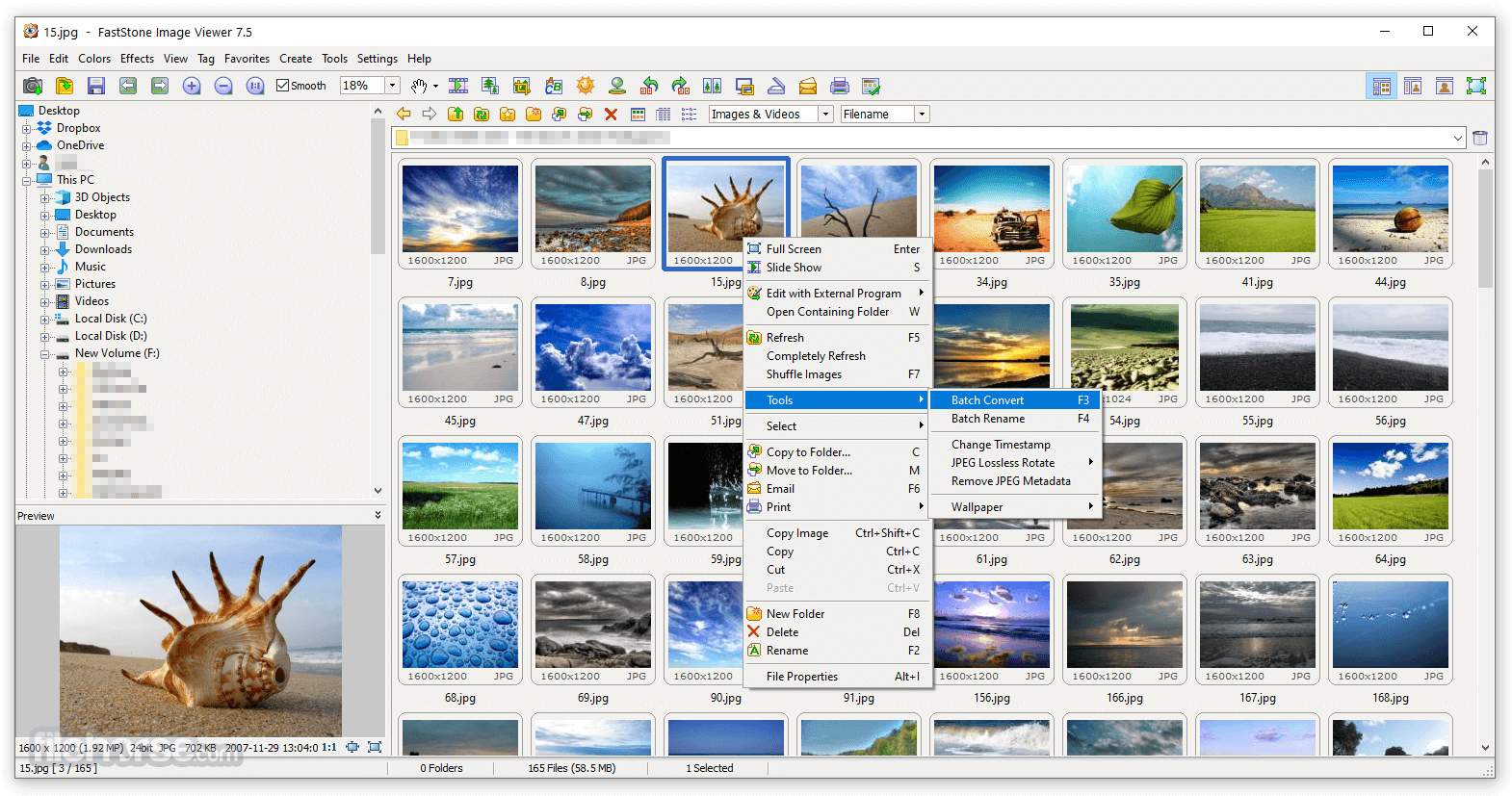
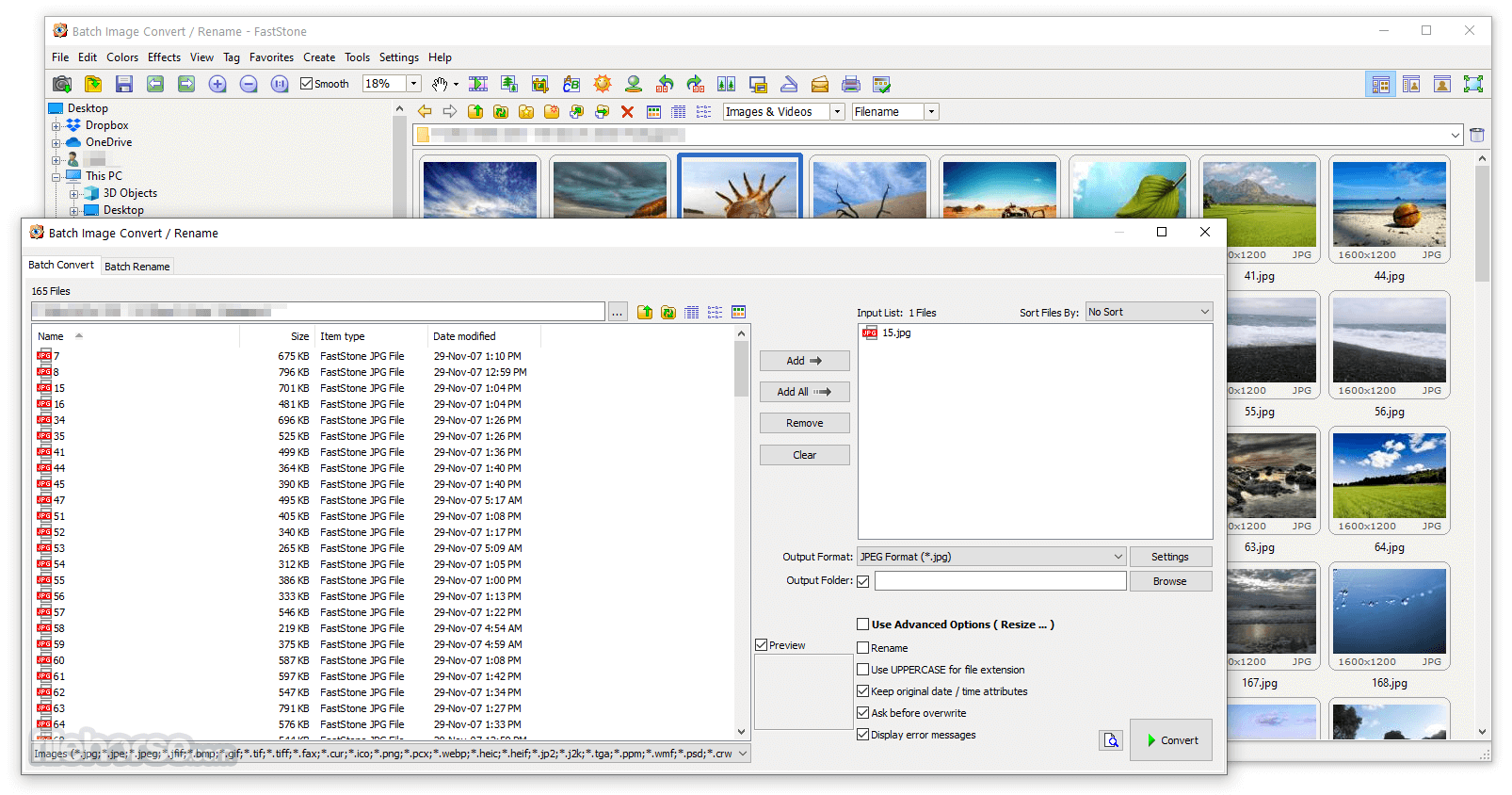
FastStone simplifies repetitive tasks with its batch conversion and batch renaming features. Users can process multiple images at once by converting formats, resizing images, renaming files or making adjustments, saving a lot of time and effort.
FULL-SCREEN VIEWING EXPERIENCE
The program offers a full-screen mode with a hidden toolbar that appears when you move the mouse pointer to the edge of the screen. It also allows you to compare images, zoom in and out, view slideshows with transition effects, and view detailed metadata, creating a better viewing experience.
FILE MANAGEMENT AND ORGANIZATION
FastStone Image Viewer includes practical file management features to help users organize their image collections. Users can copy, move, rename, delete, tag, and sort images directly within the program, making it easy to manage large image libraries efficiently.
SCREENSHOTS AND ADDITIONAL TOOLS
In addition to image viewing, the software has a built-in screenshot tool for taking screenshots of the entire screen, the active window, or selected areas. It also includes features such as contact sheet creation, histogram display, lossless JPEG editing, and support for EXIF/IPTC metadata, making it a versatile tool for photographers and everyday users.
SYSTEM REQUIREMENTS
- Supported OS: Windows 11/10/8.1/7
- Memory (RAM): 1 GB of RAM or more is required
- Hard Disk Space: 100 MB or more required