
Boris FX Sound Forge Plus is a professional Windows-based audio editing and mastering application designed for musicians, podcasters, broadcasters, and content creators. It offers tools for waveform editing, audio restoration, recording, mastering, and batch processing in an intuitive interface. With support for high-resolution audio, advanced effects, and flexible export options, Sound Forge Plus enables users to produce clean, polished, professional-quality audio for music, video, and podcast projects.
OVERVIEW OF BORIS FX SOUND FORGE PLUS
Boris FX Sound Forge Plus is a comprehensive digital audio editing and mastering solution for creators who require professional-quality sound production without the complexity of a full digital audio workstation. Whether you’re recording podcasts, editing music, restoring old recordings, or preparing audio for video, Sound Forge Plus offers a streamlined workflow with powerful editing capabilities.
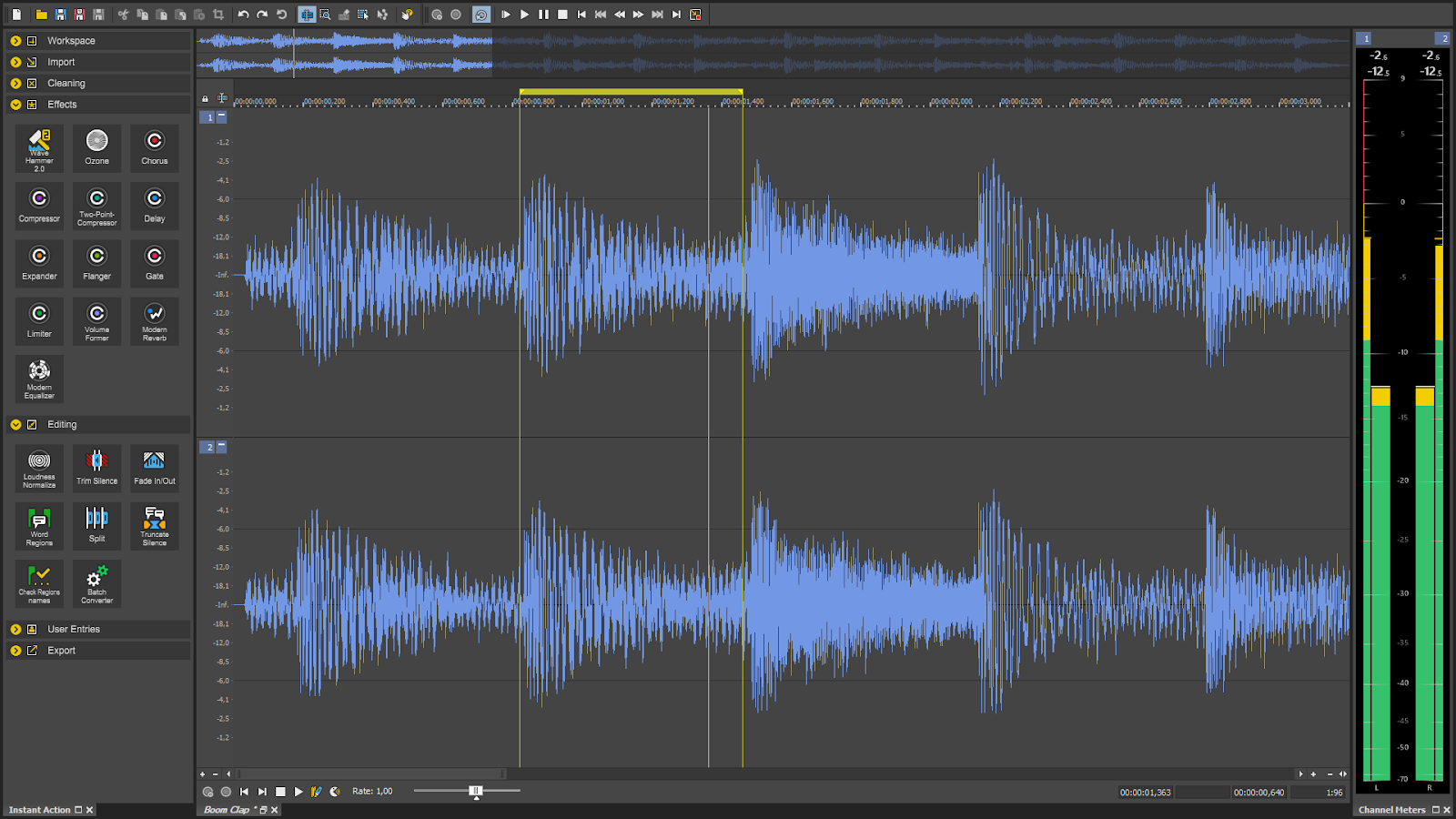
The software features sample-accurate waveform editing, allowing users to trim, crop, normalize, and enhance audio with exceptional precision. Integrated recording tools support high-quality audio recording, while built-in restoration features help remove background noise, clicks, hiss, and unwanted artifacts from recordings. Users can also apply a variety of professional effects, including EQ, compression, reverb, and dynamics processing, to achieve polished results.
Sound Forge Plus supports a wide range of audio formats and high-resolution recordings, making it ideal for music production, sound editing, streaming, and multimedia projects. Batch processing capabilities allow users to automate repetitive tasks across multiple files, improving productivity for large audio collections.
Its intuitive interface provides the depth and flexibility that seasoned professionals expect, while allowing beginners to master advanced audio editing. Combined with fast performance, reliable stability, and professional mastering tools, Boris FX Sound Forge Plus is an excellent choice for anyone who wants to create, edit, restore, and deliver high-quality audio.
FEATURES OF BORIS FX SOUND FORGE PLUS
PRECISION AUDIO EDITING
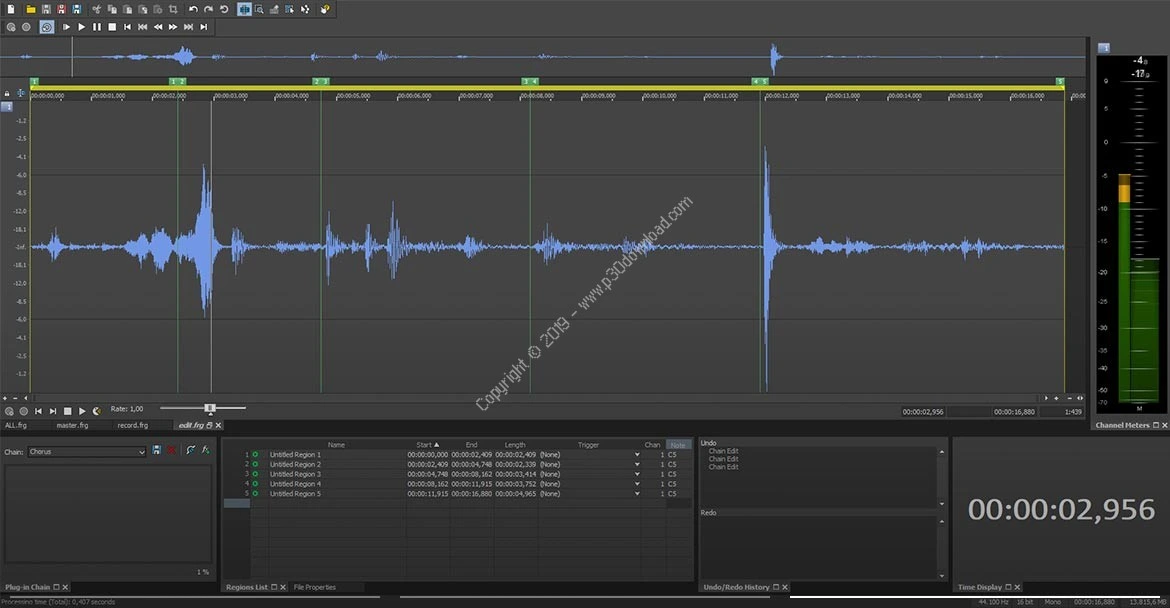
Sound Forge Plus offers waveform editing services to trim, crop, duplicate, fade, and trim audio clips. Its non-destructive workflow gives you precise control over each recording.
PROFESSIONAL RECORDING
Record high-quality audio within the software using a microphone or external audio interface. Recording tools support voiceovers, podcasts, interviews, music, and other professional audio projects.
AUDIO RESTORATION TOOLS
Clean up damaged or noisy recordings with built-in restoration features. Improve clarity while preserving the original audio quality by removing clicks, hiss, and background noise.
MASTERING AND AUDIO EFFECTS
Enhance your recordings with professional mastering tools such as equalization, compression, limiting, normalization, and reverb. These effects help produce balanced, broadcast-ready audio, ideal for music and media production.
BATCH PROCESSING AND FORMAT SUPPORT
Automate repetitive editing tasks by processing multiple audio files at once. Sound Forge Plus supports a wide range of popular audio formats, making it easy to import and export to a variety of platforms and workflows.
USER-FRIENDLY WORKFLOW
A clean interface combines professional functionality with ease of use. Customizable workspaces, keyboard shortcuts, and efficient navigation help both novice and experienced editors complete projects quickly while maintaining precise control over all aspects of audio production.
SYSTEM REQUIREMENTS
- Supported OS: Windows 10 or Windows 11 (64-bit)
- Processor: 1.4 GHz or faster CPU (multicore recommended)
- Memory (RAM): 2 GB minimum (8 GB recommended)
- Hard Disk Space: At least 1.5–2 GB of available disk space