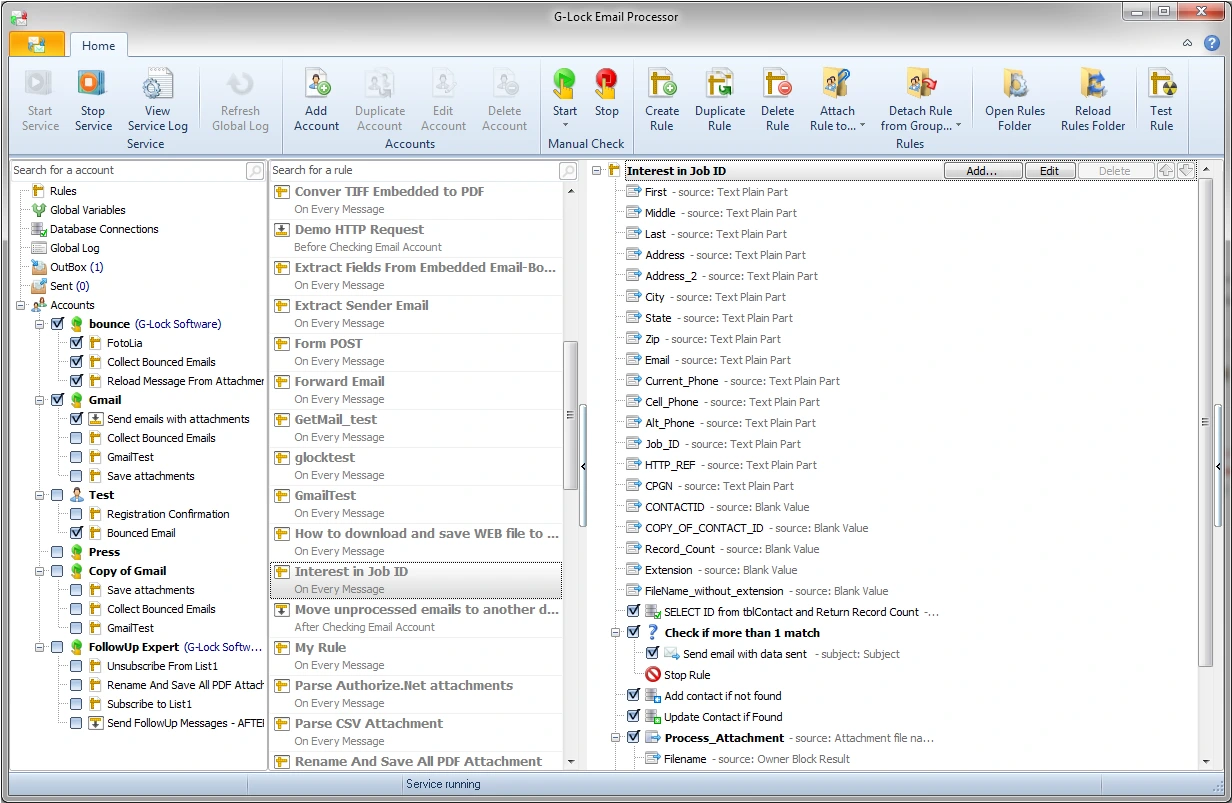

Automatic Email Processor is a Windows-based email automation tool designed to automatically process incoming messages and attachments. It can monitor email accounts, enforce user-defined rules, store attachments, move or delete messages, and perform actions based on specific conditions. This software is useful for businesses and individuals who need to reduce repetitive email tasks and simplify the process of handling incoming messages.
OVERVIEW OF AUTOMATIC EMAIL PROCESSOR
Automatic Email Processor is an email automation and management tool for Windows that helps users manage incoming messages without having to manually process each email. It can monitor one or more email accounts and perform predefined actions when a message meets certain conditions.
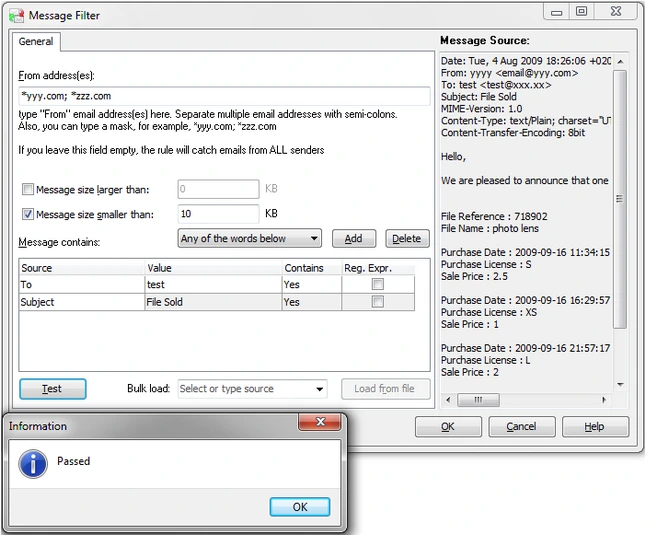
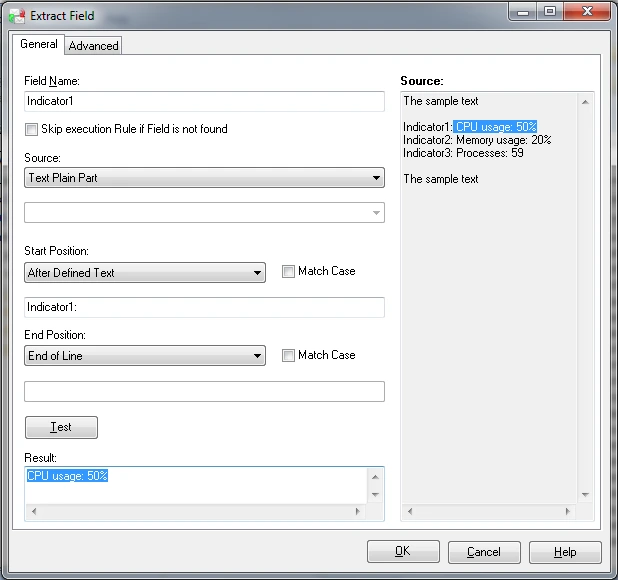
The software allows users to create rules based on information such as sender, recipient, subject, message content, and attachments. Depending on the configured rules, attachments can be automatically downloaded, saved, moved or deleted, forwarded, or other processing actions can be triggered. This makes it particularly useful for repetitive workflows that require regular email processing.
Automatic Email Processor can be used in both personal and professional environments. Businesses can use it to organize customer requests, collect incoming documents, process invoices, or store email attachments in specific folders. Individuals can use it to automate routine email organization and reduce the time spent managing their inbox.
FEATURES OF AUTOMATIC EMAIL PROCESSOR
AUTOMATED EMAIL MONITORING
An automated email handler can continuously monitor email accounts that are configured for incoming messages. Instead of requiring users to manually review and process each email, the software can detect new messages and automatically apply appropriate processing rules.
CUSTOMIZABLE PROCESSING RULES
The software allows users to create rules that specify how to handle specific emails. The rules can be based on details such as sender, recipient, subject, message content, or attachments. This allows them to create customized workflows for different incoming messages.
ATTACHMENT PROCESSING
An automated email handler can automatically handle email attachments according to customized rules. Attachments can be stored in specific folders, which helps users collect documents, images, reports, invoices, and other files without having to manually open individual messages.
AUTOMATED EMAIL ACTIONS
Users can configure different actions to be performed when an email matches a specific rule. Depending on the workflow, the program can move, copy, delete, or forward messages. Automating these repetitive tasks helps reduce the need to manually manage incoming emails.
MULTIPLE EMAIL ACCOUNTS
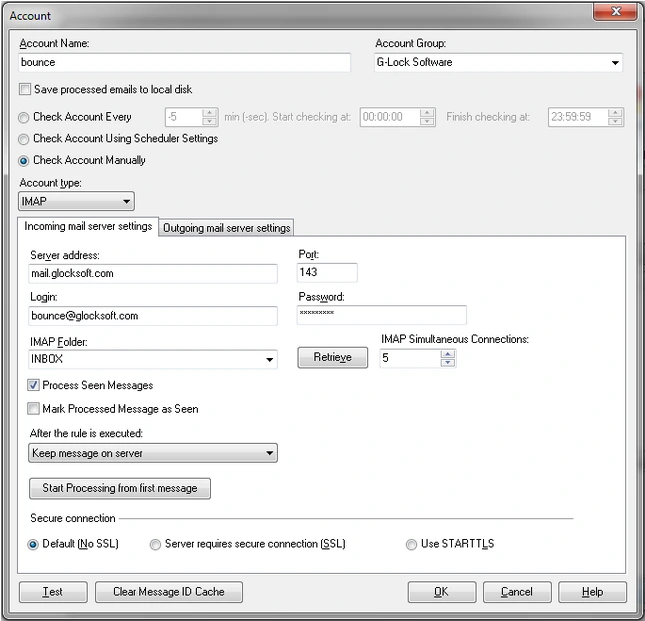
This program can be configured to work with multiple email accounts, making it ideal for users who manage multiple addresses. Each account can have its own processing rules and actions, allowing it to handle different types of incoming emails independently.
SCHEDULED AND BACKGROUND PROCESSING
An automated email processor can automate email processing tasks without requiring ongoing user interaction. Custom tasks can be run according to defined settings, helping to ensure that incoming messages and attachments are processed consistently. This is especially useful for business workflows involving repetitive emails and documents.
SYSTEM REQUIREMENTS
- Supported OS: Windows 11/10/8.1/7
- Memory (RAM): 1 GB of RAM or more is required
- Hard Disk Space: 100 MB or more is required