
TickTick Premium is a subscription service that provides advanced features to help users stay organized and productive. Some of the features of TickTick Premium include full calendar functionality, improved list and task functions, smoother focus, and more.
OVERVIEW OF TICKTICK PREMIUM
TickTick Premium stands out as an all-in-one subscription service designed to improve task management and productivity for users who want an all-in-one solution to stay organized, both personal and professional. At its core, TickTick is a powerful task and to-do list management app, and the Premium version complements this experience by offering several advanced features.
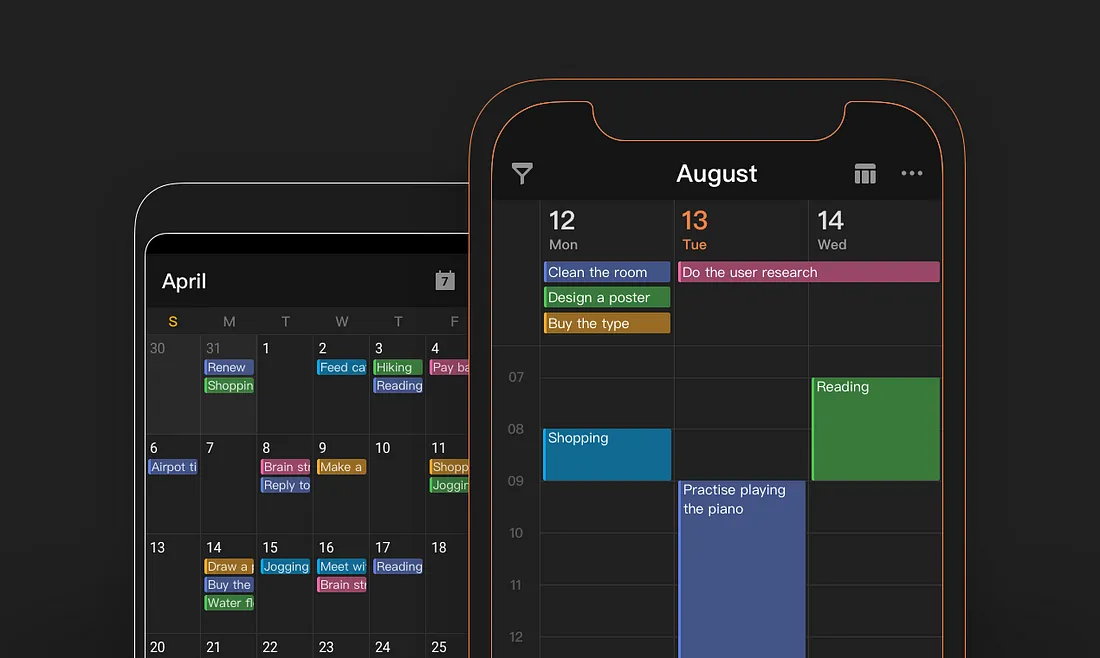
One of the highlights of TickTick Premium is its full calendar functionality. Premium subscribers can easily integrate their tasks into their calendars, showing their responsibilities and deadlines at a glance. This integration provides a more holistic approach to time management, allowing users to plan and complete tasks around their overall schedule. Users can easily create, prioritize, and share tasks, encouraging collaboration and simplifying project management. This feature improves communication and coordination, making it especially useful for teams or individuals working on complex projects.
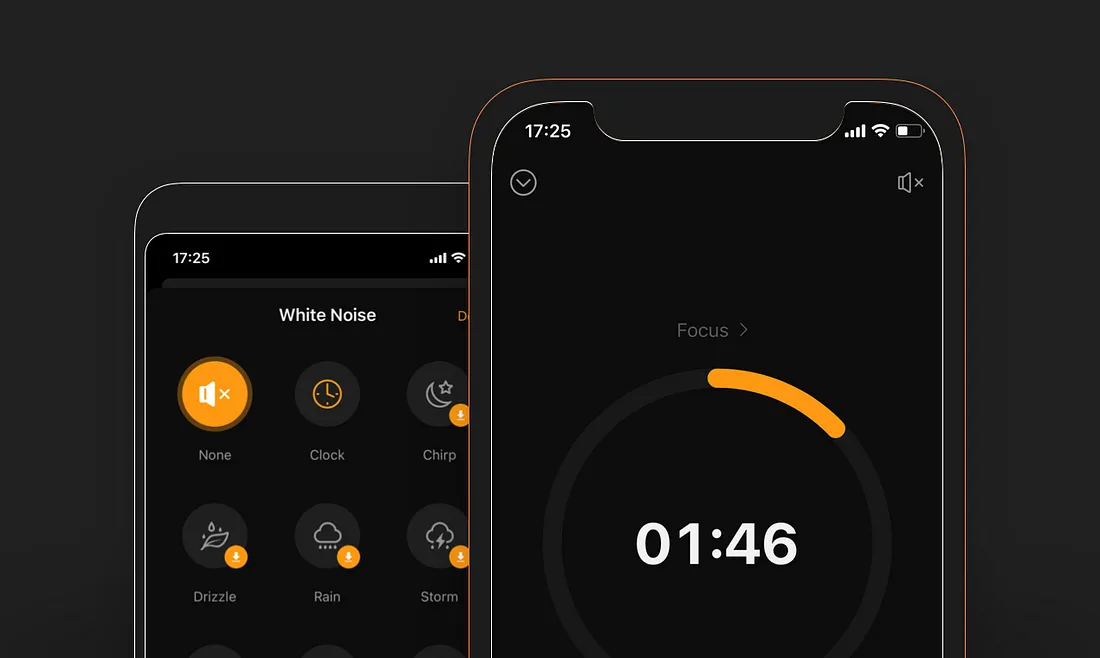
TickTick Premium goes beyond basic task management and includes softer focus tools. These tools are designed to improve concentration and efficiency by helping users focus on their most important tasks. Whether it’s reducing distractions or organizing tasks more intuitively, these features contribute to a smoother workflow and more productivity. The subscription service also emphasizes customer customization with additional designs and customizations. Premium subscribers can customize the appearance of the app to their preferences, creating a more personalized and visually appealing task management experience.
FEATURES OF TICK TICK PREMIUM
IMPROVED TASK MANAGEMENT
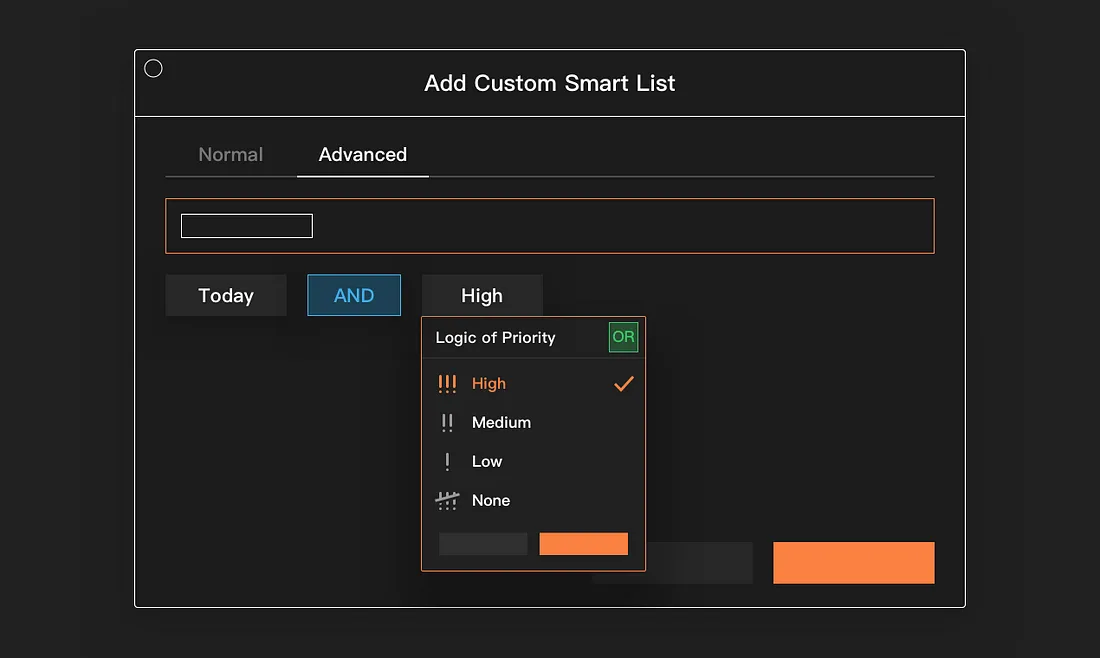
TickTick Premium enhances task management with advanced organizational tools. Users can create tasks, subtasks, and checklists with greater flexibility, and plan even the most complex projects in detail. The platform supports recurring tasks, deadlines, and reminders, ensuring that nothing slips through the cracks. With Premium, tasks can be sorted, filtered, and prioritized by multiple criteria, helping users focus on what really matters. Labels and custom smart lists create an additional layer of organization and allow for quick access to tasks based on category, urgency, or context.
CUSTOM REMINDERS AND NOTIFICATIONS
In addition to standard push notifications, premium users can take advantage of additional reminders. Multiple reminders can be set for the same task and scheduled. Location-based reminders alert users when they arrive or leave a specific location, increasing planning productivity. Smart notifications sync across devices, letting users know when they’re on their computer, phone, or tablet. This feature dramatically reduces the chance of missing important tasks or deadlines.
ENHANCED CALENDAR INTEGRATION
TickTick Premium features integrated calendar integration, allowing users to visualize tasks alongside their personal and work schedules. Calendar views offer daily, weekly, and monthly organization, giving a clear overview of upcoming tasks. Integration with Google Calendar, Outlook, and other major calendar platforms allows all events and tasks to be synchronized. Users can also color-code tasks by project, priority, or category, making planning easier and minimizing scheduling conflicts.
HABIT TRACKING AND PRODUCTIVITY ANALYTICS
The premium subscription unlocks advanced habit tracking features, allowing users to track their personal progress over time. Users can change their habits daily, weekly, and monthly and receive detailed progress reports. The analytics dashboard provides insights into productivity trends, completion rates, and gaps, helping users identify strengths and areas for improvement. This data-driven approach allows users to establish better routines, build positive habits, and maintain long-term productivity.
CUSTOMIZABLE DESIGN AND CUSTOMIZATION
TickTick Premium offers a high level of customization to make task management more engaging and user-friendly. Users can choose from a variety of themes, fonts, and screen layouts to customize their experience. Dark mode and other visual customizations enhance usability at different times of day or in different work environments. Additionally, users can customize task views, orders, and notifications to fit their workflow, making the app feel like a personal productivity assistant.
COLLABORATION AND TEAM FEATURES
Premium subscribers can collaborate effectively with team members, making TickTick a powerful tool for both personal and professional use. Users can share lists, assign tasks, and track progress in real time. Comments, attachments, and subtasks make it easy to provide context and updates on collaborative projects. Integration with productivity tools like Slack and email streamlines communication, while permissions and notifications give you granular control over who can view and edit tasks. These features make teamwork more organized and productive, eliminating common coordination barriers.
SYSTEM REQUIREMENTS
- Supported OS: Windows 11/10/8.1/7
- Memory (RAM): 512 MB of RAM or more is required
- Hard Disk Space: 100 MB or more required