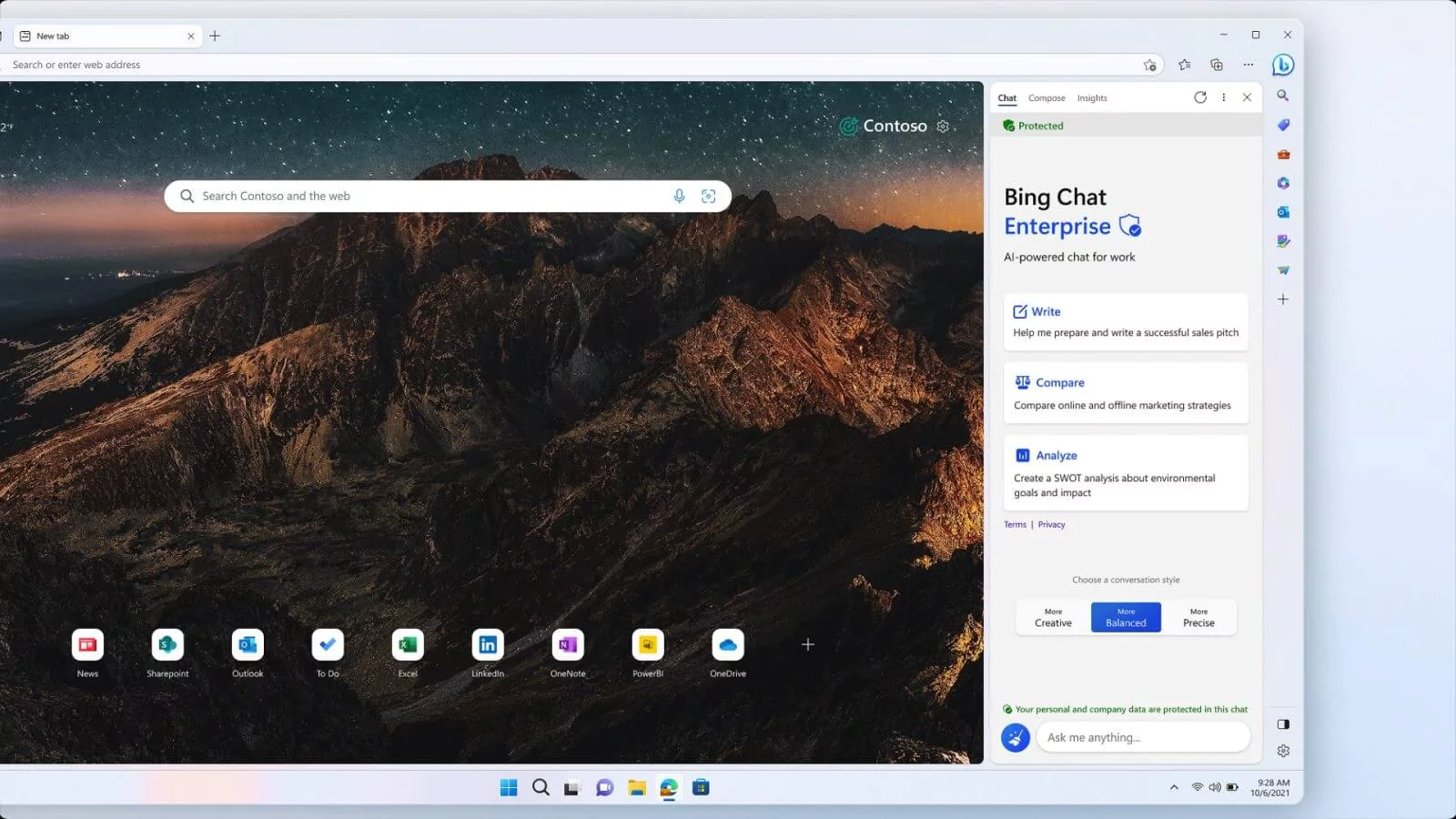
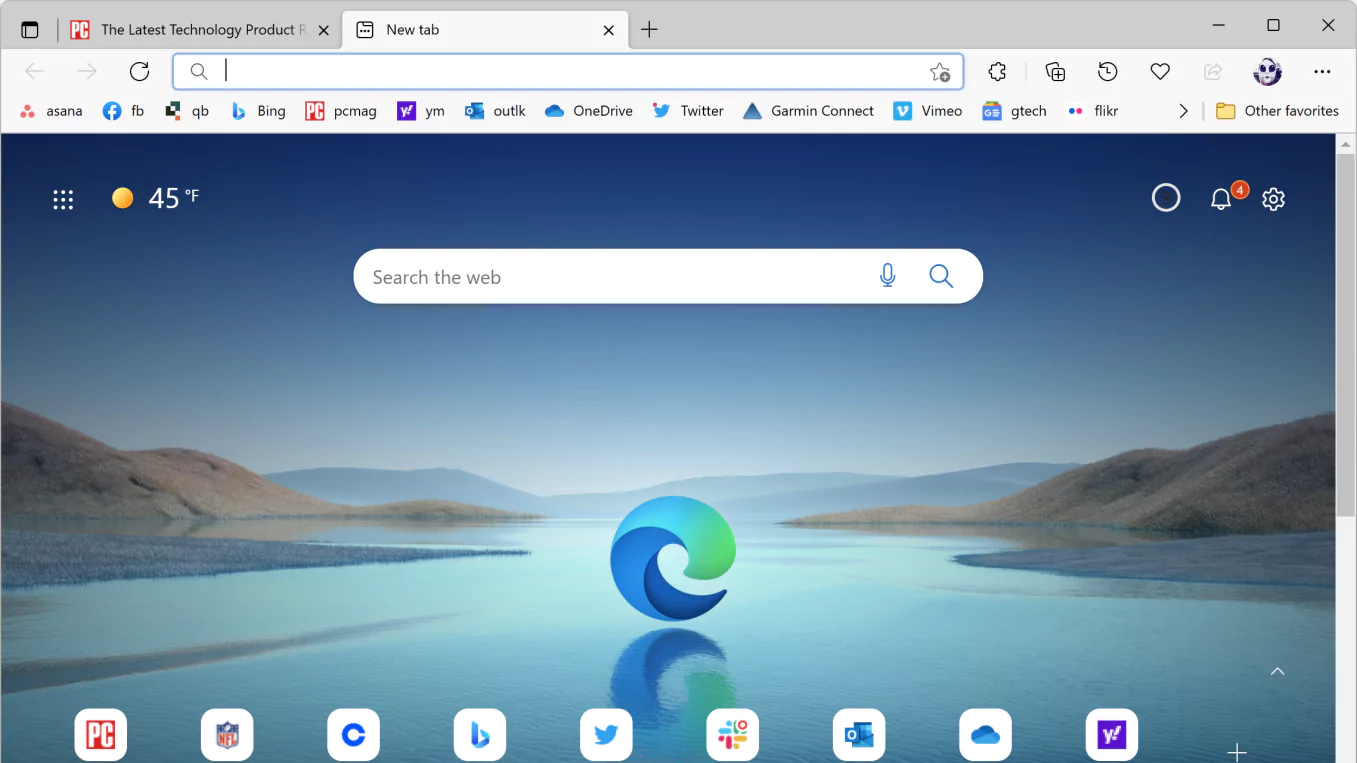

Microsoft Edge is a modern web browser developed by Microsoft and built on the Chromium engine. It offers fast web browsing, strong security and privacy controls, tab management, and integration with extensions and Microsoft services. Edge also includes productivity features like Collections, vertical tabs, profiles, and built-in tools, making it ideal for everyday browsing, work, study, and play.
OVERVIEW OF MICROSOFT EDGE
Microsoft Edge is a Chromium-based web browser developed by Microsoft for browsing the web, accessing online services, and managing web-based applications. It is available on Windows and other major platforms, and is designed to combine performance, security, privacy, and productivity features in a single browser.
Edge supports modern web standards and provides compatibility with a wide range of websites and Chromium-compatible extensions. Users can organize their browser with multiple tabs, tab groups, profiles, favorites, search history, and customizable settings.
The browser includes several productivity-oriented tools. Features such as Collections help users collect and organize web content, while vertical tabs provide an alternative way to manage multiple open pages. Microsoft account integration can sync supported browser information across compatible devices.
Security is another important part of Edge, with features designed to help protect users from malicious websites, downloads, and common online threats. Privacy controls allow users to change how they manage their browsing data and controls.
Microsoft Edge also integrates with the Microsoft ecosystem, providing access to a variety of services and tools. Overall, it is a versatile browser that is suitable for general web browsing, professional work, education, online shopping, media consumption, and everyday Internet activities.
FEATURES OF MICROSOFT EDGE
FASTER BROWSING BASED ON CHROMIUM
Microsoft Edge uses the Chromium browser engine to ensure compatibility with modern websites and web applications. Its rendering technology supports current web standards and provides access to a large ecosystem of compatible extensions and browser-based tools.
ADVANCED TAB MANAGEMENT
Edge offers several ways to organize multiple web pages, including vertical tabs, tab groups, and sleeping tabs. These features make it easier for users to switch between related websites, reduce unnecessary resource usage, and help manage large browsing sessions.
PRIVACY AND SECURITY
Microsoft Edge includes built-in security and privacy controls designed to make web browsing safer. Tracking prevention, Microsoft Defender SmartScreen, InPrivate browsing, and protection against dangerous websites and downloads help users reduce common online risks.
COLLECTIONS AND PRODUCTIVITY TOOLS
Collections allow users to collect web pages, text, images, and other web content into organized groups. It can be useful for research, shopping, travel planning, education, and work. Edge also includes tools such as web development and built-in PDF capabilities for additional productivity.
EXTENSIONS AND CUSTOMIZATION
Users can extend Edge’s functionality with compatible browser extensions. The browser also supports customizable themes, start pages, toolbars, and other settings, allowing users to create a browser environment that suits their personal preferences and workflow.
MICROSOFT ACCOUNT AND CROSS-DEVICE SYNC
Edge can sync supported browser data across compatible devices via a Microsoft account. Depending on the settings and platform, users can sync things like favorites, passwords, history, and other browser data, making it easy to continue browsing across multiple devices.
SYSTEM REQUIREMENTS
- Supported OS: Windows 10 (version 2004 or later) and Windows 11
- Processor (CPUs): 1 GHz Processor or higher
- Memory (RAM): 1 GB of RAM or more required
- Hard Disk Space: 200 MB or more required
- Graphics Card: DirectX 9 graphics device with WDDM 1.0
- DirectX Version: Microsoft DirectX® 9.0