
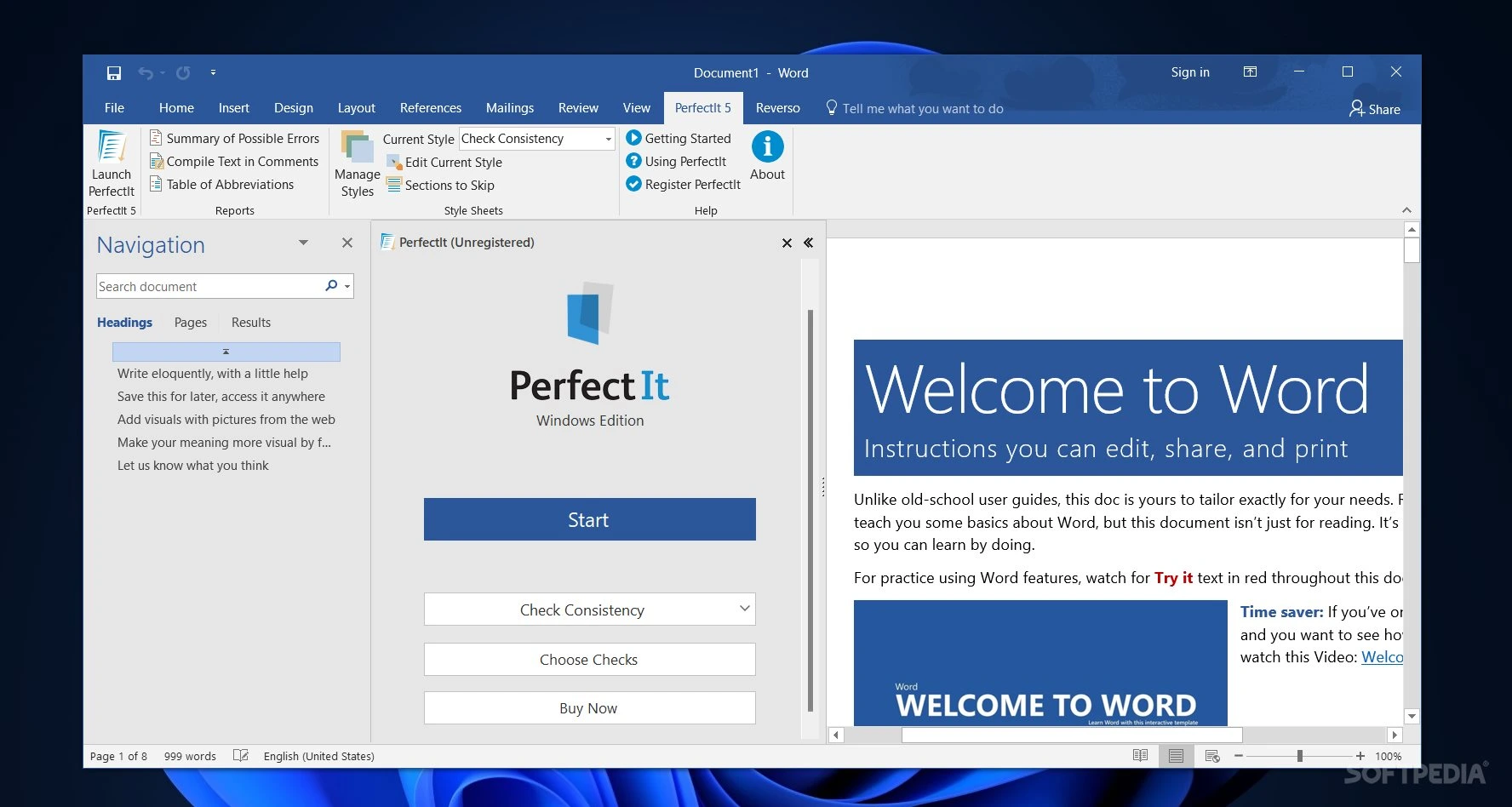

Intelligent Editing PerfectIt Pro is a professional proofreading and editing tool for Microsoft Word. It identifies inconsistencies in spelling, capitalization, hyphenation, abbreviations, punctuation, and document formatting. Designed for editors, writers, legal professionals, and business users, it helps improve document accuracy, ensures consistency in writing style, and reduces the time required for manual proofreading.
OVERVIEW OF INTELLIGENT EDITING PERFECTIT PRO
Intelligent Editing PerfectIt Pro is a document proofreading and consistency-checking tool designed to help writers and editors produce polished, professional documents in Microsoft Word. It identifies common errors and inconsistencies that standard spell-checkers might overlook.
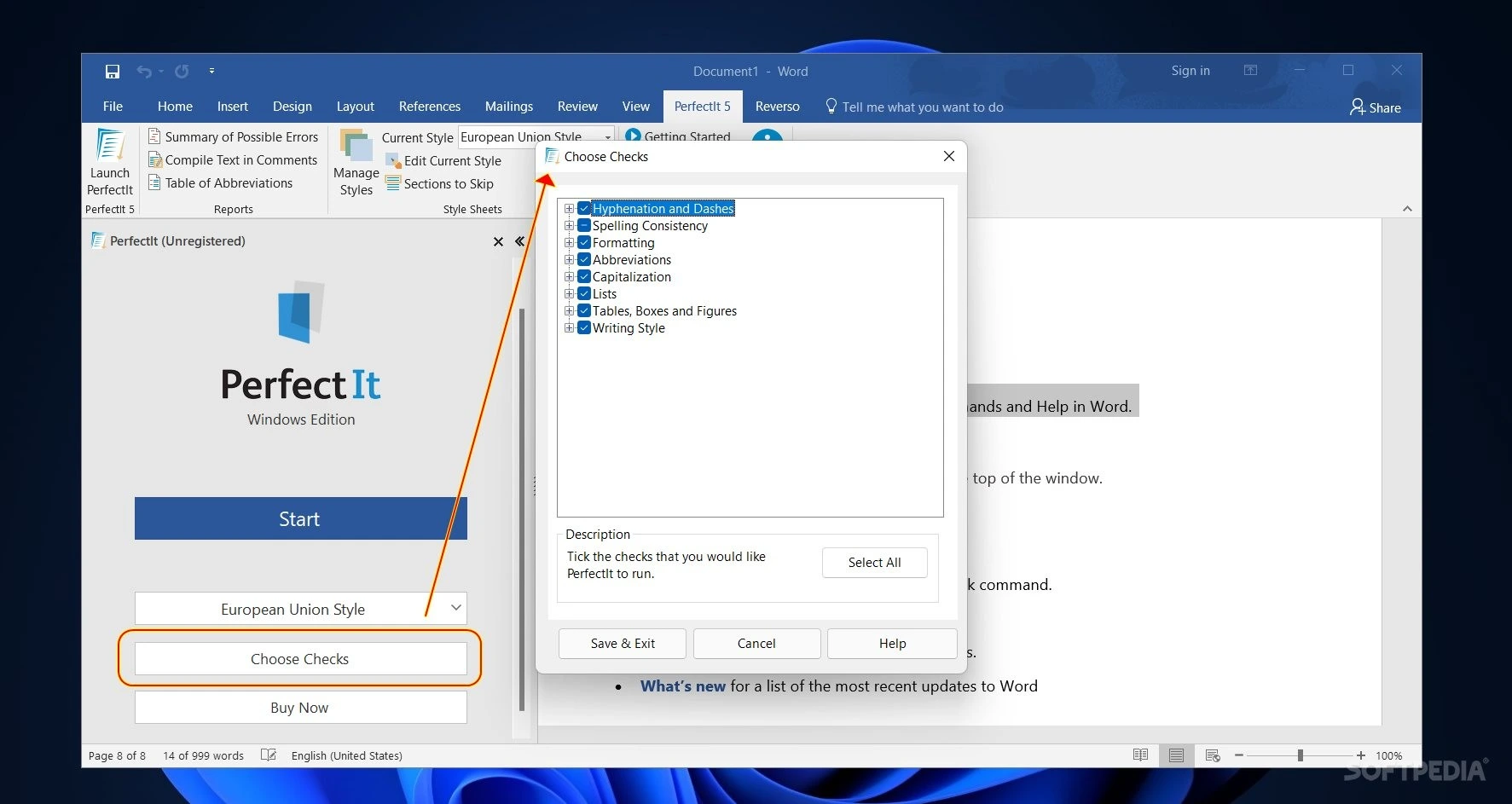
The software checks for consistency in spelling variations, capitalization, hyphenation, abbreviations, punctuation, numbers, and document formatting. It can also identify issues such as undefined abbreviations, inconsistent terminology, missing headings, and problems related to table or figure captions.
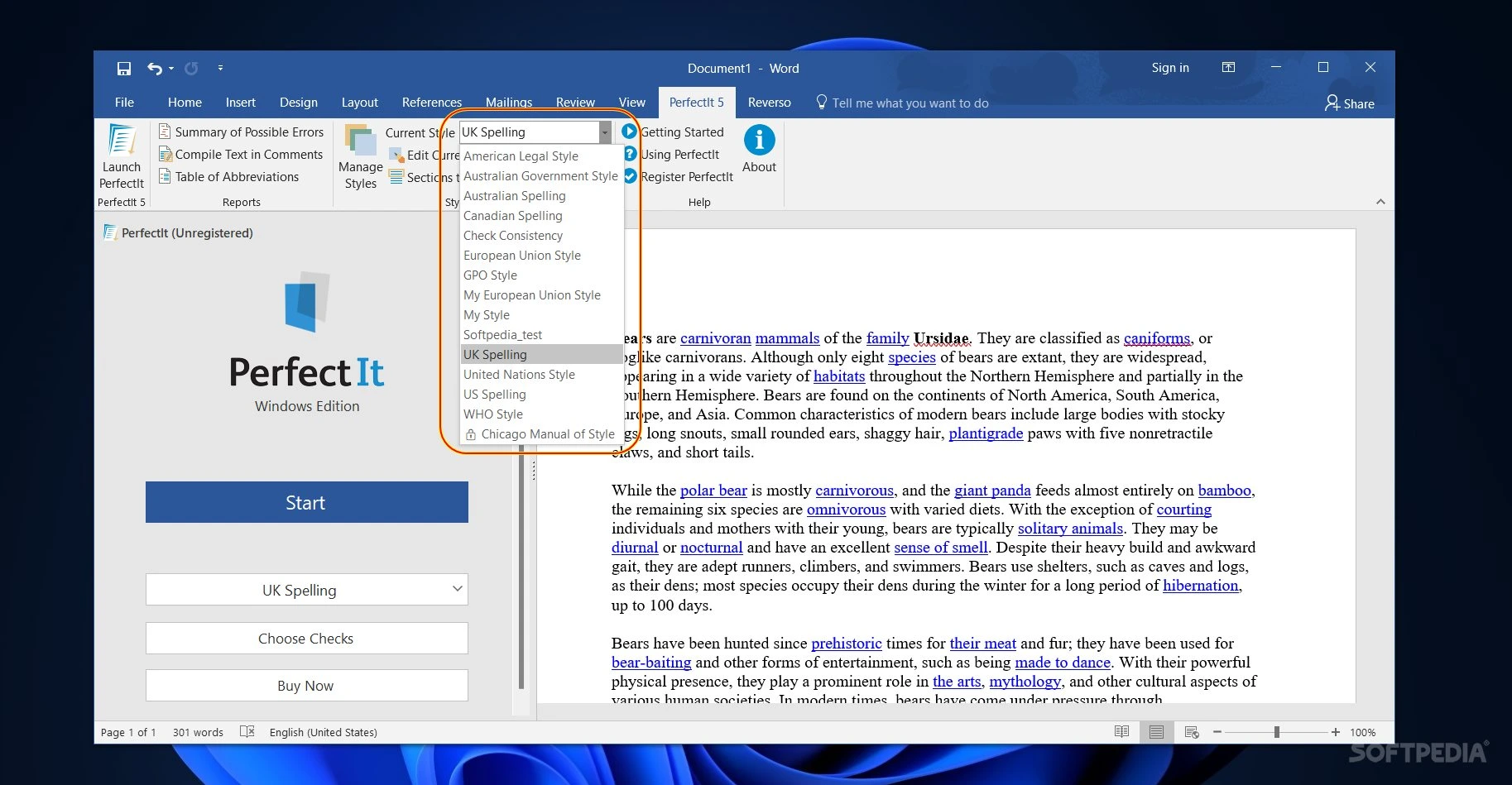
PerfectIt allows users to review the identified issues and decide which corrections to apply, giving them control over the editing process. Its style sheets promote consistent writing conventions, making it particularly useful for legal documents, business reports, academic papers, and editorial content.
FEATURES OF PERFECTIT PRO FOR INTELLIGENT EDITING
COMPREHENSIVE REVIEW AND EDITING
PerfectIt Pro examines Microsoft Word documents to detect errors and inconsistencies that standard spell-checkers might overlook. It assists editors in reviewing lengthy documents, helping to improve overall accuracy and the professional appearance of the text.
CONSISTENCY IN SPELLING AND HYPHENATION
The software identifies words and phrases that are written in different ways within the same document. It ensures consistency regarding hyphenation, compound words, the use of dashes, preferred spelling styles, and common writing errors.
CHECKING ABBREVIATIONS AND CAPITALIZATION
PerfectIt detects abbreviations that are undefined, defined more than once, or used inconsistently. It also checks the use of capital letters in headings and phrases, helping to maintain a consistent writing style—a requirement for professional documents.
PUNCTUATION AND FORMATTING REVIEW
The software detects potential punctuation issues, inconsistent use of quotation marks and parentheses, and discrepancies in list formatting. It can also verify consistency regarding punctuation within tables, capitalization in lists, and the naming conventions for figures or tables.
CUSTOMIZABLE STYLE SHEETS
PerfectIt supports style sheets, allowing users to configure rules for capitalization, terminology, and editing standards according to their specific requirements. These settings are particularly useful for organizations, publishers, legal professionals, and teams that must adhere to specific style guides.
EFFICIENT EDITING WORKFLOW
PerfectIt generates a list of issues that require review, allowing users to decide which corrections to apply. This document-level review process reduces repetitive manual tasks and helps maintain consistency across long reports, manuscripts, contracts, and other Word documents.
SYSTEM REQUIREMENTS
- Supported OS: Windows 11 or 10
- Processor: Compatible processor capable of running the supported Windows and Office versions
- RAM: Sufficient memory to run Windows and Microsoft Word
- Storage: Free disk space for installation and document processing