
FL Studio, formerly known as FruityLoops, is a powerful digital audio workstation (DAW) developed by Image-Line Software. Designed to meet the needs of both beginners and professional music producers, it offers comprehensive tools for creating, recording, editing, mixing, and mastering music.
OVERVIEW OF FL STUDIO
FL Studio comes with a wide range of tools and effects to enhance your creativity. These include synthesizers, samplers, drum machines, and virtual effects processors. In addition, users can expand the sound palette by purchasing or downloading third-party plug-ins compatible with FL Studio.
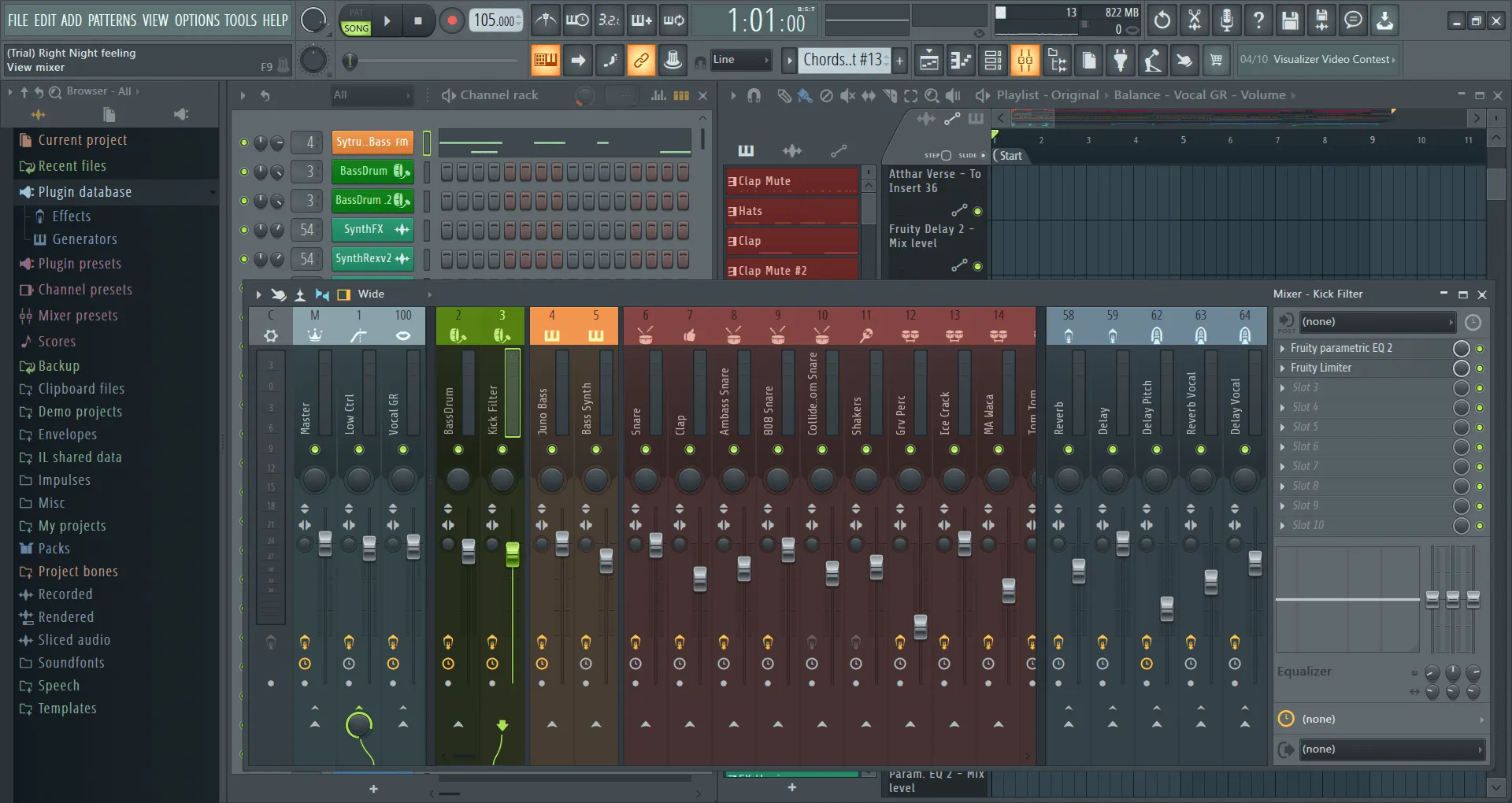
The software offers powerful audio recording capabilities, allowing users to record audio directly into the application using a microphone or external device. It also supports MIDI input, allowing users to control virtual instruments and effects with an external MIDI controller. FL Studio’s mixer interface provides precise control over each track’s level, panning, and effects processing. Users can use a variety of built-in effects, including EQ, compression, reverb, and delay, to shape their sound and create professional-quality mixes.
In addition to music production features, FL Studio includes audio editing and management tools. Users can easily chop, trim and manipulate audio clips for creative experimentation and sound design. FL Studio offers integration with other music production tools and hardware. It supports industry-standard file formats, making it easy to collaborate with other musicians and transfer projects between different software platforms.
FEATURES OF FL STUDIO
USER-FRIENDLY INTERFACE AND WORKFLOW
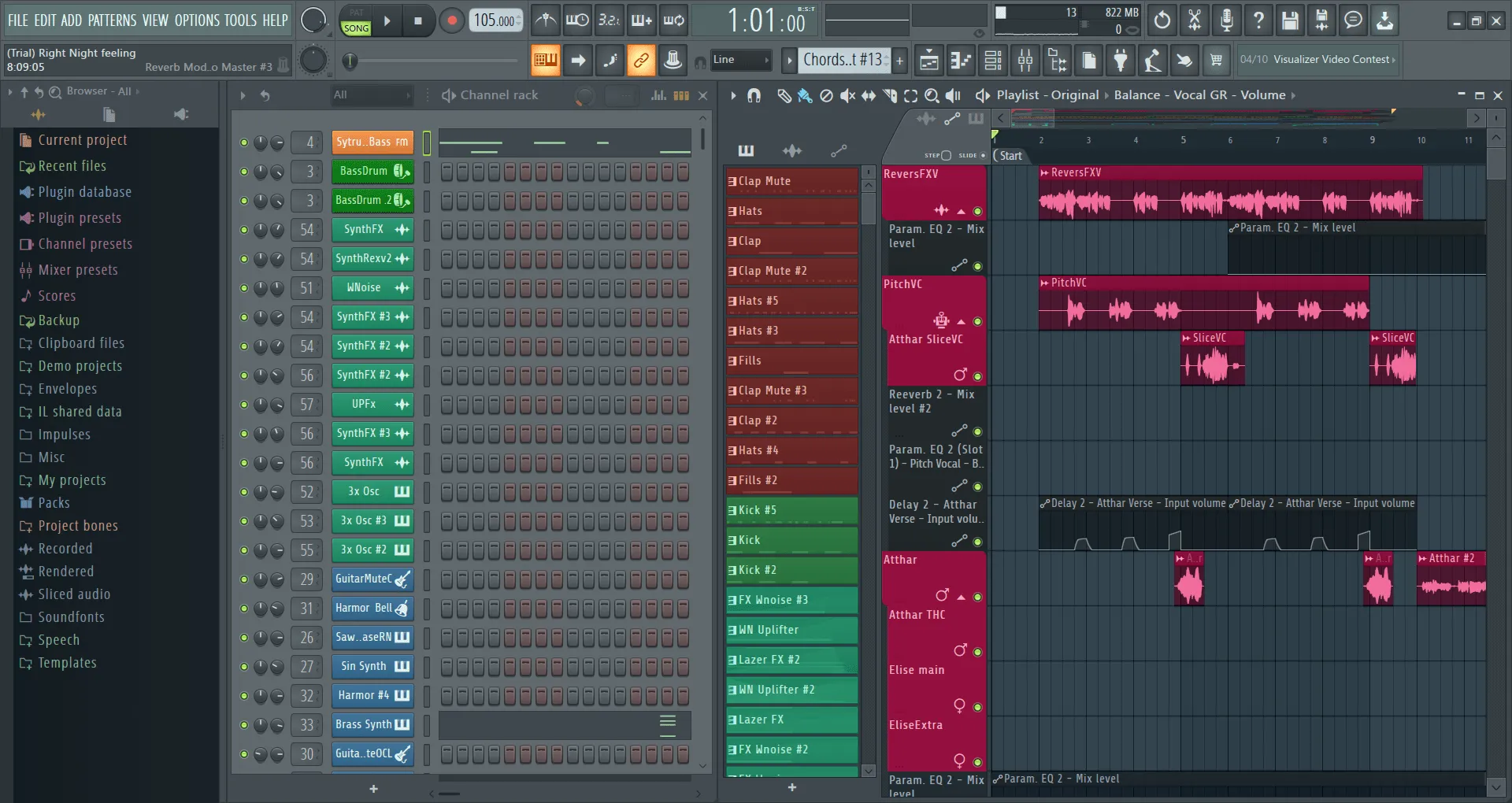
One of the main advantages of FL Studio is its attractive and user-friendly interface. The DAW has a template-based workflow that allows users to easily create loops, beats, and melodies using a few steps. The interface is highly customizable, allowing producers to organize windows such as playlists, piano lists, mixers, and browsers to suit their work style. Drag-and-drop support, resizable windows, and flexible arrangements make it effective for both quick sketches and complex projects.
PIANO ROLL FOR DETAILED COMPOSITION
The Piano Roll in FL Studio is considered one of the most advanced in the industry. It provides a wide range of tools for composing melodies, harmonies, and drum patterns. Features such as ghost notes, scale highlighting, arpeggiation, chord tools, and note manipulation functions (stretch, cut, and quantize) give musicians exceptional control over their compositions. Piano Roll integrates with plugins and external MIDI controllers, making it a powerful tool for beginners and professionals alike.
STEP SEQUENCER AND CHANNEL RACK
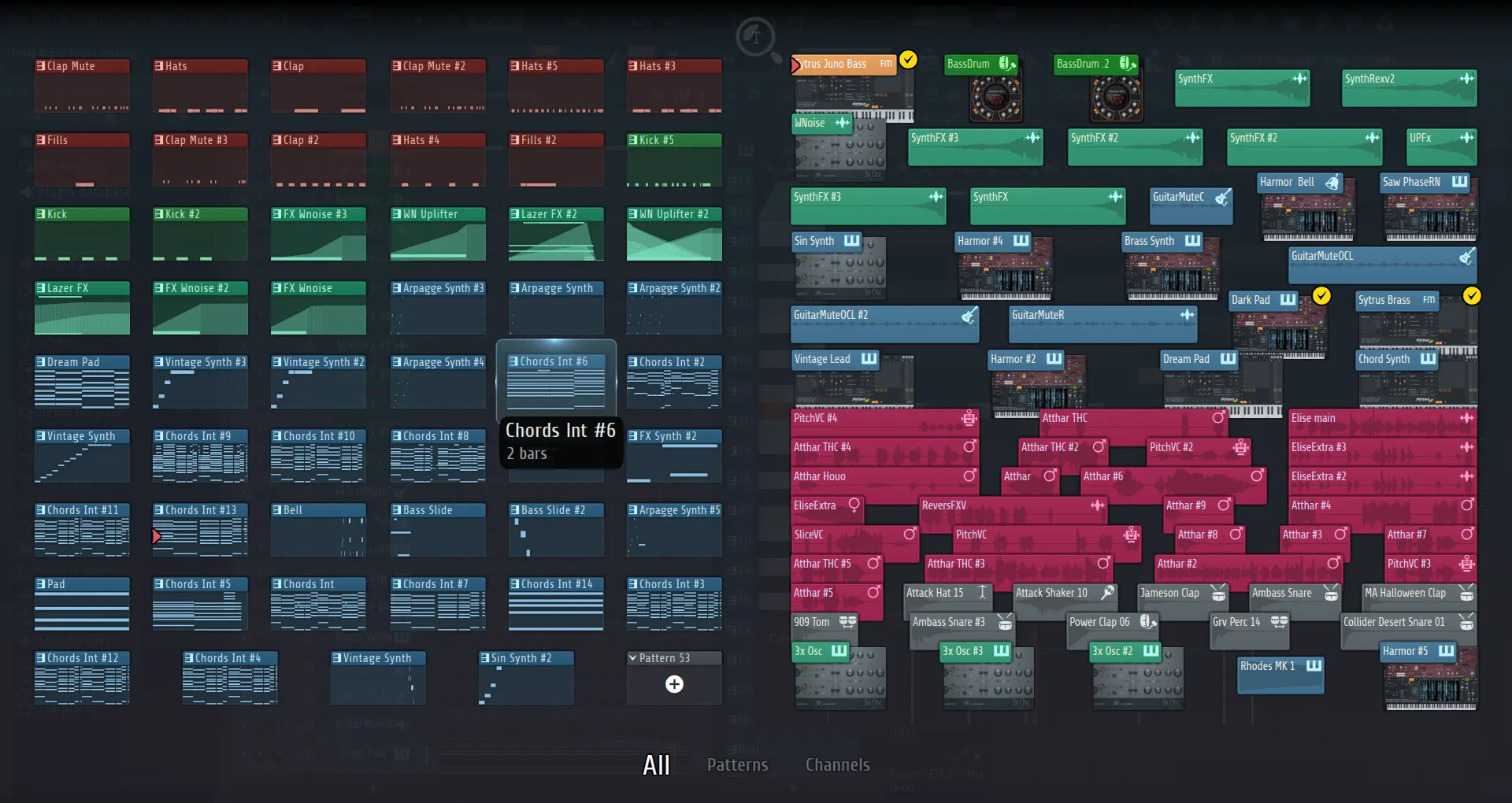
The Step Sequencer and Channel Rack are core components of FL Studio. They allow producers to easily create and manipulate patterns such as drum beats, bass lines, melodic sequences, and more. Each channel can contain instruments or samples, and can be linked to automation clips to create dynamic changes over time. The Channel Rack simplifies the process of layering sounds and arranging loops, making beats extremely fast and efficient.
EXTENSIVE PLUGIN COLLECTION
FL Studio comes with a rich collection of plug-ins, including virtual instruments, synthesizers, samplers, and effects. Popular synthesizers such as Sytrus, Harmor, and 3xOSC enable sound design across a wide range of genres. Fruity Slicer and FPC are excellent tools for beat production. On the effects side, it provides high-quality plug-ins for EQ, reverb, delay, compression, limiting, distortion, and mastering. This built-in arsenal allows producers to create professional-quality music without resorting to third-party plug-ins.
VIEWING PLAYLISTS AND ARRANGEMENTS
Playlists are a place for producers to organize their styles, audio clips, and automation data. It supports both track-based and template-based workflows, providing the flexibility to organize complex sounds. Viewing multiple arrangements allows users to experiment with different versions of a sound without changing the original. This flexibility is one of FL Studio’s unique features, allowing for creativity without any limitations.
AUDIO RECORDING AND EDITING
While FL Studio is known for its electronic and beat-based music, it also provides powerful tools for recording audio. Musicians can record vocals, instruments, or any external sound directly into the DAW. The built-in audio editor Edison provides advanced editing capabilities, including noise removal, pitch shifting, time stretching, clipping, and spectral analysis. This makes FL Studio ideal not only for electronic producers, but also for bands, singers, and podcasters.
MIXING AND MASTERING TOOLS
FL Studio includes a very flexible mixer that supports unlimited tracks, routing options, and effect chains. Each mixer track can contain multiple effects, including parallel processing, sidechains, and bus routing. Built-in mastering tools, such as Maximus (a multi-band amplifier and limiter), Fruity Parametric EQ 2, and a variety of compressors, allow you to polish tracks to professional standards. The mixer supports third-party VST/AU plug-ins, which is ideal for professional mixing and mastering workflows.
AUTOMATION AND CONTROL
The automation in FL Studio is very intuitive and allows you to dynamically control almost any parameter over time. Automatic clips can be drawn directly into the playlist and manipulated using curve, shape, or point correction. This feature is essential for adding movement and emotion to your sound, such as cleaning filters, reducing volume, changing the pitch of the sound, etc. FL Studio supports external MIDI controllers, which allows for real-time automation.
COMPATIBILITY AND INTEGRATION
FL Studio supports a wide range of plug-in formats, including VST, VST3, AU (on macOS), and its own native FL plug-in. It is available for both Windows and macOS, and project files are compatible with each other. The DAW integrates with external hardware such as MIDI keyboards, drum pads, and control surfaces. In addition, FL Studio is not
SYSTEM REQUIREMENTS
- Supported OS: Windows 8.1, 10, or 11 (64-bit only)
- Processor: 2 GHz or faster Intel or AMD 64-bit compatible CPU with full SSE2 support
- Memory (RAM): 4 GB minimum (8 GB or more recommended)
- Hard Disk Space: 4 GB or more required
- Sound Card: ASIO/ASIO2 compatible soundcard recommended for low-latency performance