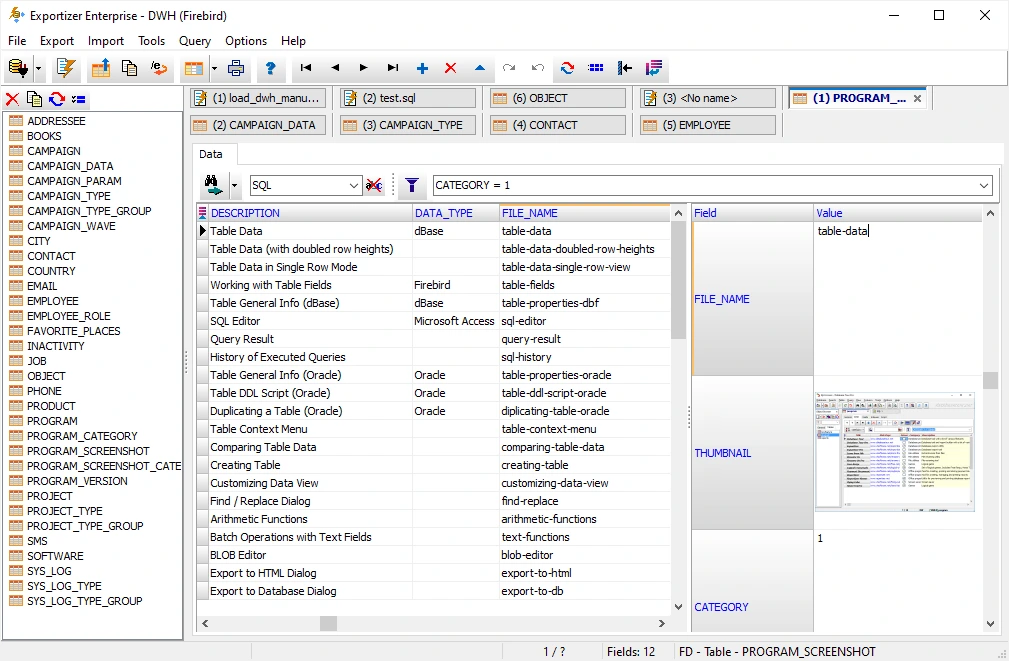
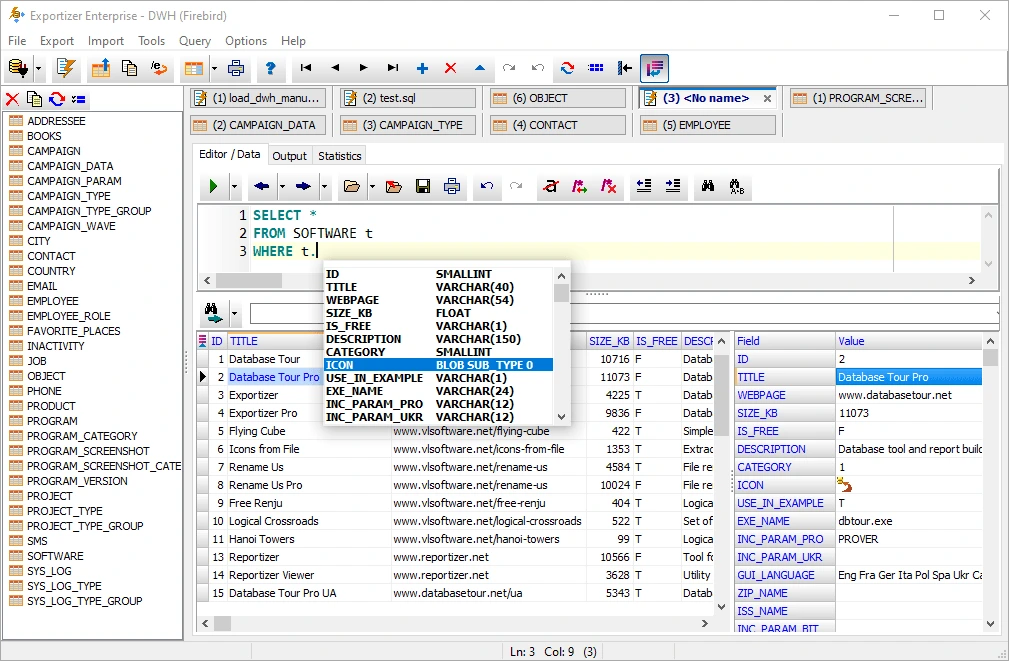
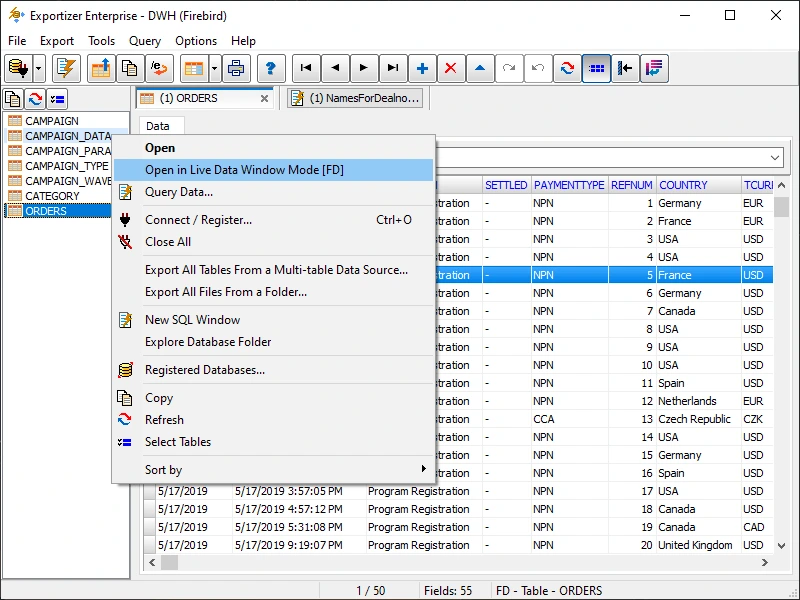
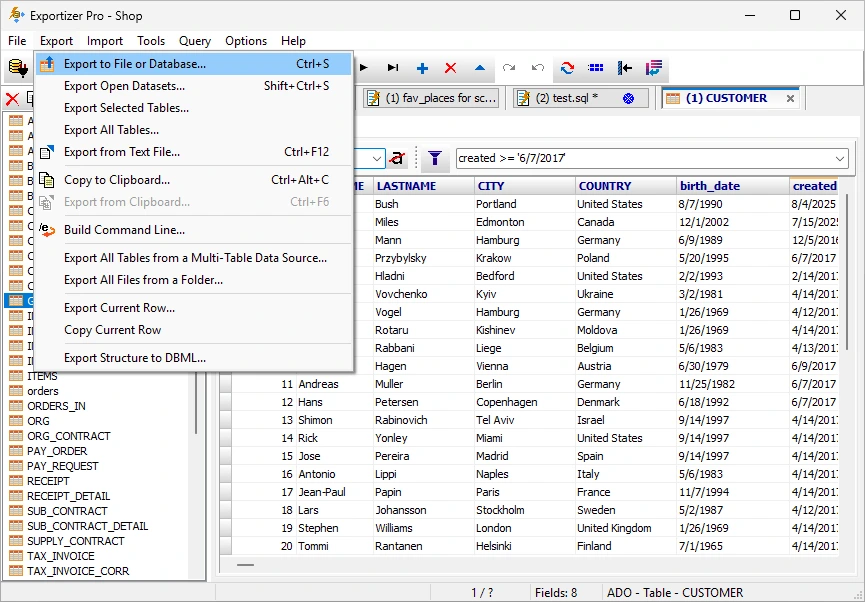

Exportizer Enterprise serves as a robust tool for database export and data management, designed specifically for Windows users. It enables the export of data from databases into different file formats. Users can also copy data between databases and set up automated export tasks.
OVERVIEW OF EXPORTIZER ENTERPRISE
Exportizer Enterprise is a robust Windows application. Its primary function? Exporting, copying, and managing data between different databases and file formats. This tool caters to database administrators, developers, IT professionals, and organizations that frequently transfer or convert structured information.
With this software, users can connect to various supported database systems. They can choose tables or queries, filter records, and export data to multiple destinations. Customization is key. Users can define export operations based on their needs. This includes selecting specific fields and setting conditions. Plus, they have control over how data gets transferred.
Additionally, Exportizer Enterprise supports database-to-database copying. It’s also well-suited for recurring data-processing tasks. So, whether you’re managing a one-time export or a regular routine, this application has you covered. Automation and command-line features allow users to weave export tasks into scripts, scheduled jobs, or their ongoing workflows. This approach minimizes the need for repetitive manual effort, especially when data transfers occur frequently.
Exportizer Enterprise stands out by offering robust database connectivity, flexible export options, effective data filtering, automation, and batch processing. It’s a solid solution for managing extensive or regular data-transfer needs. When you have to move information across various database environments, it’s especially beneficial. It ensures that you retain control over the data being exported.
FEATURES OF EXPORTIZER ENTERPRISE
EXPORTING DATABASE DATA
Exportizer Enterprise offers tools for exporting data from a database to an external destination. Users can select specific tables, views, or query results and specify which data should be included in the export operation. This makes it convenient for backups, reporting workflows, data analysis, and data exchange.
MULTIPLE DATABASE CONNECTIONS
The software is designed to work with a wide variety of database systems and connection technologies. Depending on the installed drivers and supported service providers, users can connect to different database environments and work with their existing data. This flexibility makes the program useful in mixed database infrastructures.
FLEXIBLE EXPORT FORMATS
Exportizer Enterprise supports exporting database data to several popular formats and destinations. Users can customize how the data is displayed during the export process, making it easy to prepare the data for spreadsheets, applications, reporting tools, or other database systems.
DATA FILTERING AND SELECTION
Users have precise control over which records and fields are exported. Filter options allow you to exclude unnecessary information from the data export process, while field selection tools help users export only the columns they need. These capabilities are especially useful when working with large databases.
COPYING FROM DATABASE TO DATABASE
Exportizer Enterprise can simplify the task of copying data between databases. This can be useful for transferring data between development and production environments, migrating selected records, consolidating databases, or creating working copies of data. Users can control the source and destination of the transfer.
AUTOMATION AND COMMAND LINE SUPPORT
For repetitive database operations, Exportizer Enterprise offers automation capabilities and command line functionality. Export tasks can be included in scripts or scheduled workflows, so that users do not have to repeat the same process manually. This is especially useful for organizations that regularly export or migrate data.
SYSTEM REQUIREMENTS
- Supported OS: Windows 11/10/8.1/7
- Memory (RAM): 1 GB of RAM or more is required
- Hard Disk Space: 100 MB or more required