
CorelDRAW Graphics Suite is a powerful software package for graphic design, illustration, and layout from Corel Corporation. It provides a comprehensive set of tools and features for creating a variety of visual content, from logos and illustrations to brochures and web graphics.
OVERVIEW OF CORELDRAW GRAPHICS SUITE
CorelDRAW Graphics Suite is a powerful and comprehensive software package for graphic design, illustration, drawing, image editing, and more. It’s a versatile tool used by professionals, entrepreneurs, and hobbyists for a wide range of creative projects.
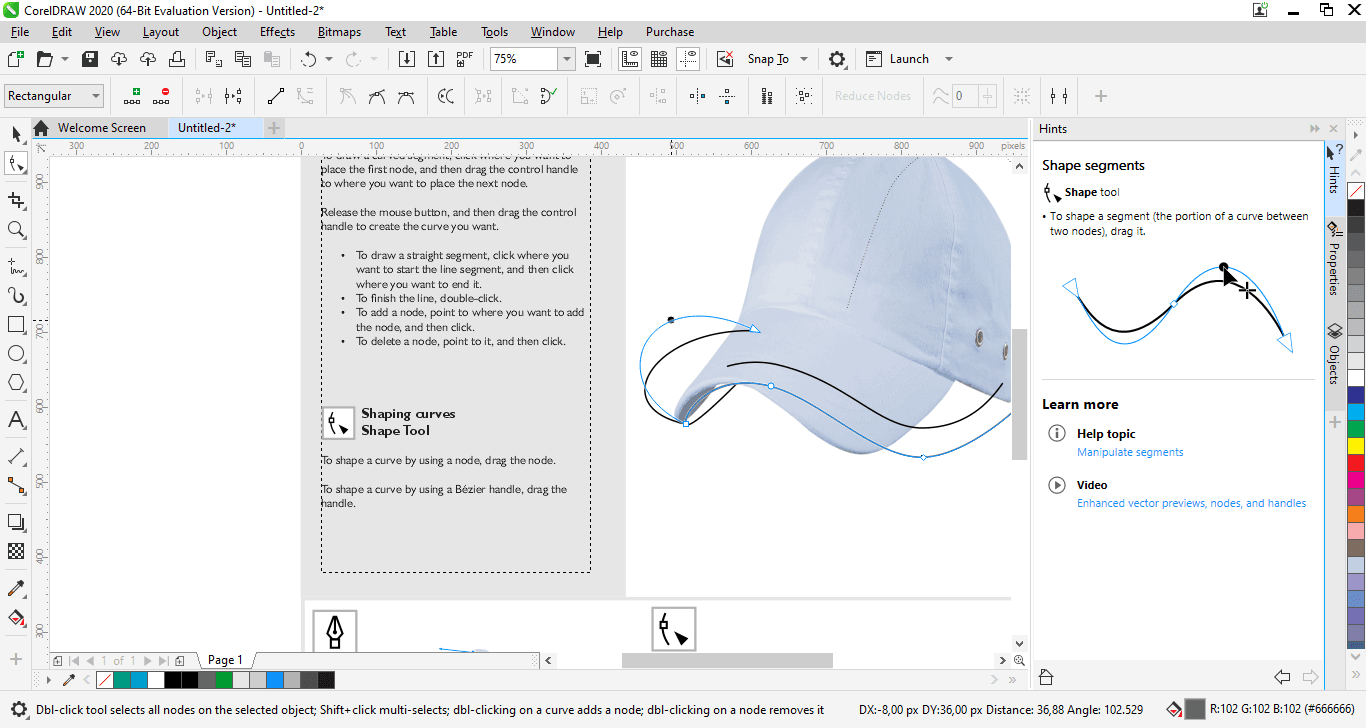
The core of the package is CorelDRAW, a vector graphics editor known for its intuitive interface and powerful functions. With CorelDRAW, users can create vector illustrations, logos, posters, brochures, and other graphic design projects with precision and creativity. The software offers a wide range of drawing tools such as shapes, curves, text, and brushes, as well as advanced features such as vector shaping tools and mesh fills.
In addition to CorelDRAW, this package also includes Corel PHOTO-PAINT, a powerful raster graphics editor for photo editing and image processing. PHOTO-PAINT allows users to make their photos look professional by providing tools like photo editing, color adjustment, background removal, special effects, and more.
CorelDRAW Graphics Suite includes other essential applications and tools to support the creative process. Corel Font Manager allows users to easily manage and organize their font collection, while Corel CONNECT provides quick access to content such as clipart, images, and designs from within a portfolio.
One of the distinguishing features of CorelDRAW Graphics Suite is its compatibility with a wide variety of file formats. Users can import and export files in formats such as AI, PSD, PDF, DXF, etc. for seamless collaboration with clients, colleagues, and other design professionals.
Furthermore, the suite offers a wide range of customization options that allow users to customize the workspace and tools to suit their preferences and workflow. CorelDRAW Graphics Suite enables users to create personalized work environments that enhance productivity and creativity, from customizable toolbars and keyboard shortcuts to workspaces and color schemes.
CorelDRAW Graphics Suite provides the tools and flexibility you need to bring your creative vision to life whether you’re a graphic designer, artist, marketer, or hobbyist. Thanks to its intuitive interface, powerful features, and wide compatibility, the suite remains the top choice for all types of graphic design and illustration projects.
FEATURES OF CORELDRAW GRAPHICS SUITE
PROFESSIONAL VECTOR GRAPHICS
CorelDRAW Graphics Suite offers powerful vector graphics tools for creating logos, illustrations, icons, marketing materials, signs, and other graphics. Users can draw precise shapes, curves, lines, and complex artwork while maintaining high-quality results at a variety of sizes. Advanced formatting and curve editing tools provide detailed control over vector objects.
PAGE LAYOUT AND DESIGN
This suite includes professional page layout capabilities for creating brochures, announcements, posters, newsletters, business cards, catalogs, and multi-page publications. Users can precisely arrange text, graphics, images, and other elements, as well as control margins, spacing, alignment, and page structure.
IMAGE EDITING
Corel PHOTO-PAINT offers raster image editing tools for enhancing and retouching photographs. Users can adjust color, brightness, contrast, and other image properties, remove unwanted elements, apply effects, and make detailed edits. It allows designers to prepare vector artwork and photographs for use in page layouts.
BROCHURE AND TEXT TOOLS
CorelDRAW includes extensive brochure features for working with headings, paragraphs, artistic text, and other written content. Users can change fonts, spacing, alignment, text flow, and formatting. Text can also be converted to curves when needed for specific graphic design and production workflows.
CREATIVE EFFECTS AND IMAGE MANAGEMENT
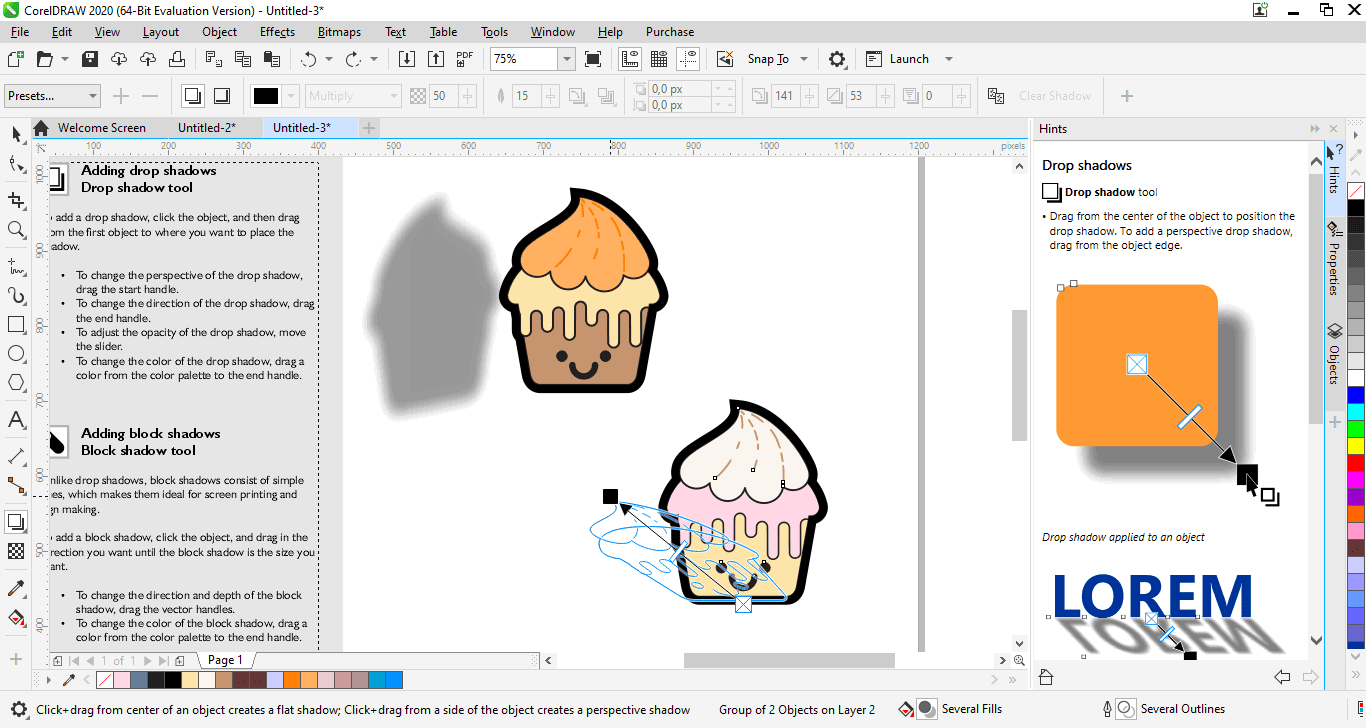
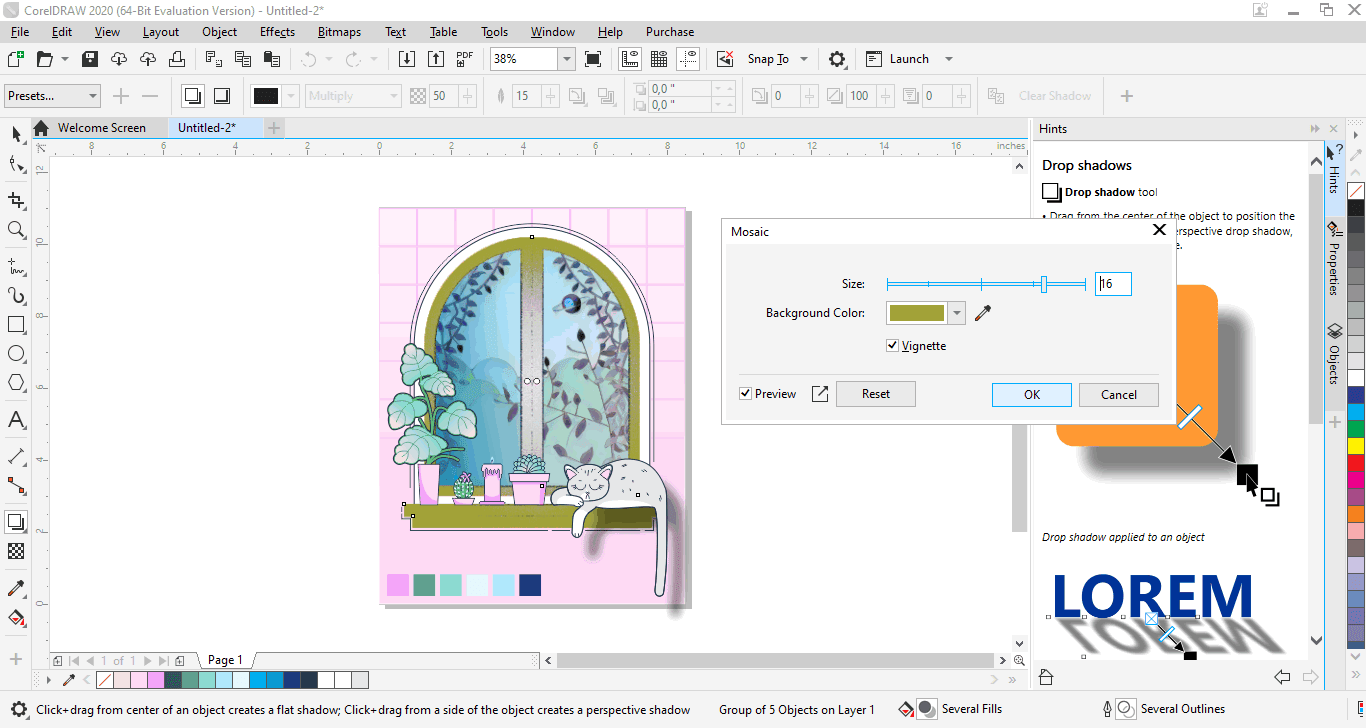
The suite offers a wide range of effects and tools for creating unique visual designs. Users can apply transparency, shadows, gradients, outlines, blends, distortions, and other effects to objects. These capabilities allow designers to create sophisticated artwork without relying on multiple separate applications.
COLOR MANAGEMENT AND PROFESSIONAL OUTPUT
The CorelDRAW graphics suite includes color management features designed to help maintain color consistency throughout the design and output process. Users can work with color palettes, fills, gradients, and color harmonies when preparing digital or professional print projects. Print and export controls provide additional flexibility in producing finished designs.
MULTI-PAGE AND TEMPLATE-BASED WORKFLOW
Designers can work on documents containing multiple pages and organize different versions or layouts within a single project. Templates and reusable design elements speed up the creation of repeatable materials and help maintain visual consistency across business and marketing projects.
SYSTEM REQUIREMENTS
- Supported OS: Windows 11/10
- Memory (RAM): 8 GB of RAM or more is required
- Hard Disk Space: 2 GB or more required