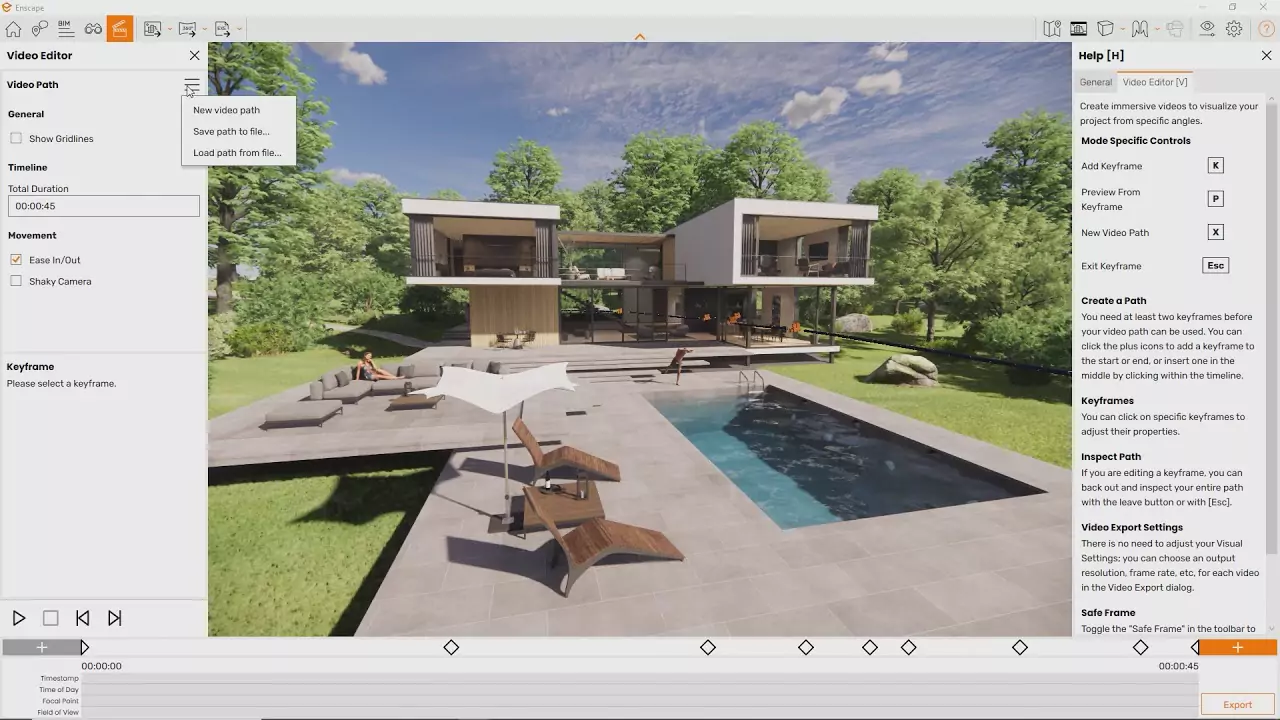

Chaos Enscape is a real-time visualization and virtual reality (VR) plugin for architects, designers, and engineers. It integrates with popular design applications such as Revit, SketchUp, Rhino, Archicad, and Vectorworks, allowing users to instantly visualize their 3D models with high-quality lighting, reflections, and materials. Enscape transforms design data into stunning step-by-step, animated visualizations without the hassle of a complex export process.
OVERVIEW OF CHAOS ENSCAPE
Chaos Enscape is a real-time visualization and virtual reality (VR) plugin designed to help architects, designers, and engineers bring their 3D models to life. Integrating with leading design platforms such as Revit, SketchUp, Rhino, Archicad, and Vectorworks, Enscape allows users to create high-quality visualizations, immersive visualizations, and virtual reality experiences directly from their design environment.
Unlike traditional visualization tools that require time-consuming exports or complex setups, Enscape provides immediate visual feedback, making it ideal for accelerating design workflows. Users can explore their designs in real time, visually inspect them, make adjustments, and see the results immediately. This makes it a powerful tool for developing interior designs and presenting them to clients.
Enscape includes features such as animated plants, people, ray-tracing artificial lighting (beta), and AI-enhanced assets, improving realism without sacrificing speed. With the addition of Enscape Impact, users can assess energy consumption, daylight impact, and thermal comfort in real time, and visually assess performance.
After joining forces with Chaos, the creator of the V-Ray rendering engine, Enscape now benefits from a shared ecosystem of tools, assets, and cloud collaboration options. It strikes a balance between visual quality and usability, delivering high-quality results without the steep learning curve of more advanced renderers. Enscape is known for its ease of use, fast performance, and ability to facilitate collaboration between designers, stakeholders, and clients. Whether used for concept development or final presentations, it helps convey ideas more clearly and effectively.
FEATURES OF CHAOS ENSCAPE
REAL-TIME RENDERING FOR ARCHITECTURAL VISUALIZATION
Chaos Enscape is known for its ability to render real-time renderings directly into popular design software such as Revit, SketchUp, Rhino, ArchiCAD, and Vectorworks. Instead of waiting hours for traditional renderings, architects and designers can instantly visualize their projects in photorealistic quality. This real-time feedback helps professionals test design changes, material choices, and lighting conditions on-site, making the creative process faster and more efficient.
SEAMLESS INTEGRATION WITH DESIGN TOOLS
One of Enscape’s biggest advantages is its seamless integration into existing workflows. It works as a plug-in, meaning users don’t have to export projects to a separate application. With just one click, models created in CAD or BIM software can be viewed as stunning 3D renderings. This convenience eliminates the hassle of switching between applications and allows every design update to be reflected in the visualization in real time, ensuring that the visualization perfectly matches the project.
A STUNNING VIRTUAL REALITY EXPERIENCE
Enscape goes beyond 2D screens with full support for virtual reality (VR). Architects and clients can use VR headsets to access their designs and experience the space in real-world scale before construction begins. This amazing feature improves communication as clients gain a better understanding of proportions, lighting, and layout. It also allows for interactive design review, which can dramatically improve collaboration and decision-making by discussing and implementing changes.
EXTENSIVE ASSET LIBRARY FOR REALISM
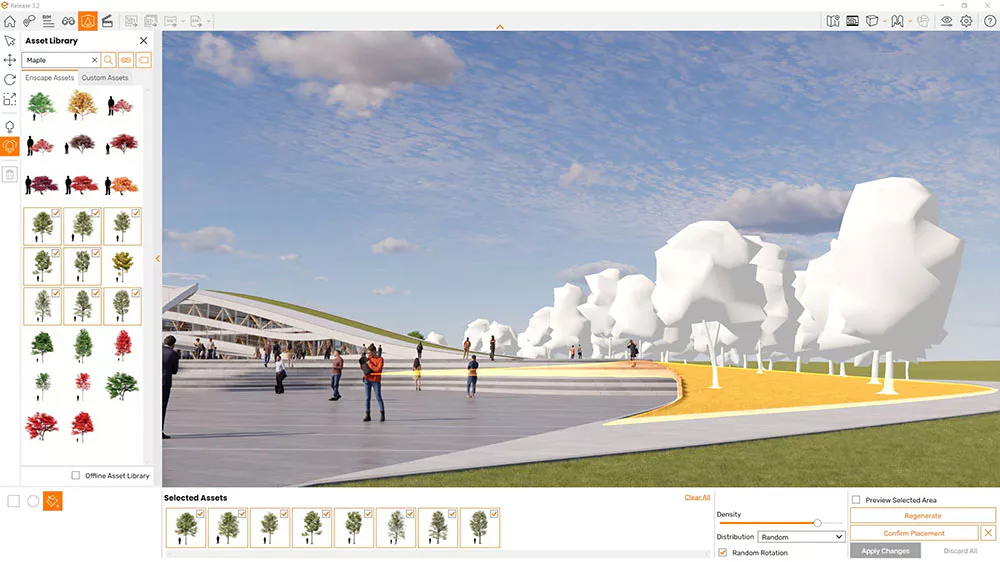
To bring your designs to life, Chaos Enscape provides an extensive database of thousands of 3D objects, including furniture, vehicles, plants, and people. These assets are optimized for rendering and can be easily placed in scenes for a more natural, realistic look. The library includes high-quality materials, textures, and lighting settings, allowing designers to enhance visual realism without relying on third-party resources. This saves time and ensures professional-quality results.
FLEXIBLE EXPORT AND PRESENTATION OPTIONS
Enscape gives users many ways to share their projects beyond static images. Designers can export high-resolution renderings, 360° panoramas, animated presentations, and even standalone executables that clients can explore without the need for additional software. This flexibility makes presentations more engaging and interactive, whether they are shared in person, via email, or on a website. These export options are especially useful when presenting projects to stakeholders who want to explore the space on their own.
EASY TO USE WITH PROFESSIONAL RESULTS
Despite its advanced visualization capabilities, Enscape is designed to be intuitive and user-friendly. The interface is simple and requires minimal training for architects, students, or design professionals. With real-time previews and instant rendering, users can focus on creativity rather than technical settings. This balance of simplicity and professional quality makes it a tool for beginners and experienced visualization professionals who want to achieve fast results without compromising on realism.
SYSTEM REQUIREMENTS
- Supported OS: Windows 11/10 (64-bit)
- Processor (CPUs): NVIDIA or AMD dedicated GPU with 4GB VRAM that supports Vulkan 1.1
- Memory (RAM): 4 GB of RAM or more required
- Hard Disk Space: 300 MB or more required