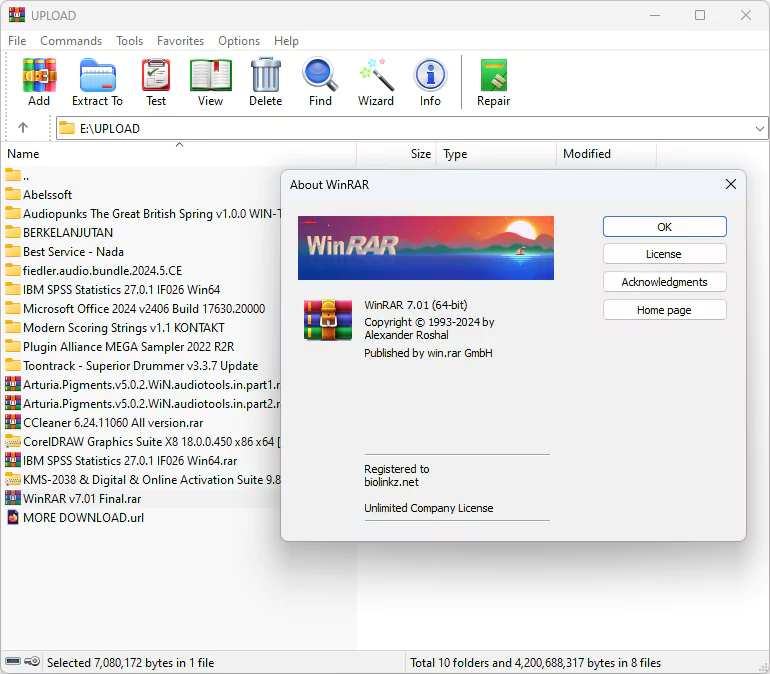
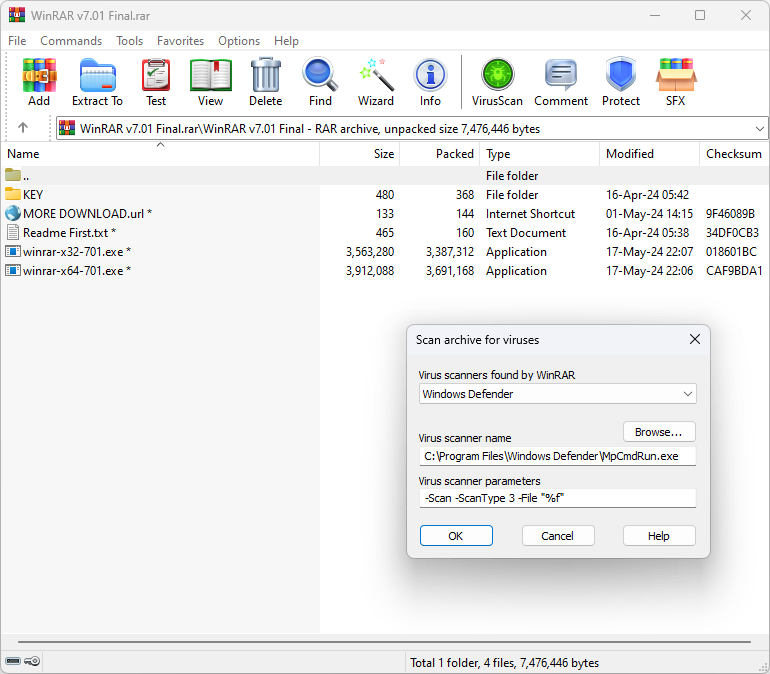
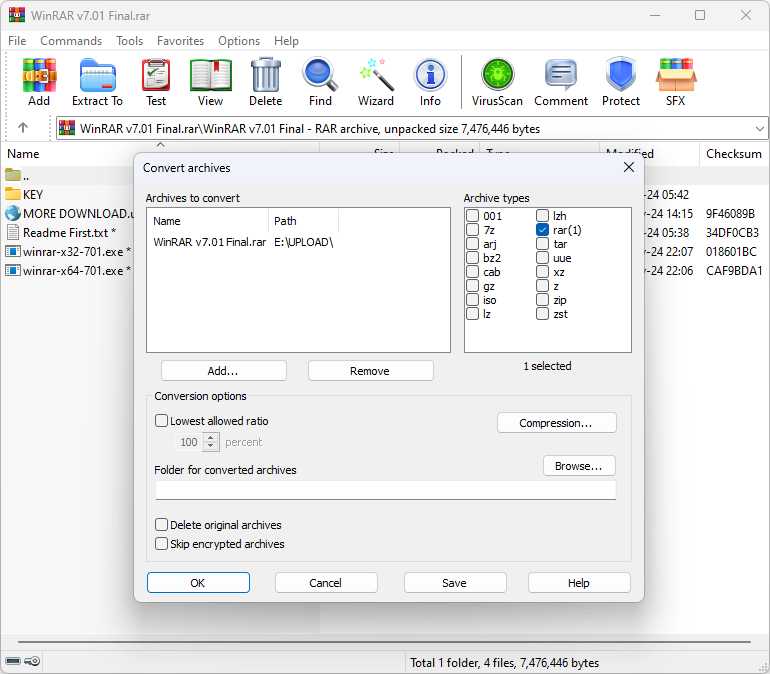

WinRAR is a popular file compression and archiving tool for Windows. It is used to compress files to a more suitable format and to create or decompress compressed archive files. The software supports various compression formats and the native format is RAR. It can work with other popular archive formats such as ZIP, CAB, ARJ, LZH, TAR, GZip, UUE, ISO, BZIP2, Z, and 7-Zip.
OVERVIEW OF WINRAR
WinRAR stands out as a versatile file compression and archiving tool for Windows users. Known for its efficiency and reliability, It is a solution for individuals and organizations who need to compress files for efficient storage, fast transfer, and simplified data management. The software supports a wide range of compression formats, including the proprietary RAR format, using advanced algorithms to optimize file compression. WinRAR works great with other popular archive formats, including ZIP, CAB, ARJ, LZH, TAR, GZip, UUE, ISO, BZIP2, Z, and 7-Zip, and provides compatibility with many types of compressed files.
One of the outstanding features of WinRAR is the ability to protect confidential information when creating, storing, and transmitting password-protected archives. The software makes it easy to extract files from compressed archives created using WinRAR or other similar tools. Users enjoy the convenience of multi-threaded compression, allowing WinRAR to take advantage of the faster compression and decompression speeds of multiple processor cores.
WinRAR integrates with the Windows Explorer interface, providing users with a familiar environment for creating and extracting archives directly from the file manager. This integration promotes software accessibility and ease of use. In addition, the tool supports Unicode file names, which is convenient for users working with files in different languages. In addition to its compression and decompression capabilities, It excels at splitting large archives into smaller pieces and offers the flexibility to store and distribute on a variety of media. The software has a recovery feature that allows users to recover data from corrupted or damaged archive files.
WinRAR is distributed as a trial program. Users can explore WinRAR’s features during a free trial period before making a purchase. It remains an indispensable tool for Windows users looking for a comprehensive and reliable solution for file compression, archiving, and data security, thanks to its widespread use, high performance, and constant updates. Whether you work with small personal files or large corporate data, Its versatility and efficiency make it a trusted partner in digital file management.
FEATURES OF WINRAR
POWERFUL FILE COMPRESSION AND EXTRACTION
WinRAR is a leading file compression tool that allows users to efficiently compress, decompress, and manage archive files. It supports major formats such as RAR, ZIP, 7Z, TAR, GZ, ISO, and CAB, and provides compatibility with almost all archive types. Its advanced compression algorithms significantly reduce file sizes while maintaining data integrity, making it ideal for saving disk space, sharing files, or transferring data quickly and securely.
USER-FRIENDLY INTERFACE AND EASY NAVIGATION
Designed with simplicity in mind, WinRAR offers an intuitive interface for both beginners and professionals. Users can easily create, extract, and manage archives through a clear menu layout or drag-and-drop functionality. Context menu integration allows for quick compression or decompression directly from Windows Explorer, improving workflow and convenience without having to open the main program window.
STRONG DATA ENCRYPTION AND PASSWORD PROTECTION
WinRAR places a high priority on security and supports AES-256-bit encryption to protect sensitive data within archives. Users can set passwords and use file name encryption to ensure complete confidentiality of personal and business files. This feature is especially valuable when sharing data online or storing confidential documents, and provides peace of mind when unauthorized users cannot access the protected archive.
ADVANCED COMPRESSION AND SPLITTING OPTIONS
WinRAR offers flexible compression settings that allow users to balance file size and processing speed. It supports multi-volume archives and allows you to split large files into smaller pieces for easy storage or transfer on limited-size media or online platforms. Users can also set the recovery size and rebuild damaged archives, allowing them to preserve data even in the event of a crash or transfer error.
AUTOMATION AND BACKUP FEATURES
The software includes powerful automation tools such as command line support and batch processing, suitable for advanced users or IT professionals. Users can schedule backups, create self-extracting archives (SFX), and automate recurring compression tasks. These features make WinRAR not only a compression tool, but also a reliable backup and data management solution for personal and corporate environments.
HIGH-PERFORMANCE, REGULAR UPDATES
WinRAR is optimized for performance and offers fast compression and extraction speeds with multi-core processor support. It efficiently handles large files and directories without compromising system resources. Regular updates ensure compatibility with the latest file formats and operating systems, maintaining its reputation as one of the most reliable and feature-rich archiving tools for Windows users worldwide.
SYSTEM REQUIREMENTS
- Supported OS: Windows 11/10/8.1/7
- Memory (RAM): 1 GB of RAM or more required
- Hard Disk Space: 20 MB or more required