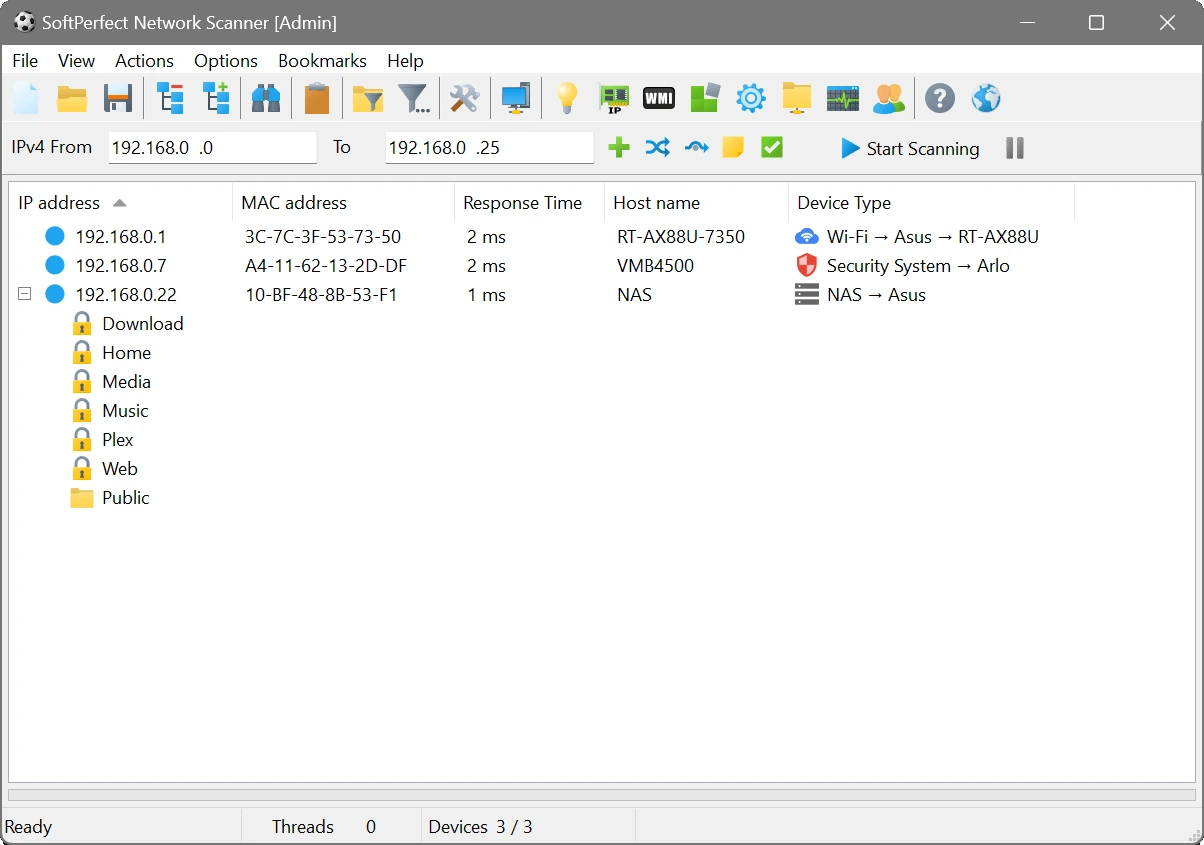

SoftPerfect Network Scanner is a fast and portable network management tool designed to scan IPv4 and IPv6 networks. It helps users discover connected devices, scan open ports, discover shared resources, and gather detailed system information using technologies such as WMI, SNMP, SSH, and PowerShell.
OVERVIEW OF SOFTPERFECT NETWORK SCANNER
SoftPerfect Network Scanner is a comprehensive network scanning and management tool for Windows, macOS, and Linux. It allows network administrators and IT professionals to quickly identify active devices, analyze network resources, and gather detailed information about computers, servers, printers, routers, and other connected devices.
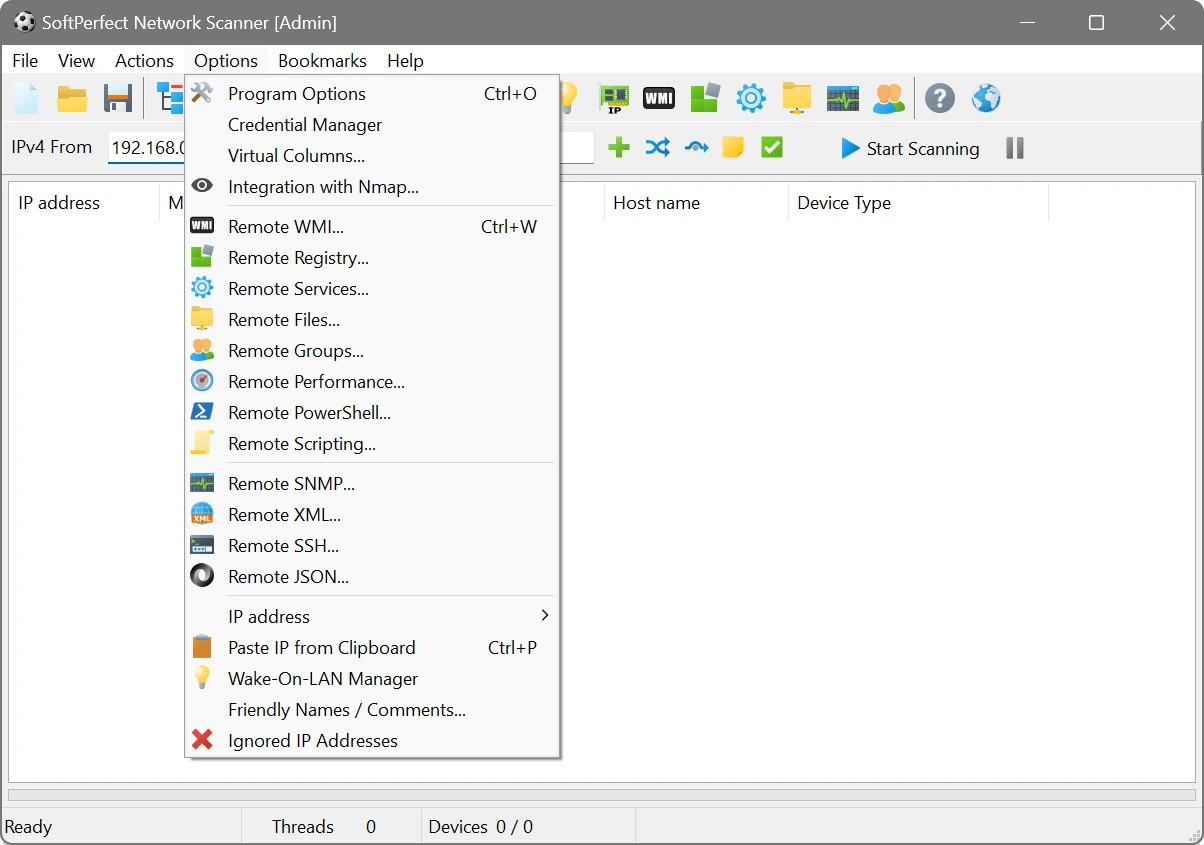
The software provides high-speed IPv4 and IPv6 scanning, detection of open TCP and selected UDP ports, identification of shared folders, and access to system information via WMI, SNMP, HTTP, SSH, PowerShell, and remote registry queries. It also supports Wake-on-LAN, remote shutdown, and integration with external tools such as Nmap for advanced network analysis.
One of its biggest advantages is its portability, which allows users to run the program without installing it. Flexible filtering, customizable scanning options, background monitoring, and export capabilities make it suitable for both small office networks and large enterprise environments. Scan results can be exported to formats such as CSV, HTML, XML, JSON, and TXT for documentation and reporting.
Whether you need to audit network security, troubleshoot connectivity issues, maintain device logs, or monitor network activity, SoftPerfect Network Scanner offers an efficient and reliable solution. Its extensive features and user-friendly interface make it a valuable tool for network management and security assessment.
FEATURES OF SOFTPERFECT NETWORK SCANNER
FAST NETWORK DISCOVERY
SoftPerfect Network Scanner scans IPv4 and IPv6 networks at high speed to quickly detect active devices. It automatically identifies computers, servers, printers, routers, and other network-connected hardware, making network discovery easy and efficient.
ADVANCED DEVICE INFORMATION
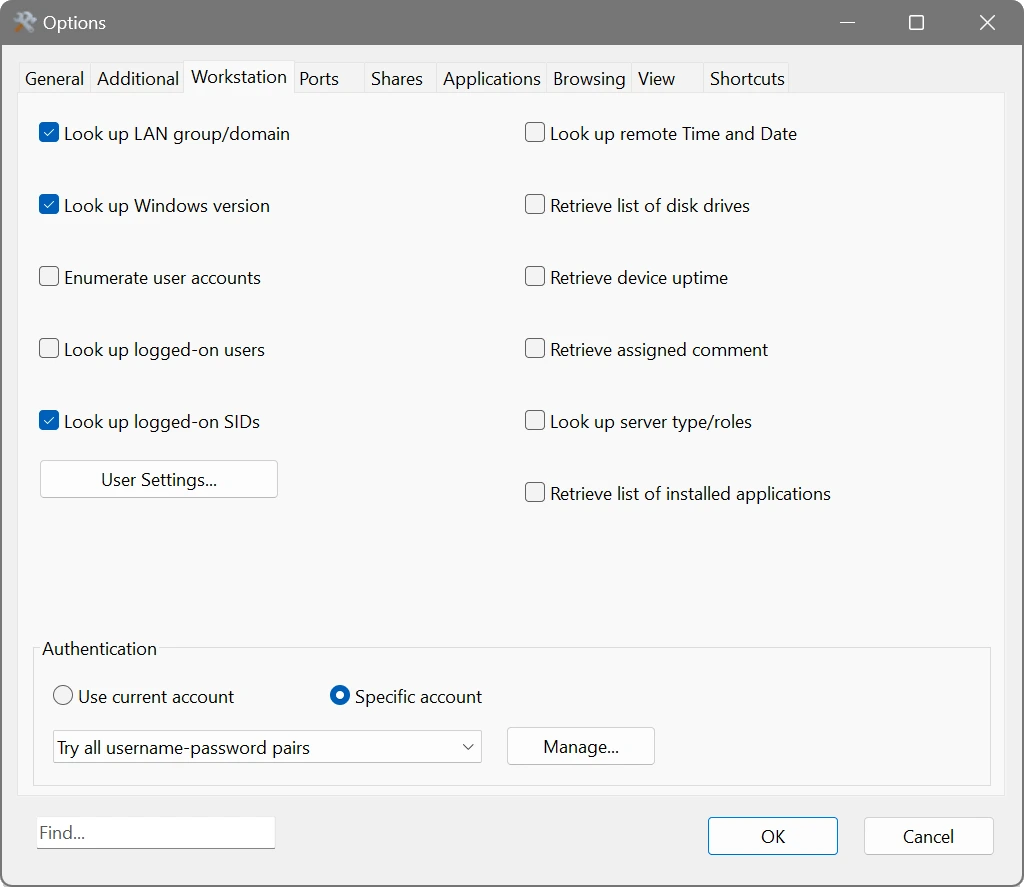
The software collects detailed information about detected devices, including hostname, IP address, MAC address, hardware manufacturer, operating system information, logged-in users, uptime, and network services. This information helps administrators maintain accurate network logs.
PORT SCANNING AND SHARED RESOURCE DISCOVERY
It scans open TCP ports and selected UDP services to identify running applications and available network services. The scanner also detects shared folders, printers, hidden shares, and storage resources, allowing administrators to verify access and identify potential security risks.
REMOTE MANAGEMENT TOOLS
SoftPerfect Network Scanner supports remote management via WMI, SNMP, SSH, PowerShell, HTTP, and remote registry access. Administrators can retrieve system information, execute commands, wake devices using Wake-on-LAN, remotely shut down, and automate management tasks from a single application.
FLEXIBLE MONITORING AND REPORTING
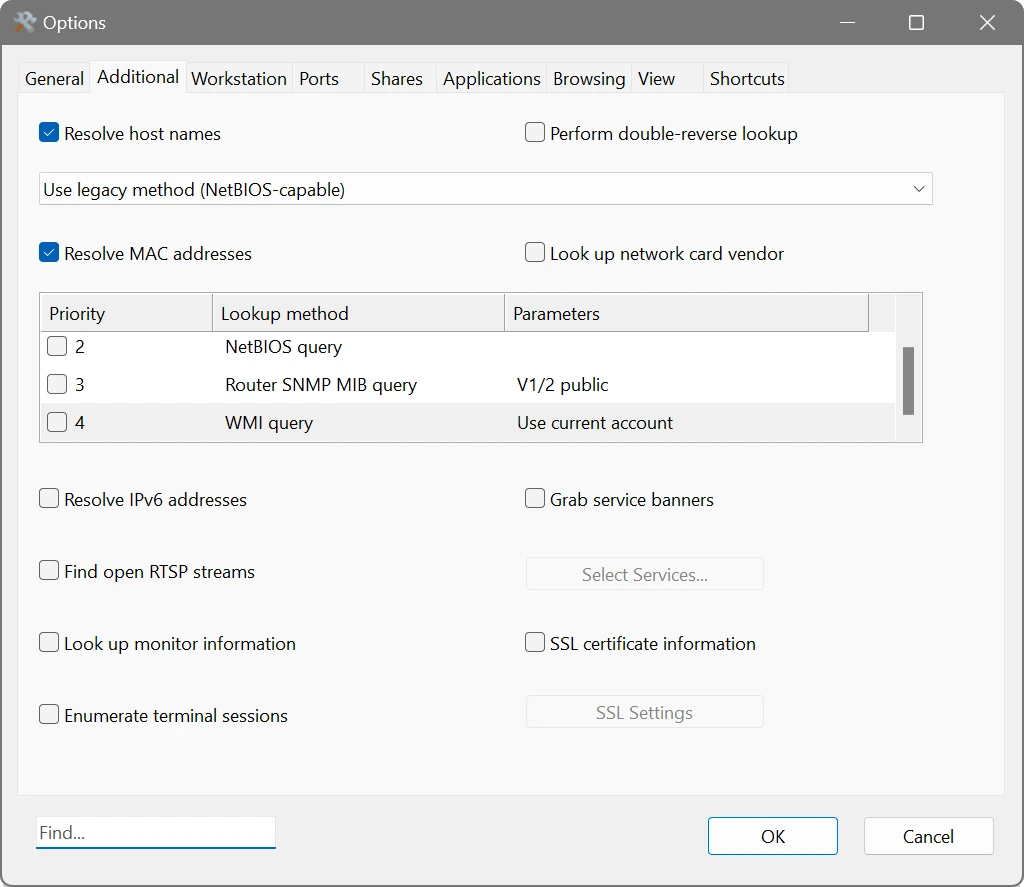
The software includes features such as customizable scanning options, advanced filtering, sorting, and continuous background scanning to monitor network changes. Results can be exported to CSV, HTML, XML, JSON, and TXT formats, making it easy to create reports, compare scan results, and document network configurations.
PORTABLE AND ENTERPRISE-READY DESIGN
SoftPerfect Network Scanner does not require installation and can be run directly from a USB drive, making it highly portable. It also integrates with Nmap for enhanced network analysis, and supports scripting, automation, and large-scale enterprise network environments, providing flexibility for small businesses and professional IT teams.
SYSTEM REQUIREMENTS
- Supported OS: Windows 11/10/8.1/7
- Memory (RAM): 1 GB of RAM or more is required
- Hard Disk Space: 100 MB or more required