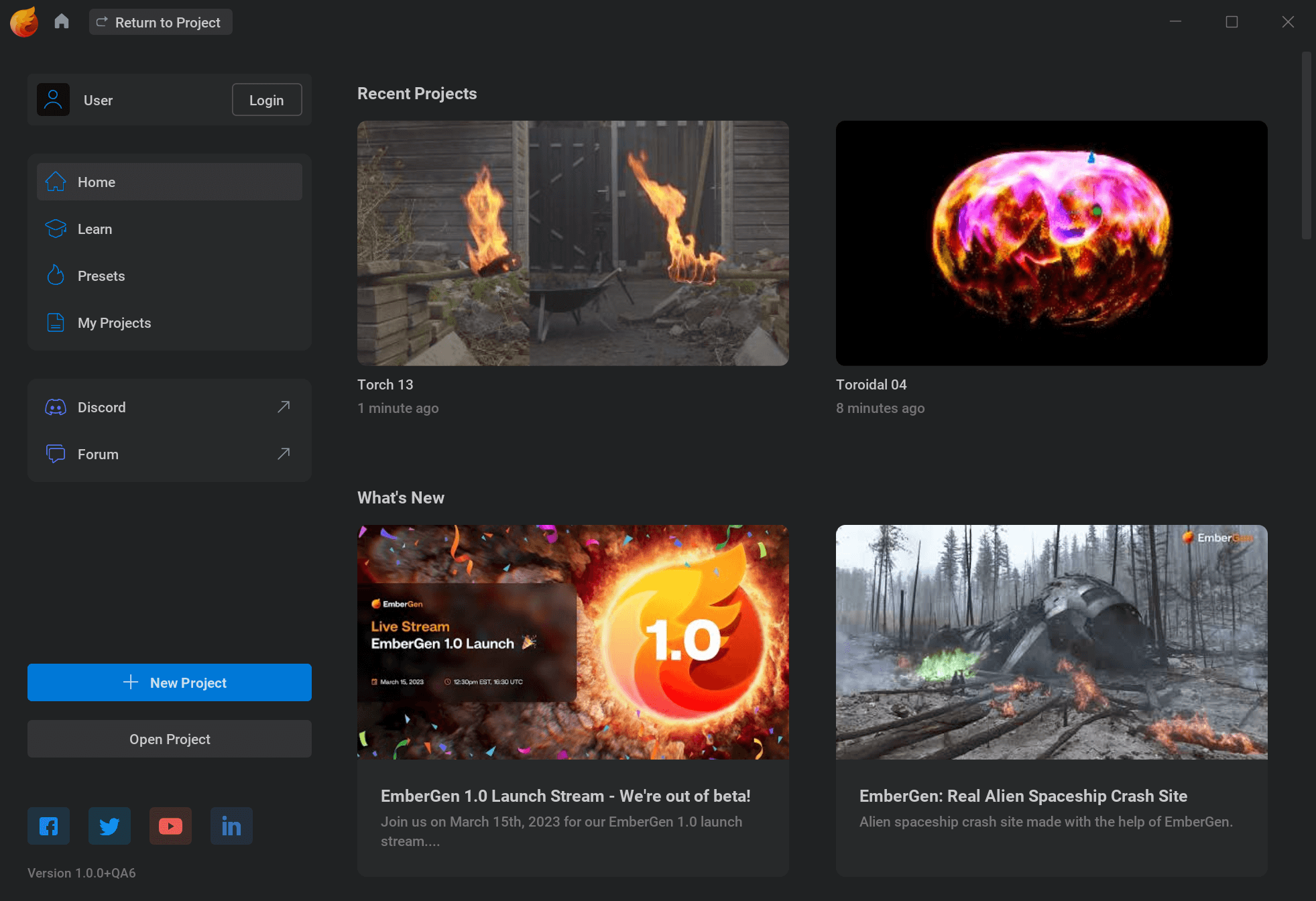


JangaFX EmberGen Enterprise is a real-time fluid simulation software for creating realistic fire, smoke, and other fluid effects for visual effects (VFX) and video game development. It allows users to simulate and render complex fluid dynamics in real-time and provides artists with the tools to quickly and efficiently create and manipulate various effects.
OVERVIEW OF JANGAFX EMBERGEN ENTERPRISE
JangaFX EmberGen Enterprise is a state-of-the-art software solution for artists, designers and developers looking to create stunning fluid simulations easily and efficiently. As a real-time fluid simulation platform, EmberGen Enterprise enables users to create dynamic fire, smoke, explosion, and other fluid effects for use in a variety of fields including visual effects (VFX), animation, video games, and virtual reality.
At its core, EmberGen Enterprise offers unparalleled real-time simulation capabilities, allowing users to interactively craft and fine-tune complex fluid dynamics in a responsive and intuitive environment. Artists can experiment with a wide range of parameters and visualize the results instantly, enabling rapid iteration and creative exploration without time-consuming pre-calculations.
The software has a user-friendly interface designed to simplify fluid simulation workflows for both experienced professionals and newcomers alike. With intuitive controls and visual feedback, EmberGen Enterprise empowers artists to unleash their creativity and realize their ideas without the constraints of technical complexity.
EmberGen Enterprise is equipped with advanced rendering capabilities, allowing users to create high-quality visual effects that meet the demands of professional-level projects. Whether creating realistic fire and smoke effects for film and television productions or designing stunning environments for video games, EmberGen Enterprise delivers stunning results that captivate audiences and elevate visual storytelling.
FEATURES OF JANGAFX EMBERGEN ENTERPRISE
REAL-TIME SIMULATION ENGINE
JangaFX EmberGen stands out as a powerful real-time volumetric fluid simulation tool aimed primarily at artists and visual effects professionals. Unlike traditional simulation software that requires long render times, EmberGen allows users to see the results immediately as they change parameters, which can transform the game by creating smoke, fire, and explosions. Its real-time simulation engine uses GPU acceleration to produce extremely fast results without compromising quality. This direct feedback workflow greatly increases productivity and creativity by allowing users to freely experiment with different effects, adjust settings in real time, and see how changes affect the simulated image. Whether you are developing visual effects for games, films, or motion graphics, this real-time capability makes EmberGen one of the most efficient and intuitive tools in the VFX industry.
ADVANCED 3D RENDERING
EmberGen creates a uniquely realistic 3D rendering system that captures the true nature of fire, smoke, and other gaseous phenomena. It uses physically based rendering (PBR) techniques to simulate accurate lighting, shadows, and color gradients. This ensures that effects blend seamlessly into any environment or scene. The renderer supports global illumination, light scattering, and emission lighting, which improves the overall realism of the output. Users can adjust parameters such as density, temperature, and emission strength to fine-tune the appearance of their simulations. In addition, the software supports both real-time preview and high-quality offline rendering, offering the flexibility to quickly iterate and export ready for final production.
COMPREHENSIVE NODE-BASED WORKFLOW
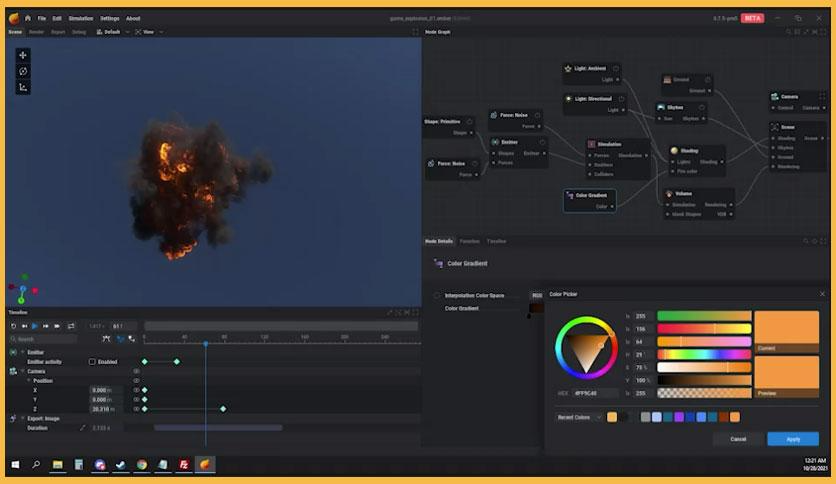
One of the highlights of EmberGen is its node-based workflow. This system allows artists to visually create, modify, and manipulate complex simulations without having to write code. Each node represents a component or function, such as an emitter, force, collider, or output, making it easy to organize and control the entire simulation process. The node editor encourages experimentation by allowing users to quickly connect and arrange nodes to achieve different effects. It supports reusable configurations, which means you can save and reuse node trees for future projects. This modular, visual approach allows beginners and advanced users to work efficiently while maintaining full creative control.
CONVENIENT INTEGRATION AND EXPORT OPTIONS
EmberGen is designed with compatibility in mind, offering seamless integration with major game engines and 3D applications such as Unreal Engine, Unity, Blender, and Houdini. The software allows users to export simulations as image sequences, VDB sizes, and flipbook textures, providing flexibility for various production pipelines. For game developers, the ability to export optimized flipbooks and sprite sheets means that realistic fire or smoke can be effectively implemented without the high-performance cost. Additionally, EmberGen supports a variety of export formats for mesh and camera data, allowing for easy synchronization between simulations and external 3D environments.
CONFIGURABLE EMITTERS AND FORCES
To create realistic, dynamic effects, EmberGen includes a wide range of configurable emitters and forces. Users can simulate everything from simple smoke to complex explosions by controlling parameters such as speed, temperature, turbulence, and particle behavior. The software allows for multiple emitters within a single scene, enabling complex interactions between different fluid sources. By adding forces such as wind, gravity, and sound, the simulation can mimic natural motion with incredible accuracy. The flexibility of these controls gives artists the freedom to shape and direct their simulations in an infinite variety of ways, creating stunning results that meet specific creative needs.
OPTIMIZED PERFORMANCE AND USER EXPERIENCE
EmberGen is not only visually stunning but also technically efficient. It is designed to take full advantage of modern GPU hardware, delivering unmatched speed and smooth performance even for complex simulations. The interface is streamlined, user-friendly, and customizable, making it easy for users to focus on creativity rather than technical settings. Real-time preview.
SYSTEM REQUIREMENTS
- Supported OS: Windows 11/10 (64-bit)
- Memory (RAM): 1 GB of RAM or more required
- Hard Disk Space: 100 MB or more required