
4DDiG Partition Manager is a powerful tool for the Windows operating system designed to simplify the management of hard drives and partitions. It enables users to clone disks, migrate the Windows operating system to an SSD, resize partitions, and organize storage space. With its user-friendly interface, the program helps users efficiently manage disks and handle data migration tasks.
OVERVIEW OF 4DDIG PARTITION MANAGER
4DDiG Partition Manager is comprehensive disk management software that allows Windows users to easily manage hard drives and partitions. It offers essential tools—such as disk cloning, OS migration, and partition management—making it simple to organize storage space or upgrade your computer’s disk.
This software allows you to migrate Windows to an SSD or HDD without the need to reinstall the operating system. It is also possible to clone entire disks or individual partitions for purposes such as data migration or backup. Users can resize, move, split, merge, create, delete, and format partitions to suit their specific storage needs.
Furthermore, 4DDiG Partition Manager supports converting disks from MBR to GPT format, recovering partitions, and performing various other disk management operations. Its intuitive, user-friendly interface simplifies complex storage tasks for both beginners and experienced users alike. Overall, it serves as a practical solution for managing disk space, upgrading storage devices, and handling computer data more effectively.
FEATURES OF 4DDIG PARTITION MANAGER
DISK CLONING AND BACKUP
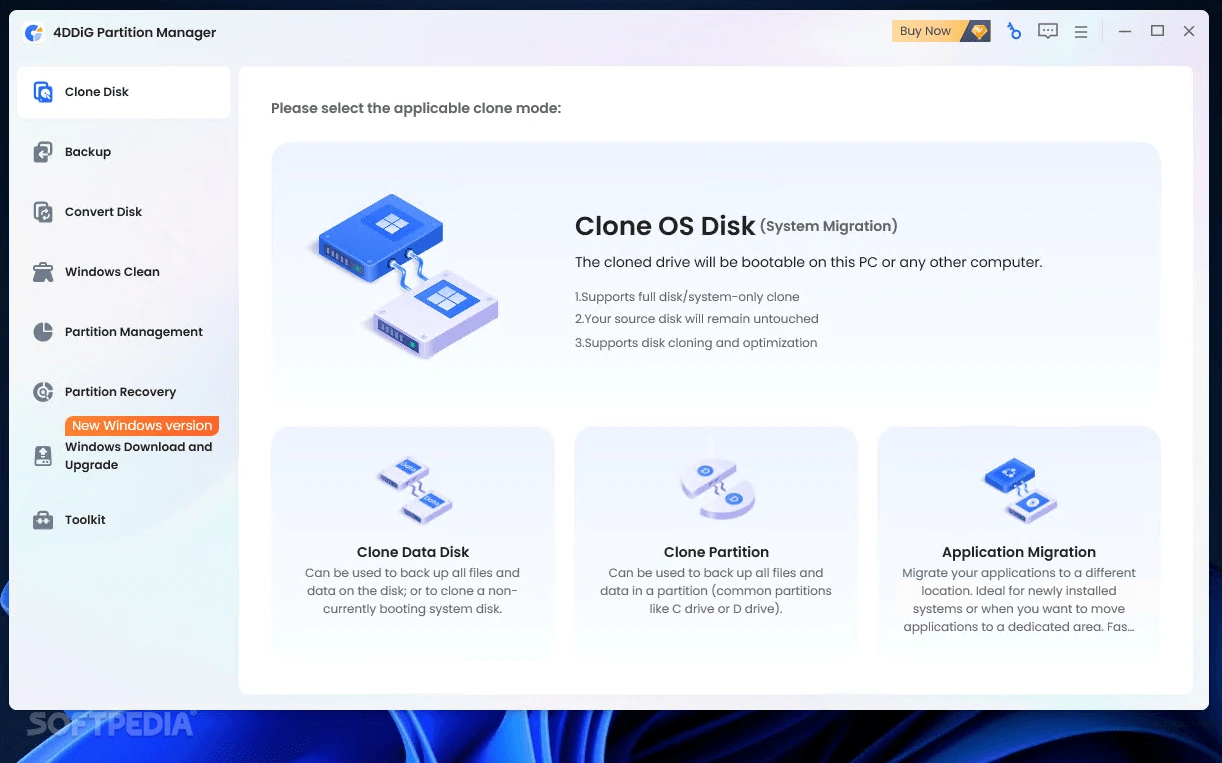
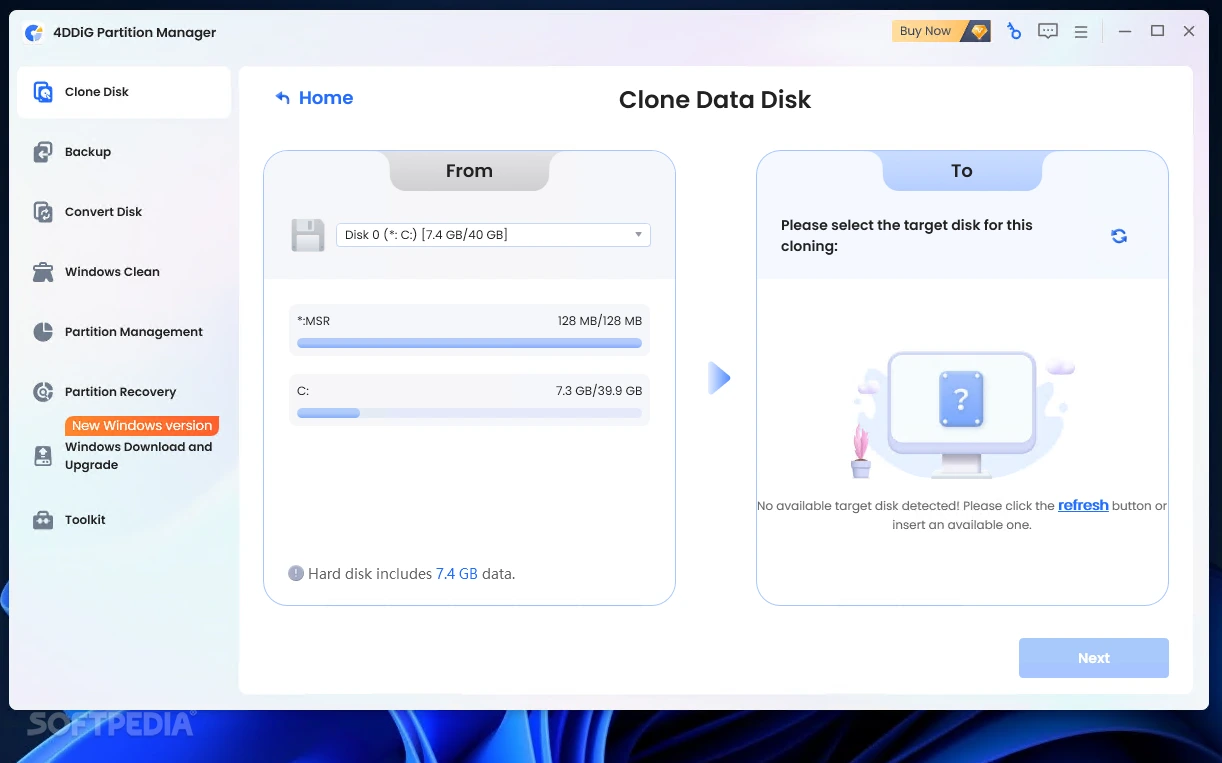
4DDiG Partition Manager allows users to clone entire hard drives or individual partitions. This feature is useful for migrating data to a new storage device, upgrading a hard drive, or creating backups.
WINDOWS OS MIGRATION
This software simplifies the process of migrating the Windows operating system from an HDD to an SSD or another disk. It transfers system files, applications, drivers, and settings without the need for a fresh Windows installation.
FLEXIBLE PARTITION MANAGEMENT
Users can resize, move, extend, shrink, split, merge, create, delete, and format disk partitions. These options help in organizing storage space and effectively managing available disk capacity.
MBR AND GPT CONVERSION
The program supports conversion between MBR and GPT partition styles. It helps users prepare storage devices for various system configurations and Windows compatibility requirements.
RECOVERING AND REPAIRING PARTITIONS
4DDiG Partition Manager provides tools to recover deleted or formatted partitions and fix various partition-related issues. It also supports the creation of bootable WinPE media, which can be used to troubleshoot systems that are not functioning correctly.
USER-FRIENDLY INTERFACE
The software features a simple interface that makes disk management accessible even to beginners. Its guided operations help users complete complex tasks in just a few steps and allow them to preview changes before applying them.
SYSTEM REQUIREMENTS
- Supported OS: Windows 11/10/8.1/7
- Memory (RAM): 1 GB of RAM or more is required
- Hard Disk Space: 100 MB or more required